Therap Connect
- —
- —
- Installs
- 1.00K
- Price
- Free

Screenshots
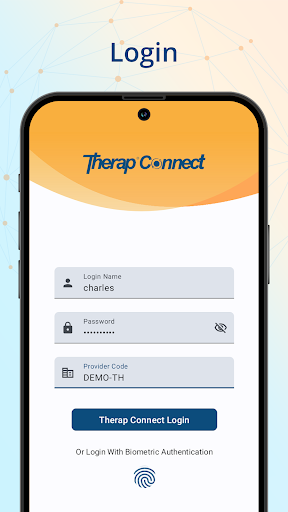
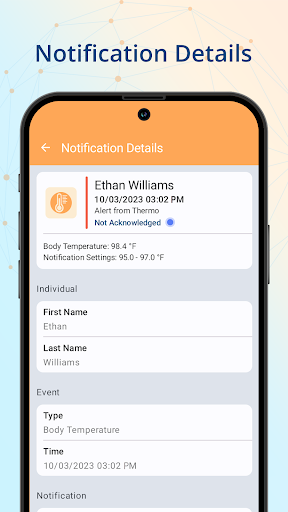
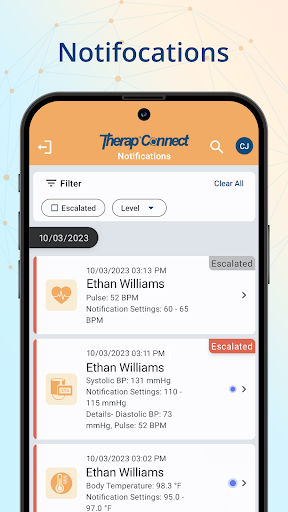
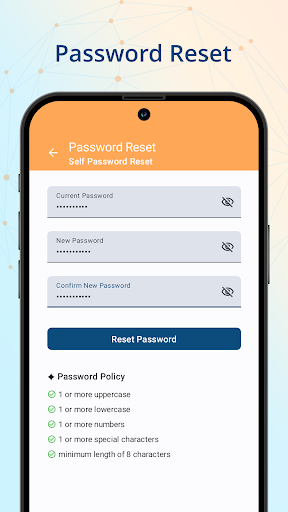
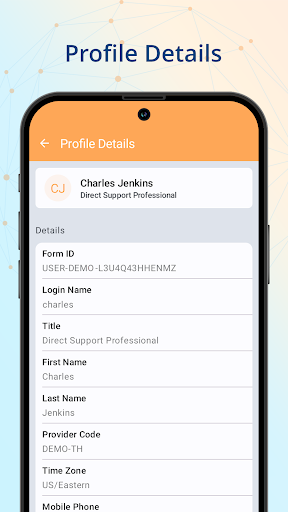
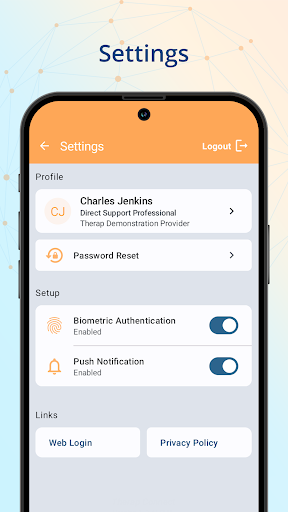
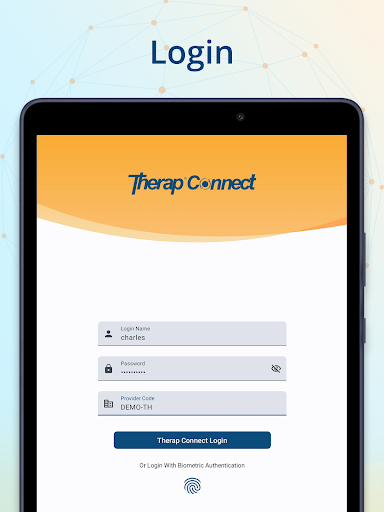
Analysis by Reviewed APKs
Therap Connect is a work tool for healthcare professionals and agencies supporting people who receive Home and Community Based Services. It provides access to smart health device readings and event notifications, but it is designed for users who already have Therap accounts and the right permissions. My overall take is that it has a focused role: useful within an existing Therap setup, rather than a general-purpose health app.
Keeping Up With Events
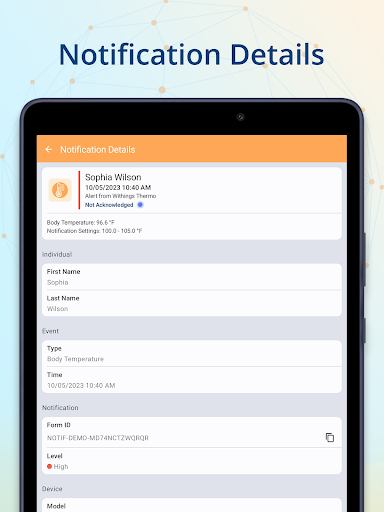
I can picture using Therap Connect during a busy support shift, when there are other tasks to handle and checking a separate system may not be convenient. The Notification feature gives authorized users a list of events to review, open an event, and acknowledge it. That makes the app’s basic job clear: help staff keep up with information within their Therap workflow, rather than ask them to manage care from scratch.
The practical value depends on access being set up before the workday begins. Therap Connect is intended for people with active Therap Services and Therap Connect accounts, and the relevant privileges must be assigned. If those pieces are in place, an authorized professional can use the app to check events and measurements. If not, the experience may stop at a login problem or missing functionality, with a provider administrator as the right contact.
A Work Tool, Not A Tracker
Therap Connect is best understood as a companion to an existing service, not as a standalone health tracker for personal use. Its audience is healthcare professionals working with agencies that provide support and services to people receiving Home and Community Based Services. The app offers access to event notifications and data collected from supported smart health devices, within a Therap account and permission structure.
That makes it different from an everyday wellness app someone might install to monitor their own activity or health readings. The description focuses on agency workflows and professional access, not personal dashboards, health advice, or broad device compatibility. I would not choose it as a replacement for an agency’s wider Therap services, either. It covers specific mobile functions, and the account and assigned privileges remain central to whether it can do its job.
Make Access Part Of The Routine
A sensible habit is to confirm access before relying on the app during a shift. Since the available functions depend on an active account and appropriate privileges, it helps to resolve login or access questions with the provider administrator rather than assume the app itself is broken. That small preparation can prevent a frustrating moment when an event needs attention and the expected screen or function is not available.
For day-to-day use, I would treat the app as one part of a broader support routine: check the event list when appropriate, open relevant events, and acknowledge them as the workflow requires. For measurements, pair supported smart health devices and collect their readings through the Measure module. The description does not spell out a schedule or clinical process, so those details belong to each organization’s established procedures.
More From Our News Desk

Zoom Meetings, Google Meet, or Teams: Which Is Easiest to Join?

How I Build a Free Streaming Lineup With Tubi

Why Crunchyroll Is the Default Anime App for So Many Fans

YouTube TV: A Practical Guide to Cutting Cable

Rummikub and the Small Comfort of Phone Games

TeamViewer Remote Control or AnyDesk for Helping Family?
Who Might Find It Useful
I would recommend Therap Connect to healthcare professionals and agency staff who already use Therap Services, have an active Therap Connect account, and have been assigned the necessary privileges. For that group, mobile access to event notifications and smart-device readings can be a practical extension of existing work. Its narrow purpose is a strength when those are the specific tasks someone needs to handle.
It is unlikely to suit someone looking for a consumer health app, an independent way to track personal readings, or a tool that works without a Therap account. It also may frustrate users whose organization has not assigned the required permissions or whose supported devices are not part of their setup. The app makes the most sense when an agency has already established the Therap environment around it.
Therap Connect is developed by Therap Services LLC and is listed in the Productivity category on Google Play. It has over 1,000 installs. The app is free to download, has no in-app purchases, and contains no ads. Its content rating is Everyone, which is a straightforward fit for a professional service tool.
The Google Play version is listed as varying with device. Therap Connect was released on October 26, 2023. No rating or rating count is available in the provided store information, and no minimum Android version or latest update date is provided here. Android compatibility and current release details can change, so it is worth checking Google Play before installing.
A Focused Companion For Therap Work
First Steps And Access
When I first consider an app like this, the important question is not how many screens it has; it is whether I can actually access the work it is meant to support. Therap Connect is designed for people with active Therap Services and Therap Connect accounts. The relevant privileges also need to be assigned, so setup is tied to an organization’s account arrangements rather than just installing the app.
That requirement is worth understanding before a first shift or device-pairing attempt. The description specifically directs users who cannot log in, or who do not see expected functionality after logging in, to contact their Provider Administrator. I like that this makes the access boundary explicit. It also means a missing feature may be a permissions issue, not something a user can fix by exploring the app alone.
Events And Measurements
The everyday experience revolves around two named areas: Notification and Measure. In Notification, users can view a list of events, open an event, and acknowledge it. Those are concrete, limited actions, which makes the app easier to understand as a work companion than as a complete care-management environment. The event list is the part that supports a quick check-in when staff need to see what has come through.
Measure handles supported smart health devices. The app can pair those devices and collect their readings, giving authorized users mobile access to device data. I would keep expectations specific: the description supports pairing and reading collection, but does not promise broad compatibility with every device or explain what happens to readings after collection. The exact experience depends on the devices and access available within the user’s Therap setup.
Two Useful Modules
The Notification module stands out because it connects a short list of actions into a useful sequence: view events, open one, and acknowledge it. In a professional setting, that can help a staff member review incoming information without treating the phone as a general inbox. The app’s value is less about a large collection of tools and more about bringing these specific Therap functions to Android.
Measure is the other notable feature, with pairing for supported smart health devices and collection of their readings. Together, the modules cover event awareness and device data. I find that division easy to grasp: one area is for checking and acknowledging events, while the other deals with measurements. Neither description suggests the app replaces the broader services or decisions managed by an agency.
A Shift-Friendly Check
A practical routine might begin with making sure the account and assigned permissions are ready, then using Notification to review the event list when the job calls for it. If an event needs review, the app allows the user to view and acknowledge it. That is a simple pattern, but it gives mobile access to an explicit part of the work without implying that every task belongs on a phone.
For a measurement task, the corresponding routine is to pair a supported smart health device and collect its reading through Measure. I would follow the organization’s established process for when to do that and what to do with the resulting information; the app description does not set those rules. Keeping the app’s role clear helps it fit into a workday without confusing device data collection with a full care plan.
Know The Boundaries
The biggest limitation is also the clearest condition of use: Therap Connect is not designed as an open, standalone app. An active Therap Services and Therap Connect account is required, and the user needs appropriate privileges. If an agency has not arranged access, downloading the app alone will not provide the expected functions. That can be an obstacle for a new user, but it is important context rather than a surprise feature gap.
The supported-device wording also deserves a careful reading. The app supports pairing smart health devices and collecting readings, but the description does not name a complete device range. I would check that a device is supported through the relevant organization before depending on it. More broadly, this is a focused professional tool: useful for its stated tasks, but not presented as a general health, wellness, or all-in-one agency app.
Therap Connect has a clear, narrow purpose: give authorized users access to event notifications and supported smart-device readings within the Therap environment. I appreciate that its functions are easy to identify, and that the account and permissions requirement is stated plainly. The main consideration is whether an organization has already put the necessary access and devices in place.
If you work with an agency using Therap Services and have the right account privileges, this is worth considering as a mobile companion for those specific tasks. If you are looking for a personal tracker or an app that stands on its own, I would look elsewhere. Therap Connect makes the most sense when it is part of an established professional workflow.
Therap Frequently Asked Questions
What is Therap Connect used for?
Therap Connect gives authorized healthcare professionals access to event notifications and smart health device readings for agencies supporting people who receive Home and Community Based Services. Users can view, open, and acknowledge events, and pair supported devices to collect readings. It is intended to work with active Therap Services and Therap Connect accounts, not as a standalone personal health tracker.
Which phones and platforms support Therap Connect?
Therap Connect is an Android app available through Google Play. The version is shown as varying with device, and the minimum Android requirement can vary, so check the Google Play entry for compatibility with a particular phone. The app is designed for use by people with the relevant Therap accounts and permissions, not simply anyone who installs it.
What Android version does Therap Connect require?
The minimum Android version can vary by device and current release, so check Google Play for the requirement that applies to your phone. The app’s displayed version also varies with device. Compatibility is worth checking before relying on Therap Connect for work, especially if you are using an older Android device.
Does Therap Connect cost money?
Therap Connect is free to download on Google Play. It has no in-app purchases and contains no ads. Using the app also depends on having active Therap Services and Therap Connect accounts with appropriate privileges, so access is tied to an organization’s Therap setup. Check the store for any current changes to availability or terms.
Is Therap Connect suitable for personal health tracking?
Therap Connect is aimed at healthcare professionals working with agencies that support people receiving Home and Community Based Services. Its features cover event notifications and collection of readings from supported smart health devices. It is not described as a general-purpose personal tracker. If you do not have the required Therap accounts and permissions, it is unlikely to suit your needs.
Pros
- Combines event review and supported smart-device reading collection in one focused Android app.
- Lets authorized users view, open, and acknowledge events.
- Free to download, with no in-app purchases or ads.
- Clearly states that account access and assigned privileges are required.
Cons
- Requires active Therap Services and Therap Connect accounts with appropriate privileges.
- Smart-device support is limited to supported devices, whose range should be checked.
- Its professional focus makes it unsuitable as a general personal health tracker.
- Category
- Productivity