Microsoft 365 Copilot
Listed on Google Play as “Microsoft Copilot”
- 9.29M
- 4.5
- Installs
- 1.00B
- Price
- Free

Screenshots
Analysis by Reviewed APKs
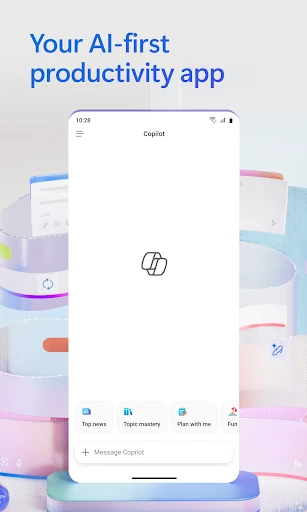
Microsoft Copilot is a productivity app for getting help with writing, research, planning, and everyday work. It can answer questions, summarize files, draft messages, and help create documents, spreadsheets, and presentations. I see its appeal for people who already work with Microsoft 365 and want an assistant on their phone, though its broad feature set and subscription-dependent capabilities make it worth checking what is available for your account.
A Workday in Your Pocket
When I’m trying to get a workday moving, the useful part of Copilot is that I can bring a question, a draft, or a file to one place and ask for help. I might upload a report to get a summary, ask for a difficult concept to be explained plainly, then use the result as a starting point for an email. Those are practical jobs, rather than a promise that every task will be finished perfectly.
The app’s file support gives that routine some substance: I can upload Word, Excel, PowerPoint, image, or PDF files and ask questions about them. For a meeting, that could mean locating the main points in a long document before I join. I’d still review the answers against the source, especially when details matter, but having a way to ask direct questions can make a phone-sized work session feel more focused.
An Assistant, Not an Office Suite
Copilot sits alongside familiar Microsoft tools rather than replacing the work those tools are made for. It connects with Word, Excel, PowerPoint, Outlook, Teams, and other Microsoft 365 content, and can help draft or summarize material related to them. That makes it a natural companion for someone whose documents and work conversations already live in Microsoft’s ecosystem. Its strength is assistance across tasks, not being a dedicated spreadsheet editor or presentation workspace.
Compared with searching the web or opening each file and app separately, Copilot offers a conversational way to explore questions, brainstorm, and work with uploaded material. But it is not a substitute for careful research, final editing, or checking source information. People looking only for a traditional notes app, a focused email client, or a standalone document editor may find the wider assistant experience unnecessary. Some capabilities also depend on licenses or organizational settings.
Small Habits That Help
I’d get more from Copilot by giving it a clear, bounded task: summarize this report, compare these figures, or draft a reply in a particular tone. A specific request makes it easier to judge whether the answer is useful and what still needs attention. When working from a file, I’d name the detail I’m looking for rather than asking a broad question and assuming the response covers everything.
It can also fit into a simple planning habit. I could ask for help organizing a workload or prioritizing a day, then use the result as a draft plan rather than treating it as a fixed schedule. Voice input offers another way to ask naturally, while choosing among available AI models can suit different kinds of work. I’d keep sensitive work within the permissions and protections relevant to my account and organization.
More From Our News Desk

Zoom Meetings, Google Meet, or Teams: Which Is Easiest to Join?

How I Build a Free Streaming Lineup With Tubi

Why Crunchyroll Is the Default Anime App for So Many Fans

YouTube TV: A Practical Guide to Cutting Cable

Rummikub and the Small Comfort of Phone Games

TeamViewer Remote Control or AnyDesk for Helping Family?
Who May Find It Useful
I’d recommend Microsoft Copilot to people who regularly handle documents, reports, email, spreadsheets, or meeting preparation and want an assistant they can consult from a phone. It may be particularly convenient if their work already involves Microsoft 365, since Copilot can connect with those tools and help with related files and information. Students and general users may also appreciate asking questions, exploring ideas, or getting a long article summarized.
It may be less appealing if you want a single-purpose app with a narrow, predictable workflow, or if you prefer to do all writing and analysis manually. Responses still need human judgment, and the available features can depend on a subscription or an organization’s settings. I’d also think carefully about what files I upload and whether my account is appropriate for that material, rather than assuming every Copilot experience has identical data protections.
Microsoft Copilot is a productivity app from Microsoft Corporation. On Google Play, it has over a billion installs and a 4.5-star rating from around 9.3 million ratings. The app is rated Teen. It was released on February 16, 2020, and the listed current version is 16.0.20618.20014.
The app is free to download, with in-app purchases listed from $0.49 to $199.99 per item, and it contains ads. Its listed last update was October 25, 2026. The minimum Android version is not included in the available store facts, so check Google Play for the requirement that applies to your device.
How Copilot Fits Into Everyday Work
A Broad First Impression
When I first consider Copilot, the defining impression is breadth. It is presented as a work assistant that can help with ideas, information, files, and content, rather than as a tool for just one kind of task. That can be appealing when a day jumps from reading a report to drafting a reply, but it also means the best way to approach it is with a concrete job in mind.
The app is designed to connect with Microsoft’s productivity tools and let users work with files from a phone. That gives it a clear place in a mobile routine: it can help me get oriented or produce a first draft while I’m away from a larger screen. The actual capabilities available to an individual can vary, so I’d start by checking what my account can access.
Useful Across the Day
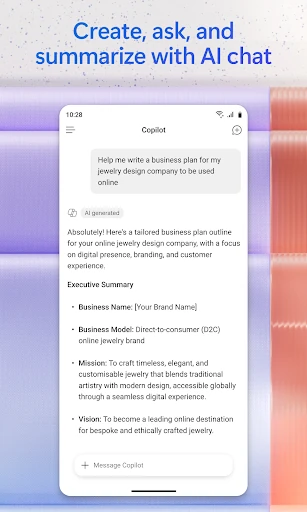
Day to day, Copilot’s core experience revolves around asking for help with a task. I can use it to brainstorm a business idea, explain a subject, draft a message, or summarize a long piece of writing. These requests are easy to picture in ordinary work: I’m preparing for a discussion, trying to understand a report, or looking for a starting point when a blank page is slowing me down.
The app can also help with planning and prioritizing work, and it supports natural voice interaction. I’d treat its suggestions as material to work with, not as instructions I have to follow. That distinction matters because a helpful first response can save time, while the final decision about tone, accuracy, and priorities still belongs to me.
Files and Flexible Models
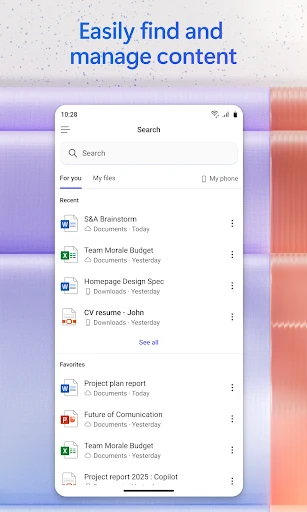
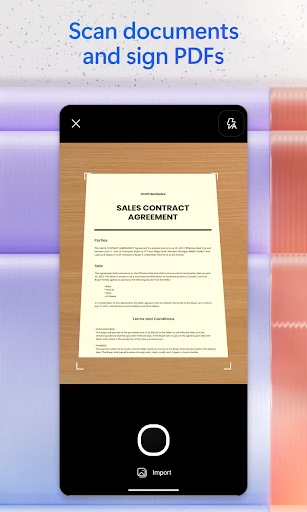
File uploads are among the clearest practical features. Copilot accepts Word, Excel, PowerPoint, image, and PDF files, letting me ask questions, request summaries, or search for information inside material I provide. That is a straightforward way to get oriented in a report without reading it from the first line every time. It can also help me compare information in spreadsheets, though I would check important figures myself.
The app also offers a choice among leading AI models, with different options suited to writing, research, planning, analysis, brainstorming, or creative work. That flexibility may help when I want a different approach to a task. For larger projects, Cowork can take on multi-step work and create items such as Word documents, PowerPoint presentations, Excel spreadsheets, and completed to-dos, rather than only proposing a next step.
A Practical Phone Routine
A sensible routine might start before a meeting: upload a relevant report, ask for a concise summary, and follow up about the sections I need to discuss. Afterward, I could ask for help drafting an email in an appropriate tone. This keeps the app tied to specific moments in a workday, instead of turning it into another place to browse without a clear purpose.
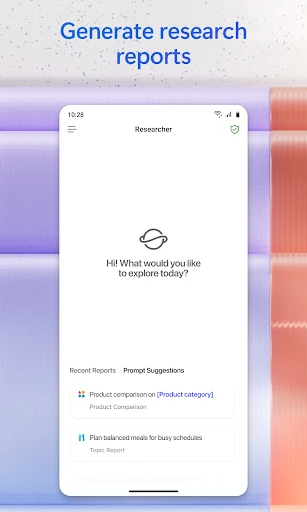
For a planning session, I might ask Copilot to help sort a list of priorities or suggest a schedule, then adapt the result to the commitments I actually have. If I’m doing research, I can use it to explore a topic and identify questions worth following up. In both cases, I’d make the assistant’s output a first pass and keep my own context in charge.
Keep Its Boundaries in View
Copilot’s broad role does not mean every feature is available to every user. Microsoft says some capabilities require specific licenses or may be disabled by an organization’s administrator. For organizations with a Microsoft 365 Copilot subscription, Work IQ can use context about the organization’s work, people, and relationships. That is a specialized experience, not something I would assume comes with every account.
The app’s security and data protections also depend on the subscription and context. Microsoft describes Copilot as built on the Microsoft 365 security foundation, while noting that data processing and protection commitments differ by subscription. I’d check the applicable terms before uploading work material. And while summaries or generated content can be useful starting points, reviewing them remains an important part of using the app responsibly.
Microsoft Copilot makes sense as a flexible work companion, particularly when Microsoft 365 already anchors your documents and communication. Its file questions, summaries, drafting help, and planning support give it several practical uses on a phone. The trade-off is that the experience can vary with licensing and organization settings, and its suggestions still need a person to review them.
I’d try it if I regularly move between research, writing, and Microsoft files and want one place to ask for a first pass. If I only need a focused editor or prefer not to use an AI assistant for work, I’d look elsewhere. Copilot is most useful when treated as a capable helper, not an automatic replacement for judgment.
Microsoft 365 Copilot Frequently Asked Questions
What is Microsoft Copilot used for?
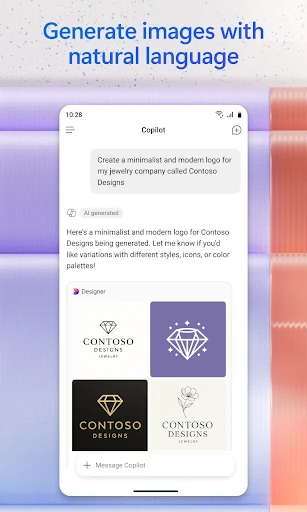
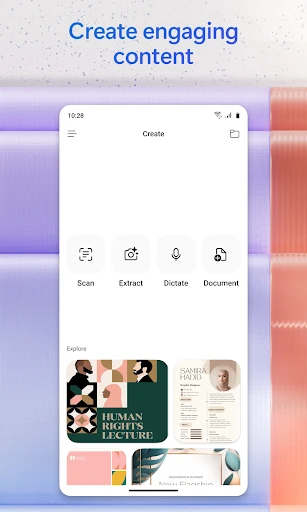
Microsoft Copilot helps with work and productivity tasks such as brainstorming, explaining concepts, summarizing articles and files, drafting messages, planning a workload, and analyzing spreadsheet information. Users can upload Word, Excel, PowerPoint, image, and PDF files to ask questions or request summaries. It can also help create documents, presentations, and spreadsheets.
Which devices and platforms support Microsoft Copilot?
The supplied store facts describe Microsoft Copilot as an Android app on Google Play. The available information does not specify an iOS version or other supported platforms. For the latest device and platform availability, check the app’s store listing, since availability can vary.
What Android version does Microsoft Copilot require?
The minimum Android version is not provided in the available facts. Check Microsoft Copilot’s Google Play listing for the requirement that applies to your device, since compatibility details can change.
Is Microsoft Copilot free, and does it offer purchases?
Microsoft Copilot is free to download. Google Play lists in-app purchases ranging from $0.49 to $199.99 per item, and the app contains ads. Some capabilities may require specific licenses, so check the store listing and your account’s available features for current details.
Is Microsoft Copilot suitable for everyday work?
It can suit people who want help with writing, planning, research, or Microsoft 365 files from a phone. Some features depend on licenses or organization settings, and generated answers should be reviewed. If you need a dedicated editor or prefer not to use an AI assistant, it may not fit your routine.
Pros
- Handles questions about uploaded Word, Excel, PowerPoint, image, and PDF files.
- Supports writing, summaries, planning, brainstorming, and spreadsheet analysis.
- Connects with Microsoft 365 apps including Word, Excel, Outlook, and Teams.
- Offers voice interaction and a choice among AI models for different tasks.
Cons
- Some capabilities require specific licenses or may be disabled by an administrator.
- Generated summaries and content still need careful review.
- Contains ads and offers in-app purchases.
- Category
- Productivity
- Version
- 16.0.20618.20014