Microsoft PowerPoint
- 3.83M
- 4.8
- Installs
- 1.00B
- Price
- Free

Screenshots
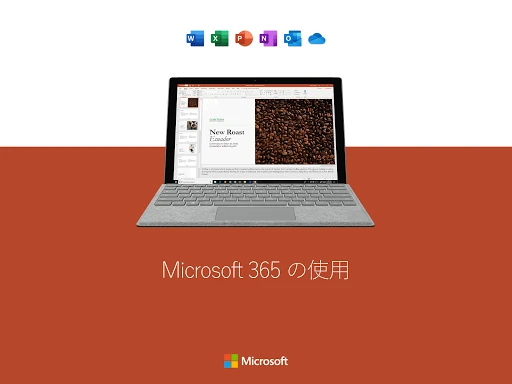
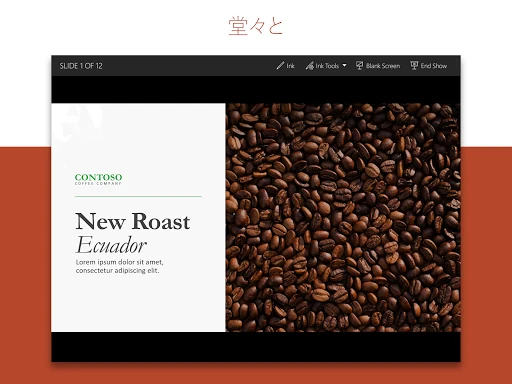
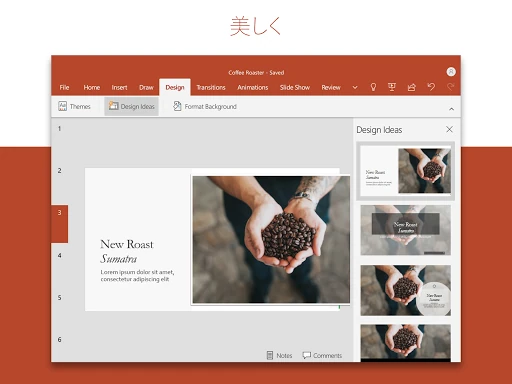
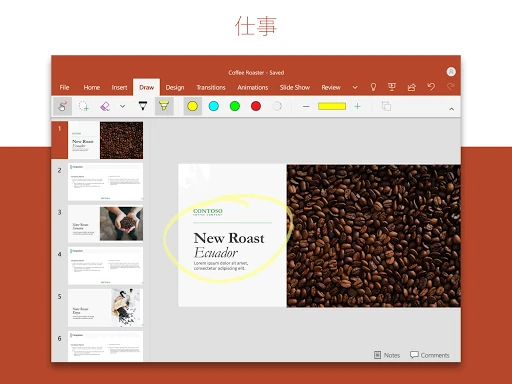
Analysis by Reviewed APKs
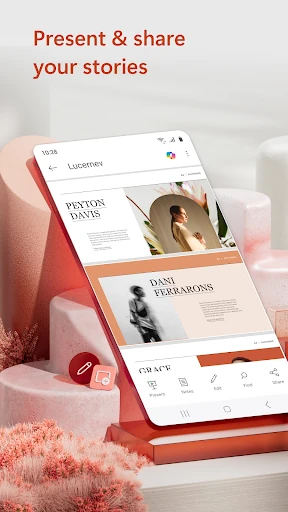
Microsoft PowerPoint is a mobile presentation app for creating, editing, reviewing and presenting slide decks. I found it most useful as a companion to the familiar desktop workflow: it lets me make practical changes or pull up a presentation when I am away from my computer. It suits students, coworkers and anyone who needs slides on hand, though a phone is not the easiest place to build a complex deck.
A Deck Away From Your Desk
When I first opened PowerPoint on my phone, I thought about the small gaps in a busy day: checking a deck before a meeting, fixing a typo on the train or pulling up a presentation after arriving at a room without my laptop. The app supports creating presentations from scratch as well as working on existing slides, so it can handle more than just last-minute viewing.
For a team update, I could picture opening a recent presentation, adjusting a slide and then using the phone to present it. PowerPoint supports adding photos, video, music, graphics and charts, giving a deck room for more than plain text. The practical benefit is continuity: my presentation work can travel with me instead of waiting until I am back at a desk.
A Companion, Not a Desktop
PowerPoint makes the most sense to me alongside the desktop version, not as a replacement for every part of it. On a phone, I can review a deck, make edits and present; the app also supports syncing presentations across devices. That makes it a useful option when I need to stay current on a file or contribute while away from my usual setup.
I would not choose a phone as my first stop for building a large, highly detailed presentation. Even with customizable tools, a small screen is a less comfortable place to arrange and inspect many slides. PowerPoint mobile is also not a general-purpose document editor or a substitute for speaking practice with a live audience. Its focus is clearly presentations, including a tool for rehearsing delivery.
Small Habits That Help
I would make a habit of opening a deck before a meeting rather than waiting until it is time to present. That gives me a chance to check the slides, make a quick correction and confirm I am working with the recent file. Since presentations can sync across devices, keeping work in PowerPoint can also reduce the hassle of juggling several versions.
For a talk I felt unsure about, I would use Presenter Coach as a rehearsal step and pay attention to its suggestions about pacing and filler words. Comments and collaboration tools can help keep feedback attached to the presentation, while checking permissions and who is working on which slides can help a group stay coordinated. These are modest routines, but they make the mobile app more useful than a last-minute file viewer.
More From Our News Desk

Zoom Meetings, Google Meet, or Teams: Which Is Easiest to Join?

How I Build a Free Streaming Lineup With Tubi

Why Crunchyroll Is the Default Anime App for So Many Fans

YouTube TV: A Practical Guide to Cutting Cable

Rummikub and the Small Comfort of Phone Games

TeamViewer Remote Control or AnyDesk for Helping Family?
Who PowerPoint Suits
I would recommend Microsoft PowerPoint to people who already work with slide presentations and want a convenient way to review, edit or present them on an Android device. It is particularly handy for students and coworkers who move between a phone, tablet and computer, or for anyone who wants to rehearse a presentation with Presenter Coach before speaking.
It may be a poor fit for someone who expects to create a polished, lengthy deck entirely on a phone, or who rarely works with slides at all. A small display can make detailed layout work feel cramped, and the app’s strengths are tied to presenting and collaborating on presentations. If you mainly need a simple place to read ordinary documents, PowerPoint is more tool than you need.
Microsoft PowerPoint is developed by Microsoft Corporation and is listed in Google Play under Productivity. It has over a billion installs and a 4.8-star rating from around 3.8 million ratings. The app is free to download and contains no ads. It is rated Everyone.
PowerPoint was released on January 6, 2015, and was last updated on February 9, 2026. Google Play lists in-app purchases, with products ranging from $0.99 to $129.99 each. The app’s Android version requirement and current version can vary, so check its Google Play page for the details that apply to your device.
How PowerPoint Works on the Go
Getting Started
My first impression is that PowerPoint mobile has a very clear job: keep slide work available when I am away from a computer. I could use it to start a presentation or open an existing one, then edit or present from the same app. For someone who already knows PowerPoint, that familiar purpose makes the mobile version easy to place in a routine.
The practical setup detail is modest but worth noting: the app requires at least 1 GB of RAM. I would check the Google Play page for the Android version requirement on my particular device, since that can vary. The app can be used with a qualifying Microsoft 365 subscription to unlock the full experience across devices.
Everyday Slide Work
Day to day, the best use I see is a quick pass through a presentation rather than a long design session. I can imagine checking a recently used file while waiting for a meeting to begin, changing a detail that needs attention and then presenting from the phone. The app is also intended to let people create, edit and view slideshows while away from their usual setup.
When I work with others, having collaboration features in the same presentation workflow is useful. PowerPoint supports real-time editing, comments and viewing permissions, including seeing who is working on which slides. That can make it easier to follow feedback without having to keep a separate conversation and slide file in sync.
Rehearsal and Media
Presenter Coach is one of the features that gives the mobile app a job beyond editing. It is designed to help with presentation practice, using a timer and offering real-time suggestions about pacing and filler words. I like the idea of fitting a short rehearsal into a quiet moment before a talk, rather than treating practice as something that only happens at a desk.
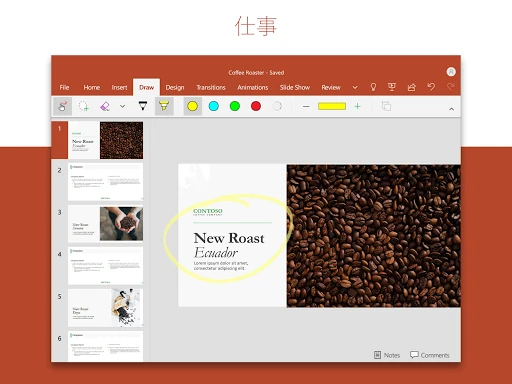
PowerPoint also supports adding photos, video and music, alongside graphics and charts. That gives a presentation more ways to communicate than a sequence of text-only slides. Templates are another practical starting point for reports and other common decks. I would still make choices that serve the message rather than add media just because the option is available.
A Useful Workday Routine
For a presentation day, I would use PowerPoint in three small passes. First, open the current deck and check that the slides look ready. Next, use Presenter Coach to rehearse the delivery and notice whether my pacing needs work. Finally, keep the presentation accessible on the phone so I can bring it up when the meeting starts.
For a group project, I would share the presentation for feedback and use comments to keep suggestions connected to the relevant slides. Checking permissions and seeing who is working on which slides can also help avoid stepping on someone else’s edits. The app’s across-device syncing supports this kind of ongoing workflow, though I would still pay attention to which presentation I have open.
Keep the Screen in Mind
The obvious limitation is the phone itself. A small screen is convenient for carrying a deck, but it is not an ideal workspace for inspecting a complicated layout or making many detailed changes. I would use mobile editing for practical adjustments and leave an extended design session for a larger screen when one is available.
Some of the full Microsoft 365 experience requires a qualifying subscription, and Google Play lists in-app purchases. The app is free to download, but that does not mean every capability is included at no cost. The Android requirement and version can vary, so checking the store page before installing is sensible, especially if I am using an older device.
Microsoft PowerPoint is a useful mobile companion for people whose work already revolves around presentations. It combines access to slides, editing, collaboration and rehearsal tools in one familiar app. I would not make a phone my main place for elaborate deck design, but I would value having a presentation ready when plans move away from my desk.
I recommend it to students, teams and presenters who want to review or deliver slides on the go, especially if they already use PowerPoint across devices. If you rarely make presentations or need a spacious layout workspace, the mobile app is less compelling. For slide-based work, though, its combination of editing and Presenter Coach makes it worth trying.
Microsoft PowerPoint Frequently Asked Questions
What is Microsoft PowerPoint used for?
Microsoft PowerPoint is used to create, edit, view and present slide presentations. The Android app also supports collaboration features such as real-time editing and comments, and includes Presenter Coach for practicing delivery. You can work on new or existing presentations and add media such as photos, video and music.
Which devices can run Microsoft PowerPoint?
This version of Microsoft PowerPoint is the Android app, available through Google Play. The description says it requires 1 GB of RAM or above. The Android version requirement can vary by device and release, so check the app’s Google Play page for the current requirement before installing.
Does Microsoft PowerPoint cost anything?
Microsoft PowerPoint is free to download and does not contain ads. Google Play lists in-app purchases priced from $0.99 to $129.99 per item. A qualifying Microsoft 365 subscription unlocks the full experience across devices; check Google Play for current purchase details and offers.
Does Microsoft PowerPoint work with other devices?
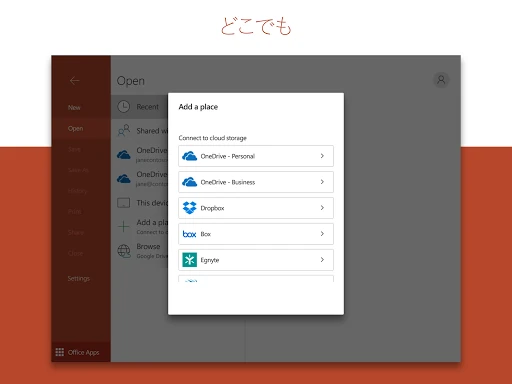
The app description says presentations can sync across devices, and a qualifying Microsoft 365 subscription can unlock the full Microsoft 365 experience on phones, tablets, PCs and Macs. The app covered here is the Android version. Features and access can depend on your setup and subscription, so check the store page for current details.
Who should use Microsoft PowerPoint on a phone?
It is a good fit for people who need to review, edit or present slide decks while away from a computer, and for those who want to rehearse with Presenter Coach. It may not suit someone who expects a phone to be a comfortable workspace for extensive presentation design. The app is rated Everyone.
Pros
- Creates, edits, views and presents slides from an Android device.
- Presenter Coach offers timed practice and delivery suggestions.
- Supports real-time collaboration, comments and slide permissions.
- Works with photos, video, music, graphics and charts.
Cons
- Detailed presentation design can feel cramped on a phone screen.
- The full Microsoft 365 experience requires a qualifying subscription.
- Android requirements and app version can vary.
- Category
- Productivity
- Version
- VARY