Location Share
- 13.31K
- 3.9
- Installs
- 10.00M
- Price
- Free

Screenshots
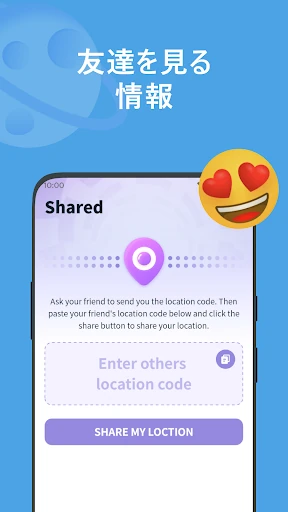
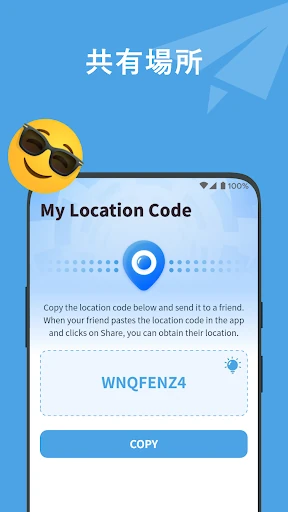
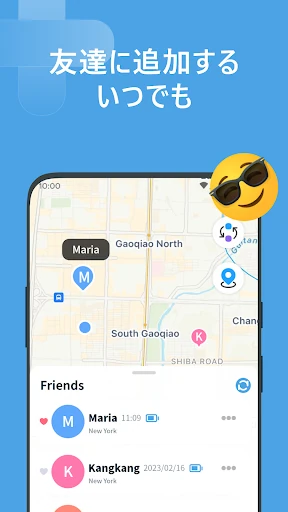
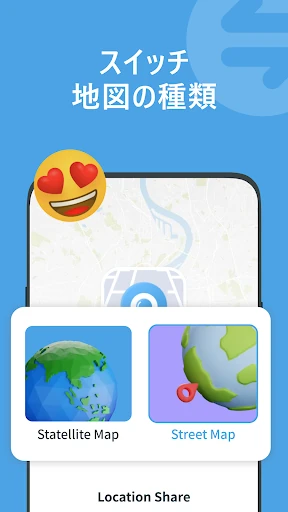
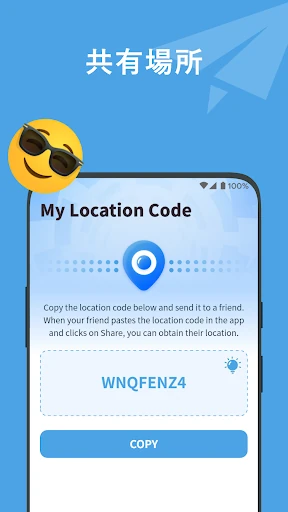
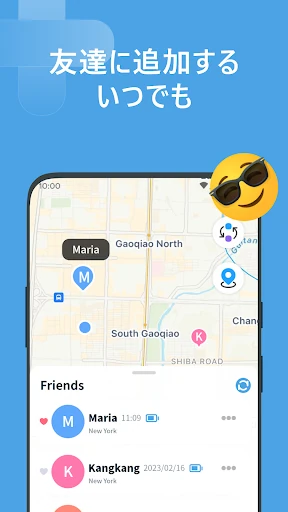
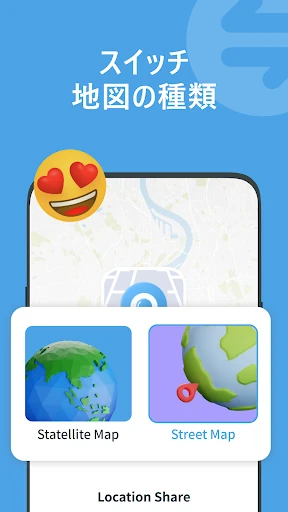
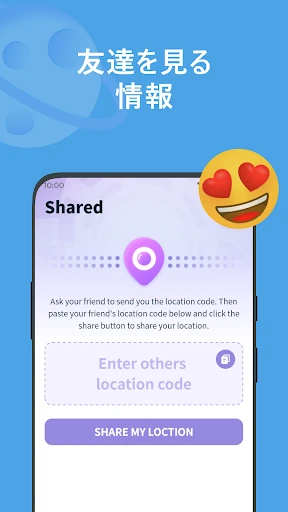
Analysis by Reviewed APKs
Location Share is an Android app for sharing your location with friends or family who agree to share theirs with you. It is aimed at people who want a simple way to check where participating contacts are and receive updates when their locations change. After looking through its core use, I see it as a focused coordination tool, not an all-purpose map or a way to monitor someone without their consent.
Checking In on the Way
Picture a family member heading across town while you are waiting at home and trying to work out when to start dinner. With Location Share, you can add their location information to follow and check for updates when they share their location with you. The appeal is straightforward: instead of sending a series of “Where are you now?” messages, you have a place to look when both people have agreed to share.
The app’s described routine is about seeing a participating contact’s current location and getting a notification when that location changes. You can also check your own location in the app. That makes it relevant for coordinating a meetup, keeping track of a shared trip, or checking in during an ordinary day. It does not remove the need to communicate; it gives people who have opted in another way to coordinate.
A Narrower Kind of Map App
Location Share is best compared with the location-sharing part of a maps or messaging service, rather than with a full navigation app. Its stated focus is sharing and following locations among friends or family, with real-time updates and optional notifications. If your main question is “Where is the person who agreed to share with me?”, that focus may be useful. If you need a broader set of map tools, this is not presented as a replacement.
It is also not a secret tracking tool. The app’s description says sharing requires the consent of both parties and explicitly distinguishes it from surveillance. That matters when deciding whether it fits a family or friend group: everyone involved needs to be comfortable participating. The description does not present route planning or a history of past locations as core jobs, so I would not choose it expecting those capabilities.
Make Sharing a Clear Habit
The most useful habit is to agree on sharing before you need it. For a planned meetup or a day out, both people can decide whether to share and then use the app to check locations. That avoids treating a location as a substitute for a conversation and keeps the arrangement mutual. The app’s description emphasizes consent, so a quick agreement about when sharing is wanted is a sensible part of using it.
Notifications are another setting worth considering as part of a routine. Location Share can notify you when a followed friend or family member’s location changes, and the description says you can turn those reminders off in the app. I would start with notifications enabled only if they help with actual coordination. If the alerts become distracting, switching them off can keep the app from demanding attention when you do not need an update.
More From Our News Desk

Zoom Meetings, Google Meet, or Teams: Which Is Easiest to Join?

How I Build a Free Streaming Lineup With Tubi

Why Crunchyroll Is the Default Anime App for So Many Fans

YouTube TV: A Practical Guide to Cutting Cable

Rummikub and the Small Comfort of Phone Games

TeamViewer Remote Control or AnyDesk for Helping Family?
Who May Find It Useful
I’d recommend Location Share to people who regularly coordinate with a small circle of friends or family and want a direct way to view locations that have been shared with them. It can suit a household arranging pickups, friends trying to meet in a busy area, or people checking in during a shared outing. The mutual-sharing requirement makes it most appropriate when everyone understands the arrangement and chooses to take part.
It may not suit someone looking for turn-by-turn navigation, a general-purpose map, or a way to follow people without their knowledge. People who do not want to share location information should not feel pressured to use it. The app also relies on location and notification permissions for its described functions, so anyone who prefers to keep those permissions off may find that its main purpose is not a good match.
Location Share is published by P & L Studio in the Maps & Navigation category on Google Play. It has more than 10 million installs and a 3.9-star rating from about 13,300 ratings. The app is rated Everyone. Those figures give a useful sense of its reach and store feedback, though they do not tell you whether its sharing approach will suit your own group.
The app is free to download, contains ads, and does not offer in-app purchases. The listed minimum requirement is Android 6.0. The current version in the provided store information is 1.4.9; it was released on May 31, 2023, and last updated on December 17, 2025. Store details can change, so it is worth checking Google Play for the latest compatibility and release information.
A Closer Look at Shared Locations
A Simple First Impression
When I first opened the app’s description, the clearest impression was how specific its job is: share locations with people you know, and view theirs when they share back. The interface is described as user-friendly, with settings for managing sharing. That simplicity is appealing for people who do not want a complicated social tool, though a focused app naturally has less to offer if your needs extend beyond location sharing.
Getting started depends on the people you want to connect with agreeing to share. The app says it mainly needs location and notification permissions. Those permissions make sense for viewing location information and receiving change alerts, but they are still worth considering before enabling them. I would treat setup as a conversation as much as an app task: decide who will share, and why, before relying on it.
The Day-to-Day Experience
The everyday loop is easy to understand: check your own location, follow a friend or family member who has shared theirs, and look for updates when their location changes. That can cut down on repetitive check-in texts in situations where everyone is already comfortable sharing. It is a modest convenience rather than a new way to plan an entire day, and its usefulness depends on having participating contacts.
Notifications can make the app more practical when you are waiting for someone or coordinating a meeting. The description says Location Share can remind you when a followed contact’s location changes, and that you can turn the reminders off. I would use that option selectively. A notification is helpful when it answers a question you already have; constant alerts are less useful when you are not actively coordinating.
Features That Matter
Real-time location updates are the central feature. Once someone has shared their location with you, the app says it updates that person’s location information so you can check where they are. In practice, that positions Location Share as a shared reference point for a group, rather than a one-off message containing a location. The mutual-consent condition is essential to how the feature is meant to work.
The other described features are following friends or family members, change notifications, and checking your own location. The app also describes a simple interface for managing sharing settings. Together, these are a small, coherent feature set. I would not assume that it includes extras such as location history or arrival alerts, since those are not part of the app’s supplied feature description.
A Practical Group Routine
For a weekend outing, a group could agree beforehand that the people who want to share will do so, then use the app to check locations while traveling to the same place. If someone’s location changes, a notification may save another round of messages. Once the meetup is over, each person can decide whether they still want to share. That keeps the tool tied to a specific, understood use instead of making sharing feel automatic.
A similar approach works for ordinary family coordination: use the app when timing and location are genuinely relevant, and rely on a direct message for anything that needs context. A dot or location update cannot explain a delay or confirm a changed plan. I like that framing because it keeps expectations realistic. Location Share can help answer where a participating person is, but it does not replace the small conversations that make plans work.
Keep the Limits in View
The biggest limitation is also the point of the app: it does one narrow job. There is no reason to expect a complete navigation experience from a product described around sharing and following locations. If you need other map functions, you may still want a separate app. And if nobody in your circle wants to share, Location Share has little to do for you beyond showing your own location.
Privacy and attention deserve a little thought, too. The app’s description stresses consent and says location and notification permissions are among the main permissions it needs. That is a useful starting point, but each person should make their own choice about sharing and alerts. The app is free and contains ads, which may also matter to people who prefer an experience without advertising.
Location Share makes sense when a few people want a straightforward, mutual way to check one another’s locations. Its real-time updates and optional notifications are practical for meetups and everyday coordination, while its narrow focus keeps the idea easy to understand. I would approach it as a small utility, not a substitute for maps, messaging, or a conversation.
I’d try it if my friends or family already agreed that location sharing would help us coordinate. I would skip it if I wanted navigation tools or had no interest in sharing location data. The consent-first approach is important, and the app works best when everyone treats sharing as a choice rather than an expectation.
Location Share Frequently Asked Questions
What is Location Share used for?
Location Share is an Android app for sharing your location with friends or family and checking the locations of people who share with you. It can update shared location information in real time and send notifications when a followed contact’s location changes. Sharing requires both parties’ consent, according to the app’s description.
Which devices support Location Share?
Location Share is listed for Android devices on Google Play. The provided minimum requirement is Android 6.0. The app’s compatibility can depend on the device and current store requirements, so check its Google Play page to see whether it works with your particular phone or tablet.
What Android version does Location Share need?
The listed minimum Android version for Location Share is Android 6.0. The app is identified as version 1.4.9 in the supplied store information. Requirements and available versions may change over time, so Google Play is the place to check current details for your device.
Does Location Share cost money?
Location Share is free to download and the supplied facts say it has no in-app purchases. It does contain ads. Store details can change, so it is worth checking Google Play for current pricing or advertising information before installing.
Is Location Share suitable for families?
It may suit family members who want to coordinate and freely agree to share their locations. The app’s description says sharing requires mutual consent and is not intended for secret surveillance. It may not suit anyone who is uncomfortable sharing location information or who wants navigation rather than a location-sharing tool.
Pros
- Focused on sharing locations with friends or family who agree to participate.
- Real-time updates can make everyday meetups easier to coordinate.
- Location-change notifications can be turned off in the app.
- Free to download, with no in-app purchases.
Cons
- Its narrow focus does not make it a general-purpose navigation app.
- Useful sharing depends on friends or family choosing to participate.
- Contains ads and uses location and notification permissions.
- Category
- Maps & Navigation
- Version
- 1.4.9