Google Health (Fitbit)
- 1.32M
- 3.6
- Installs
- 100.00M
- Price
- Free

Screenshots
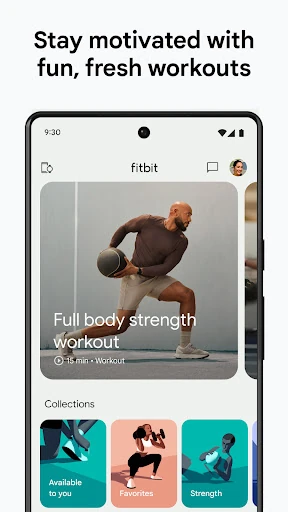
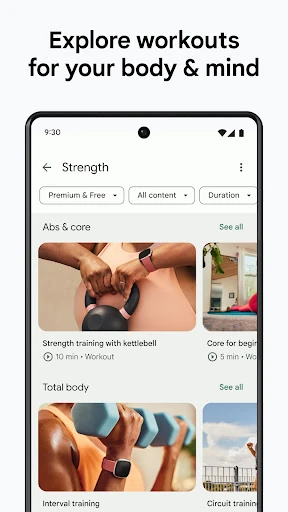
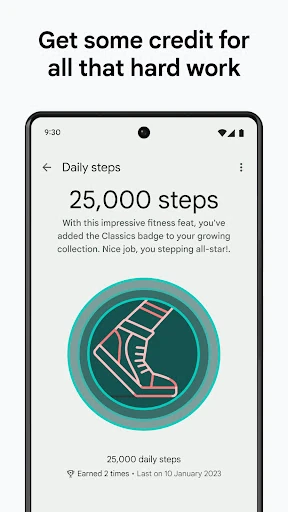
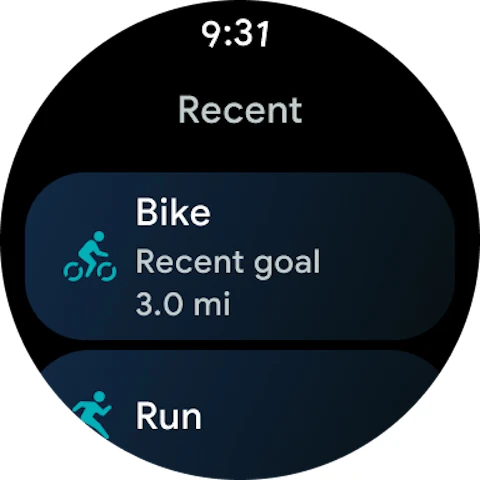
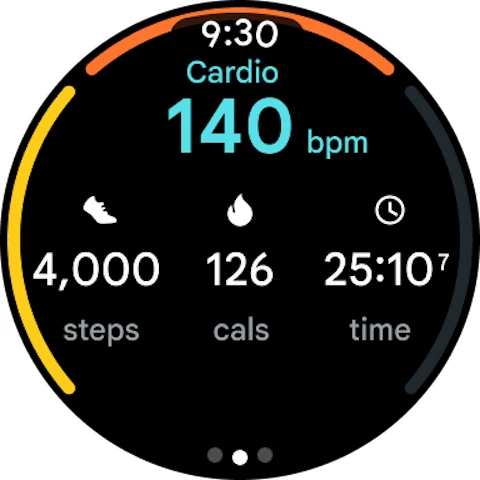
Analysis by Reviewed APKs
Google Health (Fitbit) brings activity, sleep, and other wellness tracking into one app, with personalized coaching intended to help you build routines around your goals. I see its appeal for people who already use a Fitbit or Pixel Watch, as well as anyone who wants a broader view of daily health patterns. The range is useful, though some of the more tailored coaching depends on a paid subscription.
A Day in One View
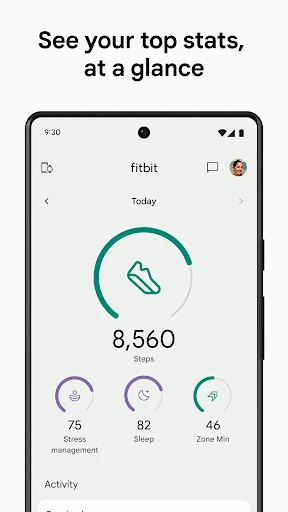
When I think about the app’s everyday role, it is less a single workout tool and more a place to check how the day is going. A morning glance can bring sleep patterns into view, while later I can look at activity and workout information. Logging details such as nutrition or menstrual cycles adds context, so the picture is not limited to steps or exercise alone.
That joined-up view makes most sense when I use it as a gentle check-in rather than a scorecard. If a busy week interrupts my usual routine, I can look for patterns across sleep and activity and decide what feels manageable next. The app describes notifications that call attention to trends and achievements, which can help keep small changes visible without requiring a long planning session.
More Than a Workout Log
A basic activity tracker is mainly about recording movement; Google Health aims to connect movement with sleep and broader wellness information. It can sync with Fitbit and Pixel Watch devices, plus favorite health-tracking apps, and medical records in select countries. That makes it a better fit for someone who wants several kinds of personal tracking together than for someone who only needs a simple exercise timer.
It is not a substitute for medical care, and the app itself says it is not intended for medical purposes. Nor would I choose it just to follow a fixed workout video library: the described emphasis is personalized plans, tracking, and coaching. People who prefer not to record personal routines, or who want a narrowly focused tool, may find its wider health view unnecessary.
Small Habits That Help
I would get more from the app by logging consistently, but keeping the habit small. Recording a workout or a relevant wellness metric when it happens gives later trend views more context than trying to reconstruct a whole week from memory. Sleep tracking can also be more useful when I look at several nights together instead of treating one restless night as a verdict.
The coaching features are designed for follow-up, so I would use them to turn an insight into one practical next step. A bedtime reminder or a daily workout recommendation can serve as a nudge, not a command. If an AI response seems surprising, the app advises checking its accuracy; I would treat suggestions as prompts to consider rather than instructions.
Reads About Fitbit
More From Our News Desk

Zoom Meetings, Google Meet, or Teams: Which Is Easiest to Join?

How I Build a Free Streaming Lineup With Tubi

Why Crunchyroll Is the Default Anime App for So Many Fans

YouTube TV: A Practical Guide to Cutting Cable

Rummikub and the Small Comfort of Phone Games

TeamViewer Remote Control or AnyDesk for Helping Family?
Who May Find It Useful
I would recommend Google Health to people who want fitness, sleep, and wellness information in one place, especially Fitbit or Pixel Watch users who can connect a device they already use. It may also suit someone trying to establish a sustainable routine, since the app describes goal-based plans, daily recommendations, trend insights, and ways to track progress over time.
It may be less appealing if you want only a minimal step counter, dislike logging personal information, or expect every coaching feature to be included without a subscription. Availability can differ by country, and some features require Premium. Anyone looking for diagnosis or treatment should keep the app’s stated non-medical purpose in mind and not treat its insights as a substitute for professional care.
Google LLC develops Google Health (Fitbit), a Health & Fitness app for Android. Google Play shows over 100 million installs and a 3.6-star rating from about 1.3 million ratings. The app is free to install, contains in-app purchases, and does not contain ads. Its content rating is Everyone.
The current version varies with the device. The app was released on March 16, 2012, and its listed last update is October 28, 2026. A minimum Android version is not provided in the supplied app details, so check Google Play for the requirement on your device. In-app product prices range from $7.99 to $99.99 per item.
A Broader View of Daily Wellness
First Look and Setup
When I first open a health app, I want to know what it can bring together before I commit to a new routine. Google Health’s central idea is clear: fitness, sleep, and wellness information can sit alongside one another, with options to connect Fitbit, Pixel Watch, favorite tracking apps, and, in select countries, medical records. That breadth is appealing, though it also makes the app feel more involved than a single-purpose tracker.
The app is built around personal goals and data, so the experience is likely to become more useful as I add relevant information and connect compatible sources. I would start with the areas I actually want to follow rather than trying to log everything at once. Availability of features varies, and some require Wi-Fi and an internet connection, so the exact setup can depend on what I use and where I live.
Everyday Tracking
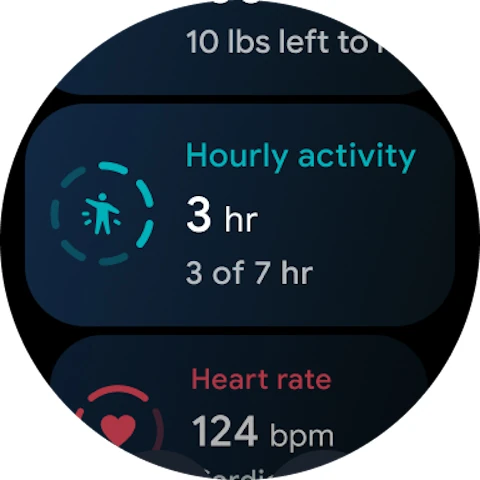
The daily experience centers on keeping an eye on information over time. The app supports tracking sleep, workouts, nutrition, and menstrual cycles, and it can surface trends and achievements through notifications. I like that this is framed around a person’s own ranges and patterns rather than just a universal target. For a quick check during the day, a few useful signals may be more helpful than a flood of numbers.
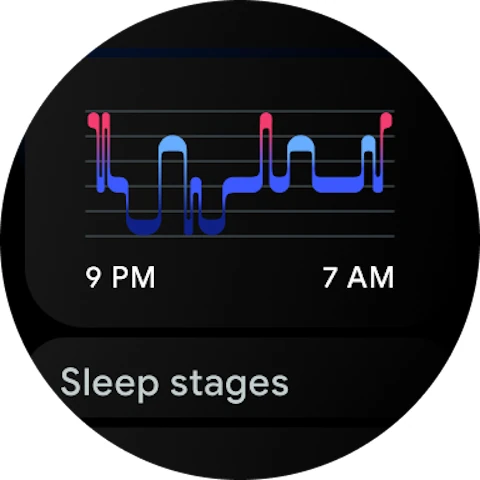
Sleep is a particularly detailed part of the offering. The description says the app can analyze nightly sleep stages and longer-term trends, and provide guidance, a personalized sleep schedule, bedtime reminders, and mindfulness exercises. Those tools give sleep tracking a practical angle, though I would still look at patterns across time. One night of data is only one piece of a larger routine.
Coaching With Context
Personalized plans are among the app’s most distinctive features. Goals can include weight loss, building muscle, improving cardio, or establishing healthy habits, and the coach is intended to tailor a longer-term plan to preferences and routines. Daily workout recommendations and progress insights can make that feel more adaptable than following the same generic plan every week.
Google Health Coach is described as built with Gemini and able to offer guidance on topics including sleep, nutrition, running, and strength training. Users can ask follow-up questions about insights, which may help explain what an observation means and what to focus on next. The coach is available in certain countries with Google Health Premium, and its responses should be checked for accuracy.
A Routine That Sticks
A practical way to use Google Health is to make it part of two brief check-ins. In the morning, I would review sleep information and any reminder that feels relevant. Later, I could record a workout or another metric I am already tracking, then look at broader trends when I have a quiet moment. This keeps the app connected to real routines instead of turning it into another task list.
For someone working toward a fitness goal, I would revisit the plan regularly and use recommendations as options for the day. If time or energy is limited, a small step toward consistency may be more realistic than trying to follow an ideal schedule. The app’s intended role is to support progress with personalized guidance; the user still decides which suggestions fit their circumstances.
Limits to Keep in Mind
The biggest practical limitation is that the experience is not identical for everyone. Some features require Google Health Premium, Wi-Fi, and an internet connection, and feature availability varies by country. Medical-record connections are available only in select countries. That means it is worth checking which parts are available where you live before relying on a particular coaching or connection feature.
There is also a balance to strike between useful tracking and collecting more information than you want to manage. The app offers privacy settings and says users stay in control of their data, but personal comfort still matters when choosing what to record or connect. And while the coaching may help organize wellness goals, the app explicitly is not intended for medical purposes; its insights are not a diagnosis.
Google Health (Fitbit) makes its strongest case as a connected home for fitness, sleep, and wellness tracking, with personalized plans and coaching layered on top. I like the emphasis on patterns and practical nudges rather than a single isolated metric. The breadth is its strength, but it also means the app will make more sense to people ready to engage with several kinds of tracking.
I would try it if I used a Fitbit or Pixel Watch, or wanted to bring everyday health routines into one place. Before building a routine around its coach, I would check which features are available locally and whether Premium is needed. For a simple, no-frills tracker, a narrower app may be an easier fit.
Fitbit Frequently Asked Questions
What is Google Health (Fitbit) used for?
Google Health (Fitbit) is used to bring fitness, sleep, and broader wellness tracking together. It supports logging workouts, nutrition, sleep, and menstrual cycles, and offers trend insights and personalized fitness plans. Its coach can provide guidance on areas such as sleep, nutrition, running, and strength training, though some features require Google Health Premium.
Which devices can use Google Health (Fitbit)?
Google Health (Fitbit) is an Android app and can sync with Fitbit and Pixel Watch, as well as favorite health-tracking apps. Medical-record connections are available in select countries. The supplied details do not specify a minimum Android version, so check Google Play for the requirement and compatibility information for your device.
Does Google Health (Fitbit) cost money?
The app is free to install and includes in-app purchases, with listed in-app product prices ranging from $7.99 to $99.99 per item. Some features require a separately sold Google Health Premium subscription. Which features are available can vary by country, so check Google Play for current purchase and availability details.
Does Google Health (Fitbit) require Android?
Yes. Google Health (Fitbit) is an Android app. A minimum Android version is not provided in the app details here, and compatibility can depend on the device, so check the Google Play page before installing. Some features also require Wi-Fi and an internet connection.
Is Google Health (Fitbit) right for beginners?
It may suit beginners who want help building habits, since it offers goal-based fitness plans, daily recommendations, sleep insights, and wellness tracking. It may feel like more than needed if you only want a basic activity counter. Coaching availability varies, some features require Premium, and the app is not intended for medical purposes.
Pros
- Combines fitness, sleep, and several wellness tracking categories in one app.
- Personalized plans and recommendations can reflect goals and routines.
- Supports syncing with Fitbit and Pixel Watch devices.
- Sleep insights include trends, reminders, schedules, and mindfulness exercises.
Cons
- Some coaching and other features require a separate Premium subscription.
- Feature availability varies by country, including medical-record connections.
- Its broad tracking approach may feel excessive for basic activity needs.
- Category
- Health & Fitness