Blood Pressure Tracker
- 405.93K
- 4.6
- Installs
- 50.00M
- Price
- Free

Screenshots
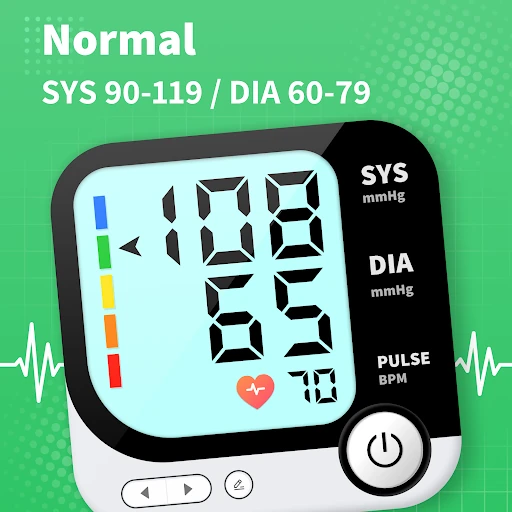
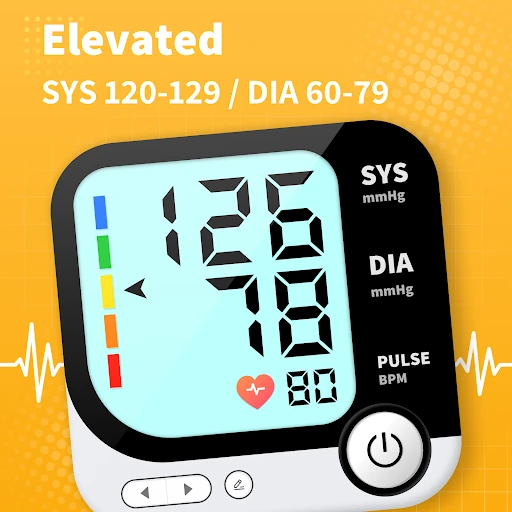
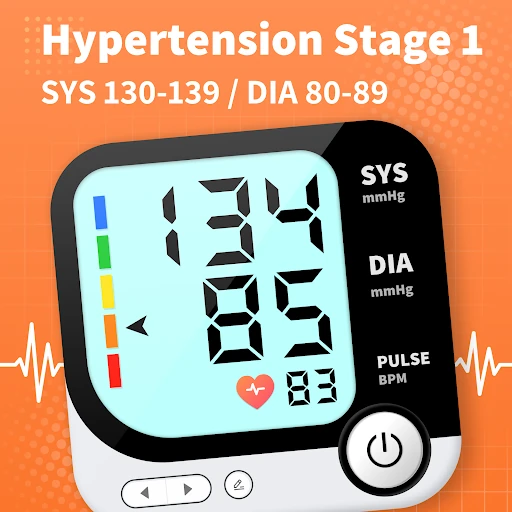
Analysis by Reviewed APKs
Blood Pressure Tracker is an Android app for keeping blood pressure readings and trends in one place, with background information and options to share health data. I see it as a personal log and reference, not a way to take a blood pressure measurement: the app explicitly says it does not measure blood pressure. For people who already have readings to record, it can help make day-to-day tracking more organized.
A reading after breakfast
Imagine checking your blood pressure at home, then trying to remember the result by the time your next appointment comes around. Blood Pressure Tracker is meant to give those readings a place to live, so you can follow your BP over time instead of relying on scraps of paper or memory. I like the basic idea best for an ordinary routine: take a reading with an appropriate device, then record it in the app.
The app’s description also emphasizes looking at readings in context, such as whether you were sitting or lying down, or whether a reading was taken before or after a meal. That kind of context can make a personal log more useful when you look back at it. It is not a substitute for taking a reading with a blood pressure monitor, though; the app says plainly that it does not measure blood pressure.
A log, not a monitor
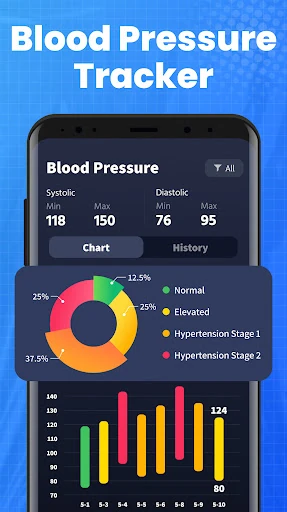
Compared with a paper notebook, an app-based log can make it easier to keep health information together and revisit trends. Blood Pressure Tracker also offers blood pressure information and lifestyle guidance, so it goes beyond simply storing readings. Its description says you can share BP trends remotely and export health data for a consultation, which may help when you want to bring a clearer record to a healthcare professional.
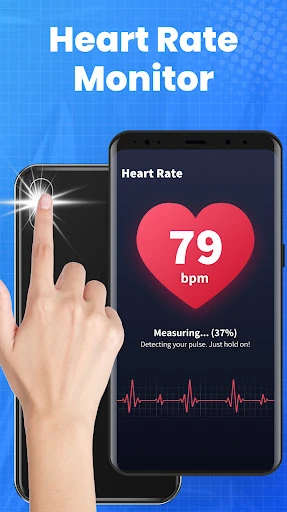
The important distinction is that this is not a blood pressure monitor or a medical device. It cannot take a BP measurement, diagnose a condition, or handle an emergency. The app describes a separate fingertip feature that uses light-based PPG technology to estimate heart rate; that is not a blood pressure reading either. I would use it as a companion to readings taken elsewhere, not as a replacement for a monitor or professional care.
Make the log more useful
A useful habit is to record a reading soon after taking it, while the numbers and circumstances are still fresh. If you are tracking readings under different conditions, include that context in the way the app supports. Over time, a consistent record is easier to review than a collection of entries made sporadically. I would focus on steady, accurate logging rather than trying to draw conclusions from one isolated result.
Before an appointment, the sharing and export options may help you prepare a record to discuss. I would treat the information as material for a conversation with a healthcare professional, rather than as a prompt to adjust care on my own. The included BP information and lifestyle guidance can provide general background, but the app’s own disclaimer is clear that it is not for diagnosis or treatment. That boundary is worth keeping in mind every time you use it.
More From Our News Desk

Zoom Meetings, Google Meet, or Teams: Which Is Easiest to Join?

How I Build a Free Streaming Lineup With Tubi

Why Crunchyroll Is the Default Anime App for So Many Fans

YouTube TV: A Practical Guide to Cutting Cable

Rummikub and the Small Comfort of Phone Games

TeamViewer Remote Control or AnyDesk for Helping Family?
Who may find it useful
I would recommend Blood Pressure Tracker to someone who already takes readings with a separate blood pressure monitor and wants a digital place to follow them. It may also suit a person who wants general BP information alongside a record, or who would like to share or export health data for a discussion with family or a healthcare provider. Its strongest role is helping organize information gathered elsewhere.
It may not suit someone looking for an app that measures blood pressure using only a phone, or someone who needs medical advice, diagnosis, or emergency help. The developer explicitly says the app does not measure blood pressure or blood sugar and is not a medical device. People who prefer a paper record may also see little reason to switch. I would keep expectations practical and use it only as a tracking companion.
On Google Play, Blood Pressure Tracker is by QR Code Scanner. It has more than 50 million installs and a 4.6-star rating from about 406,000 ratings. The app is free to download, contains ads, and does not offer in-app purchases. Its content rating is Everyone. Those figures give a useful sense of its broad reach, though they do not change its basic role as a personal record and information app.
The current version is 1.9.8. Google Play gives its release date as November 17, 2021, and its most recent update date as October 20, 2026. The minimum Android version is not included in the available app facts, so check Google Play for device compatibility before installing. The description says the app is intended for Android devices, including phones from brands such as Samsung, Xiaomi, Huawei, and Redmi.
Keeping Blood Pressure Records in Perspective
First steps and expectations
When I first considered what this app was for, the most important point was also the easiest to miss: it does not take a blood pressure measurement. You need readings from elsewhere to make its tracking role useful. Once that distinction is clear, the idea is straightforward. The app is built around recording and following BP information, with reference material and lifestyle guidance as additional support.
The description presents the app as usable across a range of Android phone brands, rather than as a tool tied to one manufacturer. I would begin by setting a realistic purpose for it: maintaining a record and learning from general information, not testing whether a phone can replace a cuff. The developer also warns that the LED flash may become very hot on some devices, a detail to bear in mind around its fingertip heart-rate feature.
The everyday tracking job
Day to day, the main value is having a place to follow readings over time. That can be helpful when you have several entries to compare or want to bring a record into a conversation with a healthcare professional. The app’s description mentions tracking under different circumstances, including sitting or lying down and before or after meals. I would treat those details as context to record, not as a promise that every reading is directly comparable.
A log is only as useful as the information put into it. I would enter readings consistently and avoid relying on memory to fill in gaps later. The app can help with organization, but it cannot make an incorrectly taken reading accurate or explain every change. If something in the record concerns you, the app’s own guidance is to consult a qualified healthcare professional rather than use the app to diagnose yourself.
Information and sharing
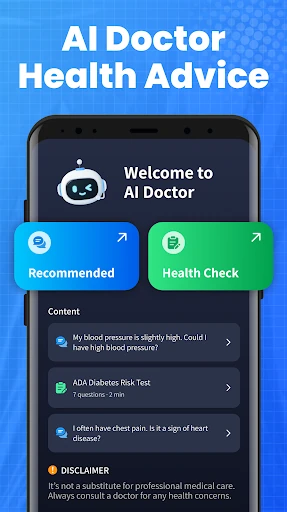
One feature that stands out is the BP knowledge library described by the developer. It is intended to explain blood pressure ranges and related questions in accessible language, alongside practical lifestyle guidance. I would use that material as general background, not as a personalized assessment. The distinction matters: helpful explanations can make a topic easier to understand, but they do not replace a professional who knows your circumstances.
The app also describes remote sharing of BP trends with family members or healthcare providers, as well as exporting health data to support appointments. That could be useful if you want to bring a record into a conversation instead of trying to summarize it from memory. Because this is health information, I would be deliberate about who receives it and use sharing for a clear purpose, such as preparing for a consultation.
A steady weekly routine
A practical routine might be to take readings using your usual blood pressure monitor, then enter them into Blood Pressure Tracker when convenient. If the circumstances matter to your personal record, note whether you were sitting or lying down or whether the reading was before or after a meal. Keeping that routine consistent can make later review less confusing than mixing entries taken in very different situations without any context.
Before a healthcare appointment, you could review the record and use the app’s export or sharing options to bring relevant information into the discussion. I would not use a trend screen or a general tip as a reason to change treatment independently. Instead, the record can help you explain what you have observed and give a professional something concrete to review. That is a modest but useful role for a tracking app.
Limits to keep in view
The biggest limitation is also central to understanding the app: it does not measure blood pressure or blood sugar. Its PPG feature estimates heart rate by detecting fingertip color changes with light-based sensors, but that is a different function and should not be mistaken for a BP result. If you need a blood pressure reading, this app alone cannot provide one.
The developer says the app is not a medical device and is not intended to diagnose, treat, cure, or prevent a condition. It is also not suitable for medical emergencies. That cautious framing is appropriate for a record-keeping tool, and I would take it seriously. The lifestyle guidance and BP information may be useful for general understanding, but medical questions belong with a qualified healthcare professional.
Ads are another practical consideration: the app is free and contains them. People who want a purely clinical tool, a phone-based BP measurement, or professional interpretation may find that its scope does not match their needs. I would also check device compatibility in Google Play before installing, since the minimum Android requirement can vary or be worth confirming there.
Blood Pressure Tracker makes the most sense as a companion for people who already collect blood pressure readings and want to keep a record, review trends, and share information when useful. The educational material adds context, but the app is clear that it cannot measure BP or serve as a medical device. I would keep that boundary front and center.
If you want a simple digital record with general BP information, it is worth considering. If you expect your phone to measure blood pressure or provide a diagnosis, this is not the right tool. My recommendation is to use it for organization and preparation, and bring health concerns to a qualified healthcare professional.
Blood Pressure Frequently Asked Questions
What is Blood Pressure Tracker used for?
Blood Pressure Tracker is for recording and following blood pressure readings, reviewing BP information and lifestyle guidance, and sharing or exporting health data. It does not measure blood pressure or blood sugar. The developer describes a fingertip PPG feature for estimating heart rate, which is separate from measuring BP.
Which phones can run Blood Pressure Tracker?
Blood Pressure Tracker is an Android app. Its description mentions Android phones from brands including Samsung, Xiaomi, Huawei, and Redmi. The minimum Android version is worth checking on Google Play, since compatibility details can vary by device and app version.
Does Blood Pressure Tracker cost money?
The app is free to download and the available facts show no in-app purchases. It does contain ads. Store details can change, so check the Google Play page for current information before installing.
Can Blood Pressure Tracker measure my blood pressure?
No. The developer says the app does not measure blood pressure or blood sugar and is not a medical device. Its PPG feature estimates heart rate, which is not a BP measurement. Use it as a record for readings taken elsewhere, not for diagnosis or emergency care.
Who should use Blood Pressure Tracker?
It may suit someone who already takes readings with a separate monitor and wants to keep them organized or share them for a healthcare discussion. It may not suit someone expecting a phone-based blood pressure measurement, medical diagnosis, or emergency assistance. The app’s information is for general purposes.
Pros
- Keeps blood pressure readings and trends in one place for easier review.
- Includes general BP information and lifestyle guidance alongside tracking.
- Offers options to share trends or export health data for a consultation.
- Free to download, with no in-app purchases.
Cons
- Does not measure blood pressure or blood sugar.
- Contains ads, which may interrupt a focused tracking routine.
- Its health information is general and cannot replace professional advice.
- Category
- Health & Fitness
- Version
- 1.9.8