Screenshot X - Screen Capture
- 86.27K
- 4.2
- Installs
- 5.00M
- Price
- Free

Screenshots
Analysis by Reviewed APKs
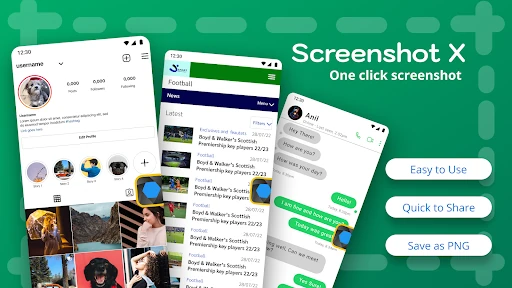
Screenshot X - Screen Capture is a simple Android tool for grabbing what is currently on your phone screen with a tap, then saving or sharing the image through other apps. I can see it suiting people who take screenshots often, especially when reaching for the phone’s usual button combination feels awkward. Its appeal is practical rather than elaborate: put a movable capture icon within reach and make a familiar task easier.
A Screenshot Within Reach
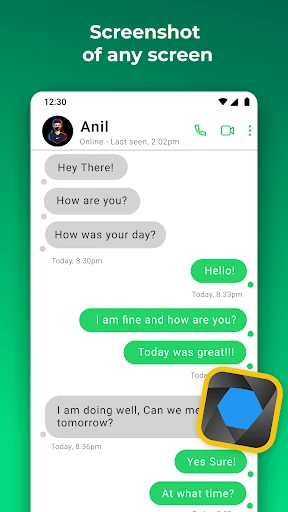
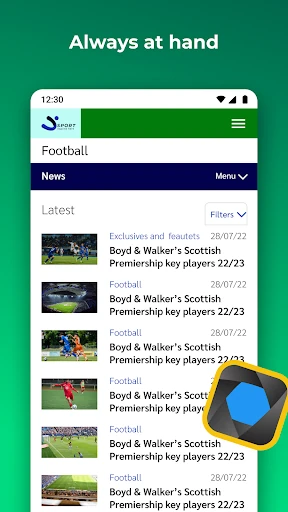
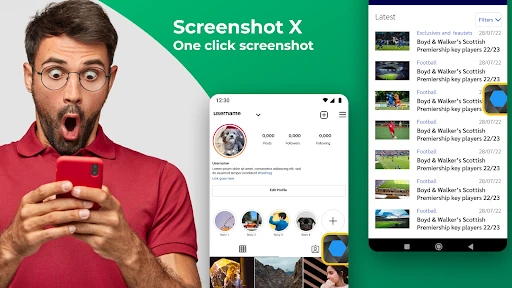
When I first opened Screenshot X, I pictured using it while looking at a map or a long message: tap the on-screen icon, capture the moment, and pass the image along. That is the app’s main job. Rather than relying on a simultaneous button press, it gives you a floating capture control that you can tap while viewing other content on your phone.
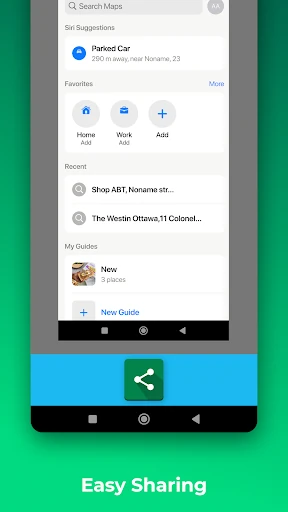
The saved image goes into a picture file called Screen Grabs, and the app lets you share or save it through other apps on the phone. That makes a quick capture useful beyond keeping a personal record. I can imagine sending a map to a friend who needs simple directions, or saving a useful screen to revisit later without copying its details by hand.
A Helper, Not an Editor
Screenshot X is best understood as a shortcut for taking and passing along screenshots, not as a full photo-editing or screen-recording suite. Its central idea is a tappable icon that stays available over the screen you want to capture. Afterward, you can use other installed apps for messaging, email, cloud storage, or photo editing, rather than expecting Screenshot X itself to handle every step.
That focus makes it a reasonable alternative to reaching for phone buttons when that motion is inconvenient, but it is not aimed at people who want a deep set of image tools. The description centers on one-tap capture, saving, and sharing. If your routine already makes the regular screenshot method comfortable, the extra floating control may feel like more than you need.
Small Workflow Improvements
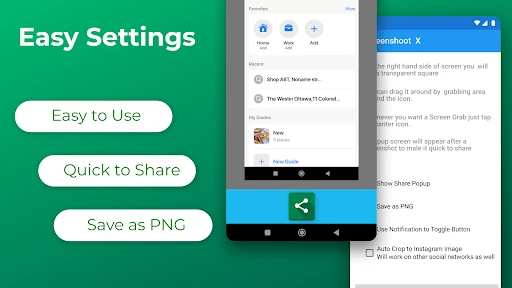
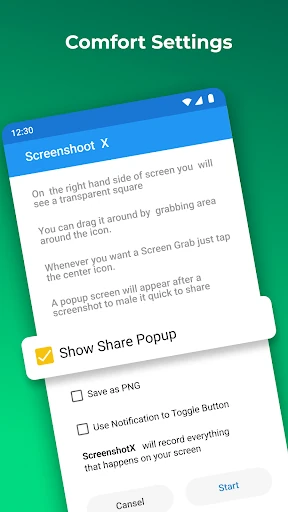
The useful habit is to place the capture icon somewhere easy to reach without covering the part of the screen you need. Screenshot X lets you move the icon around, so I would treat its position as a small setup choice rather than leave it wherever it first appears. A comfortable spot can make one-handed captures less fiddly during ordinary browsing or messaging.
It also helps to think of Screen Grabs as a landing place for images you may want to share or find again. When I need to pass something along, I can capture it first and then choose a suitable app for the next step. Keeping those two actions separate—capture, then share—makes the tool’s modest workflow clear and avoids expecting it to replace the apps I already use.
More From Our News Desk

Zoom Meetings, Google Meet, or Teams: Which Is Easiest to Join?

How I Build a Free Streaming Lineup With Tubi

Why Crunchyroll Is the Default Anime App for So Many Fans

YouTube TV: A Practical Guide to Cutting Cable

Rummikub and the Small Comfort of Phone Games

TeamViewer Remote Control or AnyDesk for Helping Family?
Who May Find It Useful
I would recommend Screenshot X to people who take screenshots regularly and find the usual button combination awkward, or who simply prefer a tap target on the screen. It may be handy when saving a map, a useful message, or other visible information to share through another phone app. The movable icon gives the basic idea a practical bit of flexibility without making the routine complicated.
It may be less appealing if you rarely capture screens, dislike having a control visible over other content, or want editing tools built into the capture process. Screenshot X keeps its purpose narrow: take a screenshot, save it, and hand it off to another app if needed. For someone already happy with their phone’s built-in screenshot method, the difference may not justify changing habits.
Screenshot X - Screen Capture is an Android photography app from TarrySoft. Google Play shows over 5 million installs and a 4.2-star rating from around 86,000 ratings. It is free to download, contains ads, and offers in-app purchases. The listed in-app purchase prices range from $0.99 to $99.99 per item, so the free download is not the only purchase detail to consider.
The app has an Everyone content rating. Its listed version is 2.103.2; it was released on February 12, 2015, and its listed last update is September 22, 2026. The minimum Android version is not included in the available app facts, so check Google Play for the requirement that applies to your device. These details give a useful snapshot, though store information can change.
A Floating Shortcut for Everyday Captures
A Simple First Impression
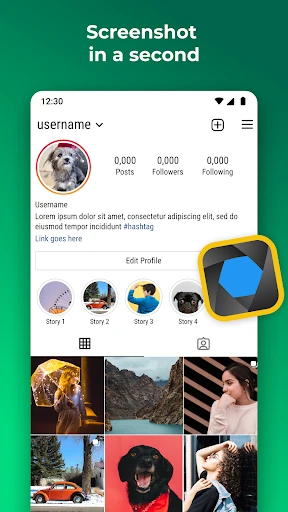
The first thing that stands out about Screenshot X is its direct approach. Open the app, and an icon appears on the phone screen; tap that icon when you want a screenshot. There is little conceptual setup to explain. I like that the main interaction is easy to picture before using it, especially for someone who has installed the app for one specific annoyance.
The floating icon is the key adjustment to make the tool comfortable. Since the description says it can be moved around the screen, I would shift it away from important controls and text. That small bit of placement work matters: a shortcut is only convenient if it is easy to reach without getting in the way of whatever I am trying to capture.
The Day-to-Day Capture
In everyday use, the flow is straightforward: view something, tap the capture icon, and then save or share the screenshot using another app. That division keeps Screenshot X focused. I can see it fitting into quick moments, such as capturing a chat detail before switching to a messaging app, rather than requiring a separate process for every kind of screen.
The app describes each capture as being saved in a picture file called Screen Grabs. Having a named place for those images gives the workflow a little order, particularly if I take more than one screenshot over time. The practical value is not a complicated library system; it is knowing where the app says it puts the pictures and being able to hand them off to tools already on the phone.
What Sets It Apart
The movable, on-screen capture icon is the feature that gives Screenshot X its identity. Instead of asking me to coordinate two buttons, it offers a tap target that can be repositioned for comfort. That is a small distinction, but it addresses a real everyday frustration for people who find button combinations awkward, particularly when they are trying to hold a larger phone securely.
The other useful element is the handoff after capture. Screenshot X says screenshots can be shared or saved through other phone apps, including messaging, email, cloud services, and photo editors. That means the app can fit into several routines without claiming to replace those destinations. I appreciate that kind of narrow utility: capture the image here, then continue with whichever app suits the next step.
A Handy Sharing Routine
A simple routine might start with a map or directions on screen. I can tap the floating icon to capture the view, then share the resulting screenshot through an app already installed on the phone. The same pattern can work for a contact detail or a message I want to keep. It is a direct alternative to retyping information, though the image is still just a snapshot of what was visible.
For repeat use, I would keep the icon in a consistent, comfortable position and treat Screen Grabs as the place to look for saved captures. Then the steps stay predictable: capture first, choose a destination second. This is not a complicated productivity system, and it does not need to be. The routine is most useful when the same small task comes up often enough that a one-tap shortcut feels worthwhile.
Limits to Keep in Mind
Screenshot X has a narrow job, which is both its strength and its main limitation. The description focuses on capturing the screen, saving screenshots, and sharing them through other apps. It does not present itself as a built-in editor or a broader media workspace. Anyone expecting a detailed set of image tools should plan to use a separate app for those steps.
The floating control is also a matter of personal preference. Some people will appreciate having a tap target ready; others may prefer the phone’s existing screenshot controls and want no extra icon over the screen. The app contains ads and offers in-app purchases, so its free download comes with those considerations. I would weigh the convenience of one-tap capture against the way the control fits into my own habits.
Screenshot X - Screen Capture is a focused convenience tool, not a sweeping change to how I use my phone. Its movable icon offers a clear alternative to button-based screenshots, and its Screen Grabs destination gives captures a named place. The sharing step relies on other apps, which keeps the tool straightforward but also limits how much it does on its own.
I would try it if taking screenshots is a regular part of your day and the usual button method gets in the way. If you only capture something once in a while, your phone’s existing method may be enough. Screenshot X makes the most sense when its small shortcut solves a repeated, specific irritation.
Screenshot Frequently Asked Questions
What is Screenshot X - Screen Capture used for?
Screenshot X is used to capture what is showing on an Android phone screen with a tap on an on-screen icon. It saves screenshots in a picture file called Screen Grabs and lets you save or share them through other apps on the phone. It is focused on capture and handoff rather than presenting itself as a complete editing tool.
Which phones and platforms support Screenshot X?
The app is an Android app, and its description presents it as a screen-capture tool for phone screens. It uses a movable on-screen icon for taking screenshots. The minimum Android version is worth checking on Google Play, since the requirement may vary with the current app release and the device you plan to use.
What Android version does Screenshot X require?
The minimum Android version can vary, so check the Screenshot X page on Google Play before installing it on a particular phone. The app’s listed version is 2.103.2, but that alone does not establish which Android releases are supported. Store information is the best place to check the requirement for your device.
Is Screenshot X free, and does it have purchases?
Screenshot X is free to download, but it contains ads and offers in-app purchases. The listed prices for in-app items range from $0.99 to $99.99 each. Prices and purchase details can change, so check Google Play for the current information before deciding whether the app’s free version and optional purchases suit you.
Who is Screenshot X best suited for?
It may suit people who take screenshots often and prefer tapping an on-screen icon to using the phone’s button combination. The movable control and sharing through other apps are its main practical attractions. It may be less useful if you rarely capture screens, dislike a floating control, or want extensive editing features built into the capture app.
Pros
- One-tap capture offers an alternative to coordinating the phone’s usual screenshot buttons.
- The floating capture icon can be moved to a more comfortable spot on screen.
- Screenshots are saved in a named Screen Grabs picture file.
- Captured images can be shared or saved through other apps on the phone.
Cons
- The floating icon may feel intrusive to people who prefer a clean screen.
- The app focuses on capture and sharing rather than built-in photo editing.
- Ads and in-app purchases accompany the free download.
- Category
- Photography
- Version
- 2.103.2