Screen Recorder+Video Recorder
- 56.22K
- 4.6
- Installs
- 5.00M
- Price
- Free

Screenshots
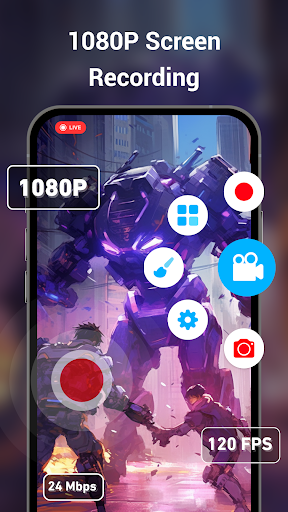
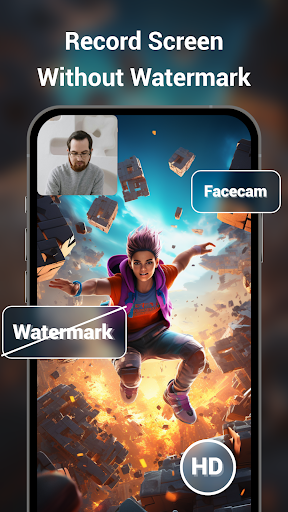
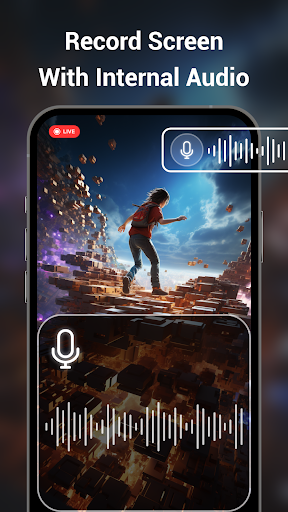
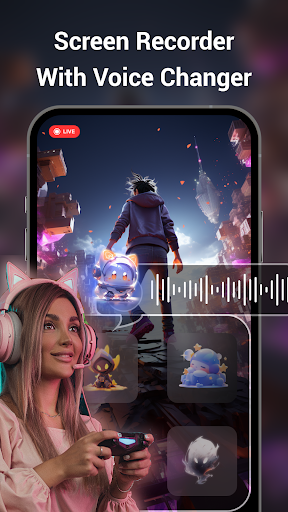
Analysis by Reviewed APKs
Screen Recorder+Video Recorder is an Android app for capturing what happens on your phone, whether that means gameplay, a how-to demonstration, or a moment you want to save. It combines screen video, screenshots, audio options, and a few presentation tools. I like that it covers more than basic capture without requiring a desktop workflow, though its audio behavior depends partly on Android and the app being recorded.
Capture a moment as it happens
Imagine you are working through a mobile game and reach a tricky section you want to show a friend. With Screen Recorder+Video Recorder, you can start a screen recording from its floating window or the notification bar, then keep playing instead of stopping to set up a separate camera. There is no recording time limit stated in the app description, so the app is also suited to longer demonstrations, provided your phone can keep up.
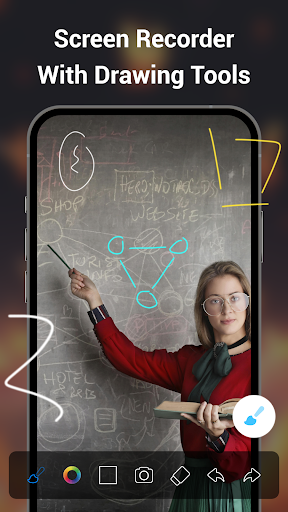
For a quick explanation, I can picture recording a sequence of taps and adding marks with the brush tool to draw attention to a button or step. If a still image is clearer, the app can take a screenshot with one tap. The useful part is having both capture options close at hand: a short clip for motion, or a picture when I only need to point something out.
A phone-first capture tool
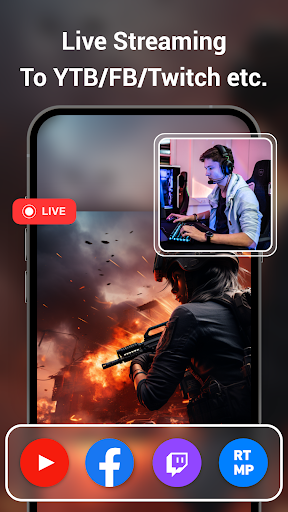
The obvious alternative is whatever screen capture option is already built into a phone. That can be enough for an occasional clip. This app makes more sense when you want settings for resolution, frame rate, and bit rate, or want to add a facecam, use a brush while recording, or stream a phone screen through RTMP. Those extras make it a more flexible recorder, rather than just a shortcut for saving one-off clips.
It is still a screen recorder, not a full video-editing suite or a general-purpose streaming studio. The description focuses on capturing the phone display and offers limited additions such as voice effects and watermarks; it does not describe a timeline editor or a collection of post-production tools. I would choose it to capture and present phone activity, not to replace a dedicated editor when a polished, multi-part video is the goal.
Build a simple recording routine
Before recording, it is worth deciding whether the clip needs internal audio, microphone sound, or no sound at all. The app offers audio recording and voice effects, but Android version and other apps can affect what gets captured. I would check the sound in a short test clip before starting a long session, especially if I am recording a game or a call where audio matters.
For a tutorial or gameplay clip, I would set the desired resolution, frame rate, and bit rate first, then consider whether a facecam or on-screen marks add anything useful. Scheduled recording can end a capture automatically at a chosen time. If a recording stops unexpectedly, the app's description suggests checking battery restrictions and background-process settings, which is a practical reminder that phone settings can interfere with long captures.
More From Our News Desk

Zoom Meetings, Google Meet, or Teams: Which Is Easiest to Join?

How I Build a Free Streaming Lineup With Tubi

Why Crunchyroll Is the Default Anime App for So Many Fans

YouTube TV: A Practical Guide to Cutting Cable

Rummikub and the Small Comfort of Phone Games

TeamViewer Remote Control or AnyDesk for Helping Family?
Who may find it useful
I would recommend Screen Recorder+Video Recorder to Android users who regularly show what is happening on their phone. Mobile gamers, people making short demonstrations, and anyone who wants to save a screen-based moment can make use of its recording, screenshot, and annotation options. The adjustable capture settings are helpful if a basic built-in recorder feels too limited, while RTMP streaming and facecam offer additional ways to present a recording.
It may be more than you need if you only capture a screen once in a while and your phone's built-in option already does the job. It is also not a substitute for a full editor if you need detailed changes after recording. People who rely on internal audio should pay attention to Android's version-related limits and app microphone conflicts. A quick test is sensible before trusting it with a clip that cannot easily be recorded again.
Screen Recorder+Video Recorder is an Android app in the Video Players & Editors category, published by Video Screen Recorder, Voice Audio Editor, Cut MP3. On Google Play it has over 5 million installs and a 4.6-star rating from around 56,000 ratings. Its content rating is Everyone. The current version shown is 2.1.0, with a release date of September 27, 2020, and a last update date of August 19, 2026.
The app is free to download and contains ads. It also offers in-app purchases, with listed items ranging from $2.99 to $19.99 each. The description says core recording options, including high-quality capture, are free to use. Android version requirements are worth checking on Google Play for the phone you plan to use.
A closer look at recording on the go
Getting started
When I first opened the app, the appeal was straightforward: this is meant to capture the phone screen without a complicated production setup. The description says recording can begin through a floating window or the notification bar, which suits a quick clip when I am already using another app. I also like that the app handles screenshots, so I do not have to treat every useful moment as a video.
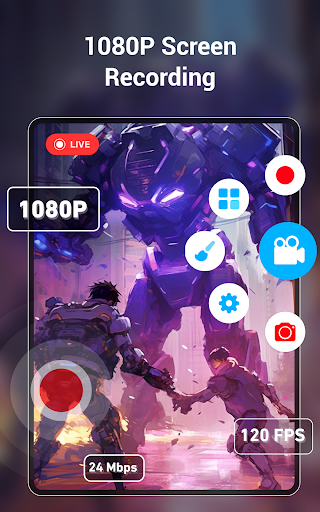
There are several recording choices to think about before a session. Resolution, frame rate, and bit rate can be adjusted in settings, and the app describes support for Full HD recording, with higher settings depending on the phone. I would start with a short test rather than assume the most demanding settings are right for every device. That helps me check both the picture and sound before recording something longer.
The everyday experience
For day-to-day use, the central job is keeping a capture close to whatever I am doing on the phone. That might be a gameplay run, a short walkthrough, or a video call I want to record. Starting from the floating window or notification bar means the described workflow is built around screen activity, rather than requiring me to leave the app I am trying to show.
The no-time-limit claim is useful for longer sessions, but it does not remove the ordinary limits of a phone. Battery settings and background-process management can interrupt recording, according to the app's own troubleshooting tips. I would treat an important long capture as something to test on my particular device first, especially if battery saver is enabled or several demanding apps are open.
Tools beyond capture
The facecam option is one of the more distinctive extras. It can use the front or back camera while the screen is being recorded, which may help when a tutorial benefits from showing the person explaining it, or when a game clip needs a visible reaction. It is an optional layer, not a requirement: for a clean demonstration, the screen itself may be all the viewer needs.
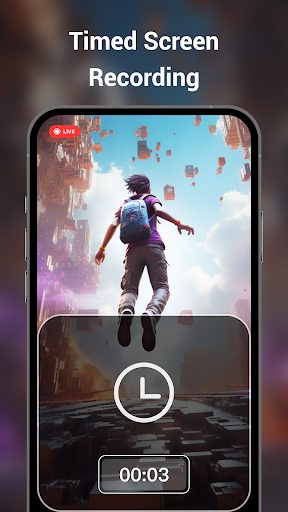
The brush tool lets me draw marks on the screen during a video or screenshot, while watermark options work in both directions: the app describes recording without a watermark and also adding a photo or text watermark. Scheduled recording is another practical inclusion, since it can stop a recording automatically at a set time. These are focused utilities, not a promise of extensive editing after the capture.
A practical capture routine
For a short tutorial, I would first decide what the viewer needs to see, then make a brief test recording. If a step is easy to miss, I could use the brush tool to mark it while recording; if my explanation benefits from a visible presenter, I could enable facecam. I would keep the clip focused and use a screenshot instead when a single still image explains the point more clearly.
For gameplay, I would check the audio situation before committing to a long session. The description says internal audio recording is available on Android 10 and above, while older systems may not allow apps to capture system audio. It also notes that the system may prevent two apps from using the microphone at once. A sample clip can reveal whether the sound I need is actually present.
Limits to keep in mind
Audio is the main caveat. Internal sound depends on Android version, and recording microphone audio can be affected when another app is already using the microphone, such as during a video call. The app also offers voice effects, but that does not change the underlying system restrictions. I would not assume every call or game will produce the same audio result without checking first.
Recording quality also depends on the phone model; the description explicitly makes its highest resolution, frame rate, and bit rate conditional. Long sessions can be stopped by background or battery restrictions, and the app recommends adjusting those settings if the floating control disappears or recording ends unexpectedly. Ads and optional purchases are part of the app's store facts, so users who prefer an ad-free experience may want to weigh that before installing.
Screen Recorder+Video Recorder covers the useful basics and adds practical touches such as facecam, on-screen drawing, scheduled capture, and RTMP streaming. I especially like the combination of video and one-tap screenshots for everyday explanations. Its strongest fit is someone who records phone activity often enough to appreciate adjustable settings and capture options.
I would try it if I wanted a flexible Android recorder for gameplay, tutorials, or screen demonstrations, and I would test audio and background behavior before an important session. If all I needed was an occasional clip, the phone's built-in recorder might be simpler. This app's extras are worthwhile when they solve a real capture need.
Screen Recorder Frequently Asked Questions
What is Screen Recorder+Video Recorder used for?
Screen Recorder+Video Recorder captures video of an Android phone's screen and can take screenshots. The app describes uses including gameplay, video calls, movies, and teaching demonstrations. It also offers adjustable recording settings, audio options, a facecam, a brush tool, scheduled recording, and RTMP live streaming. Which options are suitable can depend on the phone and Android version.
Which phones and platforms support Screen Recorder+Video Recorder?
The app is described as a screen recorder for Android phones. The available information does not specify a minimum Android version for installing the app, so check its Google Play page for requirements that apply to your device. Some recording behavior, particularly internal audio capture, does depend on the Android version.
Does Screen Recorder+Video Recorder cost money?
It is free to download and contains ads. Google Play lists in-app purchases ranging from $2.99 to $19.99 per item. The description says that recording features are free to use, including its high-quality recording options. Purchase details and availability can vary, so check the Google Play page for current information.
Can Screen Recorder+Video Recorder record internal audio?
The app description says internal audio recording is available on Android 10 and above. On older Android systems, it says apps may not be able to record internal system audio, and microphone use can conflict with another app that is already using it. Try a short recording first to confirm the sound works as you expect.
Who should try Screen Recorder+Video Recorder?
It may suit Android users who record gameplay, make phone tutorials, capture screen activity, or want extras such as facecam, annotations, or RTMP streaming. Someone who only needs an occasional basic clip may be satisfied with a phone's built-in recorder instead. For detailed editing after recording, this app is not presented as a full editing suite.
Pros
- Combines screen video and one-tap screenshots for tutorials, gameplay, and quick demonstrations.
- Offers adjustable resolution, frame rate, and bit rate settings.
- Includes facecam, screen annotations, scheduled recording, and RTMP streaming.
- The description says recordings can be made without a watermark.
Cons
- Internal audio capture depends on Android version and system behavior.
- Battery and background-process settings can interrupt longer recordings.
- Contains ads and offers in-app purchases.
- Category
- Video Players & Editors
- Version
- 2.1.0











