Video Maker
- 3.03M
- 4.8
- Installs
- 100.00M
- Price
- Free

Screenshots
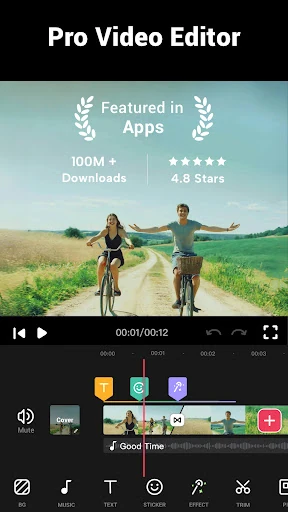
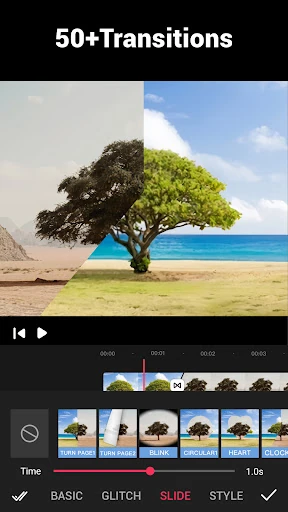
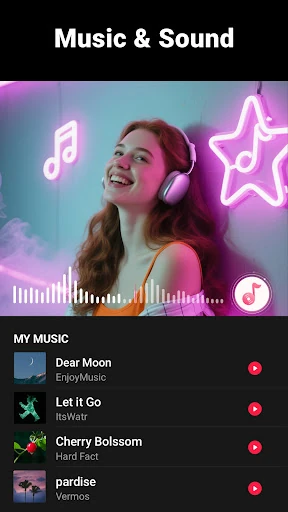
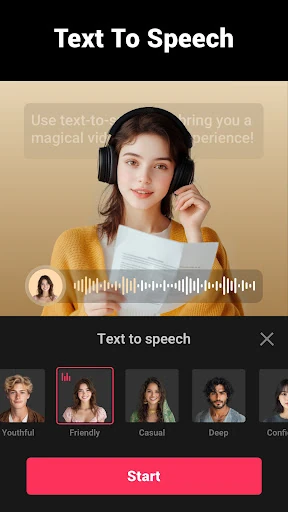
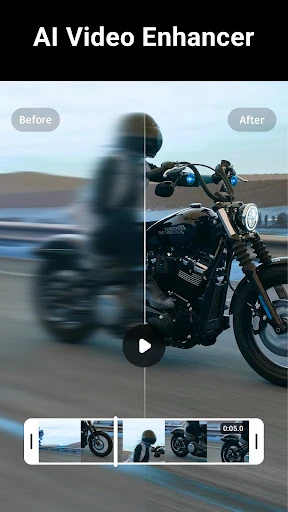
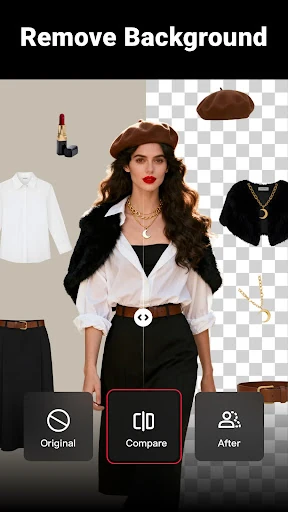
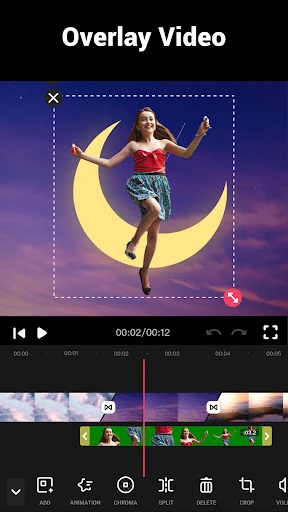
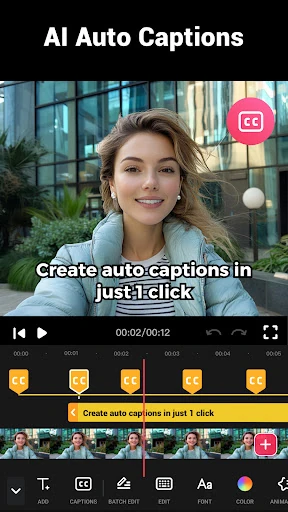
Analysis by Reviewed APKs
Video Maker is an Android editor for turning phone videos and photos into shareable clips with music, effects, and transitions. I’d point casual creators, vloggers, and anyone who wants to assemble a quick social post toward it. Its appeal is the range of editing tools in one app, from trimming to speed changes, without demanding a complicated desktop-style workflow. The trade-off is that a crowded toolset and ads may not suit everyone.
A quick clip from camera roll
When I want to turn a handful of phone clips into something I can share, Video Maker is built for that straightforward job. I can trim down the footage, split it into shorter sections, combine the useful moments, and add a transition between them. If the video needs a soundtrack, the app supports music from its selection or a song already on my device.
For example, after recording a few short moments at a get-together, I could arrange the clips, choose a crop that suits the destination, and use a filter or effect to give the result a more consistent look. Speed controls can make one section slower or faster. The point is not to create a fully polished production in one tap; it is to make a personal edit without moving between several separate tools.
A mobile editor, not a studio
Video Maker sits between a basic trimming tool and a more involved desktop editing setup. It brings clip cutting, transitions, music, filters, text, stickers, and speed adjustments together on Android. That makes it a reasonable fit when I want to finish a short video on the same device where I recorded it, rather than transfer footage and build a project on a computer.
It is not a substitute for a full production workflow when a project needs detailed control or a large, complex timeline. The app is oriented toward approachable edits, vlogs, and social sharing, with options such as square and widescreen ratios. I would choose a desktop editor for a demanding long-form project, but for a quick personal montage, that extra setup may be unnecessary.
Small choices, better edits
A little planning helps keep the editing process from becoming a hunt through menus. I’d start by deciding where the finished video is going, then choose a suitable crop or ratio before polishing individual clips. The app supports options such as 1:1 and 16:9, and background colors or blur can help fill the frame when the source footage does not match the chosen shape.
For music-led edits, I’d listen to the track while arranging clips and use the available marks to line up changes with its rhythm. Keeping the soundtrack volume in check, and using fade-in or fade-out where appropriate, can make a montage feel less abrupt. I’d also save a clean version before trying several filters or transitions, so I can compare styles without losing the simpler edit.
More From Our News Desk

Zoom Meetings, Google Meet, or Teams: Which Is Easiest to Join?

How I Build a Free Streaming Lineup With Tubi

Why Crunchyroll Is the Default Anime App for So Many Fans

YouTube TV: A Practical Guide to Cutting Cable

Rummikub and the Small Comfort of Phone Games

TeamViewer Remote Control or AnyDesk for Helping Family?
Who will enjoy editing here
I’d recommend Video Maker to Android users who regularly share short clips, make casual vlogs, or want to combine photos and videos with music. It has useful room to experiment: trim and split tools for shaping footage, a range of transitions, speed controls, filters, and options for adding voice-overs, sound effects, stickers, and text. Beginners can start with a simple cut-and-music edit and explore more as they get comfortable.
It may be less appealing if you prefer a very minimal editor or find ads disruptive. People who need detailed control over a complicated, extended project may also be happier with desktop software. Video Maker is most convincing as a practical phone editor for everyday creative work, not as a promise that every video will look professionally produced with no effort.
Video Maker is published by InShot Video Editor and is in the Video Players & Editors category on Google Play. The app has over 100 million installs and a 4.8-star rating from around 3 million ratings. It is free to download, with in-app purchases priced from $2.99 to $39.99 per item, and it contains ads.
Google Play gives the app an Everyone content rating. It requires Android 8.0 or later. The supplied app version is 1.601.190; it was released on December 18, 2017, and last updated on October 30, 2025. Store details and availability can change, so I’d check Google Play for current information before installing.
How Video Maker Fits Into a Phone Editing Routine
Opening and getting started
My first impression is that Video Maker aims to cover a lot of everyday editing needs in one place. The basic job is easy to understand: make a video from footage or photos, then shape it with cuts, music, effects, or text. It does not require registration according to its description, which keeps the idea of opening the app to make a quick edit appealing.
I’d begin with a small test project rather than throw a whole camera roll at it. A couple of clips are enough to try trimming, adding a transition, and selecting a ratio. That gives me a feel for the editing choices before I spend time on a longer montage or settle on a style I may later want to change.
The everyday editing flow
The app’s core experience is assembling and refining short pieces of media. I can cut unwanted starts or endings, split a clip into multiple sections, and combine clips with transitions. Filters and effects offer a quick way to alter the look, while music and voice-over options let me add sound beyond the original recording.
Speed adjustment is another practical tool. A slow-motion moment can draw attention to one detail, while speeding up footage can make a longer process feel brisker. The description gives a broad speed range, from 0.2x to 100x, so there is room for pronounced changes as well as subtler ones. I’d use it selectively; changing every clip can distract from the actual moment.
Tools that make it versatile
The feature set goes beyond basic cuts. Video Maker supports multi-layer editing, text, fonts, stickers, sound effects, voice-overs, and more than 50 transition effects. It can also extract audio from a video and offers music choices as well as support for songs stored on the device. For a simple personal project, that combination can cover much of the work I’d otherwise do in separate steps.
The framing and export options are useful when footage is headed to different places. The app includes crop ratios such as 1:1 and 16:9, along with background color and blur options for filling space around a clip. Its description also says it can export up to 4K without a watermark. I’d still choose export settings with the intended destination and source footage in mind.
A practical weekend routine
For a weekend recap, I’d first pick a few clips and photos rather than trying to include everything. I’d trim them to the moments that tell the story, arrange them in a sensible order, and add only a few transitions. Then I’d choose a crop that fits the intended share, checking that important parts of the frame remain visible.
After the visuals are in place, I’d add a music track or voice-over and adjust the sound so it supports rather than overwhelms the footage. A filter can help unify clips recorded in different conditions, but I’d compare the edited result with the original look before committing. Exporting a draft gives me a chance to check pacing and framing before sharing it.
Limits to keep in view
A large collection of editing tools is not the same thing as a simple interface. If I only need to trim a clip once in a while, the additional transitions, effects, and sound options may feel like more than I need. Ads are also part of the app, so anyone who strongly prefers an uninterrupted editing experience should factor that into the choice.
The app is designed around creating and sharing videos from a phone, and that focus has limits. A complicated project that needs extensive, precise editing may be easier to manage in desktop software. Some options, including export quality and paid items, are worth checking in the app and store before building a workflow around them.
Video Maker makes the most sense when I want a capable editor close at hand: trim a few clips, add a soundtrack, adjust the pacing, and prepare a version for sharing. Its range is a plus for casual creators, though ads and the number of tools may be drawbacks for people who want something very spare.
I’d recommend giving it a try if you edit short videos on Android and want more than basic trimming without shifting to a computer. If your projects are complex or you want a distraction-free minimalist tool, I’d look elsewhere. For everyday montages and social clips, Video Maker offers a practical set of options.
Video Maker Frequently Asked Questions
What is Video Maker used for?
Video Maker is an Android video editor for creating and refining clips from videos and photos. It supports trimming, splitting and combining clips, adding music or voice-overs, applying filters and transitions, and adjusting speed. It also offers crop ratios and export options for preparing videos to share.
Which devices can run Video Maker?
Video Maker is an Android app and requires Android 8.0 or later. It is available through Google Play. The information here does not specify support for iPhones, iPads, or desktop computers, so I would check the store for current device compatibility before installing.
Does Video Maker cost money?
Video Maker is free to download and contains ads. It also offers in-app purchases, with listed item prices ranging from $2.99 to $39.99. The items and prices available can vary, so check the current Google Play store details and the app before making a purchase.
Can Video Maker export videos without a watermark?
The app description says Video Maker can export without a watermark, including video at up to 4K resolution. Export settings and available options may depend on the app version or project, so it is worth checking the current app and Google Play information if a particular output setting matters to you.
Who is Video Maker best suited to?
Video Maker should suit Android users who want to make short social clips, personal montages, or vlogs with music, effects, and transitions. Its tools offer room to experiment, but ads and a broad feature set may not appeal to everyone. People needing detailed long-form editing may prefer desktop software.
Pros
- Combines trimming, transitions, music, filters, and speed controls in one Android editor.
- Supports photos, voice-overs, sound effects, stickers, and text for more varied edits.
- Offers multiple crop ratios and says it can export up to 4K without a watermark.
- Free to download, with a low barrier for trying a short editing project.
Cons
- Contains ads, which may interrupt an otherwise focused editing session.
- The breadth of tools may feel excessive for users who only need basic trimming.
- Complex, highly detailed projects may be better suited to desktop editing software.
- Category
- Video Players & Editors
- Version
- 1.601.190