Camera Roll - Gallery
- 3.29K
- 3.5
- Installs
- 500.00K
- Price
- Free
Screenshots
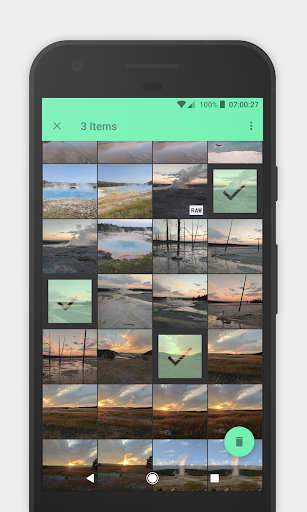
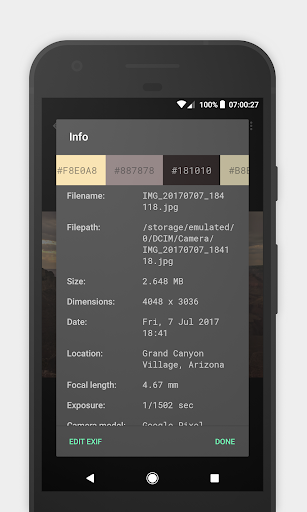
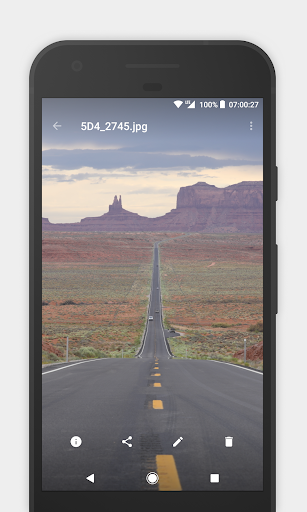
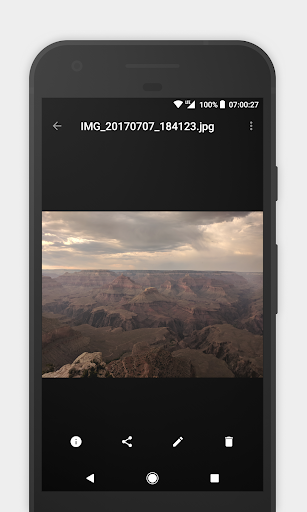
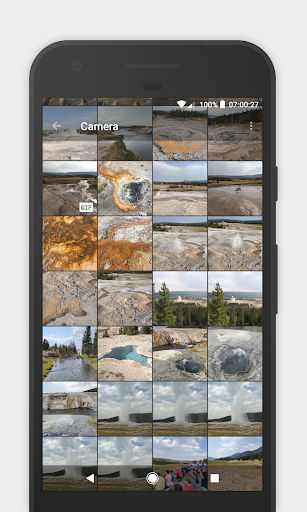
Analysis by Reviewed APKs
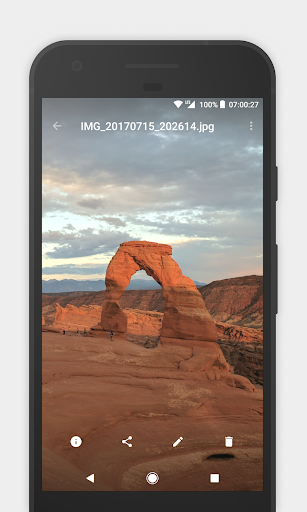
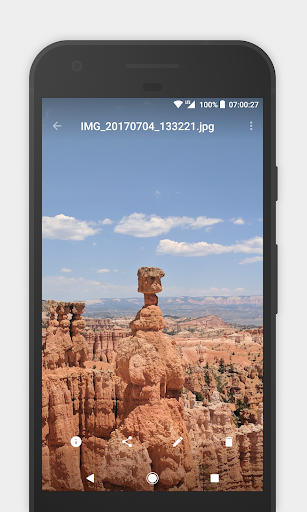
Camera Roll - Gallery is a photo and video viewer for people who want a straightforward place to browse media stored on an Android device. It also handles GIFs, offers folder browsing and file actions, and includes a few useful organization tools. I like its practical focus: it aims to make everyday library management easier rather than turn a gallery into a full editing studio or cloud service.
A quick photo-library check
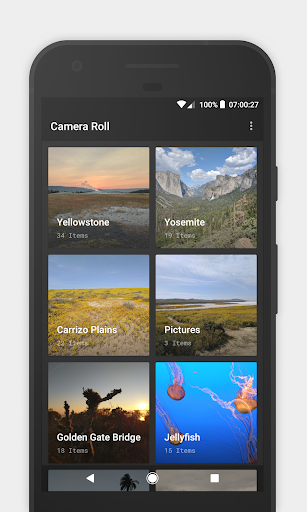
When I want to find a picture to show someone, I would rather open a gallery than dig through a general file manager. Camera Roll is designed for that simple job: it lets me browse photos, GIFs and videos, with an interface intended to stay out of the way. The appeal is especially clear during ordinary moments, like looking up a snapshot from a weekend or finding a clip before sharing it.
I also appreciate that the app treats the folders behind a collection as useful, not something to hide entirely. If a picture seems to be in an unexpected place, the file explorer can show folders on device storage or an SD card. From there, the app supports copying, moving and deleting photos or directories. That makes it more useful for tidying up than a viewer limited to opening one image at a time.
Gallery, not editing suite
Compared with a basic gallery that only displays media, Camera Roll adds a few hands-on organization tools. Virtual albums can bring together directories without moving or copying the actual files, which is handy when I want one view of related pictures that live in different places. The file explorer also gives it some overlap with a file manager, though its main purpose remains browsing and handling media.
I would not choose it as a photo editor, a backup service or a social app. The described tools focus on viewing, organizing and managing files, plus seeing and editing image EXIF data; they do not make it a complete creative-editing workflow. If my priority were filters, extensive adjustments or online sharing, I would look for an app built around those jobs instead.
Small habits that help
A useful habit is to make virtual albums around a recurring need rather than reorganize folders every time. For example, I can bring several directories into one album for a project or a family gathering while leaving the originals where they are. That keeps the organization flexible and avoids creating extra copies just to make a collection easier to browse.
When I notice a folder that needs attention, I can use the file explorer to review its contents and decide whether to copy, move or delete items. I would treat those actions deliberately, especially before removing a directory. For pictures where details matter, checking EXIF information can also be a practical stop in the workflow, and the app supports editing that data as well as viewing it.
More From Our News Desk

Zoom Meetings, Google Meet, or Teams: Which Is Easiest to Join?

How I Build a Free Streaming Lineup With Tubi

Why Crunchyroll Is the Default Anime App for So Many Fans

YouTube TV: A Practical Guide to Cutting Cable

Rummikub and the Small Comfort of Phone Games

TeamViewer Remote Control or AnyDesk for Helping Family?
Who may enjoy Camera Roll
I would recommend Camera Roll to Android users who want a direct way to browse photos, GIFs and videos, and who sometimes need to manage folders rather than merely look at them. Its combination of virtual albums, EXIF tools and storage browsing suits someone who likes keeping a local media library under control without making every task feel like a separate utility.
It may be less appealing if you want a modern, feature-packed editing environment or a service centered on syncing and sharing. The app’s stated strengths are speed, simplicity and file organization, so the experience is intentionally narrower than an all-in-one media platform. People who rarely browse local folders may also have little reason to use its extra file-management features.
Camera Roll - Gallery is developed by Lukas Koller and is listed in Google Play in the Photography category. It has more than 500,000 installs and a 3.5-star rating from 3,291 ratings. The app is free to install, with no in-app purchases and no ads according to the provided store facts. Its content rating is Everyone.
The listed version is v1.0.6. Camera Roll was released on September 26, 2017, and last updated on May 9, 2018. No minimum Android version is included in the available app details, so check Google Play for device compatibility before installing.
A practical home for local media
A simple first impression
When I first opened Camera Roll, the central promise was easy to understand: it is a gallery for enjoying photos, GIFs and videos, with a clean interface meant to keep browsing quick. That kind of restraint is welcome when I only want to find a particular picture, not work through a complicated set of tools before I can see it.
The app also presents itself as performance-minded, with animations that give the experience a little visual polish. Those touches are secondary to the practical job, but they help the gallery feel less like a plain file list. The more important point is that its core role is clear, and the additional tools are connected to managing a media collection.
Browsing and managing daily
In everyday use, the useful distinction is between looking through media and dealing with the folders that contain it. Camera Roll supports both. I can browse supported media in the gallery, then turn to the file explorer when I need to inspect storage or make a change to a photo or directory. This is a sensible pairing for anyone who occasionally finds their library scattered across locations.
The file actions give the app a more hands-on feel than a passive viewer. Copying or moving an item can help place it where I expect it, while deletion can help clear unwanted files. Those actions are convenient, but they are also consequential, so I would pause to confirm what I am selecting before making changes.
Tools beyond viewing
Virtual albums are one of the more distinctive ideas here. They let me combine multiple directories into a single album without physically moving or copying the files. That is useful when I want a themed collection for browsing but do not want to disturb the way the storage is already arranged. It keeps the organization layer separate from the underlying folders.
EXIF support is another practical extra: Camera Roll can show and edit the metadata attached to pictures. That can matter when I want to inspect image details or adjust the data associated with a photo. The app also helps surface hidden folders, giving users a way to see them and clean them up. These are focused utilities, not a promise of broad photo-editing features.
A tidy-up routine
For a simple routine, I would start by browsing the gallery for the media I use often, then create virtual albums when related folders are spread across storage. That gives me a convenient collection without duplicating files. If something is hard to locate, the file explorer offers a more direct route through device storage or an SD card.
Every so often, I would review folders that need cleanup, using the available copy, move and delete actions only when I know which files I am changing. If I am checking picture details, I can look at its EXIF data in the same app. The point is not to overhaul a library in one sitting; small, careful maintenance is a better fit for these tools.
Limits to keep in mind
Camera Roll is a local gallery and file-management tool in the description, so I would not expect it to replace an online photo backup, a sharing network or a dedicated editing app. Its value depends on whether browsing and organizing stored media are regular parts of my routine. People looking for a larger creative toolkit may find the scope narrow.
The supplied store details show a 3.5-star rating from 3,291 ratings, and the app’s last listed update was in 2018. Those facts are worth considering alongside its feature set, especially when checking compatibility with a current device. I would review the Google Play information before installing, since the minimum Android requirement can vary or may be presented there for a particular device.
Camera Roll - Gallery has a clear, useful niche: browsing local photos, GIFs and videos while keeping folder management close at hand. Virtual albums and EXIF controls add substance without changing the app’s straightforward purpose. I like that the tools are practical and tied to real library chores.
I would try it if I wanted a simple Android gallery with file browsing and flexible collections. I would skip it if my main needs were extensive editing, cloud backup or social sharing. Check Google Play for compatibility and current details before deciding.
Camera Roll Frequently Asked Questions
What is Camera Roll - Gallery used for?
Camera Roll - Gallery is for browsing photos, GIFs and videos on an Android device. It also includes a file explorer for device storage or an SD card, actions to copy, move or delete photos and directories, virtual albums that combine directories without moving files, and tools to view and edit photo EXIF data.
Which devices can run Camera Roll - Gallery?
Camera Roll - Gallery is an Android app distributed through Google Play. The minimum Android version is not included in the supplied details, so check the Google Play page on the device you plan to use. Compatibility requirements can vary, and the store is the best place to check current device information.
Does Camera Roll - Gallery cost anything?
The supplied facts describe Camera Roll - Gallery as free, with no in-app purchases and no ads. Store details can change over time, so check Google Play for the current terms before installing. Its listed content rating is Everyone.
Can Camera Roll - Gallery edit photos?
The described editing feature is the ability to view and edit a picture’s EXIF data. The app also supports file actions such as copying, moving and deleting photos or directories. It is presented as a gallery and media organizer, not as a full photo-editing suite with filters or extensive image adjustments.
Who should use Camera Roll - Gallery?
It may suit Android users who want a straightforward local gallery and occasionally need to organize folders, create virtual albums or inspect EXIF data. It may not suit someone looking primarily for cloud backup, social sharing or a broad creative-editing toolkit. The app’s listed content rating is Everyone; check Google Play for current compatibility and details.
Pros
- Browses photos, GIFs and videos in a focused gallery app.
- Virtual albums combine directories without moving or copying files.
- Includes EXIF viewing and editing plus storage-folder management.
- Free to install, with no listed ads or in-app purchases.
Cons
- Does not present itself as a full photo-editing or backup service.
- Last listed update was in 2018, so check current compatibility.
- File deletion and moves require care to avoid changing the wrong items.
- Category
- Photography
- Version
- v1.0.6











