WesBanco Consumer Mobile
- 4.66K
- 4.5
- Installs
- 100.00K
- Price
- Free

Screenshots
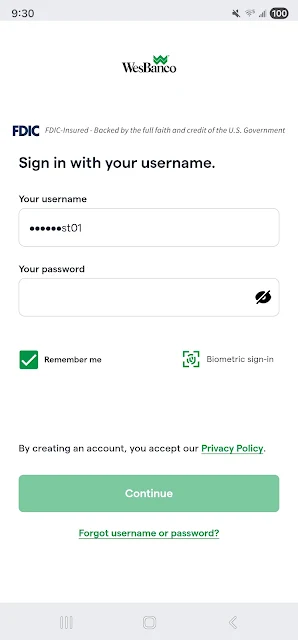
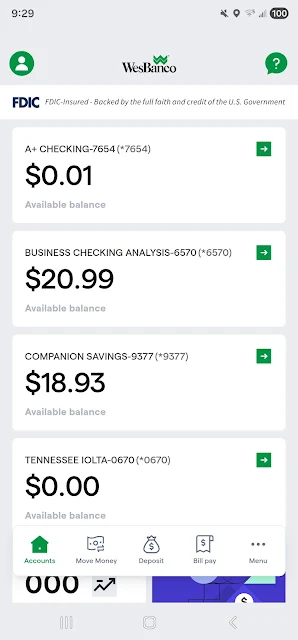
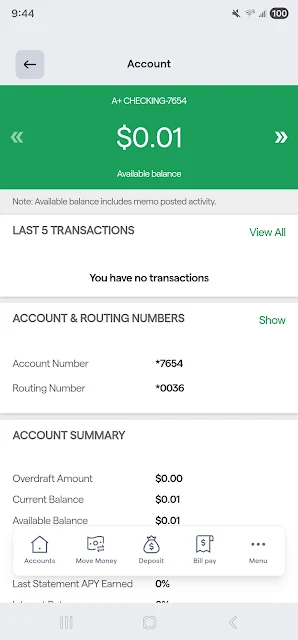
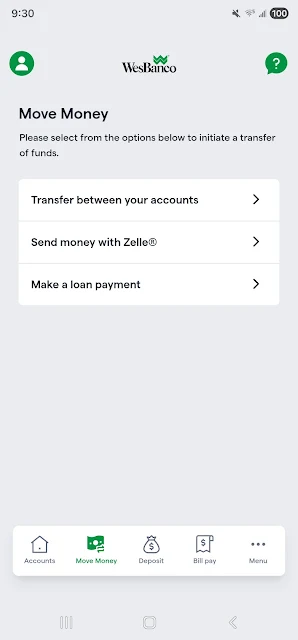
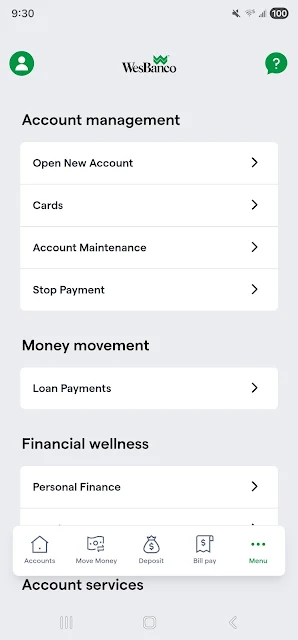
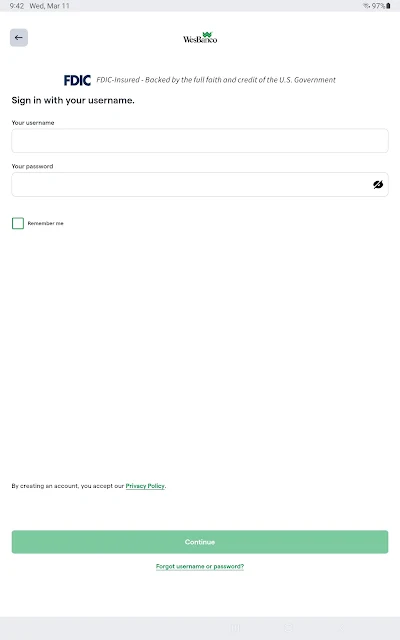
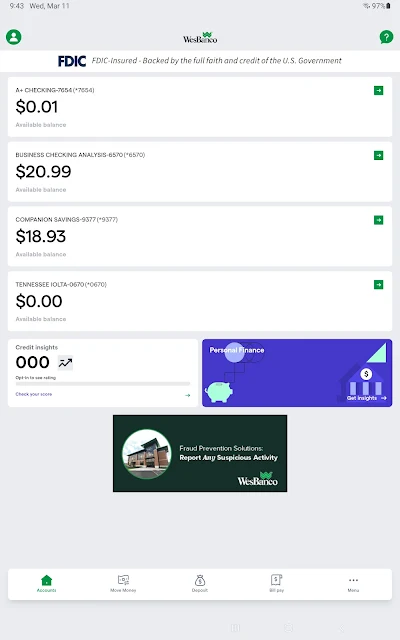
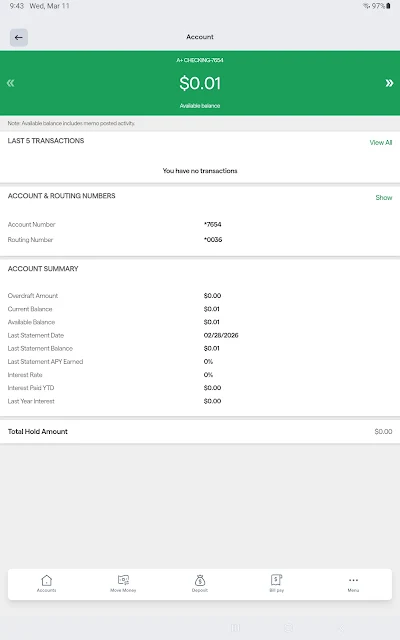
Analysis by Reviewed APKs
WesBanco Consumer Mobile is a banking app for WesBanco Bank customers who want to handle everyday account tasks from an Android phone. I found its purpose refreshingly practical: check balances and transactions, move money between accounts, pay bills, deposit checks, or look for a branch or ATM. It is best understood as a companion to an existing WesBanco consumer online banking relationship, not a general-purpose money app.
A quick banking check-in
When I first opened WesBanco Consumer Mobile, I pictured the sort of quick check-in that happens between errands: confirm a balance before buying groceries, or look back at a recent transaction when a charge is on my mind. The account view supports that routine, with recent transactions searchable by date, amount, or check number. That makes the app more useful than a glance at a balance when I need to identify a particular item.
The other tasks fit naturally around that check-in. I can schedule a one-time bill payment, transfer cash between my accounts, or deposit a check without turning the moment into a trip to a branch. If I am away from home and need a nearby banking location, the app can search using the phone’s GPS or an address or ZIP code. It is a focused set of everyday jobs rather than a sprawling finance dashboard.
A bank companion, not a budget app
Compared with visiting a branch or using a computer, the app puts several basic banking tasks within reach on an Android device. Its strongest fit is for existing WesBanco consumer online banking customers who want to review accounts and handle straightforward transactions while away from a desk. It brings together balances, transaction searches, transfers, bill pay, check deposits, and location finding in one bank-specific place.
That focus also defines what it is not. The described features do not make it a budgeting tool, a way to compare financial products, or a service for customers of other banks. Bill Pay is described around scheduling one-time payments, so I would not treat it as a recurring-payment manager. The app complements a WesBanco banking relationship; it does not replace the broader decisions or services that sit outside those everyday account tasks.
Small habits that help
I would use the transaction search when a purchase is fresh in my mind, rather than waiting until several similar charges have blurred together. Searching by date or amount is a simple way to narrow the list, and the check-number option gives customers another route when reviewing a check. A short account check before paying a bill can also help me choose which of my accounts to use for an available transfer.
For bills, I would treat the app as a place to set up one-time payments and then make a deliberate note of the schedule, rather than assuming a future payment repeats automatically. Check deposits and location searches are similarly situational: useful when a paper check arrives or a branch or ATM is needed. Keeping those jobs in mind makes the app feel like a practical pocket tool, not something that needs constant attention.
More From Our News Desk

Zoom Meetings, Google Meet, or Teams: Which Is Easiest to Join?

How I Build a Free Streaming Lineup With Tubi

Why Crunchyroll Is the Default Anime App for So Many Fans

YouTube TV: A Practical Guide to Cutting Cable

Rummikub and the Small Comfort of Phone Games

TeamViewer Remote Control or AnyDesk for Helping Family?
Who may find it useful
I would recommend WesBanco Consumer Mobile to WesBanco consumer online banking customers who want to do routine banking on an Android phone. It has the core conveniences many people reach for between visits to a computer: balance checks, recent transaction searches, transfers between their accounts, one-time bill payments, check deposits, and help finding nearby branches or ATMs. If those are the tasks that interrupt your day, keeping them together can be handy.
It may be a poor fit if you do not bank with WesBanco, want a dedicated budgeting or investment tool, or expect bill scheduling to handle recurring payments. The app’s value depends on having the relevant WesBanco consumer online banking access in the first place. I would also suggest checking the current Google Play details for device compatibility before relying on it, since the Android requirement can vary.
WesBanco Consumer Mobile is published by WesBanco Bank for Android. Google Play shows more than 100,000 installs and a 4.5-star rating from about 4,700 ratings. The app is free to download, and the provided store facts indicate no in-app purchases. Those figures offer a quick sense of its reach, though ratings and install totals can change over time.
The app is rated Everyone on Google Play. Its version is listed as varying with the device, and the release date shown is July 13, 2021. A minimum Android version and a latest update date are not included among the available app facts, so checking the current store entry is the practical way to confirm compatibility and version details. The store facts also indicate that the app contains ads.
Everyday Banking in Your Pocket
Getting started
My first impression is that this is a utility for customers who already know what they need from their bank. WesBanco makes the app available to its consumer online banking customers, so the starting point is an existing banking relationship rather than browsing as a new customer. That keeps the app’s purpose clear: get into routine account tasks from a phone.
The everyday feature set is easy to understand even before using it: accounts, bill pay, check deposit, transfers, and locations. I would begin by checking a balance and a recent transaction, then try the specific task I downloaded the app for. That kind of setup makes more sense than expecting a general tour of personal finance tools.
The day-to-day experience
The central job is checking account information and taking a small action without reaching for a laptop. I can review the latest balance, then search recent activity by date, amount, or check number when I need a closer look. That search detail matters in a real routine: it gives me a way to narrow down what I am looking for instead of scrolling through everything.
Once I have reviewed an account, the app’s other tasks follow naturally. I can move cash between my accounts, schedule a one-time bill payment, or make a check deposit. I would not expect each of those to be an everyday action, but having them alongside account information means I can use the same app when a less frequent banking chore comes up.
Useful features, plainly presented
Transaction search is one of the more practical details. Date and amount are useful starting points for a purchase, while searching by check number gives a more specific way to look up check activity. It is a small feature, but it serves the unglamorous job of finding a particular transaction, which is often exactly what I want from a banking app.
The location search is another useful option for an on-the-go moment. It can use the device’s built-in GPS to find nearby branches and ATMs, or search using a ZIP code or address. That gives me a choice between finding what is close to my current location and checking a place I plan to visit. Check deposit and transfers round out the app’s practical set of mobile banking tasks.
A sensible weekly routine
A simple routine could start with a balance check when I am planning the week, followed by a quick scan of recent transactions. If a purchase needs a closer look, I can search by date or amount. When it is time to pay a bill, I can schedule a one-time payment; if the money needs to move between my own accounts, the transfer feature is there for that separate task.
I would keep check deposits for the moments when a paper check actually arrives, and use location search when I need a branch or ATM away from my usual area. The app’s features work best as small, occasional conveniences woven into normal banking. There is no need to invent a complicated workflow around them: check, search, pay, transfer, deposit, or find a location as needed.
Keep the scope in mind
The clearest limitation is that this is for WesBanco consumer online banking customers. Someone who banks elsewhere will not get the intended use from it, and someone looking for budgeting, investment tracking, or a broad financial overview should look for a different kind of product. The described feature set is about servicing everyday bank accounts, not managing every part of a person’s finances.
Bill Pay is described as supporting one-time payments, so I would not assume that recurring scheduling is available. Device compatibility is also worth checking in Google Play before installing, since the Android requirement can vary. Finally, the store facts say the app contains ads. That is worth knowing for anyone who prefers a banking utility with no advertising, even though the app is free to download.
WesBanco Consumer Mobile makes sense as a straightforward companion for customers who want to check accounts and complete a handful of common banking tasks on Android. Transaction search, check deposit, transfers, one-time bill pay, and location finding give it useful range without losing sight of its central role.
I would recommend it to WesBanco customers who value those practical phone-based options and do not need a broader finance suite. If you need budgeting tools, recurring bill management, or access for a different bank, this is not the right match. For the intended audience, it looks like a focused way to handle banking chores on the go.
WesBanco Consumer Mobile Frequently Asked Questions
What is WesBanco Consumer Mobile used for?
WesBanco Consumer Mobile is for WesBanco consumer online banking customers who want to handle routine banking on a phone. It supports checking balances, searching recent transactions, making transfers between accounts, scheduling one-time bill payments, depositing checks, and finding branches or ATMs by location, ZIP code, or address.
Which phones can run WesBanco Consumer Mobile?
The app is available for Android devices through Google Play. The minimum Android version can vary, so check the current Google Play entry for the requirement that applies to your phone. The version is also described as varying with the device.
Does WesBanco Consumer Mobile cost anything?
The app is free to download, and the available store facts show no in-app purchases. Google Play indicates that it contains ads. Check the current store entry for any details that may have changed, and keep in mind that you need WesBanco consumer online banking access to use its intended banking features.
Can I deposit checks with WesBanco Consumer Mobile?
Yes. Check deposit is among the app’s listed features, alongside account balances, transaction searches, transfers, one-time bill payments, and branch or ATM lookup. The app is intended for WesBanco consumer online banking customers. Check Google Play for current compatibility details for your Android device.
Who should use WesBanco Consumer Mobile?
It is best suited to WesBanco consumer online banking customers who want basic account access and mobile help with everyday banking tasks. It may not suit people who bank elsewhere or want a budgeting app, investment tools, or recurring bill scheduling. The Google Play entry is worth checking for current device requirements and app details.
Pros
- Combines balance checks, transaction searches, transfers, bill pay, check deposits, and location lookup.
- Transaction searches can use dates, amounts, or check numbers.
- Find branches and ATMs using GPS, an address, or a ZIP code.
- Free to download with no in-app purchases shown in the store facts.
Cons
- Designed for WesBanco consumer online banking customers, not customers of other banks.
- Bill Pay is described for one-time payments, not recurring schedules.
- Google Play indicates that the app contains ads.
- Category
- Finance











