Chime – Fee-Free Banking
- 1.14M
- 4.7
- Installs
- 10.00M
- Price
- Free

Screenshots
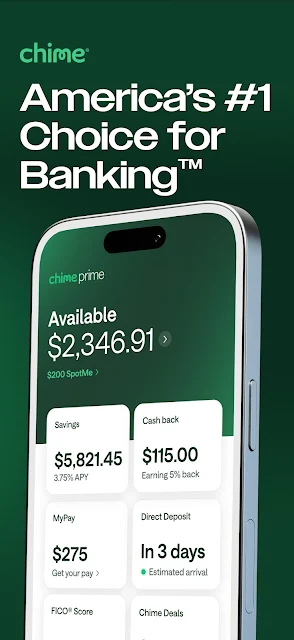
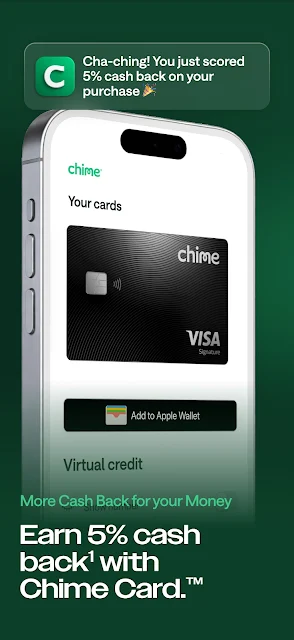
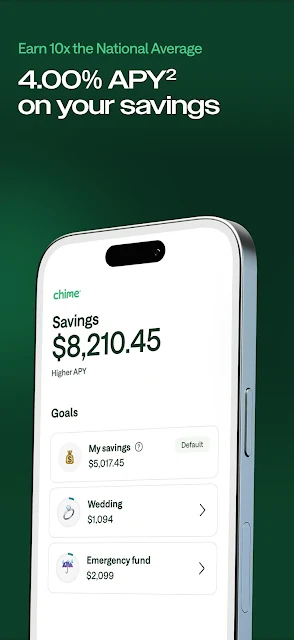
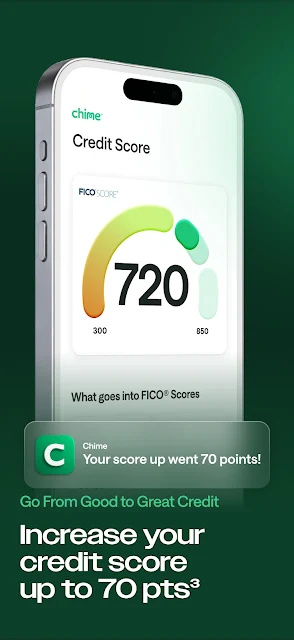
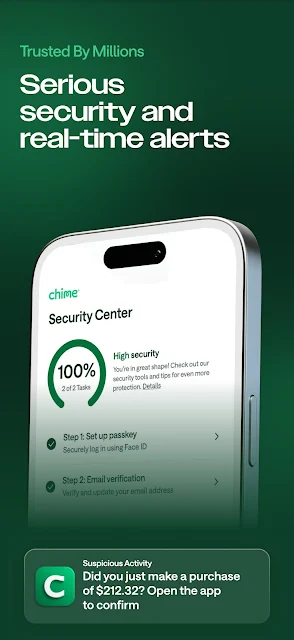
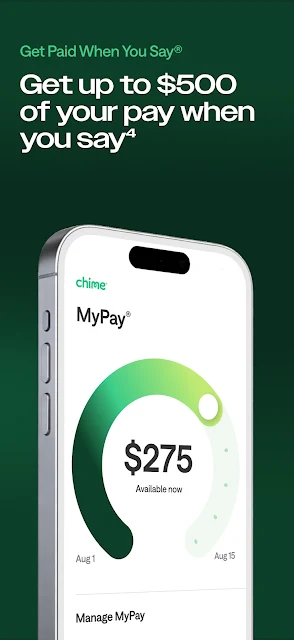
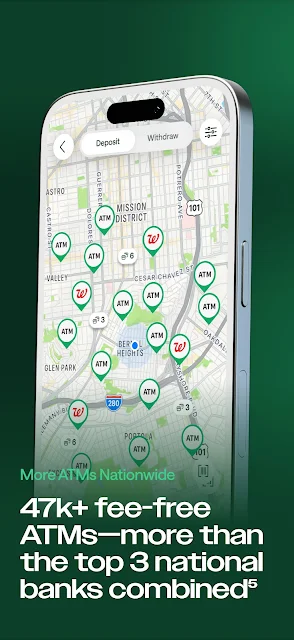
Analysis by Reviewed APKs
Chime – Fee-Free Banking is a mobile finance app for people who want checking, savings, and credit-building tools in one place. I found its appeal easiest to understand as a practical everyday account, rather than a broad budgeting or investing suite. Automatic savings and early paycheck access give it useful routines to build around, while the secured credit card makes it relevant to people working on credit history.
A Payday Routine
When I think about Chime in daily use, payday is the clearest starting point. Someone who receives pay by direct deposit can use the app as a place to manage checking, then decide whether to move some money toward savings. Chime says MyPay can provide early access to a paycheck, up to $500, through direct deposit. That could help with timing a bill, though it is not a substitute for planning around income.
The savings account connects to the checking account, and Chime describes automatic savings tools for building a balance over time. I like that the idea is to make saving part of a routine rather than another task to remember. The small catch is that you need a Chime Checking Account to open savings. That setup may suit someone consolidating everyday banking, but it is less convenient for someone who only wants a standalone savings tool.
Banking, Not Budgeting
Chime makes more sense to me as a mobile banking option than as a detailed money-management dashboard. Its emphasis is on a checking account, savings, a secured Visa credit card, and early access to pay through MyPay. Those are concrete account-related jobs. If your main goal is to categorize every purchase, compare investments, or build a complex household budget, the information here does not establish Chime as a replacement for specialized tools.
Compared with a traditional bank relationship, the advertised distinctions are no monthly checking fee, free in-network cash deposits, and free in-network ATM withdrawals. Network limits matter: free access is specifically described as in-network, so it is worth considering where you usually deposit cash or withdraw money. Chime also is not simply a credit-card app; the secured card is one part of a broader checking-led service, and it requires responsible on-time payments.
Make It a Habit
I would get more from Chime by tying its tools to a regular weekly check-in. After a paycheck arrives, I could review the checking balance, set aside money through the available savings tools, and make sure upcoming spending still fits. That does not require turning every day into a budgeting session. It gives the account a simple rhythm and makes automatic saving easier to evaluate instead of leaving it out of sight.
For anyone using the secured card, I would keep the routine equally straightforward: use it for ordinary purchases that already fit the budget, then stay attentive to payments. Chime says late payments can negatively affect a credit score, so the credit-building feature deserves more care than a casual add-on. MyPay also has a specific distinction between access within 24 hours without a mandatory fee and instant funding, which carries a $2 fee.
More From Our News Desk

Zoom Meetings, Google Meet, or Teams: Which Is Easiest to Join?

How I Build a Free Streaming Lineup With Tubi

Why Crunchyroll Is the Default Anime App for So Many Fans

YouTube TV: A Practical Guide to Cutting Cable

Rummikub and the Small Comfort of Phone Games

TeamViewer Remote Control or AnyDesk for Helping Family?
Who May Find It Useful
I would recommend Chime to someone who wants a phone-centered checking account and is interested in connecting everyday banking with savings. Its appeal is especially clear for people who receive direct deposits, want to explore early paycheck access, or would use a secured card as part of building credit history. The combination is more compelling than any one feature in isolation, provided the account setup and payment routines fit the person’s needs.
It may be a weaker match for someone who depends on cash services outside the in-network options, wants a standalone savings account, or expects a full budgeting and investing platform. Credit-building also is not effortless: the description specifically warns that late payments can hurt a score. I would treat Chime as a financial account with tools to manage thoughtfully, not as a shortcut to better financial outcomes.
Chime is the developer, and the Android app is in the Finance category. Google Play shows over 10 million installs and a 4.7-star rating from about 1.1 million ratings. The app is free to download, with no in-app purchases or ads reported in the provided app facts. Its content rating is Everyone.
The current version in the provided facts is 5.350.0. Chime was released on March 28, 2014, and the recorded last update is October 29, 2026. The minimum Android version is not included in the available facts, so check Google Play for the device requirement that applies to your phone.
Everyday Banking With Built-In Routines
A Clear First Impression
When I first opened the idea of Chime, what stood out was its focus: checking comes first, with savings and credit tools attached to that everyday account. That makes the service easier to place than an app trying to be a complete financial command center. The no-monthly-fee checking pitch is direct, and the in-network wording is an important part of understanding how its fee claims apply.
The account relationships are worth noticing before making plans. Chime requires a checking account to open its savings account, while the secured Visa card is described as a way to build credit history through regular purchases and on-time payments. I would start by deciding which of those jobs I actually need, rather than signing up for every feature simply because it is available.
Checking Day to Day
The strongest everyday case for Chime is keeping routine banking in one mobile service. Checking can be the hub for direct deposits and spending, with access to free in-network cash deposits and ATM withdrawals. That phrasing is practical rather than universal: people should pay attention to whether the network options line up with their usual errands and locations.
My own approach would be to check the account around familiar moments, such as payday and the start of a week, rather than constantly monitoring it. The app’s described tools lend themselves to a light routine: receive income, manage everyday purchases, and put some money toward savings. It is a useful shape for basic banking, even if it does not promise a comprehensive view of every financial account.
Savings and Credit Tools
Automatic savings is one of the more appealing ideas here because it can make saving feel like a background habit. Chime also offers a high-yield savings account, but a Chime Checking Account is required to open it. I would treat automation as a nudge, not as a replacement for deciding how much money is sensible to set aside.
The secured Chime Visa card is another distinct feature. It is intended to help build credit history through regular purchases and on-time payments. That makes it more relevant to someone who wants a credit-building tool alongside checking than to someone looking only for a conventional rewards card. The description notes that late payments can negatively affect a credit score, so the feature calls for attention and steady payment habits.
Plan Around Paydays
A practical Chime routine could begin when direct deposit arrives. I would first account for essential expenses, then use the savings tools for an amount that fits the remaining plan. If MyPay is relevant, it offers early access to a paycheck through direct deposit, up to $500. I would view that as a timing option, not extra income, and keep the next pay period in mind before using it.
The funding timing detail is worth a quick pause: Chime says there is no interest charged, no credit check, and no mandatory fee for access within 24 hours, while instant funding costs $2. That distinction could matter when money is needed quickly. I would compare the timing with the cost before choosing, and avoid building a regular budget around money arriving earlier than expected.
Know the Boundaries
Chime’s fee-free language has specific boundaries. Checking is described as having no monthly fees, while free cash deposits and ATM withdrawals apply in-network. That is useful information, but it does not mean every possible transaction or service is free. I would check the applicable details before relying on cash access, particularly if I often use locations outside the network.
The app’s described strengths are banking, saving, early paycheck access, and a secured credit card. They do not make it a detailed budgeting system or a promise of credit improvement. Credit outcomes depend on how the card is managed, and the provided description explicitly warns about the effect of late payments. It is better suited to people comfortable with routine account management than to anyone looking for a hands-off solution.
Chime brings several practical banking jobs together: checking, linked savings, a secured card, and early access to pay through MyPay. I like the clear everyday focus and the chance to build simple saving and payment routines around it. The main considerations are the account relationship required for savings, the in-network limits, and the care needed with credit and early-pay features.
I would put Chime on the shortlist for someone seeking mobile-first checking with connected savings and credit-building options. I would not choose it solely for elaborate budgeting or assume every cash service is fee-free everywhere. If the account structure and network details suit your routine, its combination of everyday tools is worth a closer look.
Chime Frequently Asked Questions
What is Chime – Fee-Free Banking used for?
Chime is a finance app centered on checking, with a linked savings account, automatic savings tools, and a secured Visa credit card intended to help build credit history. It also describes MyPay as early access to a paycheck through direct deposit, up to $500. The service is best understood as everyday banking with connected features.
Which phones can run Chime – Fee-Free Banking?
The facts provided describe Chime as an Android app distributed through Google Play. The minimum Android version is not included in those facts, and device requirements can vary, so check the Google Play page for the current requirement for your phone. No other supported platforms are established by the information provided.
Does Chime – Fee-Free Banking cost money?
The app is free to download, and the provided facts report no in-app purchases or ads. Chime describes its checking account as having no monthly fees and in-network cash deposits and ATM withdrawals as free. MyPay instant funding has a $2 fee; access within 24 hours has no mandatory fee, according to the description.
Does Chime – Fee-Free Banking require a particular Android version?
The minimum Android version is not included in the available app facts. Requirements may vary as the app is updated, so check Google Play before installing to see whether your device is supported. The provided facts identify version 5.350.0 as the current app version and record an update on October 29, 2026.
Who is Chime – Fee-Free Banking best suited to?
It may suit someone who wants mobile checking with connected savings, direct-deposit features, and an optional secured credit card. It may be less suitable for someone seeking detailed budgeting tools, a standalone savings account, or unrestricted fee-free cash access. The savings account requires a Chime Checking Account, and credit-card payments need attention.
Pros
- Combines checking with linked savings and a secured credit-building card.
- Automatic savings tools can support a repeatable savings habit.
- No monthly checking fee, with free in-network cash services described.
- MyPay offers early paycheck access through direct deposit.
Cons
- A Chime Checking Account is required to open the savings account.
- Free cash deposits and ATM withdrawals are limited to in-network services.
- Late payments on the secured card can negatively affect a credit score.
- Category
- Finance
- Version
- 5.350.0