SouthState Mobile
- 11.42K
- 4.9
- Installs
- 100.00K
- Price
- Free

Screenshots
Analysis by Reviewed APKs
SouthState Mobile is a banking app for people who have accounts with SouthState Bank and want to handle routine money tasks from a phone. I found its appeal in the range of practical jobs it brings together: checking activity, depositing checks, paying bills, and moving money. It feels best suited to existing customers who prefer quick account access over making a trip or switching between several banking tools.
A banking errand, handled
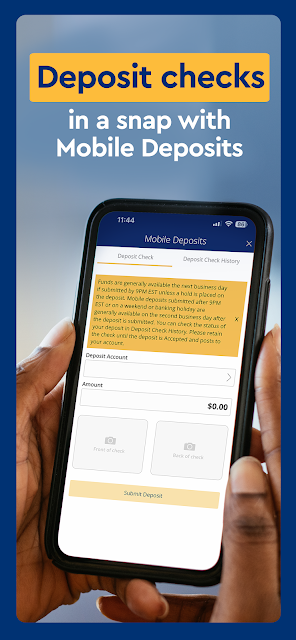
Imagine checking your account after a grocery run, then remembering a bill is due and spotting a check you need to deposit. SouthState Mobile puts those jobs in one place: I can look at balances and account activity, pay bills through BillPay, and use the phone camera to deposit a check. That makes the app useful for the small banking chores that tend to interrupt an otherwise ordinary day.
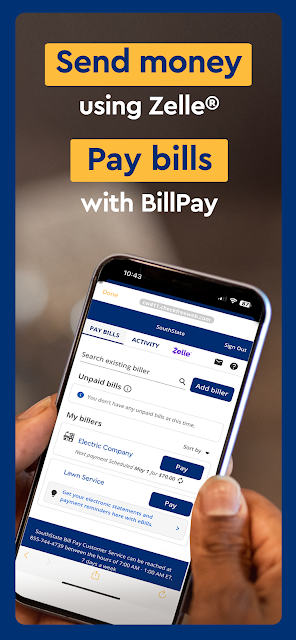
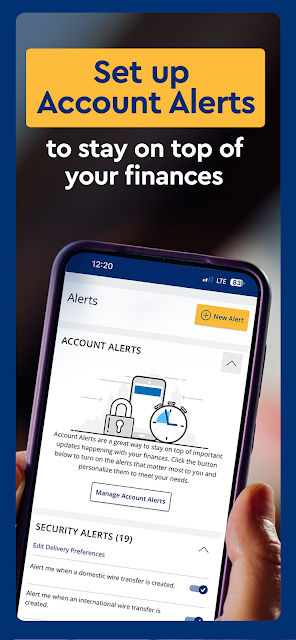
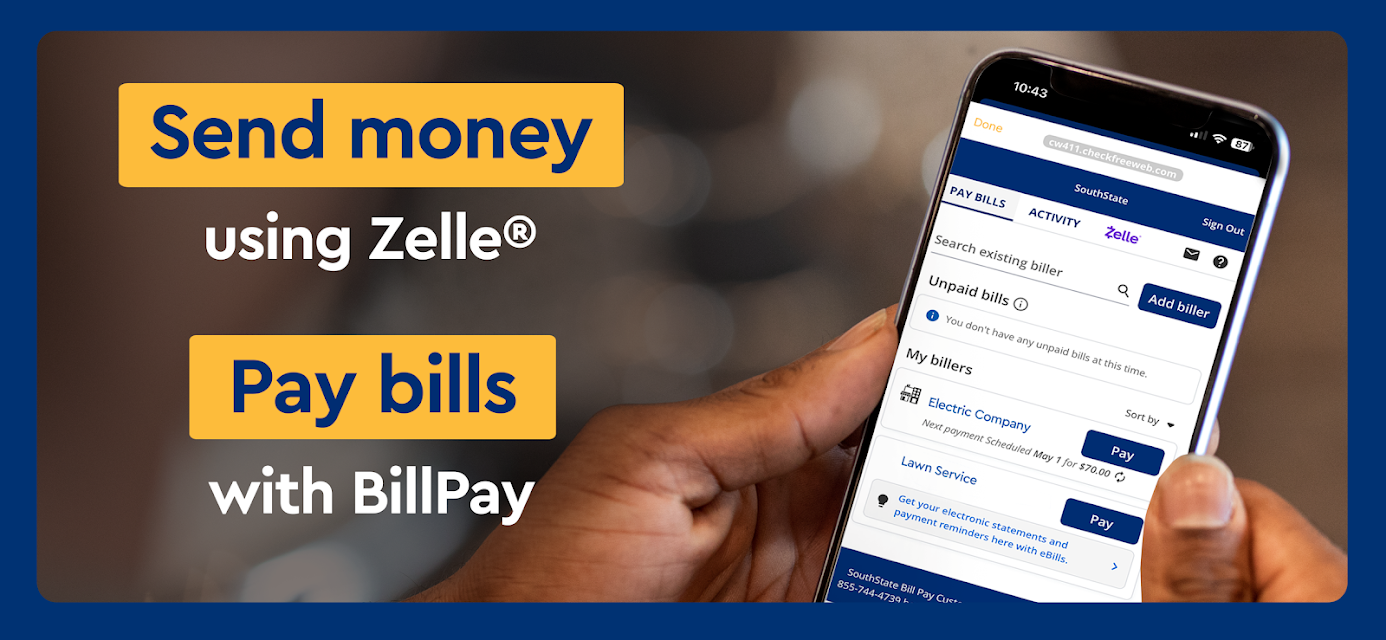
I like that the app also covers the follow-up details, not just the immediate transaction. I can look up check images, sign up for eStatements, and enable alerts about account activity. If I want to move money, the options include transfers between SouthState accounts, transfers to other financial institutions, and sending money with Zelle. The result is a practical set of tools for keeping tabs on an account without treating every task as a separate errand.
A bank companion, not a wallet
The most natural comparison is with a bank’s website or a visit to a branch. SouthState Mobile brings account viewing, deposits, transfers, and bill payments onto a phone, while the app also points users to nearby locations and ATMs. It is particularly convenient when I need a quick check or want to handle a basic task between other plans rather than sit down at a computer.
This is not a general-purpose payment wallet or a bank account that works independently of SouthState. Its tools are built around SouthState accounts, even though users can link accounts from other financial institutions for a broader financial picture. I would not choose it as a replacement for every financial service. It makes the most sense as a mobile front door for people already banking with SouthState.
A few useful routines
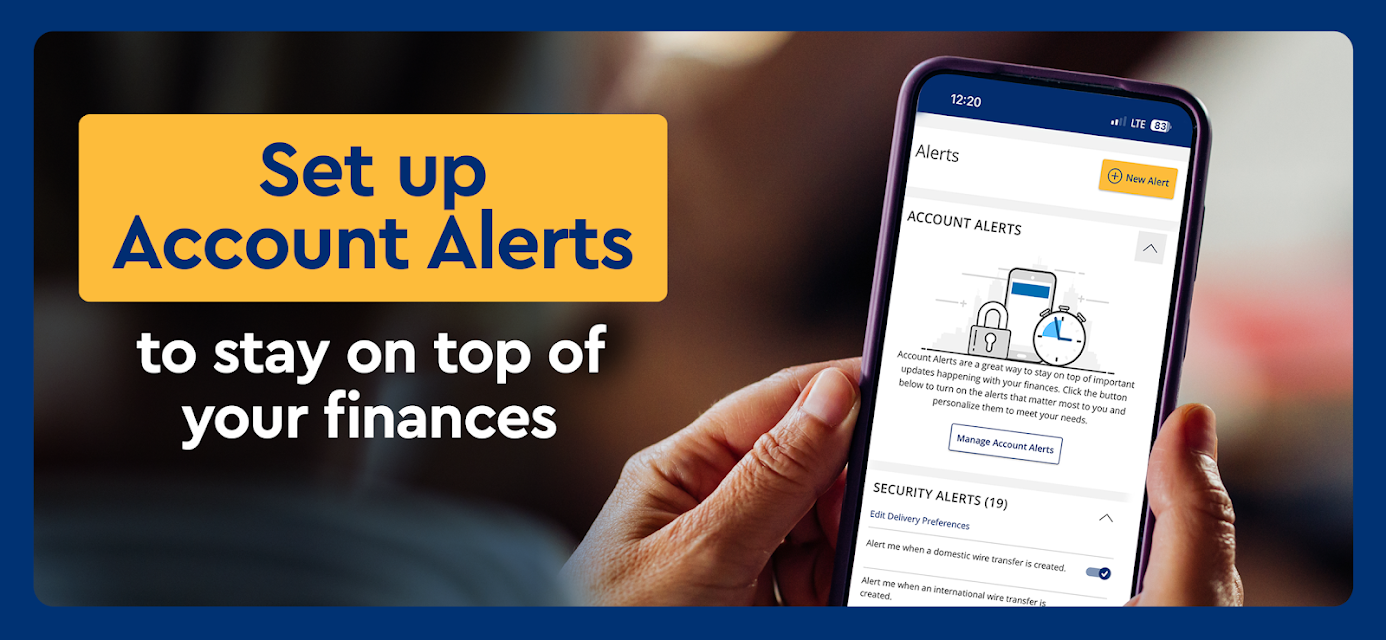
A quick balance check can become a simple part of my morning or evening routine, especially if I have enabled alerts for account activity. When a paper check arrives, the camera deposit option may save a separate trip. I can also use account activity and check images to look back at transactions when something needs a second glance. These are modest conveniences, but they help keep routine banking from piling up.
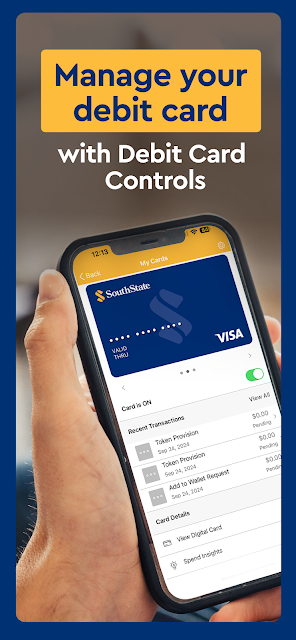
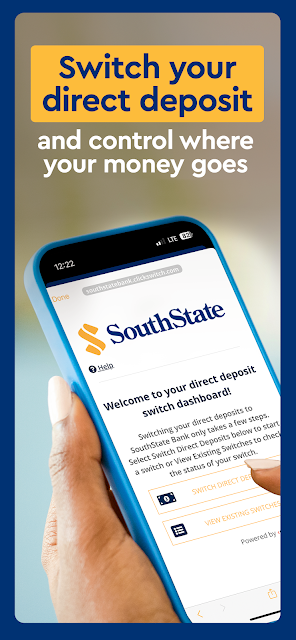
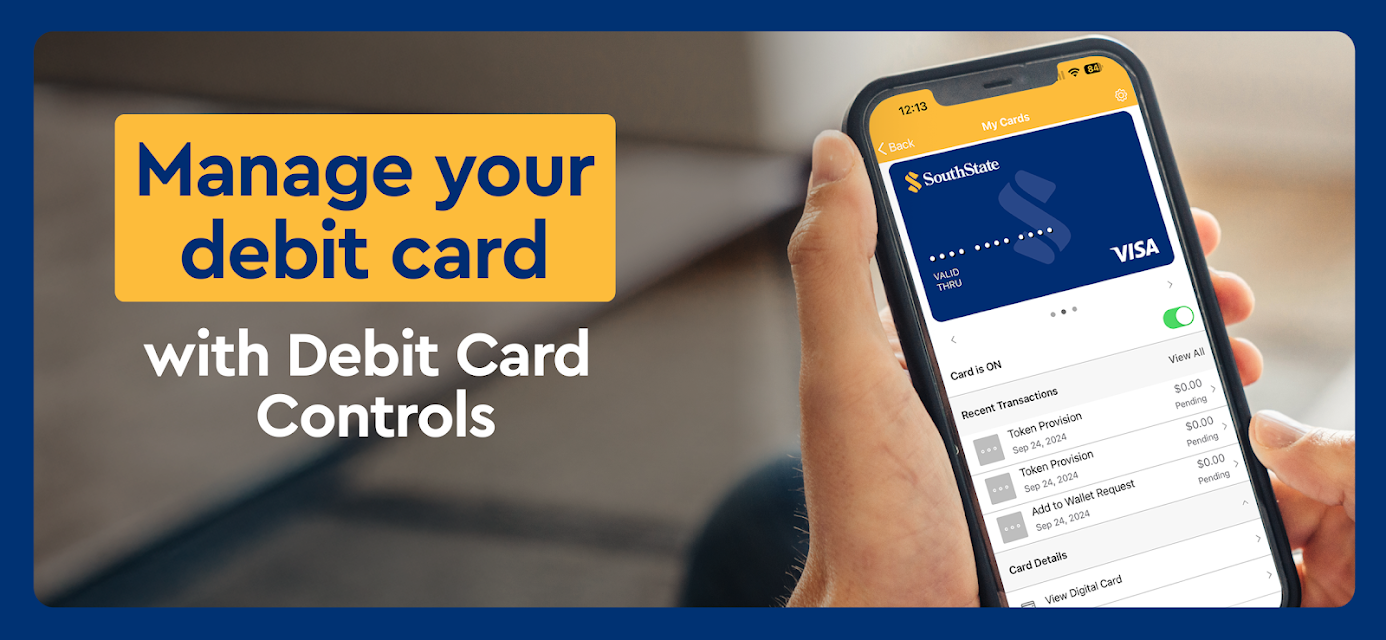
For a more complete view, the app lets me link accounts from other financial institutions and use budgeting tools to get insights into spending. That could be useful when I want to review activity across more than one account, rather than treating each bank app as a silo. I can also switch direct deposit to SouthState, manage my SouthState debit card with Debit Card Controls, or use the app to begin an application for an additional account or a loan.
More From Our News Desk

Zoom Meetings, Google Meet, or Teams: Which Is Easiest to Join?

How I Build a Free Streaming Lineup With Tubi

Why Crunchyroll Is the Default Anime App for So Many Fans

YouTube TV: A Practical Guide to Cutting Cable

Rummikub and the Small Comfort of Phone Games

TeamViewer Remote Control or AnyDesk for Helping Family?
Who will find it useful
I would recommend SouthState Mobile to SouthState customers who want everyday account access and a useful selection of common banking tasks on their phones. The mix is broad enough to cover checking balances, reviewing activity, depositing checks, paying bills, transferring funds, and receiving account alerts. People who regularly use SouthState accounts are likely to get the most from having these options together.
It may be less appealing to someone who does not bank with SouthState or wants a single app devoted only to budgeting, investing, or payments. The budgeting tools are part of a broader banking app, not the whole point of the product. If you prefer handling every banking task in person, or do not want to manage accounts on a phone, the app’s main advantage will matter less to you.
SouthState Mobile is developed by SouthState Bank and is available on Google Play for Android. The app has more than 100,000 installs and a 4.9-star rating from about 11,000 ratings. Its listed current version is 26.8.0. It was released on November 8, 2020, and the most recent update shown is September 17, 2026.
The app is free to download, and the provided store facts show no in-app purchases or ads. Its content rating is Everyone. The minimum Android version is not included in the available app facts, so check Google Play for the requirement that applies to your device. The listed price is zero dollars.
How SouthState Mobile Fits Daily Banking
A straightforward first look
When I first opened SouthState Mobile, its purpose was easy to understand: this is a way to get to SouthState account information and common banking tasks from a phone. The useful first step is having the relevant account access ready, since the app’s features are centered on SouthState banking. From there, the value is less about a dramatic learning curve and more about having familiar errands close at hand.
I would start with the jobs I actually expect to use: checking a balance, looking through recent activity, and deciding whether alerts or eStatements would help. If I have a check to deposit, the app can use the device’s camera for that task. Its setup is best approached as a personal banking tool, rather than as a general finance app that happens to include a bank account.
Everyday account access
The day-to-day appeal is having several practical options under one roof. I can check balances and account activity, pay a bill through BillPay, transfer funds, or send money with Zelle. On a busy day, being able to take care of one of those tasks without opening a computer can make mobile banking feel less like a special occasion and more like a routine convenience.
I also appreciate the less urgent account tools. Check images can help when I want to revisit a deposited check, while alerts can bring account activity to my attention. Signing up for eStatements is another way to handle account paperwork through the app. None of these features changes what banking is, but together they support a more hands-on view of ordinary account activity.
More than a balance screen
The feature that stands out most to me is the breadth of the banking toolkit. Mobile check deposit, BillPay, transfers to other financial institutions, and Zelle cover different kinds of routine money movement. Debit Card Controls add a way to manage a SouthState debit card, and users can enable account alerts. The app also includes an option to switch direct deposit to SouthState.
There are tools for looking beyond a single SouthState account, too. Users can link accounts from other financial institutions and use budgeting tools to get insights into spending. That combination gives the app a wider view than a basic balance checker, though its central purpose remains SouthState banking. The app can also be used to open checking, savings, or money market accounts and apply for personal loans or mortgages.
A practical weekly check-in
A low-effort routine could be to check account activity once or twice during the week, then use an alert to stay aware of activity between those visits. If a bill is coming up, BillPay offers a way to handle it in the app; if money needs to move, I can choose a transfer or Zelle depending on the task. This keeps the app useful without requiring a lengthy budgeting session every time.
Once a month, I might review spending insights and check whether eStatements are a better fit for how I keep account records. A paper check can be handled with the camera deposit feature, while check images offer a way to look back later. These are flexible habits rather than a required system. The point is to use the tools that match my actual banking routine.
Keep the scope in mind
SouthState Mobile’s strongest use case is clear, but that focus is also a limit: it is designed around SouthState accounts. Linking outside accounts can help broaden the financial picture, yet it does not turn the app into a standalone service for anyone. Users who are not SouthState customers may find that its central features are not relevant to their needs.
The app includes budgeting tools, but its description presents them as insights into spending rather than a dedicated budgeting product. Similarly, it offers options to apply for loans and open accounts, but those additions do not make it a full replacement for every banking conversation or service. I would treat it as a convenient mobile complement to SouthState banking and choose other tools when my needs go beyond that.
SouthState Mobile brings together the everyday tasks I would want close by as a bank customer: account checks, check deposits, bill payments, transfers, alerts, and more. I especially like that it balances quick actions with useful ways to review activity and spending. Its value comes from convenience and a broad set of bank-centered tools, rather than from trying to do everything in personal finance.
I would recommend it to SouthState customers who want to manage routine banking from an Android phone. If you do not use SouthState, or want a dedicated budgeting or payment app, this is probably not the right fit. For its intended audience, though, it looks like a practical companion for keeping everyday account chores within reach.
SouthState Mobile Frequently Asked Questions
What is SouthState Mobile used for?
SouthState Mobile is for managing SouthState banking from a phone. It supports checking balances and activity, depositing checks with the device camera, paying bills, transferring money, and sending money with Zelle. Users can also view check images, enable account alerts, sign up for eStatements, and use budgeting tools for spending insights.
Which phones can run SouthState Mobile?
SouthState Mobile is available on Android through Google Play. The Android version requirement can vary with the app and device, so check the Google Play page for the current requirement before installing. The available app details also describe an Apple Watch balance feature, but the Android listing is the relevant store information for this version.
Does SouthState Mobile cost money?
The app is listed as free to download, with no in-app purchases or ads in the provided store facts. Banking services or account terms are separate from the app’s download price, so review SouthState Bank’s terms for those details. The app itself has a zero-dollar listed price.
What Android version does SouthState Mobile require?
The minimum Android version is not included in the available app details. Requirements can change as an app is updated and may depend on the device, so check Google Play before installing to see what applies to your phone. The listed app version is 26.8.0.
Is SouthState Mobile a good fit for me?
It is most useful for people who bank with SouthState and want to handle everyday tasks on a phone, including deposits, bill payments, transfers, and account checks. People looking for a standalone budgeting service or a general-purpose payment app may prefer a different tool. Its central features are built around SouthState banking.
Pros
- Combines balance checks, check deposits, bill payments, and transfers in one bank-focused app.
- Includes account alerts, check images, eStatements, and debit card controls.
- Links outside financial accounts and offers spending insights through budgeting tools.
- Supports locating nearby SouthState branches and ATMs.
Cons
- Its main tools are designed for people who bank with SouthState.
- Budgeting is an added feature, not the app’s primary purpose.
- The minimum Android requirement should be checked in Google Play.
- Category
- Finance
- Version
- 26.8.0











