Quicken Simplifi
Listed on Google Play as “Quicken: Budget & Track Money”
- 5.10K
- 4.6
- Installs
- 500.00K
- Price
- Free

Screenshots
Analysis by Reviewed APKs
Quicken: Budget & Track Money is a personal finance app for bringing spending, savings goals, bills, and account balances into one view. It also includes tools aimed at freelancers and small-business owners who want to keep business and household finances together. I like the breadth of that idea: it can serve as a regular money check-in, though its many planning options may be more than a casual tracker needs.
A clearer money check-in
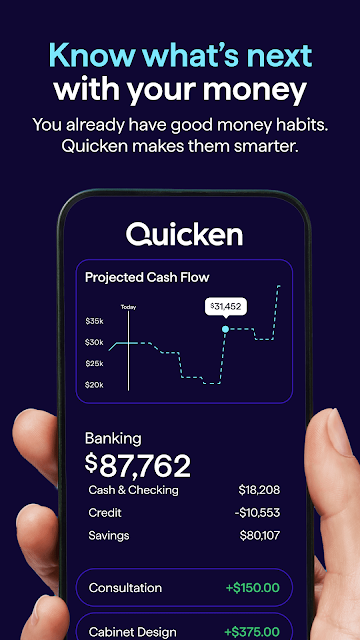
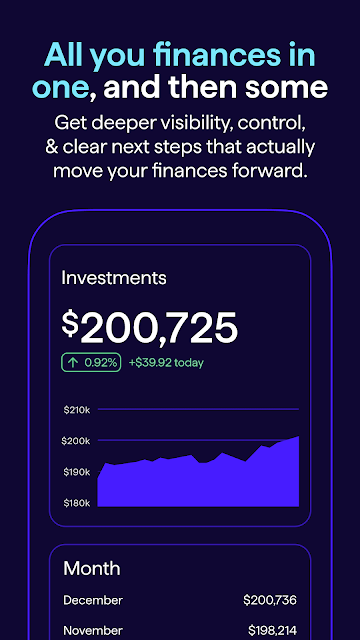
Picture opening Quicken after a grocery run to see what the purchase did to your monthly spending. The app can connect bank accounts, credit cards, investments, and retirement accounts, then show transactions and balances in one place. I can see the appeal of checking a combined view instead of hopping between several financial apps, especially when I want to understand where the month’s money is going.
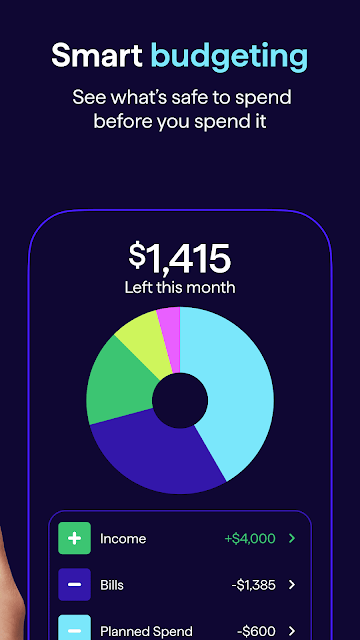
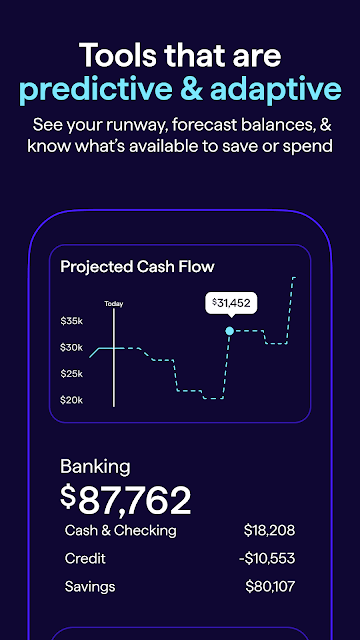
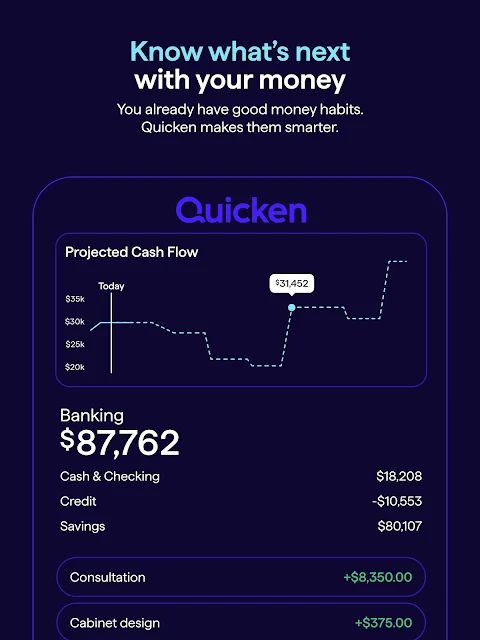
From there, a budget can give the numbers some context. Quicken lets you set income and expense plans, create savings goals, track debt payoff, and get alerts about upcoming bills or cash-flow changes. That makes it useful for a Sunday evening review or a quick midweek check before a larger purchase. The point is less about staring at a balance and more about connecting day-to-day spending with longer-term plans.
More than a basic tracker
Compared with a simple expense log, Quicken aims to cover a much wider stretch of personal finance. It can bring accounts together, categorize transactions, track subscriptions, and show changes in net worth. Zillow connections can also help monitor home or rental-property values. For someone who wants budgeting and a broad financial overview in one app, that range is the main draw.
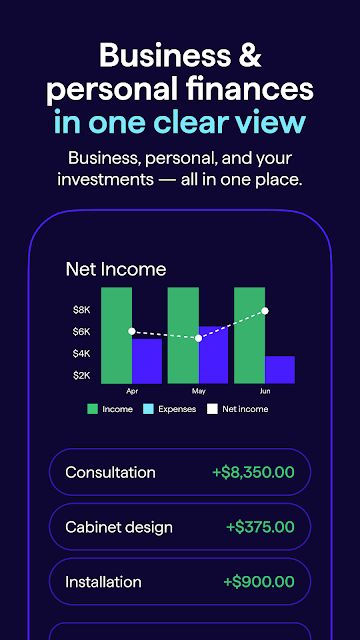
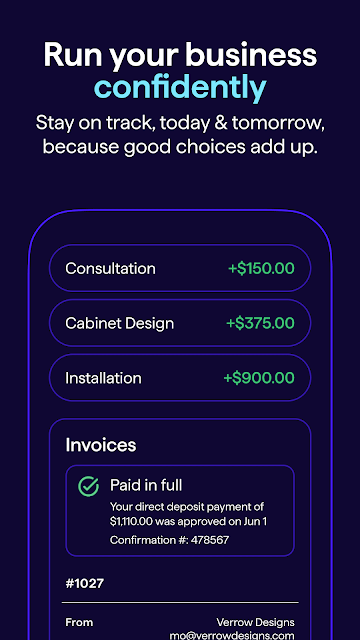
It is not just a lightweight cash notebook, and its business tools make that especially clear. Freelancers and rental-property owners can manage business income and expenses, invoices, and tax-related records alongside personal finances. If all you want is a quick way to split a dinner bill or jot down a few purchases, this may feel like more machinery than you need. Its strength is bringing multiple money tasks together, not keeping the experience minimal.
Small habits, useful context
The app’s planning features make more sense when they become part of a routine. I’d use a short weekly check-in to review recent transactions, look at spending categories, and see whether upcoming bills change the plan. Watchlists for areas such as subscriptions and food delivery can give a specific place to look when a category is creeping up, rather than prompting a vague attempt to spend less.
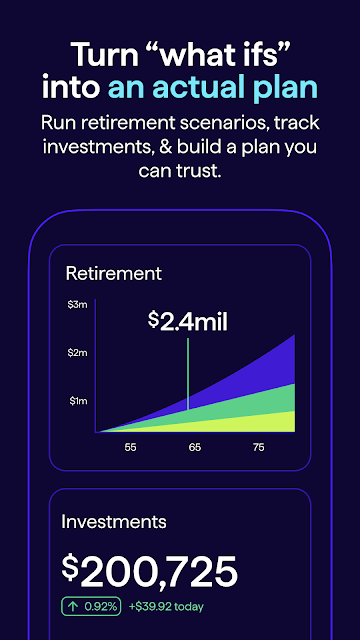
It also helps to connect everyday choices to a goal. A savings target, debt-payoff plan, or retirement plan gives the budget a longer view, while progress tracking can make those plans easier to revisit. Business owners can keep an eye on income and expenses as transactions arrive, then review reports separately or alongside personal finances. Those habits make the app’s breadth more practical than treating it as a dashboard to open only when something feels wrong.
More From Our News Desk

Zoom Meetings, Google Meet, or Teams: Which Is Easiest to Join?

How I Build a Free Streaming Lineup With Tubi

Why Crunchyroll Is the Default Anime App for So Many Fans

YouTube TV: A Practical Guide to Cutting Cable

Rummikub and the Small Comfort of Phone Games

TeamViewer Remote Control or AnyDesk for Helping Family?
Who may find it useful
I’d recommend Quicken to people who want a connected view of household finances and are willing to spend time setting up a budget, goals, and account tracking. It may suit someone who regularly checks spending, wants to keep tabs on savings or debt, or prefers seeing balances and trends together. The combination of personal and business tools is particularly relevant for freelancers, self-employed people, and rental-property owners.
It may be less appealing if your needs are limited to recording a handful of purchases or checking one account. Quicken’s feature set covers budgets, investments, bills, net worth, and small-business bookkeeping, so the range can feel like overkill for a very simple routine. People who would rather not connect multiple financial accounts may also prefer a manual approach. Whether its connected view is worthwhile depends on how much of that broader picture you actually want.
Quicken: Budget & Track Money is developed by Quicken Inc. On Google Play, it has over 500,000 installs and a 4.6-star rating from around 5,100 ratings. The app is free to download and contains no ads, with in-app purchases priced from $9.99 to $109.99 per item. Its content rating is Everyone.
The Google Play version is listed as varying with device, and the app’s release date is October 1, 2019. Its most recent update shown is November 3, 2026. The minimum Android version depends on the device, so check the Google Play store entry for compatibility with a particular phone or tablet.
A broad view of everyday finances
Starting with the big picture
When I first considered Quicken, the most noticeable thing was its scope. This is not presented as a single-purpose budget calculator: the description brings together personal finance planning, connected accounts, goals, and small-business tools. That broad approach is promising if several parts of your financial life need attention, but it also means it helps to know what you want to track before diving in.
Getting value from a connected finance app begins with choosing which accounts and plans matter to you. Quicken supports bank accounts, credit cards, investment accounts, and retirement accounts, while its personal tools cover budgets, savings, debt, and retirement planning. Rather than trying to use every feature at once, I’d start with the accounts and one planning goal that would make a regular money check-in more useful.
A routine that stays current
Quicken describes real-time transaction and balance updates, which can make a regular review feel less like catching up on old notes. A fresh transaction view is useful when checking whether a purchase has landed or seeing how recent spending affects a budget. The app also highlights spending trends and account balances, giving a quick overview before you decide whether to look more closely.
For day-to-day use, I’d keep the routine modest: check transactions once or twice a week, scan categories that matter, and review bills or cash-flow alerts before they become urgent. That doesn’t require turning every purchase into a project. The value is having a consistent place to notice changes and adjust a plan, rather than relying on memory or waiting until the end of the month.
Features with a wider reach
Several features push Quicken beyond a standard budget. It can track subscriptions and categories such as food delivery through personalized watchlists, monitor savings goals and debt payoff progress, and show changes in net worth. Connecting to Zillow adds a way to monitor home or rental-property values. Together, those tools give users several different angles on their finances instead of treating the monthly budget as the whole story.
The small-business side is a notable part of the package. Quicken describes income and expense management for up to 10 businesses, automatic transaction categorization, customizable invoices, online payments, and tax schedules A, B, C, E, and F. It also covers profit and loss, cash flow, balance sheets, reports, and business performance. Those tools are aimed at owners who want to see business activity in relation to personal finances.
I also like the idea of being able to view business performance on its own or alongside personal finances. That distinction can help a user look at the same overall picture from different angles, while filters and reports provide ways to focus on particular transactions or trends. The practical benefit depends on whether you need both sides of that view; personal-only users can still focus on budgeting and goals.
A practical weekly review
A useful routine could start with a quick scan of new transactions, then move to one or two categories that tend to shift during the month. I’d check subscription and food-delivery watchlists, compare spending with the budget, and glance at upcoming bill or cash-flow alerts. This turns the app into a planning aid rather than a place to visit only when a balance looks surprising.
After that, I’d check progress on one longer-term target, such as savings or debt payoff, and leave the rest for another day. Someone running a small business could add a separate look at business income and expenses, then review a report when it is time to understand cash flow or prepare tax records. The app offers plenty to explore, but a repeatable short review is easier to sustain than trying to inspect every number at once.
Keep the scope in mind
The biggest limitation is also part of the product’s appeal: Quicken covers a lot. Budgeting, investments, retirement accounts, property values, subscriptions, debt, and business finances all sit within its stated scope. If you want a stripped-down spending diary, this breadth could make it harder to focus on the few numbers you care about. A simple starting plan can help avoid turning setup into a project of its own.
Connected account tracking is central to the experience described, so people who prefer to keep their finances separate from an app may not want that approach. The app also includes in-app purchases, with prices varying by item across the stated range. That makes it sensible to check the store details and consider which tools you need before paying for anything.
There is also a difference between having financial information in one place and having a plan you will follow. Quicken can show trends, alerts, budgets, and goals, but the user still has to decide what to review and how often. I’d treat its insights as helpful context for organizing money, not as a substitute for personal judgment.
Quicken: Budget & Track Money is a broad personal finance app with an unusually clear small-business angle. Its connected accounts, budgets, goals, alerts, and reports can support a thoughtful weekly review, while the business tools may matter to freelancers and property owners. The trade-off is that someone seeking only a bare-bones expense log may find its scope excessive.
I’d try it if you want personal finances and, potentially, business activity in one organized view and are ready to use the planning tools regularly. If you only need a quick manual record of spending, a simpler tracker may suit you better. Check the Google Play entry for current compatibility and purchase details before getting started.
Simplifi Frequently Asked Questions
What is Quicken: Budget & Track Money used for?
Quicken is a personal finance app for tracking income, expenses, spending, budgets, savings goals, debt, and financial accounts. It also offers tools for freelancers, self-employed people, small businesses, and rental-property owners, including business expense tracking, invoicing, and financial reports. The right fit depends on whether you want a broad money overview or only a simple expense log.
Which devices can run Quicken: Budget & Track Money?
The app is available for Android through Google Play. The minimum Android version can vary by device, so check the store entry for the requirements that apply to your phone or tablet. The app description covers tracking connected accounts and finances in one app, but device compatibility is best confirmed in Google Play before installing.
What Android version does Quicken: Budget & Track Money require?
The Android requirement may vary with the device. Check Quicken: Budget & Track Money’s Google Play store entry for the current minimum version and compatibility details for your particular phone or tablet. The version itself is listed as varying with device, so the store page is the best place to verify what applies to your setup.
Does Quicken: Budget & Track Money cost money?
Quicken: Budget & Track Money is free to download and has in-app purchases priced from $9.99 to $109.99 per item. The listed price range does not indicate which purchase is right for a particular user, so check the Google Play store entry for current purchase options and details before buying.
Is Quicken: Budget & Track Money suitable for a small business?
It may suit freelancers, self-employed users, small-business owners, and rental-property owners who want business finances alongside personal ones. Its stated tools include income and expense tracking, invoicing, tax schedules, and financial reports. Someone who only wants a basic personal spending record may find the business and planning features broader than necessary.
Pros
- Connects personal accounts, investments, and retirement accounts for a broader financial overview.
- Combines budgets, savings goals, debt tracking, bill alerts, and spending insights.
- Includes business income, expense, invoicing, and reporting tools for small operators.
- Offers watchlists for subscriptions and selected spending categories.
Cons
- The breadth of planning and business tools may overwhelm people seeking a simple expense log.
- In-app purchases span a wide price range, so costs depend on what you choose.
- Connected account tracking may not suit users who prefer to manage finances manually.
- Category
- Finance











