NatWest Mobile Banking
- 556.02K
- 4.7
- Installs
- 10.00M
- Price
- Free

Screenshots
Analysis by Reviewed APKs
NatWest Mobile Banking is for customers who want to handle everyday banking from a phone, from checking accounts and managing a card to setting money aside and making payments. I find its appeal is breadth: routine account tasks sit alongside budgeting and savings tools. It looks most useful as a companion to an existing NatWest relationship, rather than a general-purpose money app for people banking elsewhere.
A banking day in your pocket
When I picture using NatWest Mobile Banking on an ordinary weekday, it is in those small gaps: checking an account before lunch, reviewing a payment after an online purchase, or moving money to a pot before the weekend. The app brings accounts and payment activity together, so I can get a quick sense of what has gone in and out without turning a short check into a full banking session.
If plans change, the practical tools are close to the same routine. The app lets eligible customers freeze or unfreeze a Mastercard, and a list of favourite payees can make repeat payments easier to send. I also like the idea of notifications for money arriving or leaving: they can make it easier to notice account activity as it happens, rather than relying only on occasional manual checks.
A bank app, not a money hub
The obvious comparison is your bank's website or another banking app. NatWest's version is aimed at handling NatWest accounts on a phone, with account views, card controls, payments, pots and spending tools in one place. That makes it a natural fit if you already bank with NatWest and want routine tasks close at hand, rather than opening a browser for every balance check or payment.
It is not a universal account aggregator or a substitute for choosing a bank: the features described are built around NatWest customers and eligibility. Nor would I treat it as a specialist investment or tax-planning tool. Its focus is everyday banking, saving and spending awareness, with some additional products and services available to explore. Certain options depend on account type, age or other criteria, so the full feature set will not apply to everyone.
Small habits that help
A little structure makes the app more useful than opening it only when something goes wrong. I would start by checking account activity at a consistent point in the day, then use spending categories and monthly spending management to get a clearer picture of regular costs. Push notifications can add a timely nudge when money moves, while a quick review of transactions gives that alert some context.
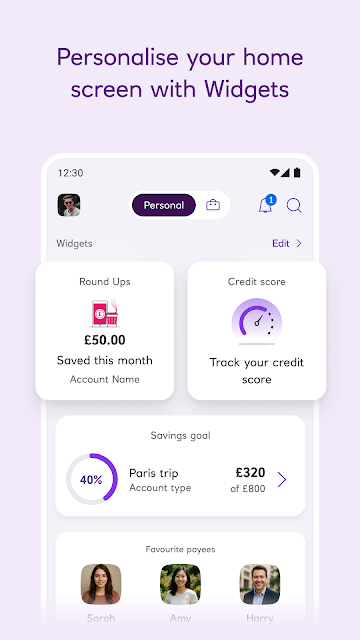
Pots offer a straightforward habit for separating money intended for everyday needs from the main account. Eligible customers can also use Round Ups to put spare change from qualifying sterling debit-card and contactless payments into savings. I would treat either as a small aid to routine, not a promise of a particular result. Choosing a simple, repeatable purpose for a pot is likely more practical than creating one for every passing idea.
More From Our News Desk

Zoom Meetings, Google Meet, or Teams: Which Is Easiest to Join?

How I Build a Free Streaming Lineup With Tubi

Why Crunchyroll Is the Default Anime App for So Many Fans

YouTube TV: A Practical Guide to Cutting Cable

Rummikub and the Small Comfort of Phone Games

TeamViewer Remote Control or AnyDesk for Helping Family?
Who will get the most from it
I would recommend NatWest Mobile Banking to existing customers who want a handy place to check accounts, manage a card and keep an eye on spending. People who make repeat payments may appreciate favourite payees, while those trying to separate everyday money or build a savings routine may find pots and eligible Round Ups useful. The app is available to customers aged 11 and up, though some products and features have higher age requirements.
It may be a poor fit if you do not bank with NatWest, want one app to pull together accounts from multiple banks, or need a dedicated tool for a more specialised financial task. It also helps to be comfortable with some features being eligibility-dependent: account applications, bill-splitting requests and savings options have conditions. I would think of it as a practical mobile branch for NatWest customers, not a universal solution for every money task.
NatWest Mobile Banking is developed by National Westminster Bank Public Limited Company. On Google Play, it has over 10 million installs and a 4.7-star rating from around 556,000 ratings. The app is free to download, with no in-app purchases and no ads reported in the supplied app facts. Its content rating is Everyone.
The supplied facts give version 07.72.0000.46402.0, a release date of March 20, 2018, and a last update date of October 28, 2026. A minimum Android version was not included in the available app details, so check Google Play for device compatibility. Customers aged 11 or older can use the app, with some features and products restricted to older customers.
Everyday banking, with useful extras
A focused first impression
When I first consider an app like this, I want to know whether it makes the common jobs easy to reach: seeing accounts, checking payments and dealing with a card. NatWest describes those tasks alongside tools for saving and budgeting, which gives the app a broader role than a balance viewer. The main appeal is having several familiar banking jobs available together on a phone.
Getting started depends on being an eligible NatWest customer, and the app is available to customers from age 11. The description also says customers need a UK or international mobile number in specific countries. Some features have additional age and account conditions. That makes it worth thinking of setup as access to your own bank's services, rather than downloading a general finance app and immediately using every option.
The everyday core
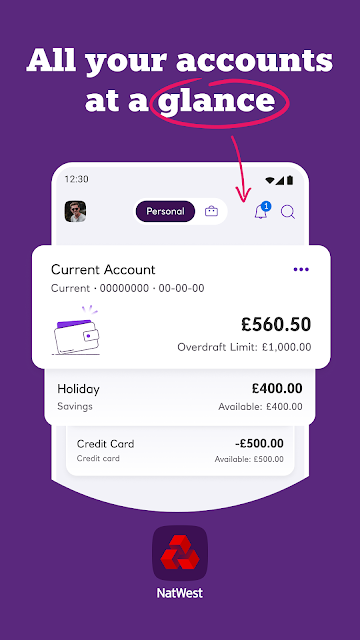
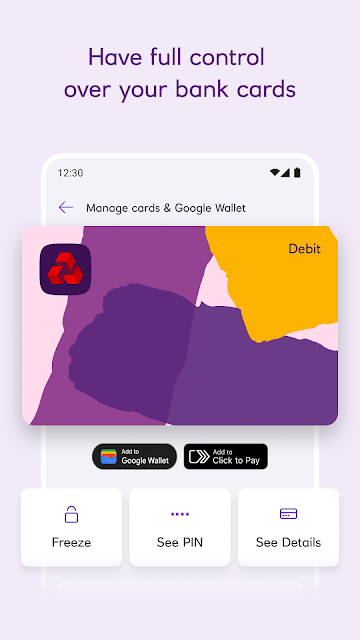
The day-to-day center is account visibility and control. The app can show bank accounts from the home screen and keep payment activity together, so a quick check can answer basic questions about recent money movement. If a Mastercard needs to be paused, eligible customers can freeze and unfreeze it in the app. These are modest tasks, but they are exactly the sort of things I want to handle without ceremony.
Payments get a few practical touches too. Favourite payees provide a quicker route to sending money to people paid regularly, and customers can request money with a QR code or link. Eligible current accounts can split a bill of up to £500 by sharing a payment-request link with multiple people, subject to participating-bank and other criteria. The limits matter, but the option suits the familiar group meal or shared-cost situation.
Tools beyond the balance
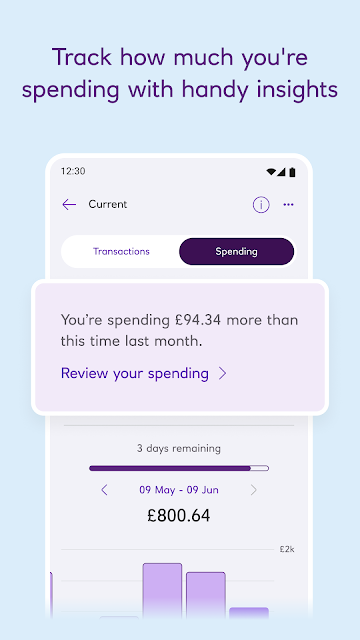
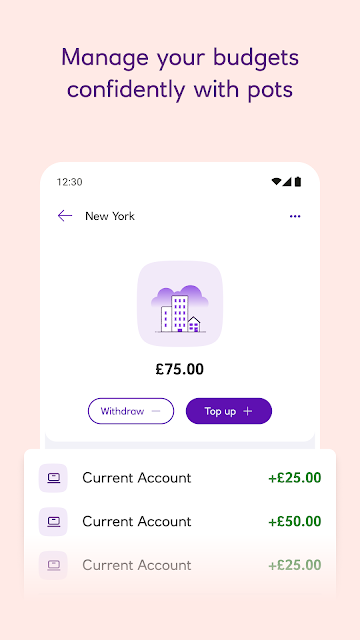
Pots are one of the more approachable extras. They let customers set money aside from a main account for everyday needs and help keep spending in view. Monthly spending management and categories add another way to review habits, while push notifications can flag money arriving or leaving. Together, those features make the app useful for a quick routine check as well as the occasional urgent card task.
Eligible customers can also use Round Ups to save spare change from sterling debit-card and contactless payments, provided they have the qualifying current and instant-access savings accounts. Another distinctive convenience is Get Cash: eligible customers can withdraw money at branded ATMs using a unique code instead of a card, within the stated limits and conditions. These options are useful to know about, though they are not universal features for every account.
A routine that feels manageable
A sensible routine could be a short morning glance at account activity, followed by a closer look once or twice a week at categories and monthly spending. I would use notifications for awareness, not as a replacement for reviewing transactions. If a recurring payment needs to go to someone I use often, keeping that person among favourite payees may also save a few steps the next time.
For a savings habit, I would give a pot a clear purpose, such as setting money aside for an everyday expense, and check it alongside the main account. If eligible, Round Ups can complement that approach through qualifying card spending. The point is not to make every feature part of a daily checklist; it is to choose a couple that fit naturally, so the app stays helpful instead of becoming another chore.
Conditions and boundaries
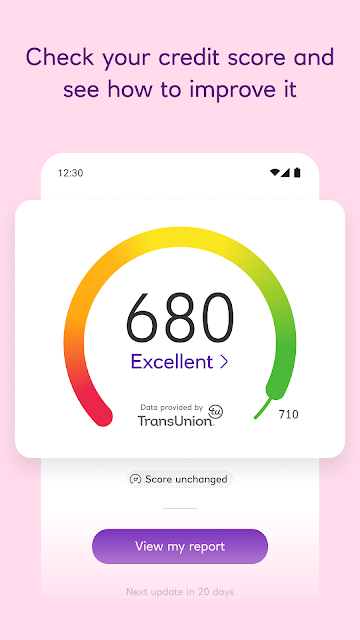
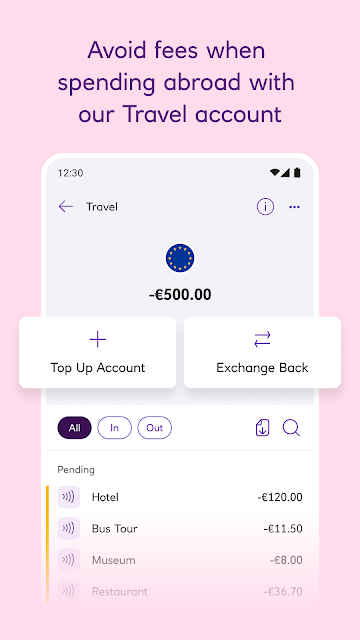
The biggest limitation is that access to features depends on eligibility. Account applications have criteria, bill splitting depends on an eligible current account and participating banks, and Round Ups need qualifying accounts and sterling card payments. Travel accounts and credit-score information also have age and other conditions. It is worth checking the details relevant to your account before making a plan around any one feature.
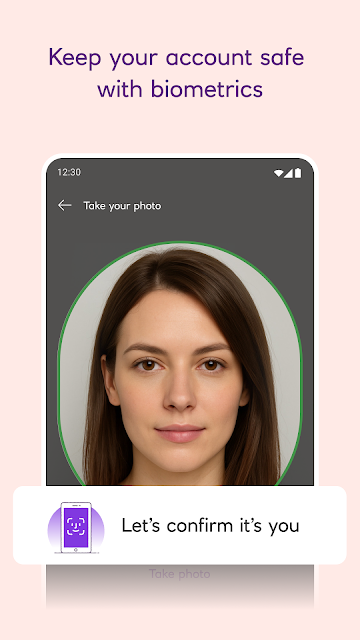
The app is designed around NatWest banking, so people looking for a cross-bank overview or an unrelated specialist finance service should look elsewhere. The description also notes that some login images may affect people who are photosensitive, with motion and visual controls available in device accessibility settings. For anyone considering the app, its strongest case remains straightforward: useful mobile access to a NatWest relationship, with optional tools around it.
NatWest Mobile Banking comes across as a practical everyday companion: account checks, card controls and payments form a useful core, while pots, spending categories and eligible savings features add room for better habits. Its extras have conditions, but they do not obscure what the app is mainly for.
I would try it if I already bank with NatWest and want routine tasks close at hand. If I needed a neutral app for accounts at several banks or a specialist financial workspace, I would choose something else. For its intended audience, the mix of access and small conveniences makes a convincing case.
NatWest Frequently Asked Questions
What is NatWest Mobile Banking used for?
NatWest Mobile Banking lets customers view accounts and payments, manage eligible Mastercard controls, send or request money, and use tools such as pots and spending categories. Some customers can also use Round Ups, bill-splitting requests or Get Cash, subject to account and other eligibility rules. It is primarily for everyday NatWest banking on a phone.
Which phones support NatWest Mobile Banking?
The supplied app details describe NatWest Mobile Banking for Android through Google Play. The minimum Android version is worth checking on the store page, since device compatibility can vary. The app is available to customers aged 11 or older with a UK or international mobile number in specific countries; some features require a higher age.
Does NatWest Mobile Banking cost anything?
The app is free to download, and the supplied app facts report no in-app purchases and no ads. Individual banking products or services can have their own eligibility criteria, terms or fees; the app description calls out conditions for some options. Check Google Play and the relevant NatWest product information for details that apply to you.
What Android version does NatWest Mobile Banking need?
The available app facts do not provide a minimum Android version. Compatibility can depend on the device and current app requirements, so check the NatWest Mobile Banking page on Google Play before installing or updating. The app is intended for eligible NatWest customers, and some of its features have additional requirements.
Is NatWest Mobile Banking suitable for younger customers?
The app is available to NatWest customers aged 11 and older, so it may suit younger customers who meet the bank's requirements. Not every product or feature is available at that age; some are restricted to customers over 16 or 18. Check the store and NatWest's current eligibility information for details.
Pros
- Combines account checks, payment activity and useful card controls in one mobile banking app.
- Pots, spending categories and eligible Round Ups can support simple money routines.
- Includes practical payment options such as favourite payees and qualifying bill-split requests.
- Free to download, with no ads or in-app purchases reported in the supplied facts.
Cons
- Designed for NatWest customers, not for managing accounts across multiple banks.
- Several useful features depend on account eligibility, age restrictions or participating banks.
- The minimum Android requirement should be checked on Google Play before installing.
- Category
- Finance
- Version
- 07.72.0000.46402.0











