Logos Bible
- 56.91K
- 4.8
- Installs
- 1.00M
- Price
- Free

Screenshots
Analysis by Reviewed APKs
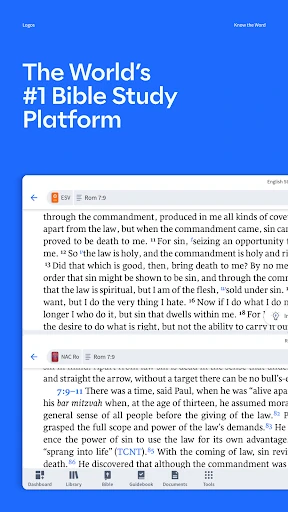
Logos Bible is a reading and study app for people who want more than a verse on a screen. It brings Bibles, books, reference tools, notes, and reading plans together, with features for exploring questions and background as you read. I see it as a good fit for curious readers and regular Bible students; it has useful depth, though its many tools may be more than a casual reader needs.
A reading session with context
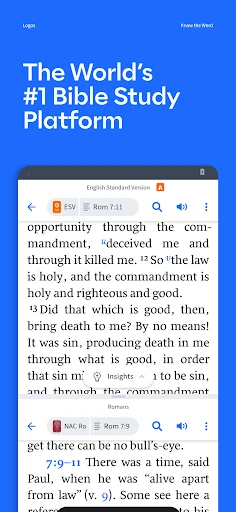
When I sit down with a passage and realize I have questions about a person or place, Logos gives me somewhere to keep going without leaving the reading session. I can look for background with Factbook, search by a verse, topic, or question, and consult books and commentaries available in the app. That makes it better suited to a slower, curious reading session than a quick glance at a daily verse.
I also like the idea of keeping the response to a passage in one place. Notes can travel with me, and a reading plan gives a session some shape when I want a steady routine. The Study Assistant can answer questions using material from Logos books, though free use is limited. In practice, the app is most appealing when I want to read, ask, and record something, not just open a passage and close it.
More than a simple Bible
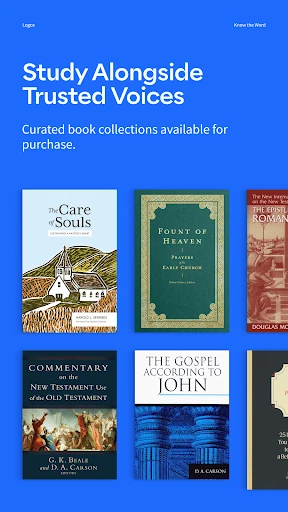
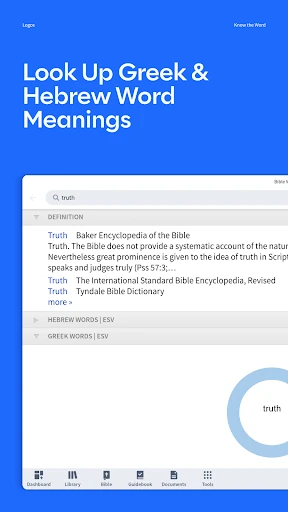
Compared with a basic Bible reader, Logos puts study material and reference tools closer to the text. The description says it includes more than 40 free Bibles and books, as well as commentaries, writings by theologians, sermon preparation tools, and search features. That breadth gives readers more ways to follow a question than a bare reading app typically offers, although the exact resources someone can use depend on what is available to them.
It is not just a lightweight devotional feed or a replacement for a printed book if all I want is a few quiet pages. The app leans toward exploration: look something up, compare resources, make a note, or follow a plan. Some features have limited free use, and a subscription provides more access to AI features and books. That makes Logos a stronger match for study-minded readers than for people who want the simplest possible interface.
Small habits that help
A little structure can make a feature-rich app feel easier to return to. I would start by choosing a reading plan that matches the pace I can actually keep, rather than picking an ambitious schedule and abandoning it. Plans can be customized and shared, so there is room to shape one around a personal routine or make it a shared activity with someone else.
When a question comes up, I would save useful thoughts in Notes instead of assuming I will remember them later. Smart Search can take a verse, topic, or naturally worded question, while Factbook is there for people, places, and ideas that need background. Since some search and assistant uses are limited for free accounts, it makes sense to use those tools deliberately and keep ordinary reading as the daily anchor.
More From Our News Desk

Zoom Meetings, Google Meet, or Teams: Which Is Easiest to Join?

How I Build a Free Streaming Lineup With Tubi

Why Crunchyroll Is the Default Anime App for So Many Fans

YouTube TV: A Practical Guide to Cutting Cable

Rummikub and the Small Comfort of Phone Games

TeamViewer Remote Control or AnyDesk for Helping Family?
Who will get the most from it
I would recommend Logos Bible to readers who regularly want context alongside scripture, people who enjoy consulting reference books, and anyone trying to build a reading habit with a plan. Its combination of Bibles, books, search, notes, and background information can support a more involved session without requiring a separate app for every part of the process. Readers preparing sermons may also find the stated sermon preparation tools relevant.
It may not suit someone who wants only a bare-bones reader or who dislikes having to choose among many study tools. The free account offers a way to explore, but some features have limited free use, and a subscription is the route to more AI use and additional books. I would treat it as a library and study workspace rather than expect every resource or feature to be available without limits.
Logos Bible is made by Faithlife and is a Books & Reference app for Android, available through Google Play. It has more than one million installs and a 4.8-star rating from about 56,900 ratings. The app is free to download, and its content rating is Everyone. The listed release date is July 15, 2011, reflecting a long-running product rather than a new arrival.
Logos Bible version 54.0.2 was last updated on October 19, 2026. The app contains ads and offers in-app purchases; listed in-app product prices range from $1.99 to $164.99 per item. The description also explains that subscriptions are managed through Google Play, renew automatically unless canceled, and can be managed or canceled in account settings. Check Google Play for current details before subscribing.
A closer look at reading and study
Opening the app
My first impression is that Logos is built for someone who wants to follow a thought rather than simply check off a reading. Its pitch is practical: read the text, then use books and reference tools to understand it better. The free account is the starting point, and the collection described includes more than 40 free Bibles and books, giving a new user material to explore.
The range of tools also means I would take a moment to decide what I actually want from the app. A reading plan is an approachable first step; search and the Study Assistant are there when a question becomes more specific. The assistant and Smart Search have limited free uses, so I would not build my entire routine around unlimited access to them. Starting with ordinary reading makes the setup feel less overwhelming.
Reading from day to day
The core experience described by Logos is reading with a path into further study. I can use a plan to give a regular session direction, then turn to a reference resource when a passage leaves me wondering about its setting or meaning. That combination feels useful for mornings when I have a little time to read, and for longer sessions when I want to follow a question further.
Notes help connect one session to the next. Rather than leaving an observation in a separate notebook, I can keep it with the app and return to it as I continue reading. The description says notes travel with me everywhere, which suits a routine that moves between reading moments. I would still keep the habit modest: one passage, one question, or one note is a more sustainable start than trying every tool at once.
Tools with a clear purpose
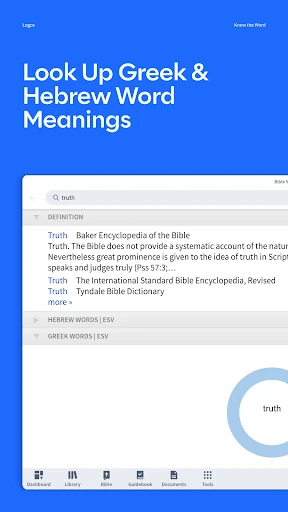
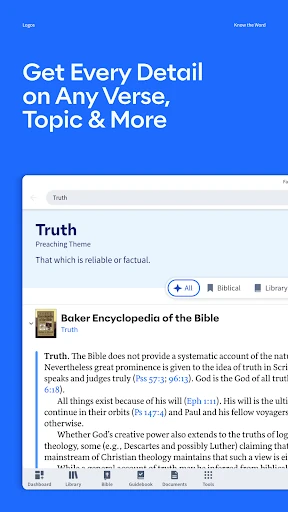
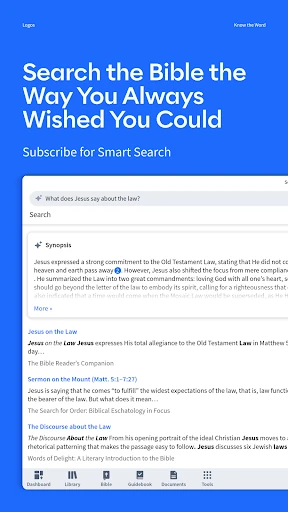
Factbook stands out because it addresses a common moment in reading: encountering a name, place, or idea and wanting a little background. Smart Search offers another way in, accepting a verse, topic, or question rather than requiring a narrowly phrased lookup. Those options make exploration feel more flexible than a search box limited to exact references.
The Study Assistant is another distinctive option, with answers drawn only from the user's Logos books. That boundary is useful to understand: it connects the answer to material in the app rather than promising a general-purpose response. Its free use is limited, and subscriptions provide more use of it and Smart Search. I would treat it as a study aid to consult, not as a reason to skip reading the source material.
A practical weekly rhythm
For a simple routine, I would choose a customizable reading plan and decide when I can realistically return to it. After reading, I could jot a note about a question or an idea worth revisiting. If the question concerns a person, place, or concept, Factbook offers background; if it is broader, Smart Search may help locate relevant material.
Sharing a plan is an option when I want someone else to follow along, though the app does not need to become a group project to be useful. On a bus ride, a short reading and one saved thought may be enough. On a quieter evening, I can spend longer with commentaries or other books. That flexible scale is a strength: the same app can serve a quick check-in and a more involved study session.
Limits to keep in mind
Logos has more going on than a straightforward reader, and that can be a hurdle for people who want no decisions between opening the app and reading. It also makes a distinction between the free starting experience and the extra access offered by a subscription. The assistant and Smart Search have limited free use, while subscriptions include more AI-feature use and access to more books.
The app contains ads and in-app purchases, with listed item prices spanning a wide range. I would look closely at what a subscription or purchase covers before treating it as necessary; the app says every tool is free to try, but continued access to more books and AI use is part of the paid offering. For a reader who only wants occasional access to scripture, that broader setup may feel like more than they need.
Logos Bible makes the most sense when I want to read and then stay with a question. Reading plans, notes, Factbook, search, and study resources give it a practical range, while the limited free uses of some features and the subscription model are worth weighing before settling into a routine.
I would try it if I enjoy context, reference material, and a more deliberate reading habit. If I only need a simple passage reader, I would choose something less involved. For curious readers willing to explore its tools, Logos is a capable place to bring reading and study together.
Logos Bible Study Frequently Asked Questions
What is Logos Bible used for?
Logos Bible is for reading scripture and exploring it with study resources. It includes Bibles and books, reading plans, notes, Factbook for background on people and ideas, and search tools. Its Study Assistant answers using material from Logos books. Some features, including the assistant and Smart Search, have limited free uses.
Which devices can run Logos Bible?
Logos Bible is an Android app distributed through Google Play. The information available here does not give a minimum Android version, so check the Google Play page on the device you plan to use for current compatibility details. Store availability and requirements can vary by device.
Does Logos Bible cost money?
The app is free to download, and the description says every tool is free to try. It also offers in-app purchases, with listed item prices from $1.99 to $164.99, and subscriptions that provide more AI-feature use and access to more books. Current options and pricing are worth checking on Google Play.
Does Logos Bible require a subscription?
The description presents a free account as a way to start exploring, with more than 40 free Bibles and books. Some uses of the Study Assistant and Smart Search are limited for free accounts. A subscription offers more use of those AI features and access to more books, but the app is free to try.
Who is Logos Bible best for?
I would suggest Logos Bible to readers who want background, reference books, notes, and a structured reading plan alongside scripture. It may feel like too much for someone who only wants a simple passage reader. The app is rated Everyone, though individual readers will differ in how much they want from its study tools.
Pros
- Combines Bible reading with books, commentaries, notes, and reference tools.
- Reading plans can be customized and shared to support a regular habit.
- Factbook and flexible search offer useful ways to explore questions.
- Study Assistant answers draw from Logos books.
Cons
- Study Assistant and Smart Search have limited free uses.
- A subscription is needed for more AI use and access to more books.
- The broad set of tools may overwhelm readers seeking a simple Bible reader.
- Category
- Books & Reference
- Version
- 54.0.2











