HMRC
- 86.33K
- 4.4
- Installs
- 5.00M
- Price
- Free

Screenshots
Analysis by Reviewed APKs
HMRC is a mobile way to check and manage parts of your UK tax and benefits with HM Revenue & Customs. I see it as a practical companion for people who want a tax code, National Insurance number, pension forecast or Child Benefit details within reach. It is not a replacement for every tax task, but its mix of quick checks and selected account services makes it useful between bigger bits of paperwork.
A quick tax check
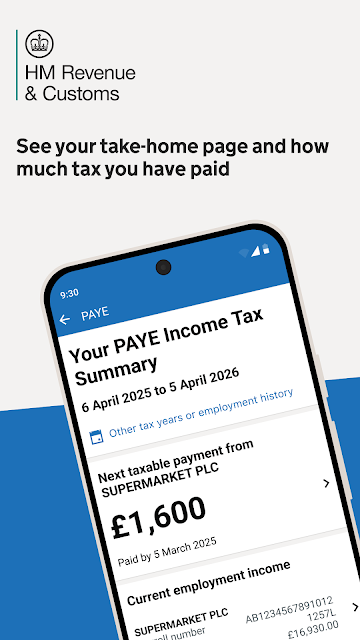
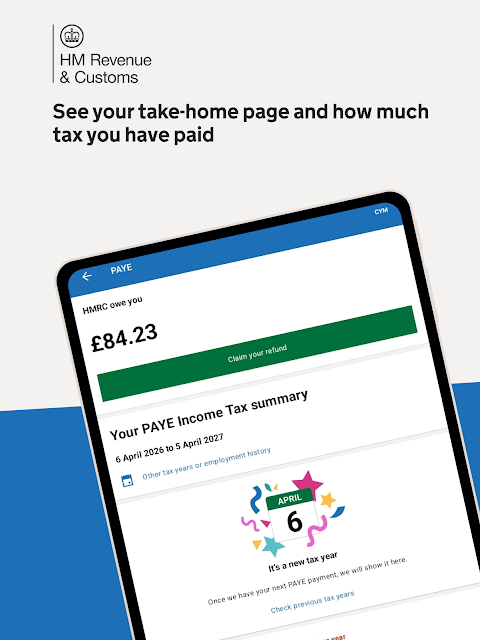
Imagine getting a payslip and wanting to check whether the tax code shown matches what HMRC has on record. Instead of waiting until you are at a computer, you can open the app, sign in and look at your tax code. The description also says you can see pay before it appears in your bank, which could make the app handy when you are trying to understand a change in take-home pay.
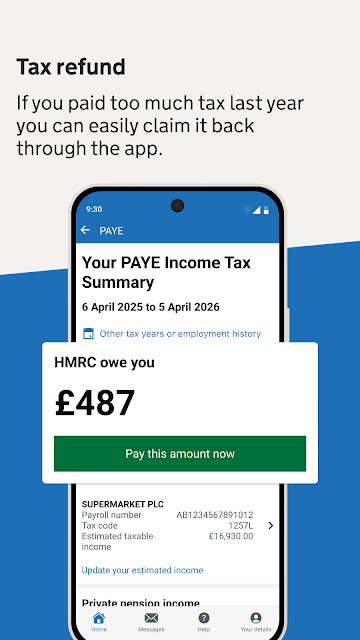
I would also keep it in mind for occasional, specific errands rather than a daily money routine. If I needed my National Insurance number for a form, or wanted to check whether HMRC says I am due a refund, those are the sorts of tasks the app is designed to bring together. It can also show State Pension information, including when it may be available and how it could be increased.
A focused government companion
Compared with a general budgeting app or a banking app, HMRC has a narrower job: it gives access to selected tax, pension and benefit information from HMRC. Its value is not in showing a broad household budget or replacing a bank account. I would use it alongside those other tools, turning to it when the question concerns my tax details or an HMRC service rather than everyday spending.
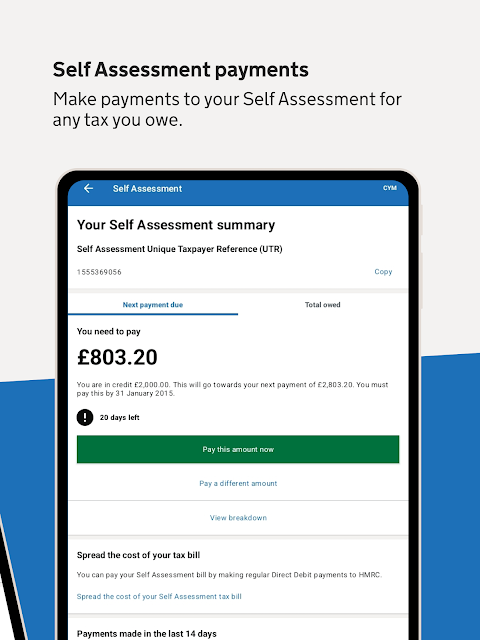
It is also not a catch-all route for every tax process. The listed features include Self Assessment information and payments, but the description does not present the app as a complete substitute for every part of filing or managing tax affairs. That distinction matters: it is useful for supported checks and actions, while more involved tasks may still call for other HMRC channels.
Make small checks easier
A simple habit that seems worthwhile is saving your National Insurance number in the app, so it is available when a form asks for it. I would also check the tax code and pay information when reviewing a payslip, rather than waiting until a question becomes urgent. These are small uses, but they make more sense than opening the app without a particular task in mind.
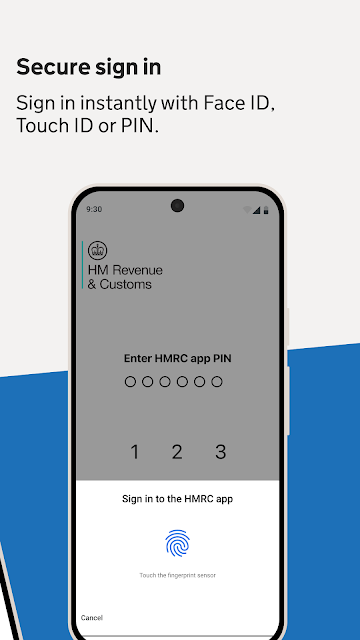
The app offers sign-in with face recognition, a fingerprint scan or a six-digit PIN. Choosing a sign-in method that feels comfortable can make occasional checks less of a chore. Another useful workflow is opting to receive key HMRC messages online, if paperless communication suits you. That gives the app a role in keeping track of relevant messages as well as looking up information.
More From Our News Desk

Zoom Meetings, Google Meet, or Teams: Which Is Easiest to Join?

How I Build a Free Streaming Lineup With Tubi

Why Crunchyroll Is the Default Anime App for So Many Fans

YouTube TV: A Practical Guide to Cutting Cable

Rummikub and the Small Comfort of Phone Games

TeamViewer Remote Control or AnyDesk for Helping Family?
Who may find it useful
I would recommend HMRC to people in the UK who want quick access to their personal tax information and the listed services. Employees who check a tax code, people who need their National Insurance number, and users managing Child Benefit or Self Assessment may all find a reason to keep it installed. It also has a clear use for anyone who wants to look at their State Pension information without first sitting down at a computer.
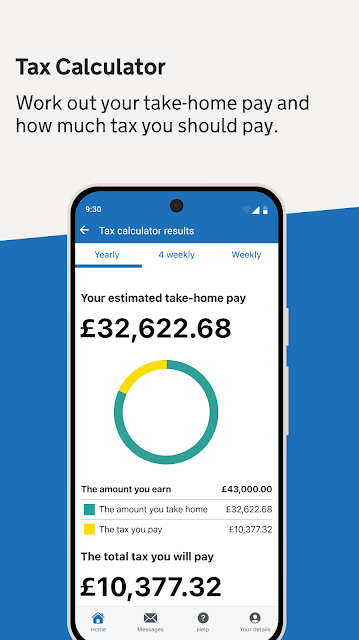
It may be less appealing to someone looking for a full personal-finance dashboard, a general tax calculator or a tool that handles every tax situation in one place. The app’s role is focused on HMRC information and selected actions, so it works best when you know what you want to check. If you rarely need those details, the convenience may matter less than it does for someone who revisits them throughout the year.
HMRC is published by HM Revenue & Customs. On Google Play, it has more than 5 million installs and a 4.4-star rating from about 86,000 ratings. The app is free to download, has no in-app purchases and contains no ads. Its Google Play content rating is Everyone, making the store’s age classification straightforward.
The supplied app details give version 19.7.0, a release date of June 20, 2017, and a last update date of October 27, 2026. The minimum Android version is not included in the available app details, so check Google Play on your device for compatibility information. The app’s listed services include Self Assessment payments, but the app itself is free and has no in-app purchases.
A Practical Home for Tax Details
A direct first impression
When I first opened the idea of HMRC, what stood out was its practical scope. This is not trying to be a broad financial hub; the listed features are specific, from checking a tax code to managing Child Benefit details. That focus makes it easier to understand why I might open it, even if I would not expect to use it every day.
Getting started is designed around signing in, with face recognition, fingerprint scanning or a six-digit PIN available according to the description. I like having a few ways to return to an account, because convenience is important for a service I may only need now and then. I would still take care to use the sign-in option that works reliably on my own device.
Useful between appointments
The day-to-day experience I would expect from HMRC is a series of short visits. I might check a tax code after seeing a payslip, look up my National Insurance number before filling in paperwork, then leave the app alone until another question comes up. That rhythm suits an official-service app better than a product that expects me to track every purchase or enter information daily.
The pay information is another reason to open it occasionally. Being able to see pay before it appears in a bank account can help put a tax detail in context, particularly when reviewing what I have been paid. I would treat the app as a place to check the information HMRC provides, not as a complete record of all my income or a replacement for my own financial records.
Several services in reach
The breadth of the listed services is one of the app’s strongest points. It brings together tax code and pay checks, possible refund claims, State Pension information, Self Assessment payments and details needed for filing. There is also support for claiming, managing and updating Child Benefit. Those are distinct jobs, but they share a clear theme: getting to personal HMRC information without treating each question as a separate reason to search around.
I also appreciate that the app can help users find and save a National Insurance number. That is the kind of small administrative detail people often need at an inconvenient moment. The option to receive key HMRC messages online adds a different kind of usefulness, since it can make the app part of a paperless routine rather than only a place to look up numbers.
A routine for busy weeks
A sensible routine might be to open HMRC when a payslip or tax question prompts it, check the relevant detail, and then return to it when there is a concrete task. For example, I could confirm a tax code, save the National Insurance number for later, and check whether the app says a refund is due. Keeping each visit tied to a specific question should make the app feel useful instead of becoming another notification-heavy habit.
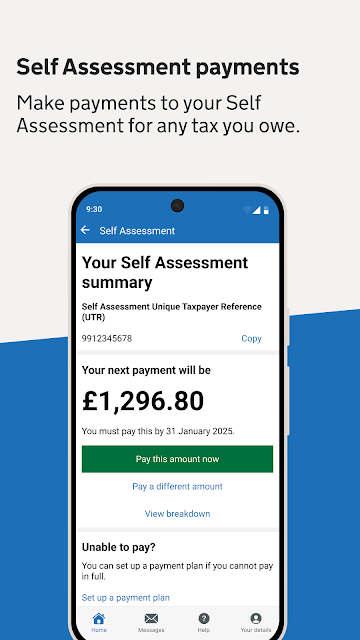
For someone handling Self Assessment, I would use the app as a convenient place to access information and make payments where supported. Before filing, it may help to check what information the app provides, then use the appropriate HMRC process for the full task. For families, Child Benefit details may be the more relevant reason to revisit it. The useful routine depends on which of these services applies to you.
Keep its scope in view
The main limitation is that HMRC is not presented as an all-purpose finance app. It does not claim to replace a bank, household budget or every channel for handling tax. The listed functions are useful, but they cover particular checks and services. If you want one place to see spending across accounts or plan a complete budget, this app is not aimed at that job.
The app’s value also depends on whether you need the services it includes. Someone who does not use Child Benefit, Self Assessment or the other listed features may only open it rarely. And while it provides information about refunds and pensions, those details are not the same as a broad financial plan. I would keep expectations practical and use it for the HMRC tasks it is built around.
HMRC makes the most sense as a convenient place for selected personal tax, pension and benefit tasks. I like the mix of quick checks and more specific services, especially the ability to find a National Insurance number or review a tax code when needed. Its focused nature is a strength, as long as you do not expect a full finance manager.
I would suggest trying it if you regularly need HMRC information or manage one of the services described. If your needs are broader, keep using the other tools that cover them and treat HMRC as a useful companion. It is a practical app for occasional administrative jobs, not something everyone will need to open each day.
HMRC Frequently Asked Questions
What is the HMRC app used for?
HMRC gives access to selected personal tax, benefits and savings information and services. Its described features include checking a tax code and pay, checking for a possible tax refund, viewing State Pension information, accessing Self Assessment information and payments, managing Child Benefit details, and finding a National Insurance number. It can also provide key HMRC messages online if you choose paperless communication.
Which devices can run the HMRC app?
The app is available for Android through Google Play. The available app details do not give a minimum Android version, so check the Google Play page on your device to see whether your particular phone or tablet is compatible. Device compatibility can depend on the version of Android and the device itself, so the store’s current requirements are the best place to check.
Does the HMRC app cost anything?
HMRC is free to download on Google Play, and the supplied details say it has no in-app purchases and no ads. The app includes access to Self Assessment payments, but that does not mean there is a purchase inside the app. Any payments you make through an HMRC service relate to that service rather than an app download or in-app purchase.
Can I use the HMRC app for Self Assessment?
The app provides Self Assessment information and a way to make Self Assessment payments. The description also says it gives access to information needed to file. It is best viewed as support for those tasks rather than an assumption that every part of a tax return is handled in the app. Check Google Play and the relevant HMRC service for current details about the available process.
Who is the HMRC app best suited to?
It is a good fit for people who want convenient access to personal HMRC details, such as a tax code, National Insurance number, State Pension information or Child Benefit details. It may be less useful if you want a general budgeting app or a tool covering every financial task. The app’s usefulness depends on whether its listed HMRC services match what you need.
Pros
- Brings tax, pension, National Insurance and Child Benefit details together.
- Offers sign-in with face recognition, fingerprint scanning or a six-digit PIN.
- Lets users check tax codes, pay information and possible refund eligibility.
- Free to download, with no ads or in-app purchases.
Cons
- Focused on HMRC services rather than general budgeting or spending tracking.
- Its usefulness depends on whether you need one of the listed services.
- The supplied details do not state a minimum Android version.
- Category
- Finance
- Version
- 19.7.0











