Credit Union of America Mobile
- 7.47K
- 4.8
- Installs
- 100.00K
- Price
- Free

Screenshots
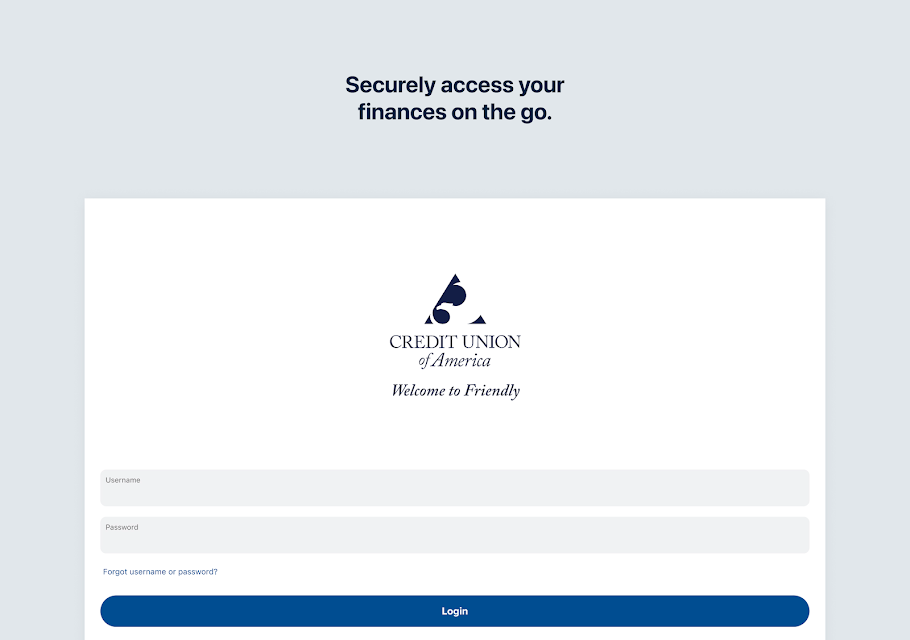
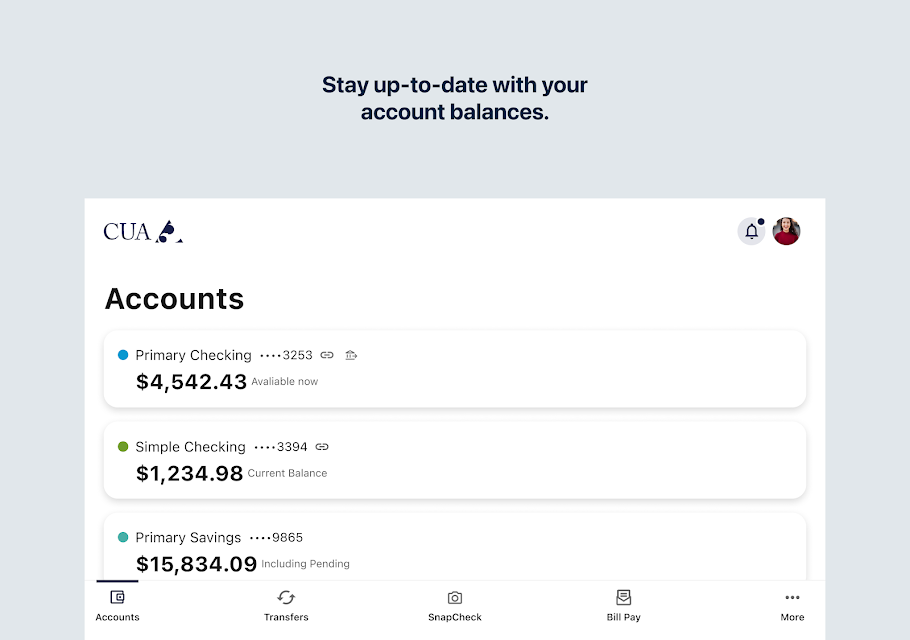
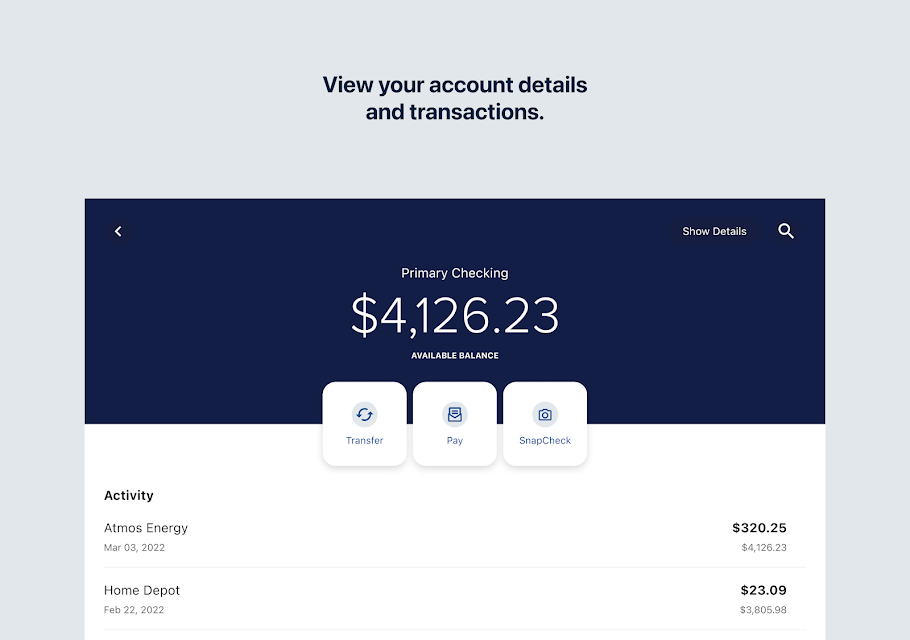
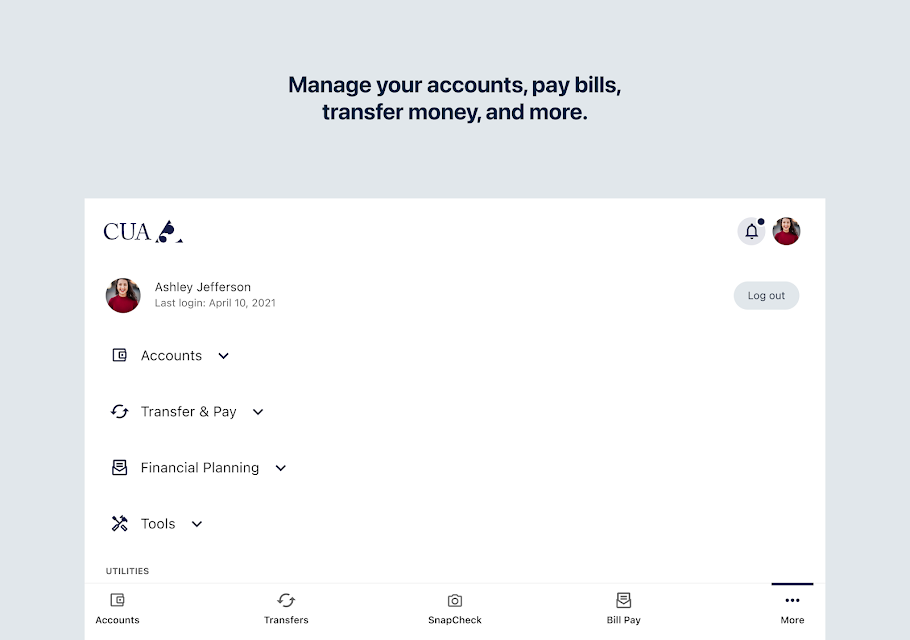
Analysis by Reviewed APKs
Credit Union of America Mobile is an Android banking app for Credit Union of America clients who want to check balances, review transactions, move money, pay bills, and handle a few account tasks from a phone. I see it as a practical companion to an existing credit union relationship, rather than a broad personal-finance toolkit. Its mix of everyday banking basics and mobile check deposit makes it useful for routine errands.
A Quick Banking Check-In
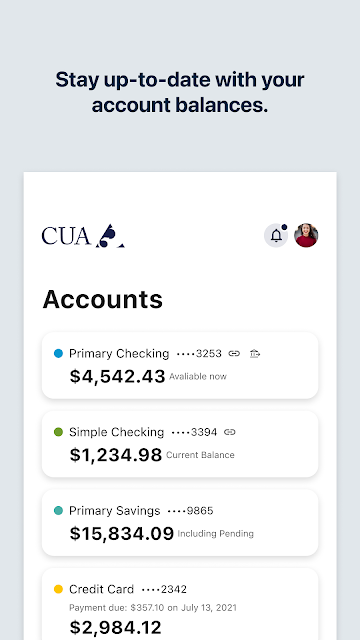
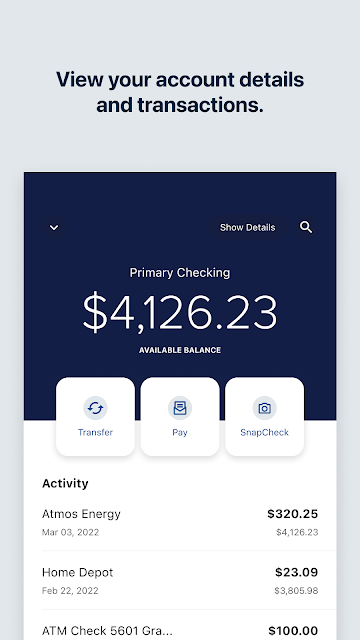
When I imagine using Credit Union of America Mobile on a normal weekday, it is between errands: I open it to see whether a recent purchase has posted, check my current balance, and make sure an expected transaction is visible. That is the app’s central job. Instead of waiting until I am at a computer or calling for basic account information, I can look at balances and transaction activity on my Android device.
The next useful step might be moving money between eligible accounts or paying a bill while I have a quiet moment. If a paper check arrives, the app can deposit it using the phone’s camera, which gives the routine a little more flexibility. I also like that account and transaction alerts are part of the offering: they can help bring account activity to my attention without making every check-in a full banking session.
A Credit Union Companion
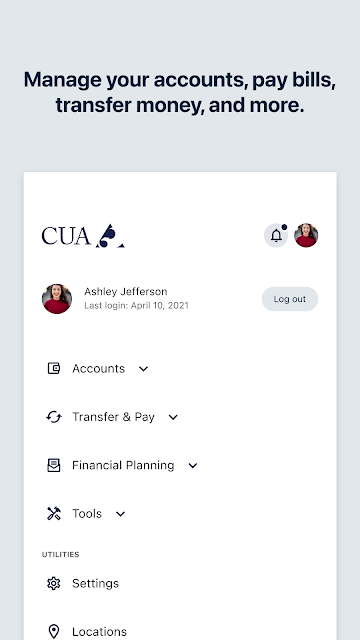
The clearest comparison is with a credit union’s website or a visit to a branch. This app puts common account tasks on a phone: viewing balances and transactions, transferring funds between eligible accounts, paying bills, depositing checks, and managing debit card settings. It can also help locate nearby Credit Union of America branches and ATMs or contact customer service and a local branch.
That focused scope is also a boundary. Credit Union of America Mobile is intended for clients of this credit union, who must enroll in mobile banking; it is not a general-purpose account aggregator for someone who banks elsewhere. The provided feature set is about banking access and transactions, not budgeting tools, financial calculators, or investment planning. If I want those broader tools, I would need to look beyond this app.
Small Habits That Help
I would get the most from the app by making brief, purposeful visits instead of opening it without a task in mind. A quick balance and transaction check after a busy day can answer whether a payment appeared, while account or transaction alerts can provide another way to keep an eye on activity. I would also take a moment to review debit card settings when I need to manage the card from my phone.
For occasional chores, it helps to remember which tasks the app can bring together. I can deposit a check with the camera, pay a bill, transfer funds between eligible accounts, or look for a nearby branch or ATM. I would keep the app as a handy option for those moments, while remembering that mobile check deposit depends on taking a usable picture and that carrier fees may apply.
More From Our News Desk

Zoom Meetings, Google Meet, or Teams: Which Is Easiest to Join?

How I Build a Free Streaming Lineup With Tubi

Why Crunchyroll Is the Default Anime App for So Many Fans

YouTube TV: A Practical Guide to Cutting Cable

Rummikub and the Small Comfort of Phone Games

TeamViewer Remote Control or AnyDesk for Helping Family?
Who May Find It Useful
I would recommend Credit Union of America Mobile to existing clients who want everyday account access on Android and expect to handle basic banking from a phone. It suits someone who checks transactions between errands, pays bills online, transfers funds between eligible accounts, or would rather deposit a check with a camera than make a separate trip. Branch and ATM locating and contact options are useful additions when a task needs personal assistance.
It may not suit people who are not clients of Credit Union of America, since mobile banking enrollment requires a client relationship. It is also a narrow fit for anyone seeking budgeting dashboards, financial calculators, or investment features; those are not among the functions described. If I prefer to do all banking in person, the phone-based convenience may not change my routine much, though contact and location tools could still be handy.
Credit Union of America Mobile is developed by CU of America and is a Finance app for Android. On Google Play, it has over 100,000 installs and a 4.8-star rating from about 7,500 ratings. The app is free to download, and the provided store facts say it has no in-app purchases and contains no ads. Its content rating is Everyone.
The reported version is 4023.0.1. The app was released on June 20, 2016, and its last update is dated October 26, 2026. The supplied facts do not give a minimum Android version, so I would check Google Play for device compatibility before installing. The app’s description also notes that a mobile banking enrollment requires being a Credit Union of America client.
Everyday Banking From Your Phone
A Straightforward First Impression
When I first opened the app, the appeal was easy to understand: this is a mobile route into Credit Union of America banking, not a finance app trying to cover every money-related subject. The listed tasks are familiar and concrete—check a balance, review transactions, make a payment, or manage a debit card. That focus makes it easier to picture where it belongs in a regular routine.
There is one practical step before those features matter: mobile banking enrollment is for Credit Union of America clients. Once that applies, the app is designed for an Android device, and its stated purpose is to let members access accounts and handle common tasks by phone. I would check compatibility in Google Play before installing, since the minimum Android requirement can vary by device and app version.
The Day-to-Day Basics
The most routine part is checking current balances and transaction activity. I can imagine doing that before making a purchase, after a bill payment, or at the end of a day when several charges have landed. Those quick checks are the sort of small banking chores for which a phone app can save a trip to a browser, especially when I only need a simple account update.
When a task calls for action rather than a look, the app supports bill payments and transfers between eligible accounts. The word eligible matters: transfers are not described as applying to every account or every recipient. I would treat it as a convenient way to handle supported transactions, rather than assume every banking action I might want is available in the mobile app.
Useful Extras Beyond Balances
Mobile check deposit is one of the more noticeable conveniences. The app can use the device’s camera to deposit checks into accounts, which could save me a trip when a check comes in during an otherwise busy week. It is a particularly clear example of the app adapting a familiar banking task to a phone, though the description does not spell out deposit limits or timing.
I also value the combination of account and transaction alerts with debit card settings. These tools give the app uses beyond checking a balance: I can receive alerts related to account activity and manage debit card settings from my phone. The app also offers a practical way to find nearby Credit Union of America branches and ATMs, or to contact customer service or a local branch.
A Simple Weekly Routine
A sensible routine for me would start with a quick review of balances and transactions once or twice during the week, especially after regular bills are due. If an expected payment is missing or a transaction needs a closer look, I can use the account information as a starting point and contact the credit union through the app’s customer service or branch contact options.
Then I would use the app for the occasional task that naturally comes up: transfer funds between eligible accounts, pay a bill, or deposit a check with the camera. If I am away from home and need in-person help, the branch and ATM locator gives me another useful route. Keeping each visit tied to a real task should make the app feel like a tool, not another screen to check out of habit.
Keep the Scope in Mind
The app’s usefulness depends on being a Credit Union of America client and enrolling in mobile banking. That makes it a poor choice for someone who wants to manage accounts at unrelated institutions in one place. Its described strengths are access to this credit union’s accounts and a set of banking tasks, rather than an all-purpose financial overview.
There are also a few practical limits to keep in mind. Transfers are described as applying to eligible accounts, and the app’s description does not provide details such as mobile deposit limits or how quickly deposits become available. Those specifics are worth checking with the credit union. The description also advises checking with a carrier about any fees that may apply.
Credit Union of America Mobile looks most worthwhile for clients who want basic banking close at hand. Balances, transactions, bill payments, eligible transfers, check deposit, debit card settings, alerts, and branch-finding cover a useful range of everyday needs without pretending to be a full financial planning suite.
I would recommend it to Credit Union of America clients who use Android and want to handle routine banking from their phones. If you are not a client, or want budgeting and investment tools, it is not the right fit. For its intended audience, it offers a practical collection of mobile banking conveniences.
Credit Union of America Frequently Asked Questions
What is Credit Union of America Mobile used for?
Credit Union of America Mobile is for clients who want to access their credit union accounts from an Android device. Its described functions include viewing balances and transactions, transferring funds between eligible accounts, paying bills, depositing checks with the phone camera, managing debit card settings, and receiving account and transaction alerts.
Which devices can run Credit Union of America Mobile?
The app is described as being for Android devices. The supplied details do not give a minimum Android version, so compatibility can depend on your device and the current app release. I would check the Google Play store page before installing to see whether your phone meets the current requirements.
Does Credit Union of America Mobile cost money?
The app is free to download, and the provided facts say it has no in-app purchases and contains no ads. Its description notes that carrier fees may apply, so any data or service charges depend on your carrier and plan. Check the Google Play store page for current details.
Do I need an account to use Credit Union of America Mobile?
Yes. The app’s description says you must be a client of Credit Union of America to enroll in mobile banking. It is meant to provide access to that credit union’s accounts and services, not to serve as a general banking app for people who use other institutions.
Is Credit Union of America Mobile right for everyday banking?
It may be a good fit if you are a Credit Union of America client and want to check balances, review transactions, pay bills, transfer eligible funds, or deposit checks by phone. It is less suited to someone seeking budgeting tools, financial calculators, or investment planning, which are not among its described functions.
Pros
- Covers common account checks, bill payments, eligible transfers, and mobile check deposits.
- Includes debit card settings, account and transaction alerts, and branch and ATM locating.
- Free to download, with no in-app purchases or ads in the provided store facts.
- Offers customer service and local branch contact options within the app.
Cons
- Mobile banking enrollment is limited to Credit Union of America clients.
- Transfers are limited to eligible accounts, and deposit details are not specified.
- The described feature set does not include budgeting tools or investment planning.
- Category
- Finance
- Version
- 4023.0.1











