CNBC: Business & Stock News
- 113.87K
- 4.5
- Installs
- 5.00M
- Price
- Free

Screenshots
Analysis by Reviewed APKs
CNBC: Business & Stock News brings business reporting, market data, stock tracking and video coverage together in one Android app. I see it as a practical companion for people who want to follow markets during the day without switching between a news source, a watchlist and a TV stream. Its range is appealing, though the extra subscription content means the free experience is only part of the picture.
A Market Check Between Tasks
Imagine checking your phone over breakfast before a busy workday. You want to know what is moving markets, see how a few companies you follow are trading, and catch up on a headline before heading out. CNBC is built for that kind of quick check-in: news coverage sits alongside stock quotes, customizable watchlists, charts and breaking-news alerts, so the routine can stay in one app.
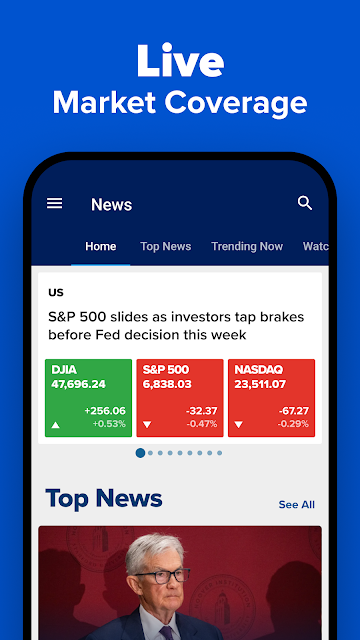
I like that the market information is not limited to regular trading hours. The app describes pre-market and after-hours trading data, as well as global market coverage around the clock. If a headline catches my attention, I can move from reading to video clips or a live stream on my phone. That makes CNBC useful in short bursts, rather than something I need to sit down and study.
Newsroom, Not Trading Desk
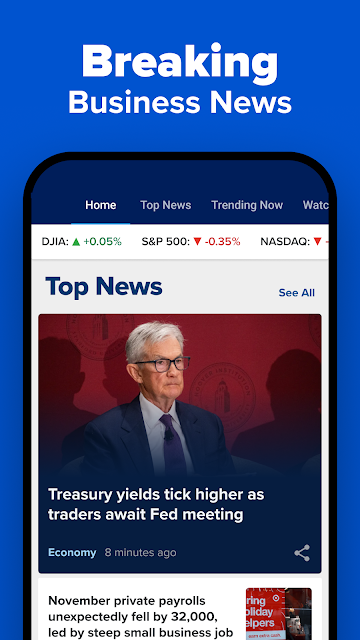
Compared with a basic stock tracker, CNBC puts reporting and video at the center of the experience, with watchlists and market data close at hand. Compared with watching CNBC on television, the app is more flexible: I can check a quote, skim a story or watch a clip when I have a spare moment. It also covers subjects beyond stocks, including economics, technology, politics, energy and personal finance.
That breadth is useful, but it is worth being clear about the job the app does. It provides news, data, commentary and market programming; it is not presented as a place to place trades. I would use it to follow developments and keep an eye on selected stocks, not as a substitute for a dedicated trading service or for making decisions based on a single alert or opinion.
Make the Watchlist Yours
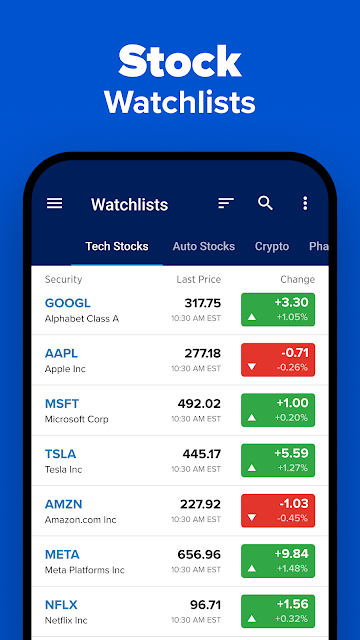
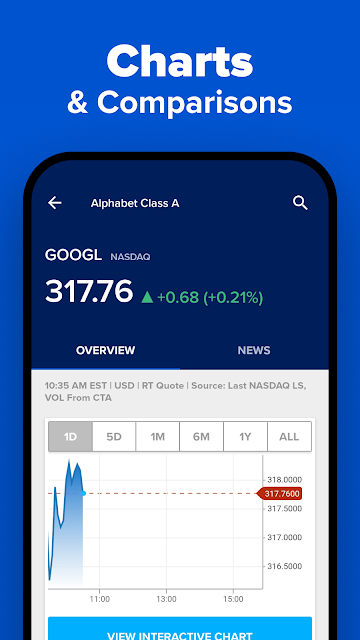
A little setup can make everyday checks more useful. I would start by adding the companies I genuinely want to follow to a customizable watchlist, rather than trying to monitor every name that appears in the news. Then I could use the charts’ adjustable time frames when a quick quote does not show enough context. Keeping the list focused makes it easier to scan during a commute break or between meetings.
Alerts can help bring important updates to my attention without requiring me to keep the app open all day. I would treat them as prompts to look at the underlying story or market data, not as instructions to act. It can also help to decide whether I want a quick headline check, a longer article or a video before opening the app. That small habit keeps a broad news feed from taking over the day.
More From Our News Desk

Zoom Meetings, Google Meet, or Teams: Which Is Easiest to Join?

How I Build a Free Streaming Lineup With Tubi

Why Crunchyroll Is the Default Anime App for So Many Fans

YouTube TV: A Practical Guide to Cutting Cable

Rummikub and the Small Comfort of Phone Games

TeamViewer Remote Control or AnyDesk for Helping Family?
Who will get the most from it
I would recommend CNBC to readers who follow companies, economic news or the wider financial markets and want reporting and market information in the same place. It should suit people who check in several times a day, as well as viewers who like to watch business coverage on a phone or Android TV. The mix of written coverage, alerts, charts and video gives different kinds of users a few ways to stay informed.
It may be less appealing if all you want is a very simple quote screen, or if you prefer a strictly trade-focused tool. There is a lot of coverage to choose from, and some viewing and analysis options are tied to subscriptions or a cable or satellite login. I would also suggest approaching news and commentary as information to consider, rather than personalized guidance about what to do with your money.
CNBC: Business & Stock News is a free Android app from Versant Media, LLC. Google Play shows over 5 million installs and a 4.5-star rating from about 114,000 ratings. The app contains ads and offers in-app purchases. Those purchases are shown at $14.99 to $399.99 per item, so the free download is not the only potential cost.
The content rating is Teen. The listed version varies with device, and the release date is March 18, 2010. Google Play gives October 23, 2026 as the last update date. The description includes live news streams, stock information and video, with some full-episode access requiring a cable or satellite subscription and CNBC PRO content available by subscription.
A Closer Look at CNBC on Mobile
First Open and Setup
My first impression is of an app trying to serve two related needs: following business news and keeping tabs on markets. That combination makes sense for CNBC, but it also means the experience can feel broader than a simple stock quote tool. There are stories to read, market information to check and video to watch, so I would approach it with a particular reason for opening it rather than trying to consume everything.
I would begin with the companies I care about and the kinds of updates I want to see. The app supports customizable stock watchlists and breaking-news alerts, which gives users a way to make the market side more personal. I would also decide early whether I am mainly there for articles, quotes or video. A little intention at setup helps make the range of content feel useful rather than distracting.
The Daily Check-In
In day-to-day use, the appeal is being able to move between a headline and its market context without changing apps. A company story can lead naturally to a watchlist check, while a changing quote can prompt a look at the relevant news. CNBC describes real-time stock quotes and global market data, plus trading information for pre-market and after-hours periods. That makes it suited to people who want more than a once-a-day snapshot.
Alerts are another part of that rhythm. A notification can surface a development while I am doing something else, and I can choose whether to follow it immediately or return later. I would keep expectations measured: an alert is a pointer to coverage, not a complete explanation of what is happening. The app’s mix of news, analysis and market data is most useful when I take a moment to read the context.
News, Charts and Video
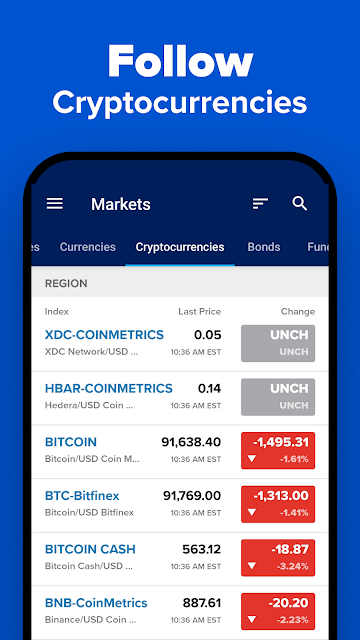
The clearest standout is how many formats sit together. CNBC offers business reporting and economic analysis, market data, interactive charts with customizable time frames, stock alerts, video clips and live streaming. Cryptocurrency coverage is also included in the described feature set. For someone who likes to alternate between reading and watching, this is more convenient than treating every format as a separate destination.
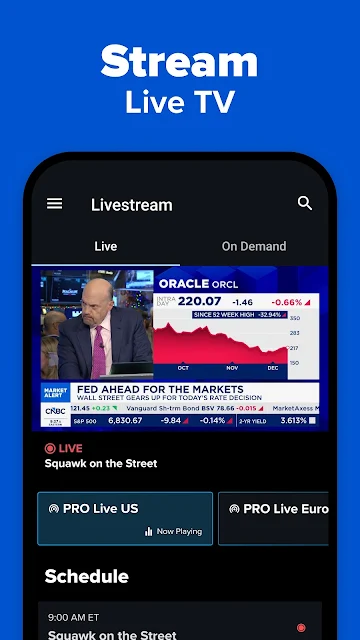
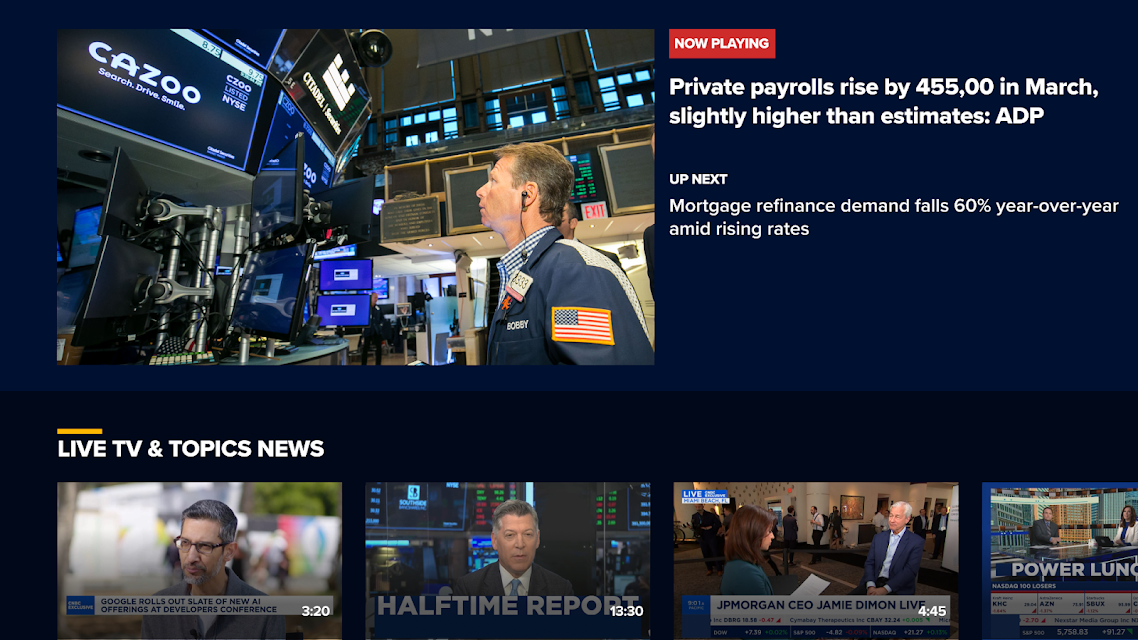
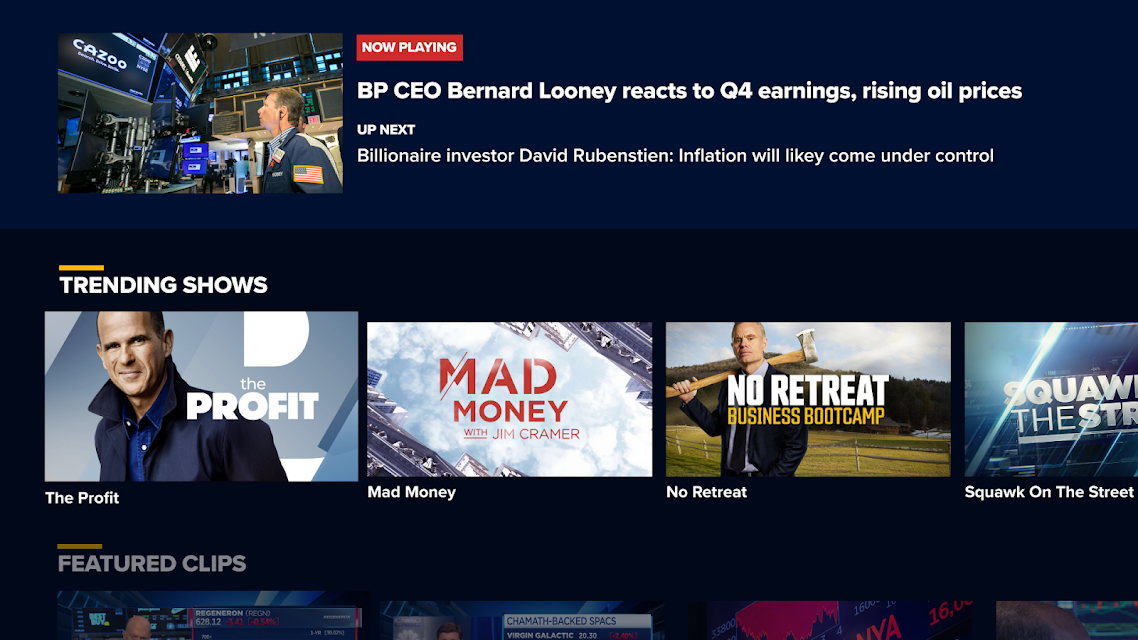
Video access has a distinction worth understanding. The description says news clips can be watched for free, while full episodes can be live-streamed after logging in with a cable or satellite subscription. CNBC PRO also includes additional analysis and live or on-demand programming for U.S. viewers. Those options make the app more than a headline reader, but not every program or feature is part of the same free experience.
The PRO offering adds early access to analyst calls and a pre-market playbook, updates and analysis, exclusive stories, live discussions, special reports and streaming access. The app also describes an Investing Club with Jim Cramer-related analysis, portfolio updates, meetings and playbooks. I would treat these as distinct subscription-oriented offerings, rather than assume that downloading the app gives access to everything.
A Practical Market Routine
A sensible routine might start with a brief scan of the news in the morning, followed by a look at a small watchlist and any pre-market data that matters to me. Later, a breaking-news alert could send me back to a story, and an adjustable chart time frame could help me review the price movement. This is a manageable way to use the app without turning every idle moment into another market check.
When I have more time, I can switch from quick updates to longer coverage: read an analysis piece, watch a clip or, where my access allows, stream a program. That change of pace is one of the app’s strengths. It supports both a short glance and a deeper visit, though it is up to me to decide how much attention the day’s news deserves.
Limits to Keep in Mind
The main trade-off is that a broad news and media app can feel busy if I only want a clean list of prices. CNBC covers many subjects and offers several types of content, so users seeking a minimalist tracker may find the editorial and video side more than they need. A focused watchlist can help narrow the market view, but it does not change the app’s wider identity as a news destination.
Access also depends on what I want to watch or read. Some full episodes require a cable or satellite subscription, and CNBC PRO is a separate subscription offering. Google Play shows in-app purchase prices from $14.99 to $399.99 per item, a wide range that makes it sensible to check the specific purchase details before subscribing. The app is free to download, but not every described feature is necessarily free.
Finally, market coverage can be informative without being a personal plan. CNBC brings together quotes, reporting, expert opinions and commentary, but users still need to judge what is relevant to them. I would use the app to stay aware of developments and explore stories, while keeping the distinction between news coverage and an individual financial decision firmly in view.
CNBC: Business & Stock News is a capable all-in-one option for people who want market updates alongside business reporting and video. The customizable watchlists, alerts, charts and coverage beyond regular trading hours give it practical value, while its broader editorial and TV content make it more than a quote checker.
I would try it if I follow markets regularly and enjoy getting news in more than one format. If I want only a stripped-down stock screen, I would look for something narrower. CNBC’s free download is a useful starting point, but subscription and login requirements matter for some of its viewing and premium features.
CNBC Frequently Asked Questions
What is CNBC: Business & Stock News used for?
CNBC: Business & Stock News is used to follow business and financial news, check market data and stock quotes, build customizable watchlists, and receive breaking-news or stock alerts. It also offers charts, video clips and live streaming. Its coverage includes topics such as economics, technology, politics and personal finance as well as market news.
Which devices can run CNBC: Business & Stock News?
The app is available for Android phones, and its description also mentions streaming video on Android TV devices. Some full episodes require logging in with a cable or satellite subscription. The Google Play version is shown as varying with device, so check the store listing for compatibility details for a particular device.
What Android version does CNBC: Business & Stock News require?
The Android version requirement may vary by device or app update. Check the Google Play listing on the device where you plan to install CNBC: Business & Stock News for the current compatibility information. The app's version is also shown as varying with device.
Does CNBC: Business & Stock News cost money?
The app is free to download and contains ads. Google Play shows in-app purchases priced from $14.99 to $399.99 per item. CNBC PRO is a subscription offering, and some full-episode streaming requires a cable or satellite login. Check the store listing and the relevant subscription details for current terms.
Is CNBC: Business & Stock News right for beginners?
It can suit beginners who want to read business news, follow selected stocks and explore market information in one app. It also includes commentary and subscription-oriented features, so users should choose the content they need and understand what requires payment or a TV-provider login. It provides coverage and data, rather than a personalized plan.
Pros
- Combines business reporting, market data, customizable watchlists and alerts in one app.
- Includes pre-market and after-hours data alongside global market coverage.
- Offers articles, video clips and live programming for different ways to follow news.
- Charts support customizable time frames for reviewing stock information.
Cons
- The broad mix of news and video may feel busy to users wanting only quotes.
- Some full episodes require a cable or satellite subscription login.
- CNBC PRO and other in-app purchases add costs beyond the free download.
- Category
- Finance