Speedtest by Ookla
- 1.47M
- 4.5
- Installs
- 100.00M
- Price
- Free

Screenshots
Analysis by Reviewed APKs
Speedtest by Ookla is a connection-checking app for people who want a quick read on internet speed, mobile coverage, or problems with popular online services. I like that it puts a familiar speed test alongside Downdetector status reports, video testing, and coverage maps. It suits everyday troubleshooting better than constant monitoring, though its ads and extra features make it busier than a single-purpose speed checker.
When the Wi-Fi Feels Slow
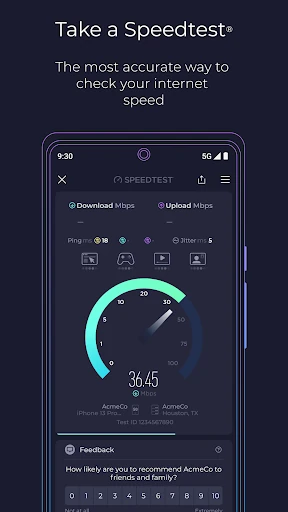
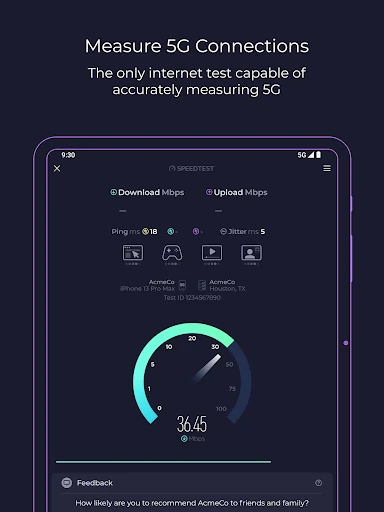
When I first opened Speedtest, I thought of the familiar household puzzle: a video keeps buffering, but I can’t tell whether the Wi-Fi is slow or the streaming service is having a bad day. I’d start with the one-tap test to check download and upload speeds, then look at the three latency measures for a broader sense of how the connection is responding. It turns a vague complaint into information I can actually discuss.
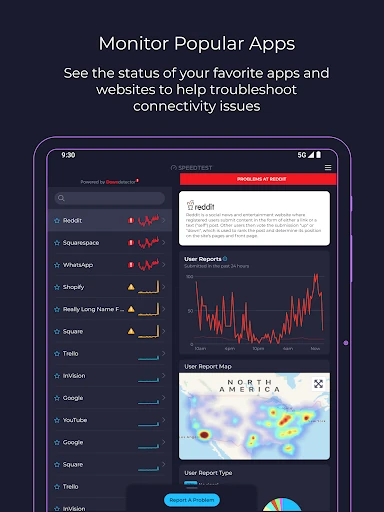
The added Downdetector feature helps with the next question: is the trouble local to my connection, or are other people reporting an issue with the service I’m trying to use? I can check real-time status updates and follow favorite services for easier access to reports. That won’t fix a weak signal or an outage, but it gives me a more useful first stop than repeatedly restarting an app and hoping.
More Than a Speed Number
A basic speed-test app is the obvious alternative if all I need is a quick download figure. Speedtest covers that job, but it also brings together service status checks, mobile coverage maps, video testing, test history, and result sharing. I find that range handy when I’m troubleshooting several kinds of connection problem, rather than opening separate tools just to compare speed with streaming quality or check whether a service is reporting trouble.
That breadth is not the same as a router-control or network-management tool. The app measures connection performance and surfaces service status and coverage information; it is not presented as a way to configure home networking equipment. I also wouldn’t treat one test as a complete account of everyday performance. Results describe a moment and conditions, while the app’s history and other checks can add context.
Small Habits, Better Context
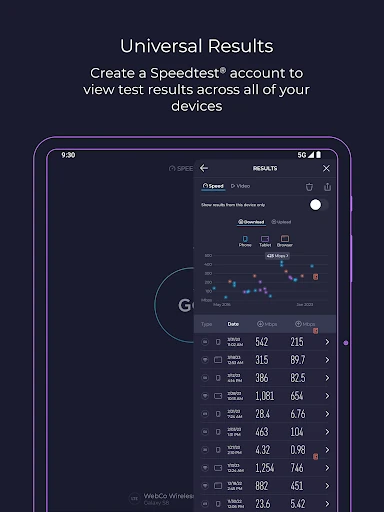
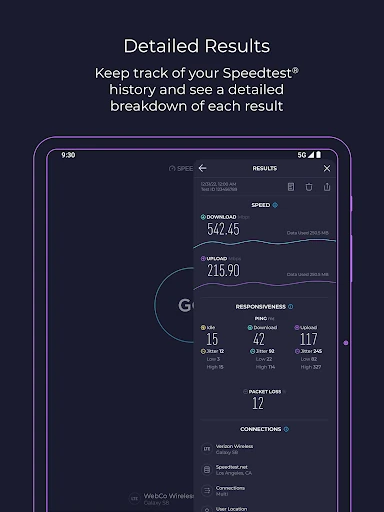
I get more value by testing under consistent conditions. If a connection seems unreliable, I can run a test in the same room and on the same network at different times, then use the detailed history to compare past results. That makes it easier to spot a pattern than relying on one frustrating evening. Sharing a result is also useful when I need to explain a connection issue to someone else.
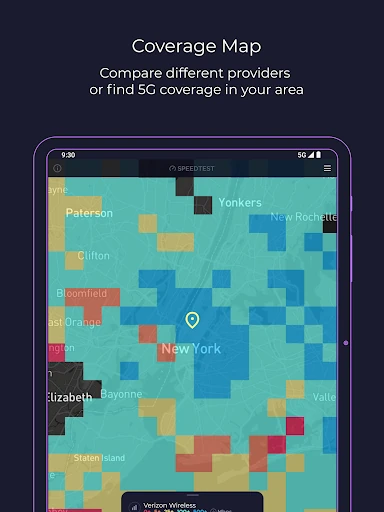
For mobile use, I’d check the coverage map when planning around a weak-signal area, and look at the video test before settling in to stream. The app can show mobile carrier coverage based on real-world data and indicate where 5G is available. Those checks are best treated as planning clues, not promises about the experience at every exact spot or at every moment.
More From Our News Desk

Zoom Meetings, Google Meet, or Teams: Which Is Easiest to Join?

How I Build a Free Streaming Lineup With Tubi

Why Crunchyroll Is the Default Anime App for So Many Fans

YouTube TV: A Practical Guide to Cutting Cable

Rummikub and the Small Comfort of Phone Games

TeamViewer Remote Control or AnyDesk for Helping Family?
Who Will Get the Most From It
I’d recommend Speedtest to anyone who occasionally needs to check whether a connection is behaving as expected: people troubleshooting home Wi-Fi, comparing mobile performance, or checking service disruptions before blaming their own setup. The combination of speed, latency, video capability, and service-status tools is practical for a household that streams, games, or relies on online services throughout the day.
It may be less appealing if you want only a minimal speed readout and have no interest in the extra tools or ads. People looking for detailed control of a router or an ongoing technical monitor should choose a tool designed for that purpose. Speedtest is most useful as an accessible diagnostic companion: quick to consult when something feels off, with enough extra context to help narrow down what might be happening.
Speedtest by Ookla is developed by Ookla and is available on Google Play for Android. It has over 100 million installs and a 4.5-star rating from around 1.5 million ratings. The app is free to install, with in-app purchases priced from $0.99 to $8.99 per item. It contains ads, and its content rating is Everyone.
The listed minimum requirement is Android 7.0, and the current version is 6.5.3. Google Play gives February 6, 2026 as the last update date. The app description also offers an ad-free option and describes VPN access with up to 2 GB of free monthly data, with unlimited usage included in a Premium subscription.
A Closer Look at Everyday Connection Checks
A Familiar First Test
Speedtest’s first impression is straightforward: the central job is measuring a connection, and the classic test is described as a one-tap check. When I’m trying to work out whether a slow page is a temporary hiccup or a broader issue, that clear starting point matters. It checks download and upload speeds along with three latency measures, giving me more than a single headline number to consider.
I also like that the app does not stop at the test result. Downdetector is integrated so I can look at current reports for online apps and services in the same place. That makes the initial experience feel geared toward practical troubleshooting: measure the network, then see whether a service might be experiencing a wider disruption. It’s a useful pairing for ordinary connection mysteries.
How It Fits the Day
Most days, I wouldn’t keep Speedtest open in the background. I’d reach for it when a call, stream, download, or game seems slower than usual, run a test, and decide whether a second check would help. The figures provide a snapshot rather than a full explanation, but download, upload, and latency readings give me several angles on the connection instead of leaving me with a vague impression.
The app is also useful when the question is about a particular service rather than raw network speed. I can check status updates and follow services I care about, which gives me a reason to consult it before spending time changing my own setup. For a quick check, the mix is convenient; for someone who wants only one simple measurement, the broader collection may feel like extra clutter.
Tools Beyond Speed
The Speedtest Maps tab adds a mobile-network perspective. Its coverage maps use real-world data to show stronger and weaker coverage areas for providers, and the app can show where 5G is available alongside a map of the most common technology type. I can see the appeal when planning a route or comparing coverage around familiar places, while remembering that a map is a guide to an area, not a reading from every doorstep.
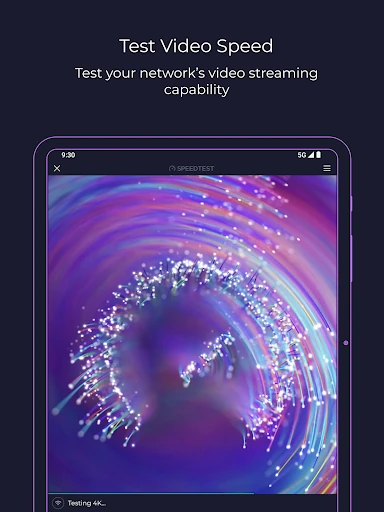
Video testing is another useful distinction from a plain speed check. The app assesses current network streaming capability and provides insights aimed at improving the online video experience. I’d use it when a show keeps dropping quality, since a general speed result may not answer the streaming question as directly. It broadens the app from measuring a connection to checking how it might handle a particular everyday activity.
There’s also test history and result sharing, plus Speedtest VPN. The description says VPN use includes up to 2 GB of free monthly data, with unlimited usage for Premium subscribers; Premium also includes an ad-free experience. These are optional extras rather than the app’s core speed-test function, so I’d view them as separate reasons to explore the app rather than prerequisites for checking a connection.
A Simple Troubleshooting Routine
A practical routine starts when I notice a problem, not by testing constantly. I’d run the speed test, note the result in the app’s history, and check Downdetector if a specific service is acting up. If streaming is the concern, I’d try the video test; if I’m away from home, I’d consult the coverage map. Each step helps answer a different question without pretending that one number explains everything.
When a result seems surprising, repeating the check later under similar conditions can help me compare like with like. The app’s history is useful for that, and sharing results can make a conversation about a connection issue more concrete. I’d avoid drawing big conclusions from a single run, especially when the problem may be tied to a particular service, location, or time rather than the whole network.
A Few Limits to Note
The main trade-off is that Speedtest combines several tools with advertising. Someone who wants a bare-bones test may find the additional service reports, maps, video tools, and VPN details more than they need. The app offers an ad-free option, while its listed in-app purchases range from $0.99 to $8.99 per item. I’d check the purchase details in Google Play before choosing any paid option.
Coverage maps and test results are helpful evidence, but neither can tell the whole story of a connection on its own. A speed test is a momentary assessment, and map information describes coverage across an area. The app is strongest when I use those tools as context for a real problem, rather than expecting an instant diagnosis or treating a result as a complete account of every device and service.
Speedtest by Ookla earns its place as a handy connection-checking app because it pairs the classic speed test with service status reports, coverage maps, video testing, and test history. I appreciate having those checks together when something online isn’t working as expected. Ads and the broader interface are the main compromises, especially if all I want is one number.
I’d recommend it to Android users who troubleshoot Wi-Fi or mobile connections now and then and want more context than a basic speed readout provides. If you prefer a stripped-down tool, a simpler tester may suit you better. For occasional, practical checks, Speedtest is a useful first stop rather than a substitute for hands-on network support.
Speedtest by Ookla Frequently Asked Questions
What is Speedtest by Ookla used for?
Speedtest by Ookla measures download and upload speeds and three latency measures. It also includes Downdetector status updates for online services, mobile coverage maps, video testing, test history, result sharing, and Speedtest VPN. I’d use it to get context when a connection or service seems slow, rather than expect one test to explain every possible issue.
Which devices can run Speedtest by Ookla?
Speedtest by Ookla is available on Google Play for Android devices. The listed minimum requirement is Android 7.0. Device compatibility can vary, so it’s worth checking the Google Play page for the specific phone or tablet you plan to use.
What Android version does Speedtest by Ookla require?
The listed minimum is Android 7.0. Google Play currently identifies version 6.5.3, with a last update date of February 6, 2026. App compatibility and availability can change over time, so check the store page for the latest requirements for your device.
Is Speedtest by Ookla free, and does it have in-app purchases?
The app is free to install and contains ads. Google Play lists in-app purchases from $0.99 to $8.99 per item. The description mentions an ad-free option and a Premium subscription with unlimited VPN usage; it also describes up to 2 GB of free monthly VPN data. Check Google Play for current purchase details.
Is Speedtest by Ookla suitable for everyday troubleshooting?
Yes, I think it suits people who want to check connection speed, investigate service reports, or look at mobile coverage and streaming capability. Its content rating is Everyone. If you want only a minimal speed reading or need router-management controls, this broader app may not match what you’re looking for.
Pros
- Combines speed and latency tests with service status checks in one app.
- Coverage maps and video testing add useful context beyond a speed reading.
- Test history and sharing make it easier to compare or discuss results.
- Offers up to 2 GB of free monthly VPN data, according to its description.
Cons
- Ads may be distracting if you only want a quick speed check.
- The collection of extra tools may feel busy to users wanting a minimal tester.
- A single test or coverage map cannot explain every connection problem.
- Category
- Tools
- Version
- 6.5.3











