Recover Deleted Messages
- 78.49K
- 4.4
- Installs
- 10.00M
- Price
- Free
Screenshots
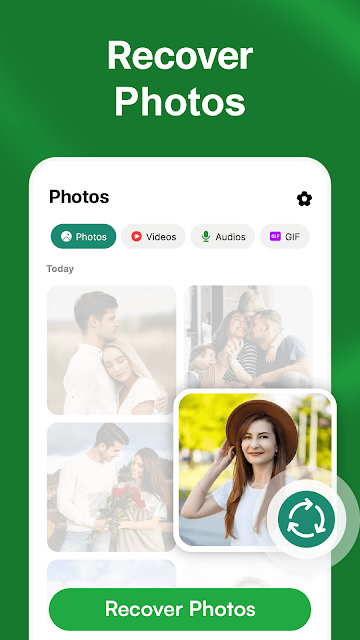
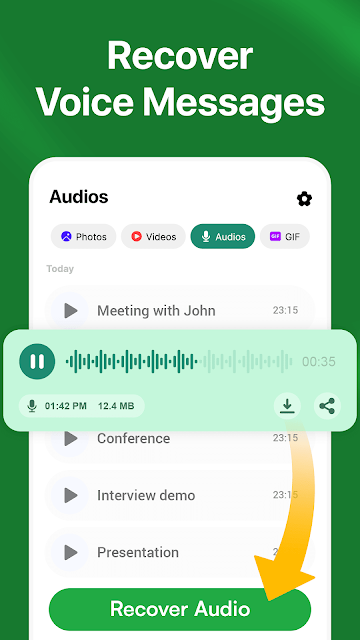
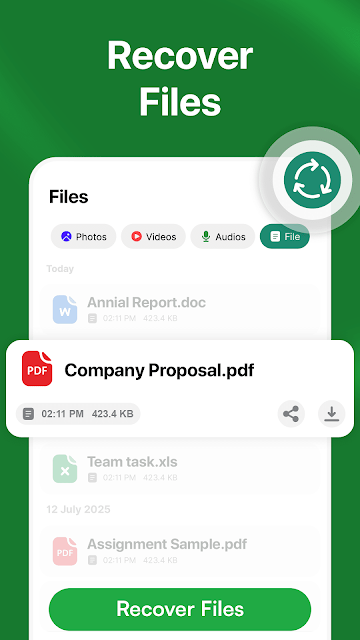
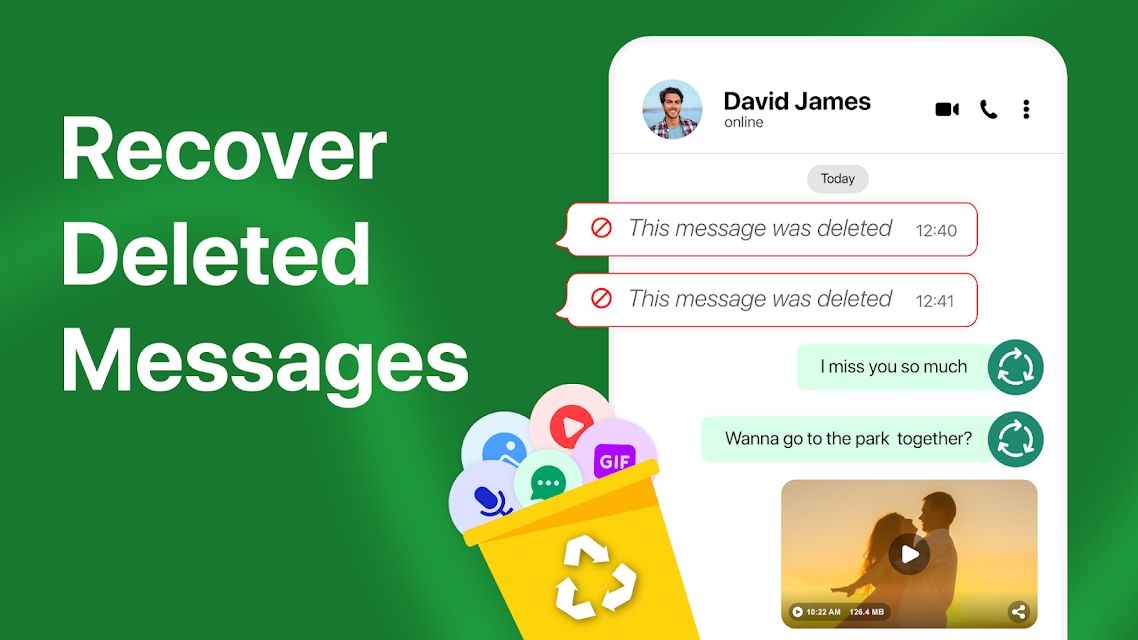
Analysis by Reviewed APKs
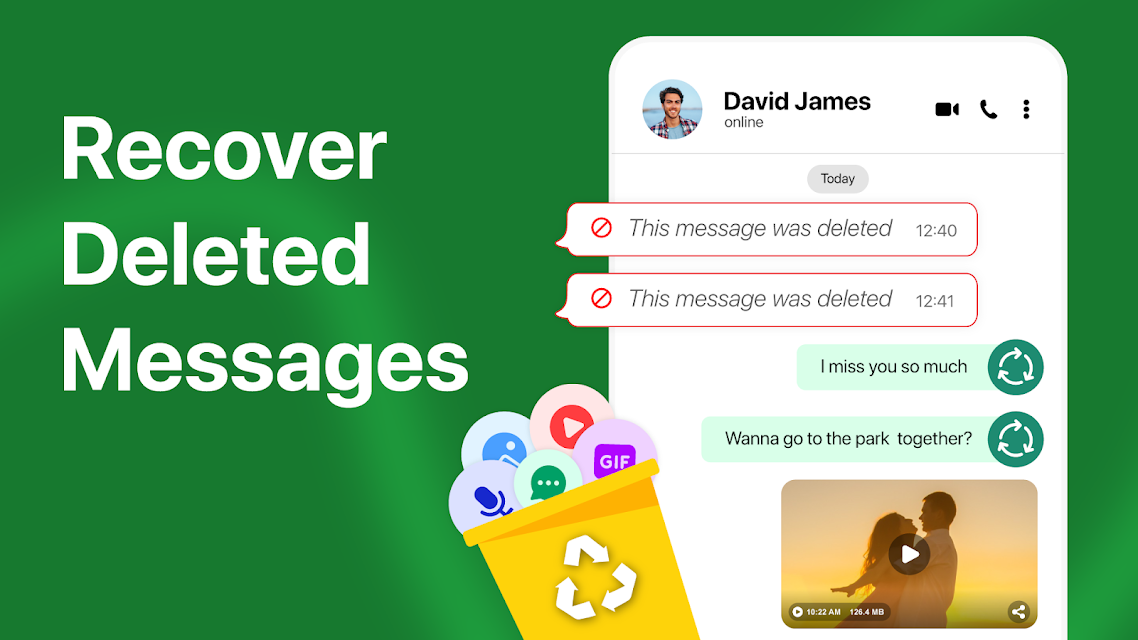
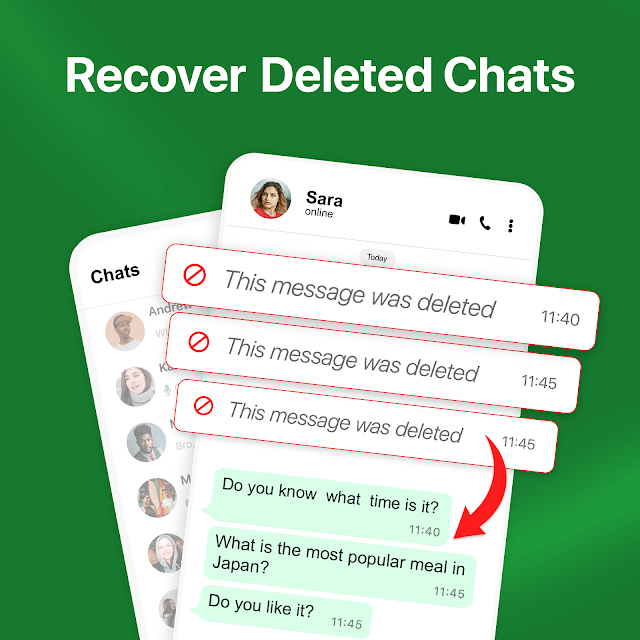
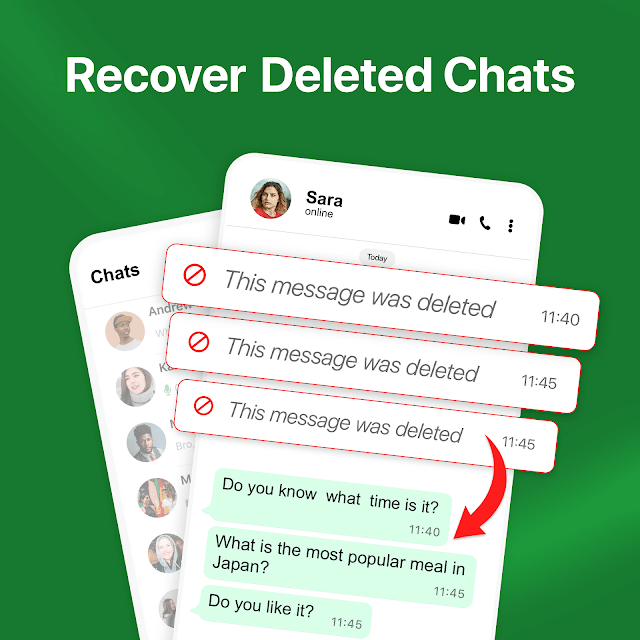
Recover Deleted Messages is a notification-based tool for people who want to check messages, voice notes, stickers, or GIFs that disappeared from a chat before they could view them. I see its appeal for anyone who regularly misses messages, but it depends on notifications being available at the right time. It is best treated as a helpful record of some incoming content, not a way to retrieve every deleted conversation.
When a Message Disappears
When I first opened Recover Deleted Messages, I thought about the familiar moment when a notification arrives during a commute, a meeting, or dinner, and the sender removes the message before I can open the chat. The app is designed to scan notifications and make certain deleted content viewable afterward. That can be handy when I notice a message was removed but do not want to interrupt what I am doing to check it immediately.
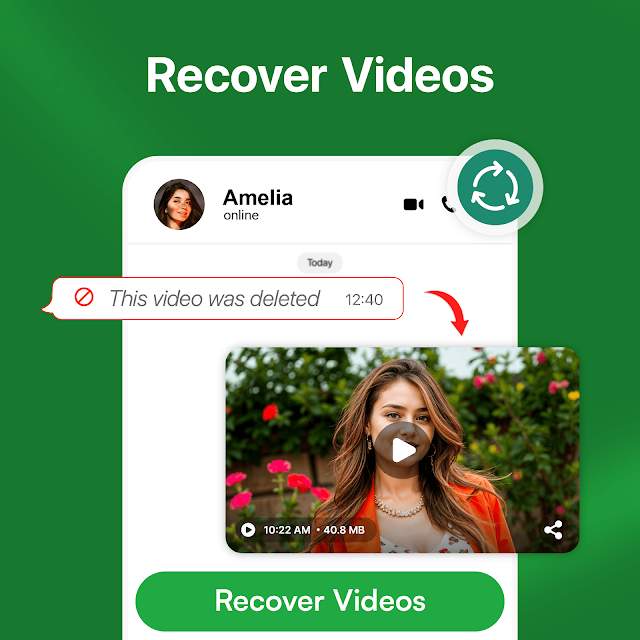
The same idea applies to voice notes and supported chat items such as stickers and GIFs. I can imagine checking the app after a busy stretch of the day to see what appeared in notifications while I was away. The important caveat is that this is not a recovery service that reaches into a chat history: it relies on notifications, so the message needs to have come through in a way the app can capture.
A Notification-Based Alternative
Compared with simply opening a messaging app, Recover Deleted Messages has a narrower job. It focuses on keeping a view of content that arrived through notifications and was later deleted, rather than helping me browse ordinary conversations or manage ongoing chats. That distinction makes it most useful as a companion for missed notifications, not as a replacement for the messaging service where a conversation actually takes place.
It is also not a universal undelete button. If a chat is muted, notifications are off, a message is deleted while I am looking at that chat, or a media file has not fully downloaded, the described recovery functions may not work. I would not choose it for retrieving old messages that never generated a notification. Its usefulness depends on how I receive messages and on the timing of the deletion.
Make Notifications Count
The most useful habit is to keep the relevant message notifications enabled. Since the app works from notifications, turning them off removes the route it needs to capture deleted content. I would also avoid muting a conversation if I expect to rely on the recovery feature, and I would make sure media has finished downloading before assuming it can be viewed later.
A simple routine is to check the app after a stretch when I could not look at my phone, rather than treating it as a live chat inbox. If I notice a deleted message while already inside its conversation, I should remember that this is one of the stated cases where recovery is not possible. These small expectations help keep the tool in its proper role: a backup view for qualifying notifications, not a complete archive.
More From Our News Desk

Zoom Meetings, Google Meet, or Teams: Which Is Easiest to Join?

How I Build a Free Streaming Lineup With Tubi

Why Crunchyroll Is the Default Anime App for So Many Fans

YouTube TV: A Practical Guide to Cutting Cable

Rummikub and the Small Comfort of Phone Games

TeamViewer Remote Control or AnyDesk for Helping Family?
Who May Find It Useful
I would recommend Recover Deleted Messages to someone who often sees message notifications late and wants a chance to view certain content afterward. Its support for text, audio notes, stickers, and GIFs makes the idea broader than a plain text-only notification record. It may be especially appealing to people who want to check what they missed without needing to catch every message as it arrives.
It may not suit someone who expects to restore full chat histories, recover items from muted conversations, or retrieve files that were never downloaded. The notification requirement is central, not a minor detail. I would also hesitate to recommend it to anyone who wants a tool that works without notification access. The app is a practical fit only when its operating conditions match the way that person uses messaging.
Recover Deleted Messages is a free Android app from Solution10 in the Tools category. Google Play shows over 10 million installs and a 4.4-star rating from about 78,000 ratings. Its content rating is Everyone. The app is version 1.6.9; it was released on April 18, 2025, and last updated on September 11, 2025.
The app contains ads and offers in-app purchases, with listed in-app products priced at $19.99 per item. The store figures give a useful sense of its reach, while the practical value depends on notification access and the situations in which a message was deleted. I would check the Google Play page for current purchase details and device compatibility before installing.
How Notification Recovery Works
A Focused First Impression
The name makes the app's purpose clear from the outset: it is meant to help view deleted messages through notifications. When I considered how I would use it, the key setup decision was not a complicated recovery process but whether notifications for the conversations I care about are allowed to reach it. That dependency is worth understanding before expecting any results.
I would approach the first use with realistic expectations. This app does not recreate content that it never received a notification for, and the description says notification access is required. That makes the initial setup less about digging through old chats and more about ensuring the notification path is available for future messages. The payoff, if a notification is captured, is the possibility of checking certain deleted items later.
The Day-to-Day Experience
In ordinary use, the app's job is passive and specific: scan notifications, then make supported deleted content available to view. That suits the way messages arrive during a packed day. I might see a notification while walking between errands, leave the phone in my bag, and check later when I have a moment. If the sender has removed the message in the meantime, the app may have captured it through that notification.
The experience has clear boundaries. It is not described as a tool for sending replies, organizing conversations, or restoring a complete messaging history. I would keep using my normal messaging app for those tasks and think of Recover Deleted Messages as a separate place to check missed notification content. That division makes its role easier to understand and prevents me from expecting it to solve unrelated chat problems.
More Than Text Messages
The supported content goes beyond written messages. The description includes voice notes and audio notes, plus stickers, emojis, and GIFs. That range matters because a deleted item in a conversation may be expressive or spoken rather than a sentence. For someone who regularly receives short voice clips, being able to check eligible audio content could be more useful than a tool limited to text.
Those media features still depend on the same notification-based process. The description says recovery may fail if notifications are turned off, and media cannot be recovered if it has not fully downloaded. So I would not assume every sticker or voice note will be available simply because the app names that format. The feature set is appealing, but the circumstances of receipt determine what it can handle.
A Practical Check-In Routine
A reasonable routine would be to leave notifications enabled for important conversations, let incoming media finish downloading, and check the app at a convenient pause in the day. For example, after a morning of classes or back-to-back work, I could look through what the notification-based tool has captured rather than repeatedly checking my phone as messages arrive.
I would not build a routine around recovering messages from a muted chat or from a conversation I was actively viewing when deletion happened. Those are stated limitations, so the app is more dependable as a supplement to normal notification habits than as a way to catch every deletion. Keeping that distinction in mind makes the occasional recovered item feel like a useful extra, rather than a result I should expect every time.
Limits to Keep in View
The biggest limitation is also the app's central mechanism: it needs notifications. If notifications are disabled, the described recovery feature cannot work. Muted chats are another weak spot for restoring text, and messages deleted while I am viewing the chat are outside the stated recovery conditions. These are meaningful constraints for anyone who routinely keeps conversations muted or has notification settings tightly controlled.
Media has its own condition: files that have not fully downloaded cannot be recovered. I would therefore treat the app as a chance to view some content that passed through notifications, not as a safety net for every lost message or attachment. A careful understanding of those limits is more useful than expecting a universal restore function, especially when deciding whether the app fits my messaging habits.
Recover Deleted Messages has a clear and useful niche: it can help people check certain deleted texts and media that arrived through notifications. I like the straightforward premise, but its success depends on notification settings, timing, and complete media downloads. Those conditions keep it from being a full chat-recovery solution.
I would try it if deleted notifications are a recurring frustration and I am comfortable granting the access its described function needs. If I expect old conversation archives or recovery from muted chats, I would look elsewhere. For the right routine, it can be a handy extra; for everyone else, its limits arrive quickly.
Recover Deleted Messages Frequently Asked Questions
What is Recover Deleted Messages used for?
Recover Deleted Messages is designed to scan notifications and help users view certain messages that were deleted after arriving. The description also includes voice notes, audio notes, stickers, emojis, and GIFs. It relies on notification access, so it is not presented as a way to restore complete chat histories or retrieve content that never reached the app through a notification.
Which devices can run Recover Deleted Messages?
Recover Deleted Messages is an Android app distributed through Google Play. The supplied details do not specify a minimum Android version, so compatibility can vary by device and software version. I would check the Google Play page from the device where I plan to install it for the current requirements.
What Android version does Recover Deleted Messages require?
The available app details do not give a minimum Android version. Requirements can vary as the app and Android devices change, so the most practical place to check is the Recover Deleted Messages page in Google Play. The app's described recovery functions also require access to notifications.
Does Recover Deleted Messages cost money?
Recover Deleted Messages is free to install and contains ads. It also offers in-app purchases, with products listed at $19.99 per item. Purchase options and prices may vary over time, so I would check Google Play for the current details before buying anything.
Is Recover Deleted Messages a good fit for everyone?
It may suit people who miss notifications and want a chance to view certain deleted messages or media afterward. It is less suitable for anyone expecting complete chat restoration: notifications must be available, muted chats and active viewing can prevent text recovery, and media needs to be fully downloaded. The fit depends on notification habits and expectations.
Pros
- Covers deleted text, voice notes, stickers, emojis, and GIFs through notifications.
- A focused companion for checking content missed during a busy day.
- Free to install, with a clear notification-based purpose.
Cons
- Requires notification access and cannot help when notifications are turned off.
- Muted chats and messages deleted during active viewing limit text recovery.
- Undownloaded media files cannot be recovered.
- Category
- Tools
- Version
- 1.6.9











