Phone Cleaner - Virus Cleaner
Listed on Google Play as “Cleaner Antivirus VPN Cleaner”
- 684.55K
- 4.8
- Installs
- 10.00M
- Price
- Free

Screenshots
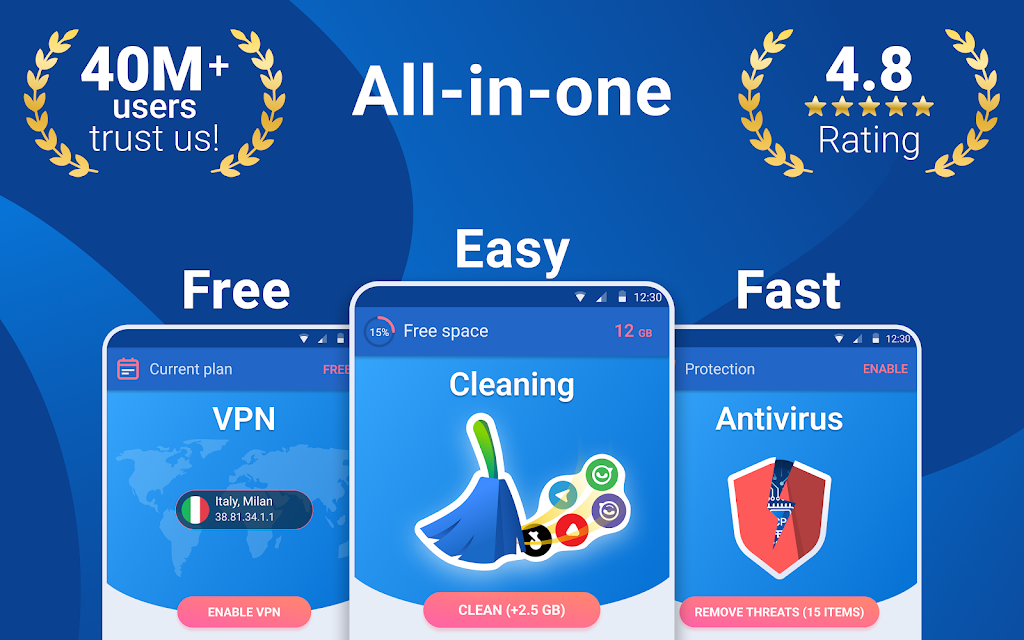
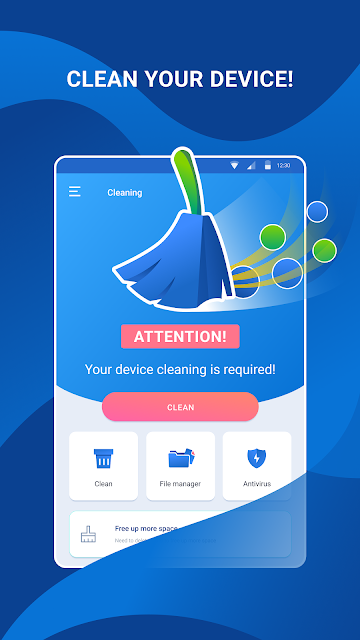
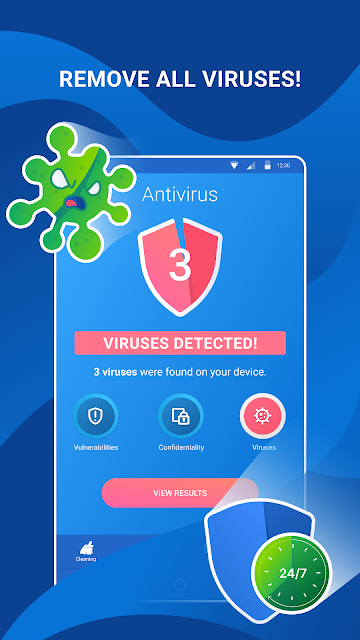
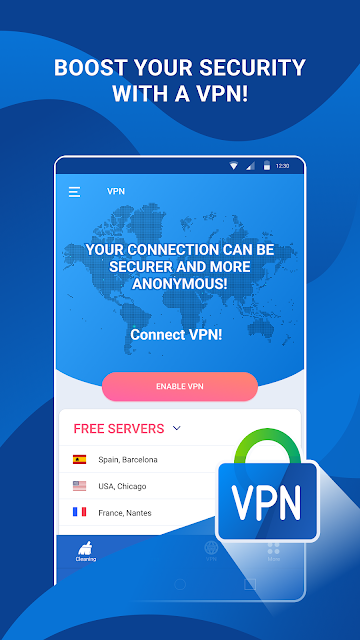
Analysis by Reviewed APKs
Cleaner Antivirus VPN Cleaner is an Android utility that brings storage cleanup, antivirus scanning, a VPN and file management together in one app. I can see it suiting people who would rather keep several basic maintenance tools in one place than switch between separate apps. After looking at what it offers, my take is that its breadth is useful, though anyone seeking a dedicated, highly specialized security or file-management tool may want a more focused option.
A Quick Phone Tidy
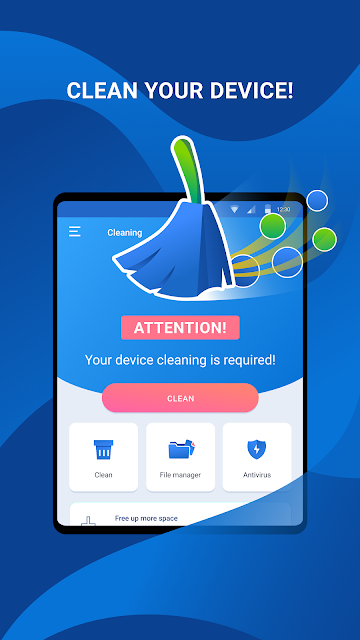
Picture a familiar moment: your phone is low on space just before you want to save photos or download something. Cleaner Antivirus VPN Cleaner is meant to help with that sort of small maintenance job. Its cleaner can remove cache and junk files, while its memory-clearing feature can close apps that use phone memory. I like that these tasks sit alongside other utilities, so a quick cleanup does not require opening a separate cleaner.
I would treat the cleanup as a deliberate check rather than a button to tap without looking. The app describes removing unnecessary files and clearing cache, but it does not tell me exactly which items will be removed in every situation. Before using any cleaner, it makes sense to review what it identifies and keep important files backed up. The practical appeal is convenience, not a promise that every phone will feel dramatically faster.
One App, Several Jobs
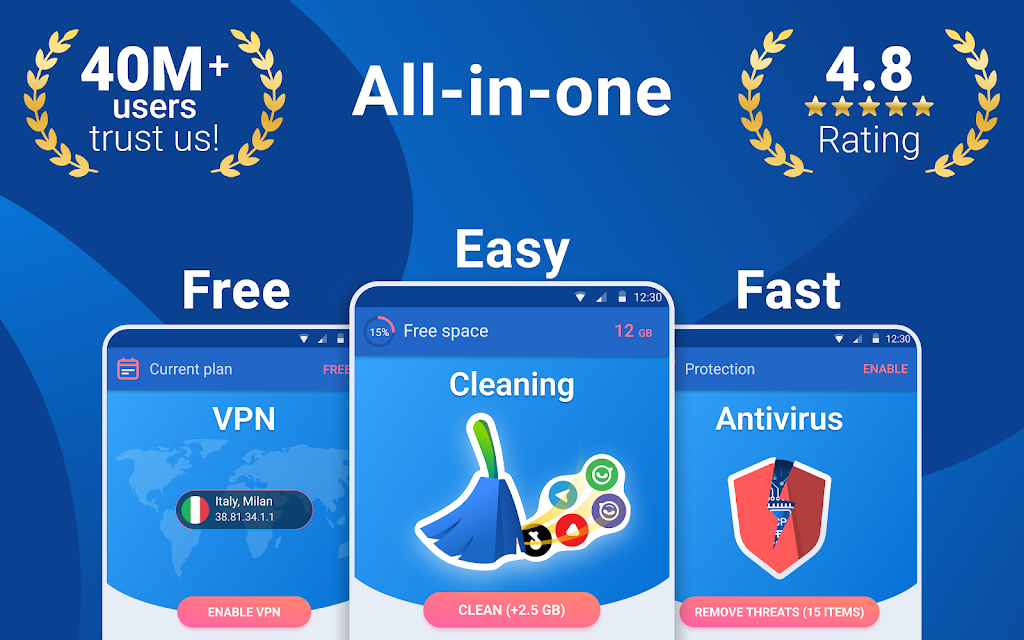
The obvious alternative is assembling a small toolkit: one app for security, another for private browsing, and the phone’s own storage or file controls for organization. Cleaner Antivirus VPN Cleaner’s main distinction is putting those jobs together. It includes antivirus scanning and real-time protection, a VPN, a cache and junk cleaner, and a file manager. That mix may be convenient if you prefer one place to start, although it also means the app covers a lot of ground.
This is not a replacement for every specialist tool or a detailed explanation of what is happening on your device. The description presents broad, everyday functions, rather than advanced controls for managing files or tuning network settings. I would also avoid treating a cleanup result as a complete security assessment. People who want a narrow, purpose-built tool—or who prefer to manage each task through Android’s own settings—may find the all-in-one approach unnecessary.
Small Habits That Help
A light routine is a better fit than repeatedly running every tool just because it is available. I would check storage when space starts to feel tight, then look at the cleaner’s proposed junk and cache items before removing anything. For security, the app offers quick scans and real-time protection as described in its feature information. That gives users two different ways to approach checking: a spot check or ongoing protection, depending on their preference.
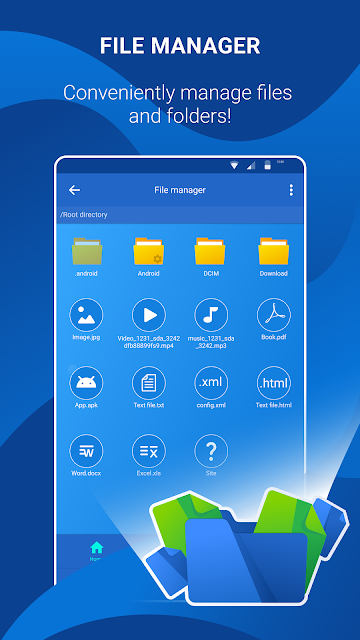
The file manager can also be useful as a periodic organizing stop. Its listed functions include working with folders, sharing files, transferring them between a device and a PC, and working with OneDrive, Dropbox and other services. Rather than making a separate project of it, I would use it when looking for a particular file or tidying a folder. The VPN is another distinct tool, intended for browsing privacy and use on public Wi-Fi.
More From Our News Desk

Zoom Meetings, Google Meet, or Teams: Which Is Easiest to Join?

How I Build a Free Streaming Lineup With Tubi

Why Crunchyroll Is the Default Anime App for So Many Fans

YouTube TV: A Practical Guide to Cutting Cable

Rummikub and the Small Comfort of Phone Games

TeamViewer Remote Control or AnyDesk for Helping Family?
Who Might Find It Useful
I would recommend Cleaner Antivirus VPN Cleaner to Android users who like having several common maintenance tools collected in one app. The combination may suit someone who occasionally wants to clear cache, check for threats, manage files, or use a VPN without maintaining a separate app for each purpose. Its Google Play reach—over 10 million installs and a 4.8-star score from around 685,000 ratings—also suggests that many people have tried it.
It may be less appealing if you want a dedicated tool with a narrow job, or if you dislike ads and optional purchases in utility apps. The app contains ads and offers in-app purchases, so the free download is not the whole story. I would also suggest taking a careful look at cleanup selections rather than assuming all detected files are disposable. For people who already use separate tools they trust, adding another all-in-one app may not simplify much.
Cleaner Antivirus VPN Cleaner is a free Android tools app from Cleaner + Antivirus + VPN company. Google Play shows over 10 million installs and a 4.8-star rating from 684,549 ratings. It contains ads and offers in-app purchases, with listed items ranging from $0.99 to $69.99 each. The content rating is Everyone. Those figures make the app accessible to try, while the ads and purchase options are worth bearing in mind.
The listed version is 4.1.1. The app was released on April 27, 2023, and its latest update is dated October 21, 2026. An Android minimum version is not included in the supplied app details, so check Google Play for compatibility with a particular device. The listing names the developer as Cleaner + Antivirus + VPN company.
Four Utilities in One Everyday Toolkit
Getting Oriented
When I first considered the app, what stood out was the scope: it is not just a cleaner with an antivirus label added. The described toolkit includes storage cleanup, antivirus protection, a VPN and file management. That makes the basic purpose easy to grasp, but it also means a new user has several different jobs to think about. I would start with the tool I actually need rather than trying to use every feature at once.
The app’s description says its cleaner handles cache and junk files and can close apps taking up phone memory. It also describes customizable antivirus scans, including quick scans and real-time protection. Those are useful starting points for understanding the product, though the supplied information does not spell out a detailed setup flow. I would read each on-screen prompt carefully and make choices based on the task at hand.
Day-to-Day Use
In everyday use, a storage check is probably the most straightforward reason to open the app. When downloads, cached data or other clutter seem to be taking up room, the cleaner offers a way to look for junk and clear cache. I like the idea of having that task close at hand, but I would not run it on autopilot. A quick review of what the app is about to remove is a sensible habit.
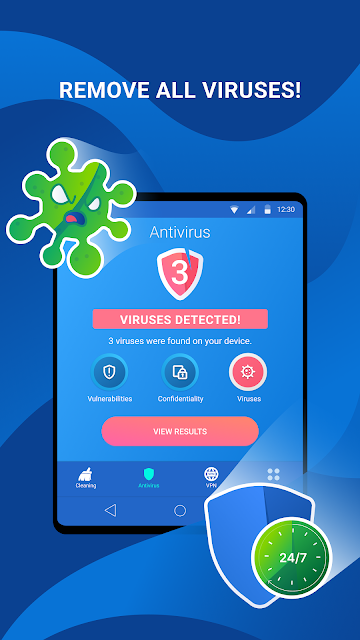
The security side serves a different routine. A quick scan is framed as an option for routine checking, while real-time protection is described as continuous monitoring of the phone and apps. I would think of these as complementary ways to use the antivirus feature, not as a reason to ignore other security practices. The app also describes checking for malware, trojans, threats and vulnerabilities, which gives the scan a broader role than a simple storage tidy.
Features Beyond Cleaning
The VPN is one of the more notable additions because it gives the app a use beyond maintaining storage or checking apps. The description says it is intended to support privacy while browsing and provide a secure connection, including when using public Wi-Fi. It also mentions servers in different parts of the world. That makes the VPN relevant to a different everyday moment, such as browsing while away from home, rather than part of a cleanup routine.
The file manager rounds out the package with practical organization tasks. It is described as a way to manage files and folders, share files, transfer them between a phone and PC, and work with OneDrive, Dropbox and other services. I can see that helping when a file needs to be found or moved without opening a separate manager. The appeal is having several common utilities in one place, rather than one unusually deep feature.
A Simple Weekly Routine
A reasonable routine might be to open the app when the phone is running short on space, review the cleaner’s findings, and remove only the items I am comfortable losing. On another occasion, I might run a quick antivirus scan if I want a check rather than relying only on the real-time protection option. Keeping those tasks separate helps me avoid treating one tap as a complete maintenance plan.
I would use the file manager when I need to locate, organize or share something, and consider the VPN when browsing on a public Wi-Fi connection. These are occasional, purpose-driven tasks, not features that need to be combined into one session. The app’s broad toolset is easiest to appreciate when each function has a clear reason to be opened. That approach also makes it easier to notice which parts are genuinely useful to me.
Limits to Keep in Mind
The main trade-off is that an all-in-one app can feel less focused than a dedicated cleaner, antivirus product, VPN or file manager. The description gives a broad outline of each tool, but does not provide detailed technical comparisons or explain every setting. I would approach its claims in a measured way and use the features for their stated everyday purposes, rather than assuming the app can resolve every storage, privacy or security concern.
There are also practical considerations: the app contains ads and offers in-app purchases. The listed purchase range is broad, from $0.99 to $69.99 per item, so I would check the store and any in-app purchase details before spending. Android compatibility can vary by device and version, and the minimum requirement is worth checking in Google Play. Those caveats do not rule out trying it, but they matter when choosing a utility.
Cleaner Antivirus VPN Cleaner makes its case through convenience: cleaning, antivirus features, VPN access and file management share one app. I find that combination useful for people who want a general-purpose toolkit and are willing to choose the right tool for each task. The key is to keep expectations practical and review cleanup choices instead of treating a maintenance app as a hands-off fix.
I would suggest giving it a look if you use Android and want these utilities together, especially if you do not already have a preferred app for each job. If you value a focused specialist, want an ad-free experience, or prefer your phone’s built-in controls, it may not be the best fit. Check the store details for compatibility and purchase information before deciding.
Phone Cleaner Frequently Asked Questions
What is Cleaner Antivirus VPN Cleaner used for?
Cleaner Antivirus VPN Cleaner brings together a cache and junk cleaner, antivirus scanning and protection, a VPN, and a file manager. The cleaner is intended to help free storage by removing junk and cache, while the file manager handles files and folders. The VPN is described for browsing privacy and public Wi-Fi use. It is a general utility app rather than a tool for just one task.
Which devices can run Cleaner Antivirus VPN Cleaner?
Cleaner Antivirus VPN Cleaner is an Android app. Its minimum Android version is worth checking in the Google Play store, since compatibility can depend on the app’s current requirements and your device. The details supplied here do not establish support for other platforms, so check the store information for the device you plan to use.
What Android version does Cleaner Antivirus VPN Cleaner require?
The minimum Android version for Cleaner Antivirus VPN Cleaner can vary with the current release and device compatibility. Check its Google Play store page for the requirement that applies to your phone or tablet before installing. The listed app version is 4.1.1, but that does not by itself specify which Android versions are supported.
Is Cleaner Antivirus VPN Cleaner free?
Cleaner Antivirus VPN Cleaner is free to download, but it contains ads and offers in-app purchases. Listed purchase prices range from $0.99 to $69.99 per item. The exact options and prices may vary, so check Google Play and the app’s purchase details before paying. You can take those costs into account when deciding whether its combined toolkit suits your needs.
Is Cleaner Antivirus VPN Cleaner suitable for everyday use?
It may suit Android users who want a cleaner, antivirus features, a VPN and file management together. Someone who prefers specialist apps, avoids advertisements, or already relies on built-in phone tools may find the package less appealing. The app has an Everyone content rating, but suitability still depends on your preferences and the features you actually plan to use.
Pros
- Combines storage cleanup, antivirus tools, a VPN and file management in one Android app.
- Offers both quick antivirus scans and a real-time protection option.
- File manager supports organization, sharing and transfers between a device and PC.
Cons
- Contains ads, with additional in-app purchases ranging from $0.99 to $69.99 per item.
- Its broad toolkit may be less focused than separate specialist utilities.
- The minimum Android requirement should be checked for your particular device.
- Category
- Tools
- Version
- 4.1.1











