Messages: SMS Text Messenger
- 7.56K
- 4
- Installs
- 1.00M
- Price
- Free

Screenshots
Analysis by Reviewed APKs
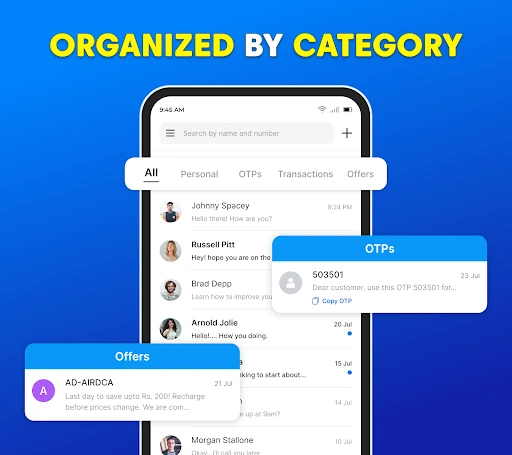
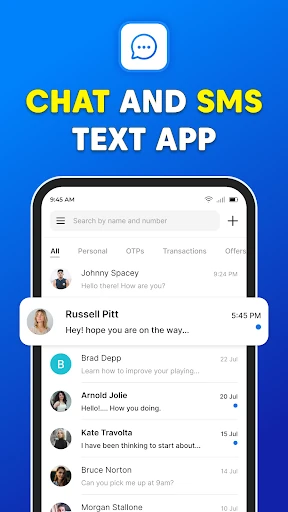
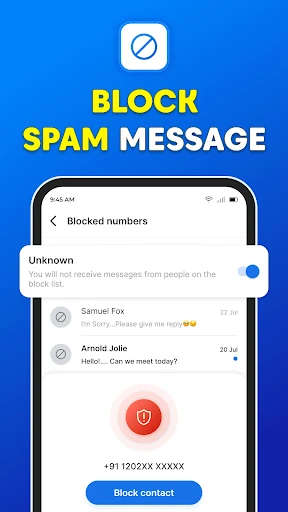
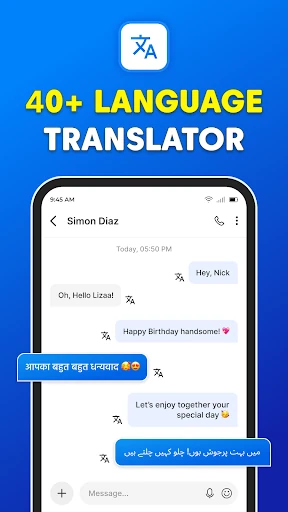
Messages: SMS Text Messenger is for sending and receiving everyday text messages, with support for group chats and sharing photos, videos, audio, GIFs, emojis, and stickers. I see it as a practical option for people who want an SMS-focused app with a few extra tools, such as scheduled messages and backup. It covers familiar communication needs, though its advertised feature range is broader than a basic texting routine requires.
A Texting Day, Made Simple
When I think about the app’s core job, it’s an ordinary day of small messages: checking in with family, confirming a pickup time, and sending a photo to a friend. Messages is built around SMS and MMS, so those conversations can use the phone’s text-messaging service rather than requiring an internet connection for standard texts. That makes it relevant when I want to reach someone through a familiar phone number instead of moving everyone into a separate chat service.
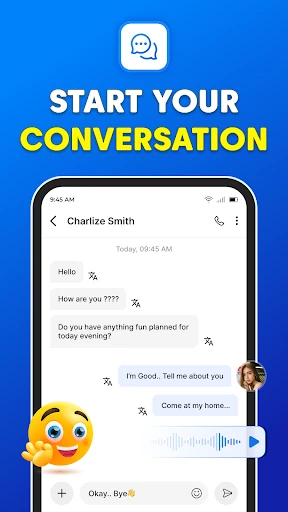
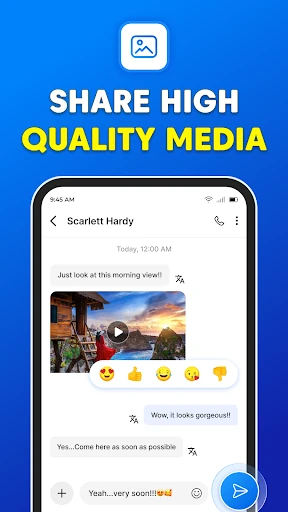
The multimedia options give a conversation room to be more than plain text. I can share pictures, GIFs, emojis, videos, audio, and stickers, and group chats are available for keeping several people in one conversation. I’d find that useful when plans involve a few friends or relatives. It still feels best suited to practical, direct communication: quick exchanges and everyday sharing, rather than a full social network or a dedicated video-meeting tool.
SMS, Not a Social Network
Compared with a dedicated internet messaging service, Messages leans on the familiar SMS and MMS model. Its description says standard texting does not require an internet connection, and it also advertises group chats, file sharing, and voice calls. That combination may appeal if I’d rather keep routine conversations tied to texting than persuade every contact to adopt the same separate platform. For sending a quick note, it aims to keep the basic task straightforward.
I wouldn’t treat it as a replacement for every kind of communication. The app’s central identity is text messaging, and the supplied details don’t establish broader collaboration tools or a social feed. Some advertised functions, including calls and encryption, may matter to people comparing messaging apps, but I’d still think first about my everyday SMS needs. If most of my conversations already happen in another service, switching may not add enough to justify changing habits.
Small Habits That Help
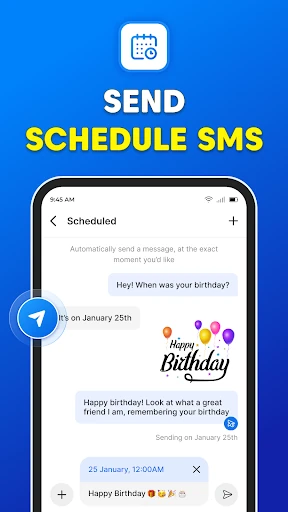
A few of the listed tools make more sense when used deliberately. Scheduling a message could help me prepare a birthday greeting or a reminder in advance, while the backup and restore option is aimed at keeping SMS and MMS messages available if I need to recover them. I’d make a habit of checking those options before relying on them for an important conversation, rather than discovering how they work only when I’m in a hurry.
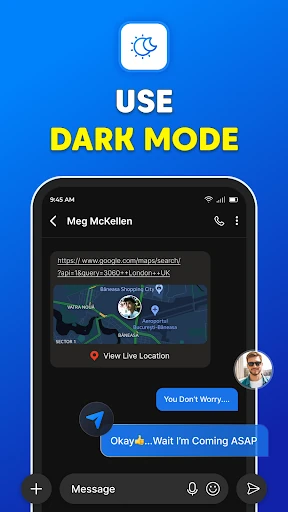
The app also describes opening the SMS inbox after a phone call, which could be handy if a call reminds me to follow up by text. Dark mode is another small comfort for evening use. I’d keep the workflow simple: use ordinary messaging for quick exchanges, group chats for shared plans, and the extra tools only when they solve a real problem. That way, the feature list supports the routine instead of becoming another thing to manage.
More From Our News Desk

Zoom Meetings, Google Meet, or Teams: Which Is Easiest to Join?

How I Build a Free Streaming Lineup With Tubi

Why Crunchyroll Is the Default Anime App for So Many Fans

YouTube TV: A Practical Guide to Cutting Cable

Rummikub and the Small Comfort of Phone Games

TeamViewer Remote Control or AnyDesk for Helping Family?
Who May Find It Useful
I’d recommend Messages to someone looking for a general-purpose SMS and MMS app with a few extras beyond sending plain text. It can suit people who regularly share media, coordinate in group chats, or like the idea of scheduling messages and backing up conversations. The description also says it can be used on a smartphone or tablet, so it may fit someone who texts across those device types.
It may be less appealing if I want a highly specialized work messenger or if my friends and family already use another service for nearly every conversation. People who prefer a very simple texting tool may also find the additional advertised functions unnecessary. Since the app contains ads, that is worth factoring into the experience too. I’d compare the available details in Google Play with my own needs before making it my default messaging app.
Messages: SMS Text Messenger is developed by text messages and is listed in Google Play under Communication. It has over 1 million installs and a 4.0-star rating from about 7,600 ratings. The app is free to download and contains ads, with no in-app purchases listed in the supplied facts. Its content rating is Everyone.
The listed Android requirement is Android 5.0 or later. The current version in the supplied facts is 6.1. The app was released on May 26, 2023, and its last update was December 15, 2025. Those details provide a useful snapshot of the app, though store information can change over time.
A Closer Look at Everyday Texting
First Look and Setup
When I first opened the idea of Messages, what stood out was its familiar purpose: handle conversations by text, with extras for media and group exchanges. The description invites users to set it as their default messaging app. That is a meaningful choice, since a default app becomes part of the everyday routine; I’d want to be comfortable with its basic texting role before making that switch.
The app is described for smartphones and tablets, and the minimum Android requirement is version 5.0. I’d approach setup with a practical checklist: decide whether I want it as my default, check the store details, and consider which listed features I’ll actually use. I wouldn’t install a new messaging app expecting every optional feature to matter from day one. The value is in whether it fits how I already communicate.
The Daily Conversation
Day to day, the app’s main proposition is sending and receiving SMS and MMS. That gives it a clear role for the small exchanges that keep plans moving: a short update, a confirmation, or a photo sent to a contact. Because standard SMS does not require an internet connection according to the description, the core use case is distinct from services that depend on an online chat account.
I also like that the communication isn’t limited to text. The described support for photos, GIFs, emojis, videos, audio, and stickers gives me options when a sentence isn’t enough. Group chats add another practical use, such as coordinating a family plan without relaying the same detail to each person separately. These features are most useful when the people I contact are happy to communicate through SMS and MMS.
Extras Beyond Text
Scheduling is one of the more tangible extras. I can imagine drafting a message when I think of it, then having it go out later for a birthday or a reminder. The description presents this as a way to avoid missing a moment and to give a user a chance to correct a message before it is sent. It’s a modest convenience, but one that can fit naturally into a busy week.
Backup and restore are also highlighted for SMS and MMS messages. That can be reassuring for someone who wants a way to preserve or recover conversations, although I’d read the app’s current store information and on-device instructions before depending on it. Dark mode rounds out the advertised tools with a different visual theme. These functions don’t change the basic job of texting, but they give the app more to offer than a bare-bones message sender.
A Useful Weekly Routine
A routine I can picture is using the app for everyday texts, then turning to group chat when a plan involves several people. If I remember an important message at an inconvenient time, scheduling could let me prepare it ahead of the moment. After a phone call, the described shortcut to the SMS inbox could also make it easier to follow up with a written detail while the conversation is still fresh.
For media, I’d keep sharing purposeful: a photo when it helps explain something, or a short audio or video when that’s more useful than typing. Dark mode may suit late-night checking, while backup and restore are tools I’d investigate before needing them. The point isn’t to use every feature every day. A handful of well-chosen habits can make the app feel useful without adding friction to a simple text.
Limits to Keep in Mind
The biggest practical consideration is that this is an ad-supported app. The supplied facts say it is free and contains ads, so I’d expect advertising to be part of the experience rather than assume the interface is entirely ad-free. There are no in-app purchases in the provided facts. For someone who wants a minimal, distraction-free texting experience, ads may be a reason to compare alternatives before choosing a default.
The app describes a wide range of capabilities, including voice calls and end-to-end encryption, but I’d avoid assuming every feature works identically in every situation. Standard SMS and MMS, internet-dependent sharing, and other messaging functions can have different requirements. I’d check the current Google Play information for details that matter to my device and contacts. The app makes the most sense when its everyday SMS role matches what I need.
Messages: SMS Text Messenger aims to make everyday texting more flexible with media sharing, group chats, scheduled messages, backup and restore, and dark mode. I like that its central purpose is easy to understand, and its extras map to familiar situations rather than an entirely different kind of communication.
I’d suggest giving it a look if you want an SMS-focused app and expect to use at least a few of those additions. If you prefer a bare-bones, ad-free experience or already rely on another messaging service, it may be less compelling. Check the current store details before choosing it as your default.
Messages Frequently Asked Questions
What is Messages: SMS Text Messenger used for?
Messages: SMS Text Messenger is for sending and receiving SMS and MMS messages. Its description also covers group chats and sharing photos, GIFs, emojis, videos, audio, and stickers. Other advertised tools include scheduled messages, backup and restore, dark mode, and access to the SMS inbox after a phone call.
Which devices support Messages: SMS Text Messenger?
The app is listed for Android, with a minimum requirement of Android 5.0. Its description says it can be used on a smartphone or tablet. For current compatibility with a particular device, I’d check the Google Play store details, since requirements and availability may vary.
Does Messages: SMS Text Messenger cost money?
The supplied facts say Messages: SMS Text Messenger is free to download, contains ads, and has no in-app purchases listed. Store details can change, so it’s worth checking the current Google Play listing for the latest information about cost and ads before installing.
Does Messages: SMS Text Messenger need internet?
The description says no internet connection is required for standard text messaging, and the app supports SMS and MMS. It also advertises sharing media and other messaging features, which may have different requirements depending on how they work. Check the app’s current store information for details relevant to a particular feature.
Who is Messages: SMS Text Messenger best for?
I’d consider it for someone who wants everyday SMS and MMS with group chats and media sharing, plus options such as scheduled messages and backup. It may be less suited to someone who wants a very minimal experience or already does nearly all messaging in another service. The app contains ads, which some users may also want to weigh.
Pros
- Covers SMS and MMS along with group chats and a range of media sharing.
- Scheduled messages can help prepare greetings or reminders ahead of time.
- Backup and restore are available for SMS and MMS messages.
- Dark mode adds an alternative look for everyday use.
Cons
- The free app contains ads, which may interrupt a preference for minimalism.
- Its many advertised extras may be unnecessary for basic texting needs.
- Different messaging features may have different requirements and conditions.
- Category
- Communication
- Version
- 6.1











