IHOP®
- 44.30K
- 4.5
- Installs
- 1.00M
- Price
- Free

Screenshots
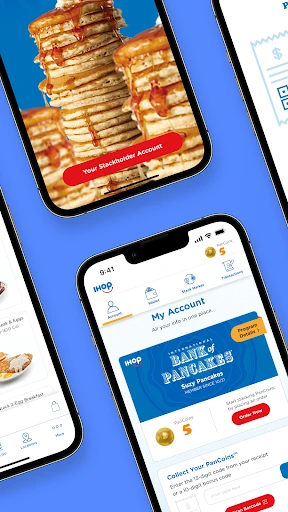
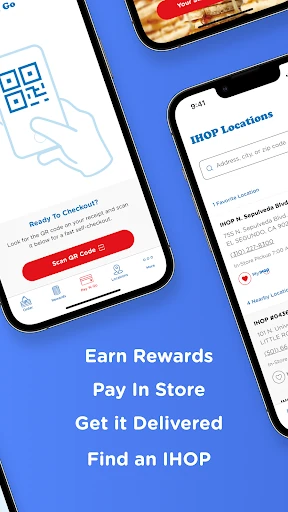
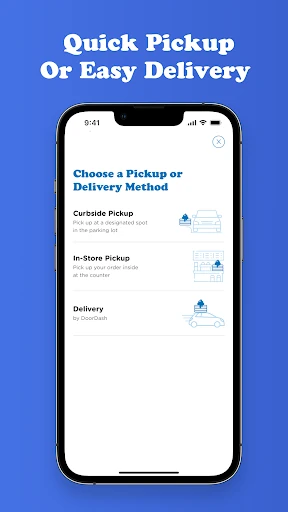

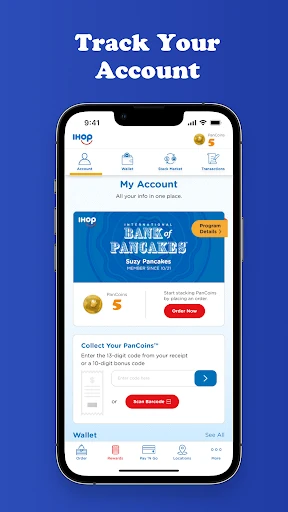
Analysis by Reviewed APKs
IHOP® is a practical companion for people who want to check the restaurant’s menu, look up locations, or place an online order. I’d reach for it when deciding between breakfast at home and a stop on the way somewhere, rather than as a general food-discovery app. Its appeal is straightforward: it puts a few useful IHOP tasks in one place, though its usefulness naturally depends on wanting IHOP.
From Craving to Order
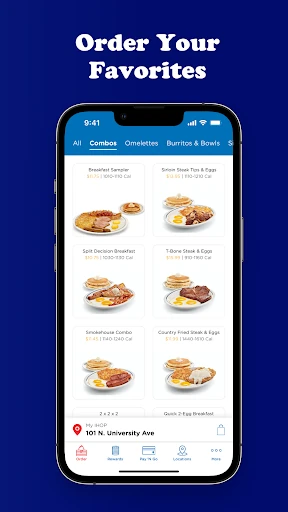
Picture a weekend morning when nobody has agreed on breakfast yet. I can use IHOP® to browse the menu first, then see where a restaurant is and place an online order if that is the plan. That makes the app useful before leaving home, when the main question is what sounds good and whether an IHOP location fits the route.
The same basic flow works for a weekday meal. If I am thinking about pancakes or another breakfast favorite outside the usual morning window, having the menu and location search together is more convenient than switching between separate searches. The app is focused on IHOP rather than every nearby restaurant, which keeps its purpose clear and makes it best suited to people already considering the chain.
A Restaurant-Specific Tool
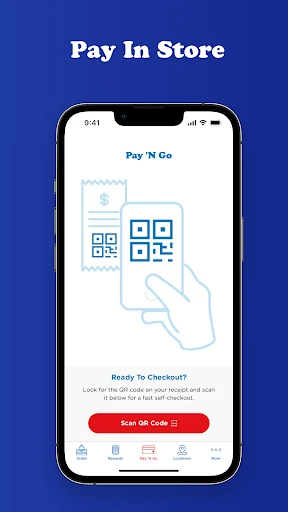
Compared with a general restaurant-search app, IHOP® is less about comparing many places and more about handling a few tasks for one brand. I can look through IHOP’s menu, find locations, and order online through IHOP n’ Go®. That focus is useful when I already know where I want to eat; it is less helpful when I am still choosing among restaurants or cuisines.
I would not treat it as a broad meal-planning or grocery app. Its job is to connect customers with IHOP’s menu and locations, not to cover every dining option or build a weekly food routine. That distinction matters: the experience makes most sense for an occasional IHOP visit or order, while people who rarely eat there may have little reason to keep it handy.
A Few Useful Habits
A simple habit is to check the menu before deciding where to go. That gives me a chance to see whether the available choices suit the people I am eating with, instead of making the decision after arriving. If IHOP looks right, I can then use the location-finding option or move toward an online order, keeping the planning in one app.
I would also use the app when the meal plan changes. Maybe breakfast turns into lunch, or a quick stop becomes an order to pick up; having menu browsing, locations, and ordering available together can make that change easier to manage. I would keep expectations modest and use it for those practical IHOP-related decisions, rather than expecting a larger collection of dining tools.
More From Our News Desk

Zoom Meetings, Google Meet, or Teams: Which Is Easiest to Join?

How I Build a Free Streaming Lineup With Tubi

Why Crunchyroll Is the Default Anime App for So Many Fans

YouTube TV: A Practical Guide to Cutting Cable

Rummikub and the Small Comfort of Phone Games

TeamViewer Remote Control or AnyDesk for Helping Family?
Who Will Find It Useful
I’d recommend IHOP® to people who visit the chain often enough to want its menu and location information close at hand. It can also suit someone who does not go regularly but would rather browse choices and arrange an online order before heading out. Families or groups deciding what to eat may appreciate being able to check the menu together before committing to a visit.
It may not suit people who want one app to compare local restaurants, organize meals, or handle dining across many brands. The app is centered on IHOP, so its value falls off if the chain is not part of someone’s routine. I also would not install it expecting a standalone restaurant-finding experience; the location tool supports the IHOP-focused purpose rather than replacing a general search service.
IHOP® is published by Dine Brands Global, Inc. On Google Play, it has more than one million installs and a 4.5-star rating from about 44,300 ratings. The app is free to download, and the store information says it contains ads. It has an Everyone content rating, so its stated audience rating is suitable for a general audience.
The listed minimum Android requirement is Android 7.0, and the current version is 4.8.36. Google Play gives December 20, 2017, as the release date and February 4, 2026, as the last update date. The most recent update note describes performance and stability improvements, rather than introducing a new feature.
A Closer Look at IHOP®
Opening the App
When I first opened IHOP®, the most useful thing to know was its basic scope: this is an IHOP companion, not a general food app. The app’s stated purpose is to let customers browse the menu, find locations, and order online with IHOP n’ Go®. That is a sensible set of jobs for someone who already has the restaurant in mind.
I would start by checking the menu, since that gives the rest of the experience context. If the choices work for the occasion, finding a location or placing an order becomes the next practical step. The supplied information does not describe a detailed setup process, so I would judge the app by how easily those core tasks fit into my own routine.
The Everyday Experience
Day to day, the app is most relevant at the moment a meal decision turns into a plan. I can browse what IHOP serves, look for a location, and use its online ordering option. That combination is more useful than a menu alone because it connects the initial browsing with the next step, whether that is visiting a restaurant or arranging an order.
I like that the purpose stays easy to understand. I do not have to think of IHOP® as a place to explore restaurants generally; I open it because I am considering IHOP. The trade-off is equally plain: if my plans shift to another restaurant, the app has little role in that decision. Its day-to-day value follows how often IHOP comes up.
Menu, Locations, Ordering
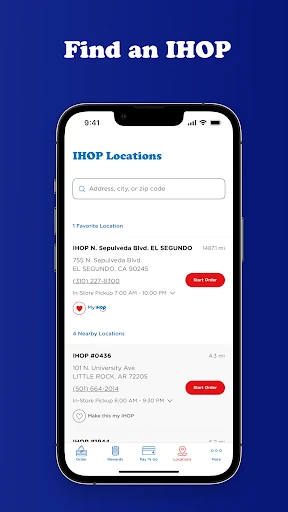
The standout feature set is practical rather than sprawling. Menu browsing helps me consider the restaurant’s breakfast, lunch, and dinner offerings, while location finding helps connect that choice to a nearby IHOP. Online ordering through IHOP n’ Go® rounds out the core, giving the app a way to support both deciding what to eat and acting on that decision.
That focus is a strength for an IHOP customer. Instead of presenting itself as a universal dining guide, the app centers its tools on one restaurant brand. The description emphasizes familiar pancakes alongside other meal choices, so it is not framed solely as a breakfast stop. I would still use the menu itself to decide what suits a particular visit.
A Practical Meal Routine
For a family breakfast, I would browse the menu before everyone gets into the car. That gives the group a chance to settle on IHOP and consider the available choices while plans are still flexible. Once we agree, I can use the location feature to find a restaurant or move to the online ordering option if that fits the outing better.
For a solo meal, the same routine can be shorter: check the menu when hunger strikes, then decide whether to visit or order online. I would keep the app for these moments rather than opening it without a specific IHOP plan. That small distinction makes a focused restaurant app feel more useful and avoids expecting it to solve unrelated food decisions.
What to Keep in Mind
The main limit is the narrow scope. IHOP® is built around IHOP’s menu, locations, and online ordering, so it will not help much with comparing other chains or finding every restaurant nearby. That is not necessarily a flaw, but it does mean the app’s value depends on whether IHOP is a realistic option for the meal I am planning.
I would also keep the store details in mind before installing: the app contains ads, and Android 7.0 is the stated minimum requirement. The recent update note mentions performance and stability improvements, but it does not promise a particular experience on every device. As with any restaurant app, practical usefulness comes down to whether its core options match the way I want to plan a meal.
IHOP® makes sense as a focused tool for checking the restaurant’s menu, locating a branch, and ordering online. I like that its purpose is easy to grasp, and those three tasks cover the basic path from craving to meal. The limitation is just as clear: it is useful when IHOP is already in the picture, not as an all-purpose dining guide.
I’d recommend it to regular IHOP customers and to anyone who expects to order from the chain soon. If you mostly want to compare restaurants or rarely eat at IHOP, there is less reason to install it. For the right user, it gathers a few practical restaurant tasks in one place without pretending to do everything.
IHOP Frequently Asked Questions
What is the IHOP® app used for?
IHOP® lets customers browse the restaurant’s menu, find locations, and place orders online through IHOP n’ Go®. I would use it when I am considering an IHOP meal and want to check the choices or make a plan. It is focused on IHOP rather than restaurant discovery across multiple brands.
Which devices can run the IHOP® app?
The provided store information is for Android, where IHOP® requires Android 7.0 or later. Device compatibility can depend on the specific phone or tablet and may change, so it is worth checking the Google Play page for your device. The available information here does not establish support for other platforms.
Does the IHOP® app cost money?
IHOP® is free to download on Google Play, and the provided facts say it does not offer in-app purchases. The app does contain ads. Costs related to placing an order are separate from the download price and may vary, so check the app or store information for details relevant to your order.
What Android version does IHOP® require?
The listed minimum is Android 7.0. If your device runs an older version, it may not be compatible. Requirements can change with updates, so the current Google Play page is the best place to check before installing. The app’s listed version is 4.8.36.
Is the IHOP® app a good fit for me?
It is a good fit if you visit IHOP or want to browse its menu, find a location, or order online. It may be less useful if you want one app for comparing many restaurants or planning meals across different brands. Its value depends mainly on how often IHOP is part of your dining plans.
Pros
- Combines IHOP menu browsing, location finding, and online ordering in one focused app.
- Useful for planning a visit before leaving home or deciding what to order.
- Covers breakfast, lunch, and dinner choices rather than focusing only on mornings.
- Free to download, with a clear restaurant-specific purpose.
Cons
- Its usefulness is limited if IHOP is not part of your dining routine.
- Contains ads, according to the Google Play information.
- Not designed to compare restaurants across brands or cuisines.
- Category
- Food & Drink
- Version
- 4.8.36











