Dr.Fone: Photo & Data Recovery
- 25.66K
- 3.8
- Installs
- 10.00M
- Price
- Free

Screenshots
Analysis by Reviewed APKs
Dr.Fone: Photo & Data Recovery is a broad phone toolkit for moving data, trying to recover deleted files, and handling a range of device tasks. I can see it suiting people preparing to switch phones, as well as anyone who wants recovery and transfer tools in one place. Its appeal is convenience, though recovery depends on the device and situation, so I’d treat it as a helpful option rather than a sure fix.
A calmer phone switch
Imagine setting up a new phone on a Sunday evening, with photos, contacts, and chat history still scattered across the old one. Dr.Fone’s transfer tools are aimed at that familiar chore: choose what to move, follow the guided steps, and send files between phones. It also supports moving WhatsApp and WhatsApp Business data, including chats and attachments, which can matter more than a tidy home screen when you’re settling into a new device.
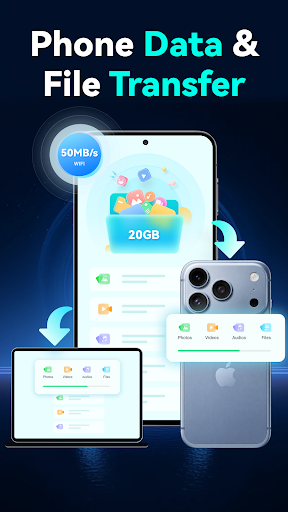
I’d start by deciding what I actually need on the new phone instead of treating a switch as an excuse to copy everything. Dr.Fone can transfer photos, videos, apps, music, contacts, and files, and it offers wireless transfers over local Wi-Fi, including between a phone and PC. Large transfers still depend on the Wi-Fi connection and device capability, but having a guided option can make the process feel less like a pile of disconnected chores.
More than a recovery app
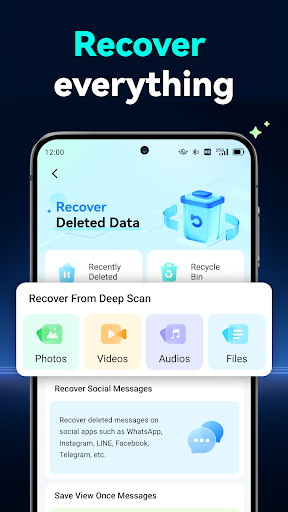
The name puts photo recovery front and center, but the app is closer to a multi-tool than a focused undelete utility. Alongside recovery, it covers phone-to-phone transfers, WhatsApp migration, system repair, device unlocking for supported phones, privacy space, virtual location, and AI photo enhancement. That breadth is useful if you like keeping related jobs together, although it also means the app may feel busier than a tool built for one specific task.
Compared with a basic file-transfer utility, Dr.Fone reaches into more kinds of phone maintenance. Compared with a dedicated photo editor, its enhancement feature is only one part of a much wider toolkit. I wouldn’t install it expecting every problem to have a simple fix: deleted items are recoverable only when available, and advanced unlocking depends on the model and Android version. It is a practical toolbox, not a replacement for careful backups or specialist help.
Make the toolkit manageable
A little preparation makes the transfer side easier to use. Before moving to a new phone, I’d take a moment to identify the photos, contacts, and conversations that matter most, then choose the relevant transfer job rather than rushing through every category. For a large video collection, local Wi-Fi is the intended wireless route; actual speed can vary with the network and the phones involved.
For recovery, I’d open the app soon after noticing a deletion and check whether the item is available in the phone’s recycle bin or recently deleted area. Dr.Fone describes recovery as dependent on the device and scenario, so it makes sense to keep expectations measured. The AI enhancer is a separate occasional task: useful when an older or blurry photo needs a clarity boost, but not something I’d confuse with restoring a deleted original.
More From Our News Desk

Zoom Meetings, Google Meet, or Teams: Which Is Easiest to Join?

How I Build a Free Streaming Lineup With Tubi

Why Crunchyroll Is the Default Anime App for So Many Fans

YouTube TV: A Practical Guide to Cutting Cable

Rummikub and the Small Comfort of Phone Games

TeamViewer Remote Control or AnyDesk for Helping Family?
Who may find it useful
I’d recommend Dr.Fone to people who are changing phones and want guided help moving everyday content, especially if WhatsApp history is part of the move. It also makes sense for someone who would rather have a few recovery and device tools gathered in one app than search for separate utilities whenever a file goes missing or a phone acts up.
It may be less appealing if you want a narrowly focused app with only one job, or if you expect deleted content to come back regardless of device conditions. Some tools are model-dependent, and certain repair or unlock situations can involve consequential steps. I’d read the on-screen instructions carefully and check compatibility before paying for an advanced feature.
Dr.Fone: Photo & Data Recovery is developed by Shenzhen Wondershare Software Co., Ltd. On Google Play, it has over 10 million installs and a 3.8-star rating from around 25,700 ratings. The app is free to install, contains no ads, and offers in-app purchases priced from $1.99 to $59.99 per item.
Google Play gives the app an Everyone content rating. The supplied version is 5.3.12.1064; it was released on July 27, 2021, and was last updated on September 20, 2026. The Android version requirement is worth checking on Google Play, since it can vary with the app version and device.
A closer look at Dr.Fone in daily use
Opening the toolbox
When I first opened Dr.Fone, the range of jobs it covers stood out more than the photo-recovery name. It is built around practical phone tasks, from moving data to trying to repair common system problems. That all-in-one approach can be reassuring when you have a specific issue in front of you, though it may take a moment to decide which tool matches the job.
For a new-phone setup, I’d begin with the transfer feature and follow its guided steps instead of jumping between several different options. The app describes transfers for common content such as contacts, photos, videos, music, apps, and files. I’d also check that both devices and the network are ready before starting a large move, since wireless performance depends on local Wi-Fi and device capability.
The everyday experience
The most straightforward use case is a planned transfer: moving content to a replacement phone, or sending files between a phone and PC over local Wi-Fi. Dr.Fone presents this as a guided process, which is appealing if you don’t want to work out each step from scratch. Large files, especially videos, can still take time when the connection or hardware is limiting.
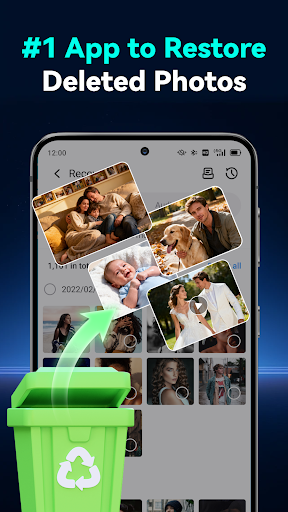
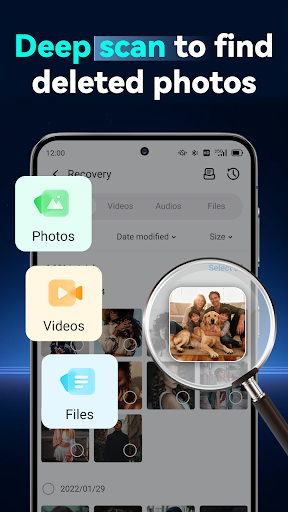
Recovery is less predictable by nature. The app can try to restore recently deleted photos, videos, files, contacts, and audio when those items are available on the device. I’d treat it as something to try after an accidental deletion, not as a reason to stop making backups. Results vary by device and circumstances, and the app’s description points to the phone’s recycle bin or recently deleted area as a possible source.
Useful extra tools
WhatsApp and WhatsApp Business transfer are among the more specific features here. The app can move chats along with photos, videos, voice messages, and other attachments between phones. That focus is handy because chat history often contains things people want to keep but may overlook during a general file move.
There are also tools for AI photo enhancement and privacy space. The enhancer is intended to improve clarity in blurry or low-resolution pictures and sharpen older photos. Privacy space is described as a place to hide and encrypt private photos and videos. These features broaden the app’s appeal, although I’d see them as individual utilities rather than the main reason everyone should install it.
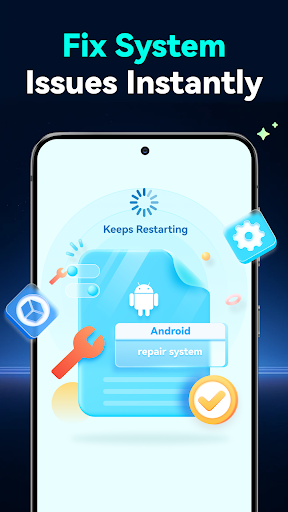
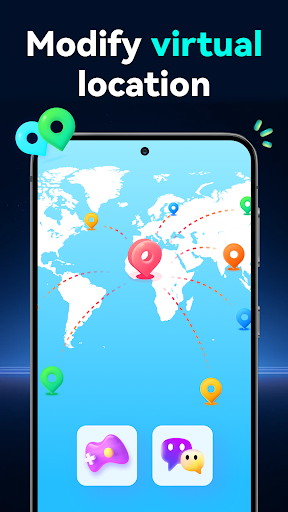
The toolkit also includes virtual location and system repair. Virtual location is presented for supported apps and uses such as privacy, testing, or travel planning, with controls to return to a real location. System repair targets common Android issues such as boot loops, a stuck boot screen, black screens, lag, and crashes. Both are specialized options, so compatibility and the instructions matter.
A sensible weekly routine
I’d use Dr.Fone most intentionally around a phone change. First, I’d list the content I care about, then use the transfer tools for the relevant files and conversations. If I’m moving a lot of video, I’d favor a reliable local Wi-Fi connection and allow enough time. This small bit of planning is more useful than beginning a large transfer while rushing out the door.
For everyday upkeep, I’d treat recovery as a response to a mistake rather than a routine substitute for keeping copies of important files. If a photo disappears, I’d check the recently deleted area and then see what Dr.Fone can find. I’d keep the enhancer for the occasional image that needs a clearer look, and leave more consequential repair or unlocking steps until I’ve checked the prompts and device compatibility.
Limits to keep in mind
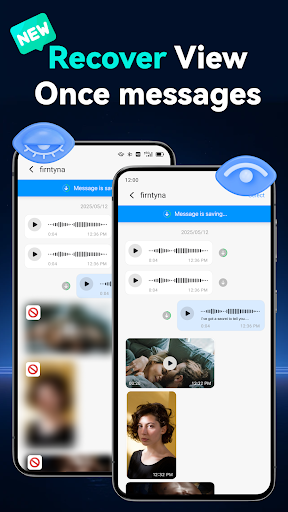
The biggest limitation is that recovery depends on what remains available on a particular device. Dr.Fone describes common accidental-delete cases, but that doesn’t mean every lost item can be restored. The same caution applies to View Once media: the feature is conditional, and availability can depend on the device, app version, and situation.
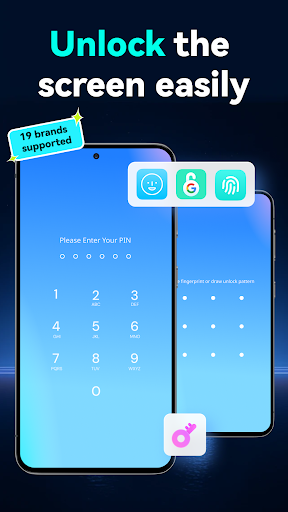
Some advanced functions have specific compatibility considerations. Device unlocking supports Samsung and LG, along with many mainstream Android models, but advanced scenarios can depend on model and Android version. In a small number of cases, removing a lock may require a reset, and the app says it provides instructions before proceeding. I’d check the prompts carefully because a reset can affect what is on the phone.
Finally, the broad feature set can make the app feel like more than a simple photo tool, and paid items range in price. I’d decide which task I need before buying anything and check the current Google Play details for requirements and compatibility. Wireless performance also isn’t fixed; local network conditions and device capability make a difference.
Dr.Fone: Photo & Data Recovery earns its place as a versatile phone toolkit, especially for moving content and WhatsApp history during a device switch. Its recovery and enhancement tools add useful options, but they come with practical limits that depend on the phone and situation.
I’d try it if I wanted guided transfer tools and a few extra utilities in one app. If your only goal is recovering a particular deleted file, keep expectations realistic and check compatibility and pricing before committing to a paid feature.
Dr.Fone Frequently Asked Questions
What is Dr.Fone: Photo & Data Recovery used for?
Dr.Fone is a phone toolkit for transferring content between devices, moving WhatsApp data, and trying to recover recently deleted items when available. It also includes system repair, supported device unlocking, privacy space, virtual location, and AI photo enhancement. The right tool depends on the task, and recovery results can vary by device and situation.
Which phones and devices work with Dr.Fone?
Dr.Fone is described as an Android phone toolkit, with some functions also involving a PC. Compatibility depends on the feature: wireless transfer relies on device capability, and advanced unlocking can depend on the phone model and Android version. Check the Google Play details and the app’s compatibility prompts for the specific devices you plan to use.
What Android version does Dr.Fone require?
The Android requirement can vary by app version and device, so check the current Google Play information before installing. Compatibility can also differ between tools inside Dr.Fone, particularly for advanced unlocking. If you are considering a repair or unlock function, review the app’s on-screen guidance for your model before proceeding.
Is Dr.Fone free, and does it have purchases?
Dr.Fone is free to install and contains no ads, but it offers in-app purchases. The supplied price range is $1.99 to $59.99 per item. The cost of a particular tool may vary, so check Google Play and the purchase screen for the current price before buying.
Is Dr.Fone suitable for recovering deleted photos?
It may be worth trying if you accidentally deleted photos or videos, since Dr.Fone offers recovery when items are available on the device. Results depend on the device and circumstances, so it is not a sure outcome. It may suit people who also want transfer tools, but those seeking one narrow-purpose app may prefer a simpler option.
Pros
- Combines phone transfers, WhatsApp migration, recovery, and several other tools.
- Guided transfer options cover common content and local Wi-Fi file moves.
- AI photo enhancement and privacy space add useful extra capabilities.
- Free to install and contains no ads.
Cons
- Deleted-file recovery depends on what remains available on the device.
- Some unlocking and repair features depend on phone model and Android version.
- In-app purchases span a wide price range.
- Category
- Tools
- Version
- 5.3.12.1064











