Breitbart
- 6.19K
- 4
- Installs
- 500.00K
- Price
- Free
Screenshots


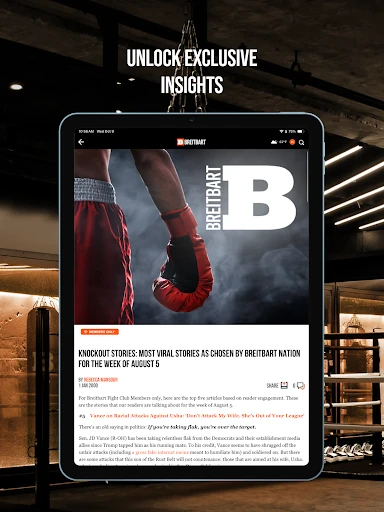

Analysis by Reviewed APKs
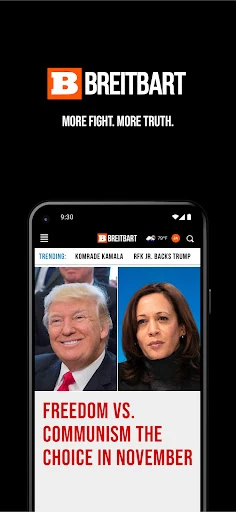
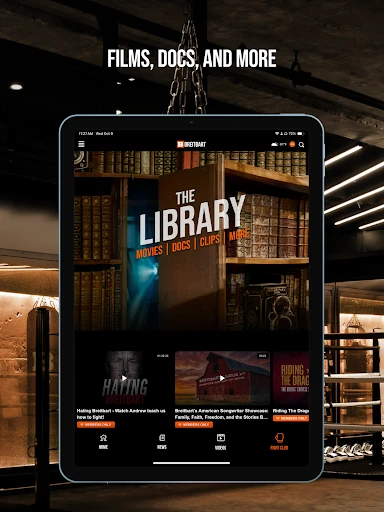
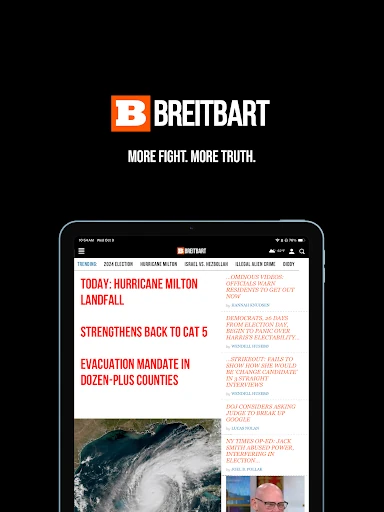
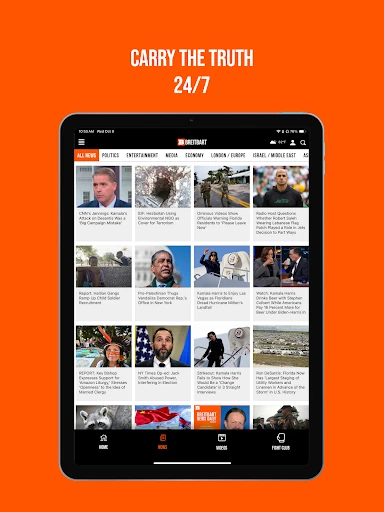
Breitbart is a news app for readers who want to follow breaking stories, politics, culture, and sports through Breitbart News Network’s reporting and commentary. I found its appeal clearest for people who already seek out that perspective and want a direct way to read it on a phone. It is a focused source, not a one-stop comparison of the wider news landscape, so it works best as one part of a reader’s routine.
A quick news check
When I want to catch up between errands, a dedicated news app can be more convenient than searching the web for a familiar publication. Breitbart’s basic job is straightforward: it brings the network’s news and analysis to an Android device, with coverage described across politics, culture, and sports. I can imagine opening it during a coffee break, reading a story that catches my eye, then returning to the rest of the day without turning the check-in into a research project.
The app’s stated focus also gives that quick check a particular point of view. Breitbart describes its work as reporting and commentary for independent and conservative thinkers, so readers should expect that editorial identity to shape what they find. I would treat it as a convenient way to follow that outlet, rather than assume that one app can represent every angle on a developing story. That distinction matters most when a headline is consequential or contested.
A source, not a whole news diet
Compared with a broad news aggregator, Breitbart is best understood as access to a specific publisher’s coverage and analysis. That focus can be useful if I already know whose reporting and commentary I want to read; there is less need to hunt down the publication each time. But a focused source is not the same thing as a cross-publication briefing, and the app’s description does not present it as a tool for comparing competing coverage.
I would not choose it as a replacement for every news source or as a neutral reference desk. Its stated editorial audience is part of the product, not a detail to overlook. Readers who want a range of perspectives in one place may prefer to pair it with other outlets. Readers who want Breitbart’s own take on news, politics, culture, or sports have a clearer reason to install it.
Make a light reading habit
A simple routine is likely to suit this kind of app better than trying to follow every update. I might open it once in the morning to scan what is being covered, then return later if a particular story develops. That keeps the app useful without letting a stream of headlines take over the day. Since the description emphasizes both breaking news and analysis, I would make room for a longer read when I want more context.
It also helps to be deliberate about how I use a single-source news app. I can read an article for the publication’s account, note the questions it raises, and seek other reporting when I want to compare interpretations. That is not a special feature of the app; it is a practical habit for any focused outlet. The payoff is a more intentional reading session instead of treating one publication as the complete picture.
More From Our News Desk

Zoom Meetings, Google Meet, or Teams: Which Is Easiest to Join?

How I Build a Free Streaming Lineup With Tubi

Why Crunchyroll Is the Default Anime App for So Many Fans

YouTube TV: A Practical Guide to Cutting Cable

Rummikub and the Small Comfort of Phone Games

TeamViewer Remote Control or AnyDesk for Helping Family?
Who will find it useful
I would recommend Breitbart to readers who already follow the publication or want a convenient mobile way to keep up with its reporting and commentary. Its stated coverage of news, politics, culture, and sports gives it more than one reason to fit into a daily reading routine. It may also suit someone who prefers going directly to a publication rather than beginning with a general news aggregator.
It may be a poor fit for readers who expect a politically neutral presentation or want several outlets’ perspectives collected together. The app’s own description identifies a conservative audience, so that context should inform expectations. People who only want a broad, balanced overview may find a single publisher too narrow. I would use it for a particular editorial voice, not as a substitute for every other source I consult.
Breitbart is developed by Breitbart News Network and is listed in Google Play in the News & Magazines category. It has 500,000+ installs and a 4.0-star rating from 6,189 ratings. The app is free to download, contains ads, and is rated Teen. Those figures offer a useful snapshot of its store presence, though ratings and install totals can change.
The supplied app details give version 4.30.1, an original release date of October 9, 2013, and a last update date of October 21, 2026. No minimum Android version is specified in the available facts, so check the Google Play entry on your device for compatibility. The app is listed as free, with no in-app purchases.
A Focused Window on Breitbart
Opening the app
My first impression of Breitbart is that its value is directness: the app is a mobile route to the publication’s own news and commentary. The description does not promise a complicated setup or a bundle of extra services, and I would approach it with a simple expectation: open it when I want to read what Breitbart is covering. That clear purpose is useful, especially when I already know the source I have in mind.
I would also set my expectations before the first headline. This is an outlet with an explicitly conservative audience, rather than a general-purpose news product claiming to cover every editorial perspective. Knowing that in advance makes the app easier to evaluate on its own terms. I can read it for its reporting and commentary while staying aware that one publication’s selection and framing are not the whole news environment.
Reading day to day
In everyday use, the main draw is having Breitbart’s coverage available on a phone when a spare moment appears. A quick check before work, a few minutes over lunch, or a longer read at home all feel like natural ways to use a news app. The described subject range—news, politics, culture, and sports—gives readers several kinds of stories to look for without changing the app’s central role.
I like the idea of keeping a reading session purposeful: choose a topic, read what is relevant, and close the app when I am done. That approach is especially helpful with any source centered on breaking news, where headlines can invite repeated checking. The app is a reading destination, not a reason to monitor every development continuously. A calmer routine makes it easier to separate a useful update from an urge to refresh.
Reporting and commentary
The most distinctive element is the combination of original reporting, analysis, and commentary described by Breitbart News Network. Those formats serve different purposes: a report can tell me what the outlet says happened, while analysis or commentary offers interpretation. I find it useful to keep those roles in mind as I read, rather than treating every article as the same kind of claim or expecting opinion and straight reporting to be interchangeable.
The publication also positions its content for independent and conservative thinkers. That makes the app’s perspective part of its identity, not simply a filter I can ignore. Readers who value that viewpoint may find the focused approach appealing; readers seeking a broad mix of editorial positions should look beyond this one source. In either case, knowing what kind of publication I am reading helps me get more out of its material.
A practical reading routine
One practical way I would use Breitbart is as a short morning check followed by a more selective visit later. I can see what stories the publication is emphasizing, read the ones relevant to my interests, and leave deeper analysis for a quieter part of the day. That avoids confusing a fast scan with a complete understanding of a topic. It also makes the app easy to fit around commuting, household tasks, or a work break.
For a developing issue, I would use the app to understand Breitbart’s account and commentary, then compare with other reporting if I need a wider view. That is a reading method rather than a claim about extra app tools. It keeps the publication useful without asking it to be something it is not. The app’s strongest role is access to one outlet’s work, and a routine built around that role feels sensible.
Keep its scope in mind
The main limitation is the same thing that gives the app its focus: it centers one publication and an identified editorial audience. If I want stories selected across multiple outlets or an intentionally varied set of viewpoints, this description does not suggest that Breitbart is designed to fill that role. I would not judge it against an aggregator’s purpose; I would judge whether its own coverage is what I want to read.
The app contains ads, which is worth factoring into the experience if I prefer a completely ad-free reading environment. Its Teen content rating is another practical detail for households considering the app. Beyond those points, the available description is concise about what the app provides, so I would avoid assuming specific customization or listening features. The safest expectation is access to Breitbart’s mobile news, analysis, commentary, and original reporting.
Breitbart does its clearest job as a mobile reading option for people who want news and commentary from Breitbart News Network. I like that its intended editorial audience is stated plainly, which makes it easier to decide whether the app matches my interests. Its focused scope is a strength for regular readers and a limitation for anyone expecting a broad, multi-source view.
I recommend it to readers who already value Breitbart’s coverage and want a convenient way to follow it on Android. If you want a range of viewpoints in one place, use a broader news source alongside it rather than expecting this app to provide that mix. For the right reader, it is a straightforward outlet-specific addition to a daily news routine.
Breitbart Frequently Asked Questions
What is the Breitbart app used for?
Breitbart provides mobile access to Breitbart News Network’s breaking news, original reporting, analysis, and commentary. Its described coverage includes news, politics, culture, and sports. The publication identifies its intended audience as independent and conservative thinkers, so it is best understood as a way to follow that outlet rather than as a general news aggregator.
Which devices can run the Breitbart app?
The supplied details describe Breitbart as an Android app available through Google Play. They do not specify a minimum Android version, so compatibility can depend on your device and may change over time. Check the Google Play entry on the device you plan to use for the current requirements before installing.
Does Breitbart cost money or include purchases?
Breitbart is listed as free to download, with no in-app purchases in the supplied app details. It does contain ads, so the free experience is not ad-free. Store details can change, and it is worth checking Google Play for the current terms before downloading.
What Android version does Breitbart require?
The minimum Android version is not specified in the available details. Requirements can vary as an app is updated and may depend on the device, so check the Google Play page for Breitbart to see whether your phone or tablet is compatible.
Is the Breitbart app right for every news reader?
It is most likely to suit readers who want Breitbart’s own reporting and commentary on their phone. The publication describes its audience as independent and conservative thinkers. Readers who want several outlets and a range of editorial perspectives in one place may find a broader news app more suitable, or use Breitbart alongside other sources.
Pros
- Direct mobile access to Breitbart reporting, analysis, and commentary.
- Covers news, politics, culture, and sports.
- Free to download, with no in-app purchases listed.
- A clear editorial focus helps readers know what to expect.
Cons
- Its single-publication focus is not a substitute for a multi-source news aggregator.
- The app contains ads.
- The minimum Android version is not specified in the supplied details.
- Category
- News & Magazines
- Version
- 4.30.1