STARZ
- 179.51K
- 4.4
- Installs
- 10.00M
- Price
- Free

Screenshots
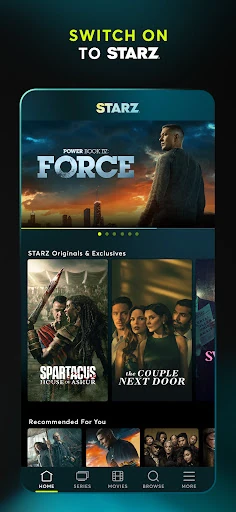
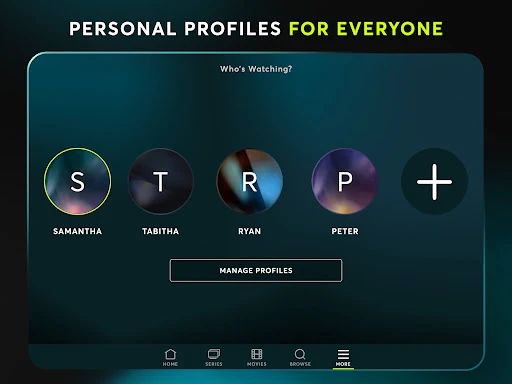
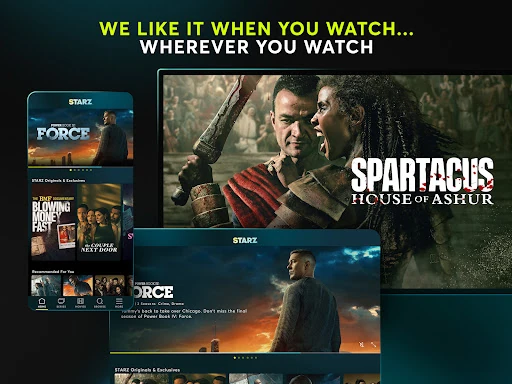
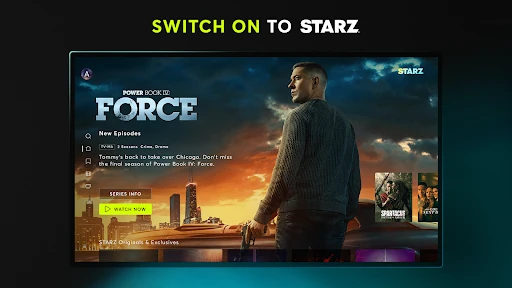
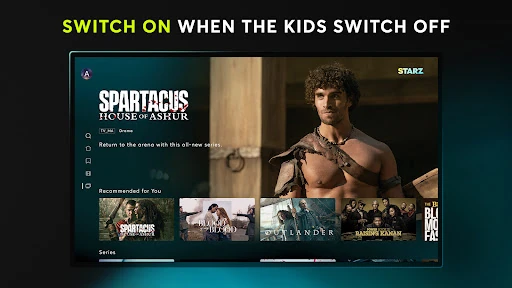
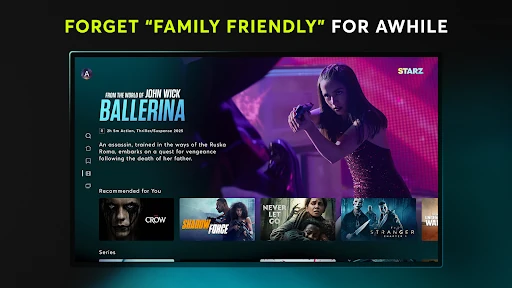
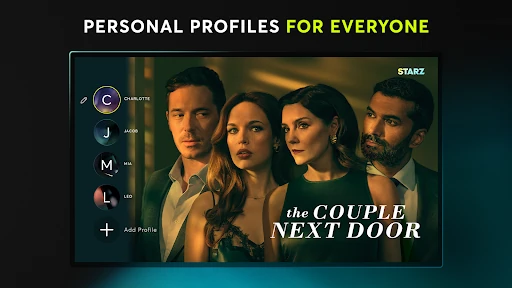
Analysis by Reviewed APKs
STARZ is a streaming app for watching STARZ Original Series and movies on a phone, tablet, TV, or the web. I’d point it toward viewers who want a focused entertainment subscription, including people who already get STARZ through a TV provider. Its appeal is straightforward: ad-free streaming, downloads for offline viewing, and the option to watch across multiple devices. It’s convenient, but the subscription is the main consideration.
A Show for the Commute
When I’m planning a trip or a stretch of time without reliable internet, STARZ’s download option is the feature I notice first. I can download something to watch ahead of time, then use the app on my phone during a commute or while waiting between errands. That makes the service more practical than a streaming app that only works for me when I’m connected.
At home, the same account can serve a different routine: I might watch on a tablet, then switch to a TV or another device later. STARZ says multiple devices can stream simultaneously, so it can fit into a household where people don’t always want to watch together. I’d still check the details of a particular subscription before relying on a specific setup, but the broad idea is flexible viewing.
A Focused Streaming Choice
I think of STARZ as a service for someone who specifically wants its original series and movie selection, rather than as a general-purpose replacement for every streaming subscription. The app’s pitch is direct: open it when you want STARZ entertainment, stream without ads, or download something for later. If you already pay for STARZ through a TV provider, the app can also extend that subscription to mobile viewing at no additional charge.
It is not a general video platform for uploading clips, catching live news, or browsing a broad collection of unrelated services. The description centers on STARZ Originals and hit movies, so its usefulness depends on whether that catalog matches your tastes. I’d compare it with other streaming options based on the shows and movies I actually want, not just on whether an app offers downloads or works on several screens.
Small Habits That Help
A useful habit is to think ahead about where I’ll watch. If I know I’ll be offline, I can use the download feature before leaving home instead of assuming a connection will be available. For regular viewing, I’d also keep track of which device I’m using and whether I’m signed in through an existing TV provider or an account created in the app.
I’d make the subscription decision before settling into a long watch routine. The app supports signup and says cancellation is available, while service can roll into a month-to-month plan after a promotional period. Since prices may vary, I’d check the current terms when signing up. That small bit of planning helps avoid treating a streaming app as a free catalog when access depends on a subscription or provider.
More From Our News Desk

Zoom Meetings, Google Meet, or Teams: Which Is Easiest to Join?

How I Build a Free Streaming Lineup With Tubi

Why Crunchyroll Is the Default Anime App for So Many Fans

YouTube TV: A Practical Guide to Cutting Cable

Rummikub and the Small Comfort of Phone Games

TeamViewer Remote Control or AnyDesk for Helping Family?
Who Will Enjoy STARZ
I’d recommend STARZ to people who already enjoy its original series or movie selection and want an easy way to watch away from a television. Downloads make it a natural fit for travel and other offline moments, while simultaneous streaming across multiple devices can suit viewers who share a subscription. Existing STARZ customers with a participating TV provider may also appreciate being able to use the app through that subscription.
It may be a less compelling choice for someone looking for a free, broad entertainment library or a service that replaces several other subscriptions. The app is centered on STARZ content, and new viewers should account for the subscription terms rather than judging it by the free download alone. I’d also suggest checking current device and subscription details in Google Play before signing up, since those specifics can vary.
STARZ is made by Starz Entertainment, LLC. On Google Play, it has more than 10 million installs and a 4.4-star rating from around 180,000 ratings. The app is free to download and contains no ads, but it offers in-app purchases. The listed in-app purchase range is $0.49 to $69.99 per item, and the content rating is Teen.
The current version is 6.11.0. The app was released on May 6, 2013, and its most recent update is dated October 12, 2026. STARZ’s service is available through participating partners in the U.S. and certain U.S. territories where high-speed broadband is available. The minimum Android requirement is worth checking on Google Play, as it can depend on the version available for your device.
How STARZ Fits Into My Viewing Routine
Getting Started
My first impression of STARZ is that it has a clear job: give subscribers a way to watch STARZ entertainment on their devices. The setup described by the service is uncomplicated. A new viewer can create an account in the app, while someone with a STARZ subscription through a TV provider can use that subscription to access the app.
That distinction is worth noticing before I start browsing. The app is free to install, but watching depends on having a subscription through a provider or signing up for an account. STARZ says signup can be cancelled at any time, and promotional service automatically moves to month-to-month afterward. I’d read the current offer and terms carefully before confirming anything.
Watching Day to Day
For everyday use, the most appealing combination is streaming without ads and being able to watch on more than one device at once. I can imagine starting a show on a phone while out, then choosing a larger screen when I’m home. STARZ says its service works on phones, tablets, and TVs, and that subscribers can stream on mobile devices or the web.
Those options make the app feel less tied to one place. I don’t have to plan every viewing session around sitting in front of a television, and simultaneous streaming can help when people want different things at the same time. The service still depends on its available content and subscription access, so the convenience is most useful when STARZ already has something I want to watch.
Downloads and Ad-Free Viewing
Downloads are one of the practical features I’d use most deliberately. Before a flight or a long ride, I could prepare something to watch while I still have a connection, then rely on the downloaded copy later. It’s a small feature, but it changes when and where a streaming service fits into the day.
The other clear distinction is ad-free streaming. For me, that means a viewing session can stay focused on the program rather than being interrupted by commercial breaks. STARZ also emphasizes its original series and movies, which gives the service a defined identity. These features work together best for someone who wants to watch STARZ content regularly, rather than someone just looking for a one-off utility.
A Practical Viewing Routine
A routine I’d use is to pick something for the week, download it before a trip, and stream at home when I have time. That makes the app useful both in a quiet evening at home and in the less predictable gaps of a busy day. I’d also decide whether to sign in through a TV provider or use an account created through the app before I’m ready to watch.
If I share access with other viewers, the ability to stream on multiple devices simultaneously can make scheduling easier. I wouldn’t assume every detail of a particular plan is identical, though. I’d check the current subscription terms and device support, especially if I’m planning around a promotional offer or a specific setup. A quick check is easier than discovering a mismatch when it’s time to watch.
Keep the Subscription in Mind
The biggest limitation is that the app’s value depends on wanting STARZ’s particular entertainment selection. Its description focuses on original series and hit movies, not a general library spanning every kind of video service. If I only want an occasional title, I’d weigh that against the cost and terms of subscribing rather than assuming the free download includes ongoing access.
I’d also keep availability in mind. STARZ says its online service is accessible through participating partners in the U.S. and certain U.S. territories where high-speed broadband is available. The app supports downloads for offline viewing, but that doesn’t remove the need to arrange access beforehand. Checking current terms and device requirements in Google Play is sensible before making it part of a regular routine.
STARZ makes the most sense when its shows and movies are already on your watchlist. I like the practical mix of ad-free streaming, downloads, and simultaneous viewing across devices, especially for people who move between home and mobile viewing. It is a focused subscription app, not a free all-purpose video hub.
I’d recommend giving STARZ a look if you already subscribe through a TV provider or are happy to pay for its catalog. If you’re unsure, check the current subscription offer and whether the available content suits your tastes before signing up. The app’s convenience is real, but it matters most when you want what STARZ has to offer.
STARZ Frequently Asked Questions
What is the STARZ app used for?
STARZ is for streaming STARZ Original Series and movies on supported devices. It offers ad-free streaming and downloads for offline viewing, and it supports simultaneous streaming on multiple devices. Viewers can sign up in the app or use an existing STARZ subscription through a TV provider. The service’s available content is centered on STARZ entertainment.
Which devices can I use with the STARZ app?
STARZ describes support for phones, tablets, and TVs, and says subscribers can stream on mobile devices or the web. It is available as an Android app through Google Play. Device compatibility can vary, so check Google Play and the current service details to see whether your particular device is supported.
What Android version does the STARZ app require?
The minimum Android version can vary with the app release and device. Check the STARZ page in Google Play for the requirement that applies to the version currently offered for your phone or tablet. The app’s current version is 6.11.0, but the requirement is the detail to verify before installing.
Does the STARZ app cost money?
The app is free to download and contains no ads, but watching requires STARZ access through a TV provider or an account created in the app. In-app purchases are offered, with listed items ranging from $0.49 to $69.99. Subscription prices and promotional terms may vary, so check Google Play and the signup details for current information.
Is the STARZ app a good fit for me?
It may suit you if you want STARZ series and movies, value offline downloads, or want to watch across multiple devices. An existing STARZ TV-provider subscription may also give you app access at no additional charge. If you want a free, general-purpose streaming library, STARZ may be less suitable. Check the current catalog and subscription terms before deciding.
Pros
- Ad-free streaming keeps viewing sessions focused on the program.
- Offline downloads are useful for travel and time without a connection.
- Simultaneous streaming on multiple devices can suit shared households.
- Existing TV-provider subscribers may access the app through their subscription.
Cons
- Ongoing viewing depends on a subscription or qualifying TV-provider access.
- The service centers on STARZ content rather than a general video library.
- Subscription prices and promotional terms may vary.
- Category
- Entertainment
- Version
- 6.11.0











