ShopRite: Groceries & Savings
- 109.44K
- 4.7
- Installs
- 1.00M
- Price
- Free

Screenshots
Analysis by Reviewed APKs
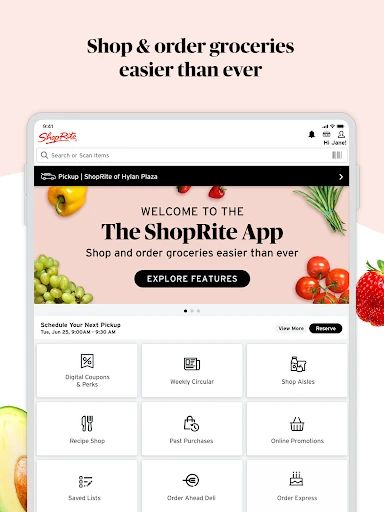
ShopRite: Groceries & Savings brings weekly deals, digital coupons, shopping lists, and grocery ordering into one app for ShopRite shoppers. I found its strongest appeal in connecting the planning I do at home with the choices I make in the store or when arranging pickup or delivery. It is a practical companion for regular customers, though its value depends on having ShopRite shopping in your routine.
From List to Checkout
When I first opened ShopRite, I pictured using it the night before a weekly grocery run: browse the circular, check for useful coupons, and put dinner ingredients and household basics on a list. That is the app’s central job. It joins planning and shopping rather than treating them as separate tasks, so a deal or recipe can lead directly to items I may want to buy.
On an in-store trip, the list can do more than hold reminders. ShopRite lets shoppers check items off and sort them by aisle, which gives the list a more practical role once I am moving through the store. If I scan a product barcode, I can view details such as its nutritional label or aisle location, then add it to a list or cart.
A Grocery Store Companion
Compared with a general note-taking app, ShopRite is built around one retailer’s shopping experience: its weekly ad, digital coupons, loyalty card, product selection, and ordering options. That integration is the point. I would use a basic notes app for a list that needs to work across many stores, but ShopRite makes more sense when I am planning a ShopRite trip and want deals and shopping tools together.
It is not a general meal-planning service or a marketplace for comparing grocery stores. The app does include shoppable recipes and lets shoppers order pickup or delivery, but those features still support buying groceries through ShopRite. If my routine does not involve ShopRite, much of the app’s retailer-specific value would be beside the point.
Small Habits That Help
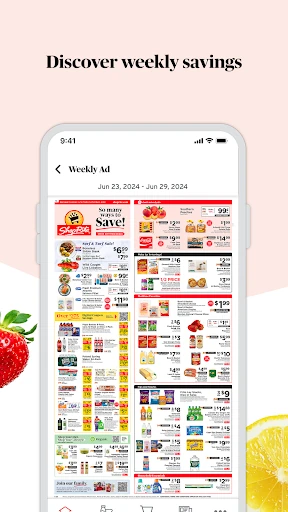
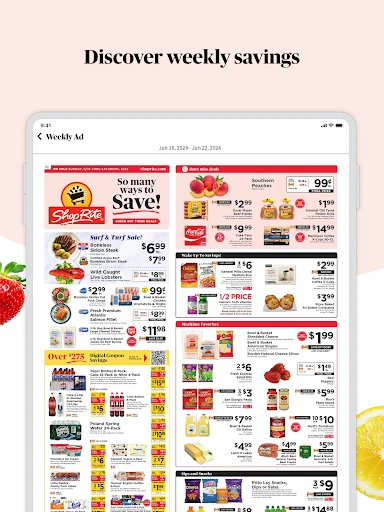
I would get more out of the app by checking the weekly circular before writing my list, rather than treating the ad as something to browse only after I have already planned a trip. Digital coupons can be loaded to a Price Plus Club loyalty card, so looking for relevant savings while building the list may help keep deals and intended purchases together.
Saved lists are useful for recurring shops, and item notes can preserve small preferences or special requests for next time. For an online order, pre-selecting substitution choices at checkout can help communicate what to do if an item is unavailable. These are modest habits, but they make the app’s planning tools more useful than starting from scratch each visit.
More From Our News Desk

Zoom Meetings, Google Meet, or Teams: Which Is Easiest to Join?

How I Build a Free Streaming Lineup With Tubi

Why Crunchyroll Is the Default Anime App for So Many Fans

YouTube TV: A Practical Guide to Cutting Cable

Rummikub and the Small Comfort of Phone Games

TeamViewer Remote Control or AnyDesk for Helping Family?
Who May Like ShopRite
I would recommend ShopRite to people who shop at ShopRite regularly and want one place to check weekly promotions, use digital coupons, keep grocery lists, and place orders. It suits both the person who likes to walk the aisles with a checklist and the shopper who prefers pickup or delivery. The combination is especially handy when a household repeats many of the same purchases from week to week.
It may not suit someone who wants a retailer-neutral grocery list, or someone who rarely shops at ShopRite. The app’s many tools are most relevant when its store locator, Price Plus Club card, offers, and product assortment fit your usual shopping habits. I would also consider whether you want a grocery app with advertising, since this app contains ads.
ShopRite: Groceries & Savings is a free Android shopping app from Wakefern. Google Play shows over one million installs and a 4.7-star rating from about 109,000 ratings. Its content rating is Everyone. The app is supported on Android 9 and later, so it is worth checking your device’s software version before installing if you are using an older phone.
The app is free to download and has ads; the supplied app details say it does not offer in-app purchases. Version 26.0.0 was released on June 2, 2017, and was last updated on February 3, 2026. Recent changes describe improved responsiveness and navigation, along with bug fixes and general performance improvements.
How ShopRite Fits a Real Grocery Routine
A Practical First Look
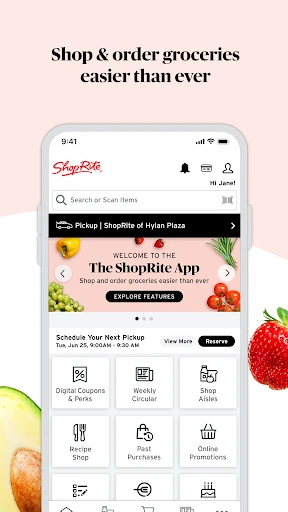
My first impression is that ShopRite tries to cover the whole path from deciding what to buy to getting the order home. It combines circulars and promotions with coupons, lists, product search, and ordering. That breadth is useful for a regular customer, though it also means the app is doing more than simply displaying a store’s weekly ad.
A sensible starting point is to find the relevant ShopRite location and check its hours, then look through the current deals and make a list. The store locator is part of the app, and the list can be saved for future use. I like that a first session can be devoted to planning rather than requiring an immediate order.
The Weekly Shopping Loop
In everyday use, the app can move between browsing and doing. I might spot an item in the weekly ad, add it to my shopping plan, and later check it off during an in-store visit. Sorting the list by aisle is a practical touch: it gives the checklist a little structure when I am trying not to double back for forgotten items.
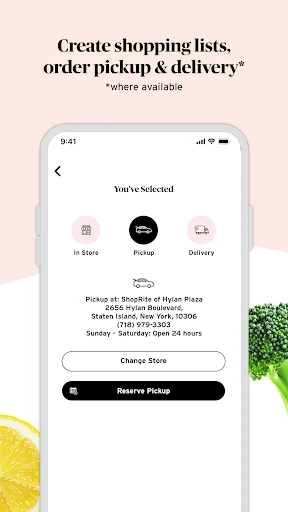
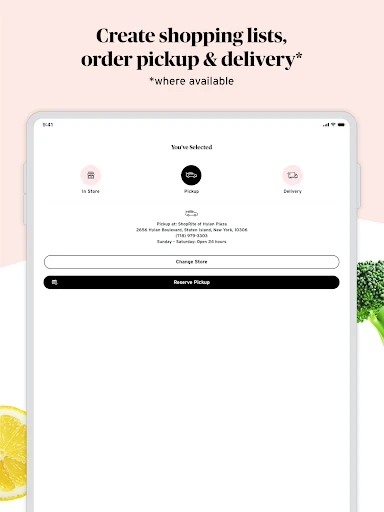
For an online shop, products can be added to a cart for pickup or delivery. Pickup includes a way to notify the store when I am on my way, while delivery orders allow a tip for the driver. The app also lets shoppers choose substitutions in advance, a useful bit of preparation when an ordered product may not be available.
Tools Beyond the Circular
The digital coupons are one of the more retailer-specific features. Shoppers can load extra savings to a Price Plus Club loyalty card for redemption at checkout, and the card can be accessed in the app or saved to a wallet app. This keeps the loyalty card connected to the same place where I can browse offers and prepare a list.
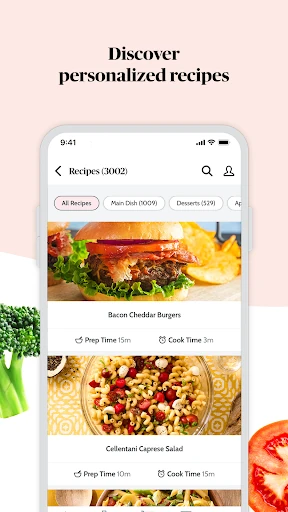
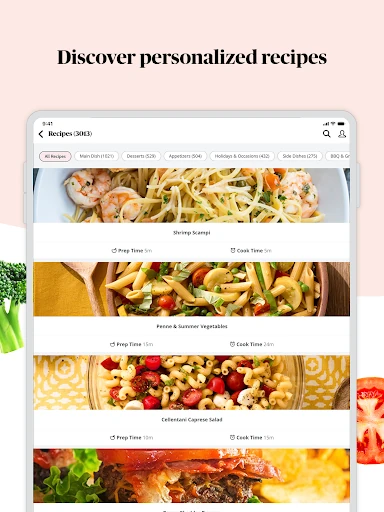
Recipes add another route from inspiration to shopping. ShopRite’s shoppable recipes let users add ingredients to a list or cart, while barcode scanning can bring up product details, nutritional information, or aisle location. The app also offers a curated reorder list based on past purchases and weekly sale recommendations, which can speed up repeat shopping.
A Repeatable Routine
For a household shop, I would begin with the saved list rather than an empty screen. I could add the week’s essentials, attach notes where a particular preference matters, and then check the weekly promotions for items worth including. If dinner plans are still undecided, browsing recipes and adding ingredients offers a way to turn an idea into a more concrete shopping plan.
Before heading out, I would sort the list by aisle and check store hours if I am visiting an unfamiliar location. If I am ordering instead, I would review substitution choices before checkout. None of these steps is complicated, but together they create a useful rhythm: plan once, make small adjustments, and use the same list or reorder suggestions the next time.
Keep Its Scope in Mind
The app’s usefulness is tied closely to ShopRite. Its coupons, loyalty card, store information, and product assortment are tailored to that shopping relationship, so it is not the right tool for someone trying to organize purchases across unrelated retailers. A dedicated general-purpose list may be simpler if the only thing I need is a place to write down groceries.
There are also practical reasons to check the details that matter for a particular trip. Pickup and delivery are available through the app, but the options a shopper can use may depend on the store and order. Deli and catering pre-orders are handled through the Order Express app where available. Ads are present, so shoppers who prefer an ad-free experience may find that less appealing.
ShopRite: Groceries & Savings is a capable grocery companion for people who already shop at ShopRite. I like the connection between weekly offers, coupons, reusable lists, product details, and pickup or delivery. Its best features are practical rather than flashy: they help turn a shopping plan into a store trip or an online order.
I would recommend it to regular ShopRite customers who want their loyalty card and planning tools close at hand. If you shop at several retailers or only need a simple checklist, a more general option may fit better. For the right shopper, though, ShopRite puts many useful parts of the weekly grocery routine in one place.
ShopRite Frequently Asked Questions
What is ShopRite: Groceries & Savings used for?
ShopRite: Groceries & Savings helps shoppers browse weekly circulars and promotions, use digital coupons, and build grocery lists. It also supports product search, shoppable recipes, barcode scanning, and grocery orders for pickup or delivery. I would think of it as a planning and shopping companion for ShopRite customers, rather than a general-purpose grocery organizer.
Which devices can run ShopRite: Groceries & Savings?
ShopRite: Groceries & Savings is an Android app. The stated minimum requirement is Android 9, so a device needs to run Android 9 or later. The app is available through Google Play. Device compatibility can vary, so it is worth checking the Google Play store page for your particular phone or tablet.
Does ShopRite: Groceries & Savings cost anything?
ShopRite: Groceries & Savings is free to download and use, and its supplied app details say it does not offer in-app purchases. The app contains ads. Store information can change, so check the Google Play page for current cost and purchase details before installing.
Can I order groceries with ShopRite: Groceries & Savings?
Yes. ShopRite: Groceries & Savings supports grocery orders for pickup or delivery. Pickup includes a way to notify the store when you are on your way, and the app lets shoppers select substitution choices at checkout. Available options can depend on the store, so check the app for the choices offered for your order.
Is ShopRite: Groceries & Savings useful if I shop elsewhere?
It may be less useful if ShopRite is not part of your regular shopping routine. The app’s circular, digital coupons, Price Plus Club card, store locator, and ordering tools are built around ShopRite. If you mainly need a retailer-neutral checklist or shop across several stores, a general grocery-list app may suit you better.
Pros
- Combines weekly circulars, digital coupons, saved lists, and grocery ordering.
- Aisle sorting and barcode scanning can help during an in-store trip.
- Shoppable recipes and reorder suggestions support repeat planning.
- Pickup, delivery, and advance substitution choices are available.
Cons
- Most useful features are tied to shopping at ShopRite.
- The app contains ads, which may bother shoppers who prefer an ad-free experience.
- Pickup, delivery, and deli ordering availability can depend on the store.
- Category
- Shopping
- Version
- 26.0.0











