RoHS Smart Watch App
- 67
- 2.8
- Installs
- 50.00K
- Price
- Free
Screenshots
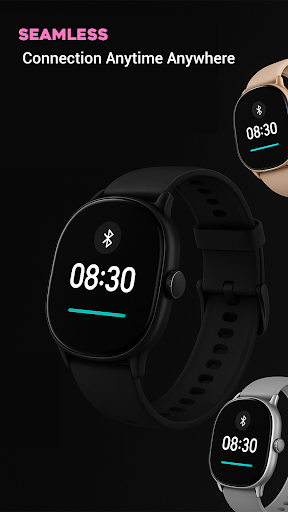
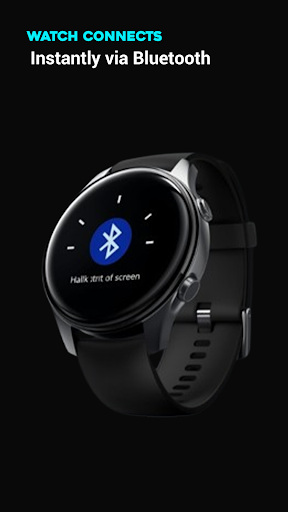
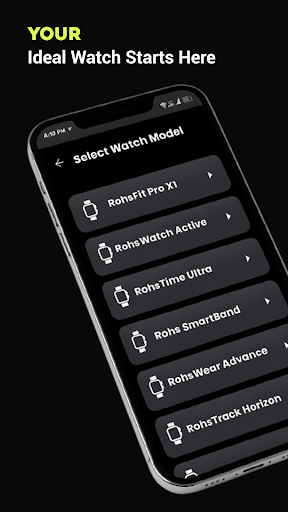
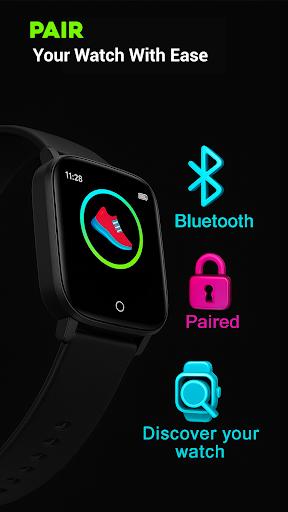
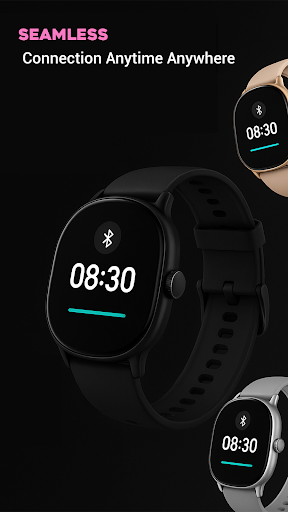
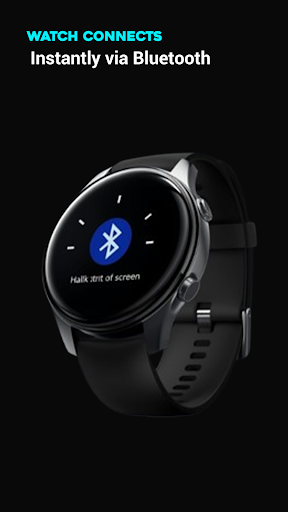
Analysis by Reviewed APKs
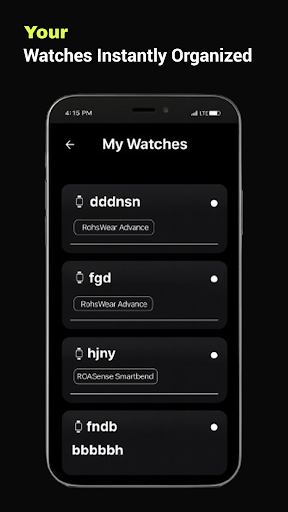
RoHS Smart Watch App is a companion for connecting and personalizing a RoHS smartwatch from an Android phone. I see it as a practical starting point for someone who wants to pair a compatible watch and adjust its experience, rather than as a general health or fitness tracker. Its purpose is narrow, which can be useful when all I need is a straightforward way to manage a RoHS watch.
A simple pairing scenario
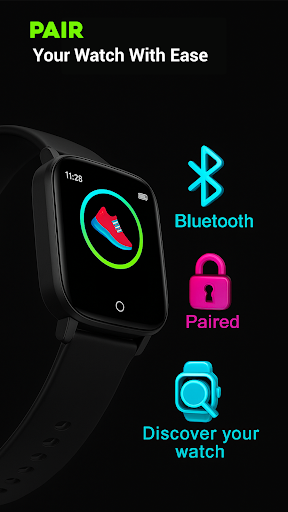
Imagine unboxing a RoHS smartwatch after work and wanting to get it connected before tomorrow’s commute. This app is meant to help with that first step: pairing the watch with an Android phone, whether the watch is new or has been paired before. The setup instructions are described as easy to follow, so the app’s central job is clear from the outset: establish the connection and make the watch easier to customize.
Once connected, the app is intended to keep the watch and phone synchronized in real time. In everyday terms, that makes it a companion for getting the watch set up and keeping its experience current, rather than a destination I would open for long sessions. I’d expect to spend more time making a few adjustments and checking that the connection works than browsing a deep collection of tools.
A companion, not a health hub
The obvious alternative is using a smartwatch’s own controls or a broader companion app made for a different watch brand. RoHS Smart Watch App has a more specific purpose: connecting and personalizing RoHS watches from an Android phone. That focus may suit owners who want one place for setup and customization, especially if they are new to pairing a wearable and would rather follow guided instructions.
I wouldn’t treat it as a general wellness dashboard or assume it provides workout plans, heart-rate readings, sleep analysis, or detailed activity reports. Those features aren’t part of the described app experience. Its value is in the connection and personalization side of owning a compatible watch. If your main goal is health tracking or fitness analytics, this is not presented as the tool for that job.
Make setup a small habit
A useful approach is to pair the watch when you have a few quiet minutes, rather than trying to sort it out as you rush out the door. I’d keep the phone and watch nearby, work through the app’s instructions, and take a moment to confirm the connection before moving on. Since the app is designed for both new and previously paired watches, it can also be a place to return when reconnecting is needed.
After the initial setup, I’d make changes in short, deliberate sessions. Pick the customization you care about, apply it, and give the watch a moment to sync before changing something else. That routine keeps the app’s role manageable and makes it easier to notice whether an adjustment took effect. The app’s stated aim is to make personalization simple, not to require constant attention.
More From Our News Desk

Zoom Meetings, Google Meet, or Teams: Which Is Easiest to Join?

How I Build a Free Streaming Lineup With Tubi

Why Crunchyroll Is the Default Anime App for So Many Fans

YouTube TV: A Practical Guide to Cutting Cable

Rummikub and the Small Comfort of Phone Games

TeamViewer Remote Control or AnyDesk for Helping Family?
Who may find it useful
I’d recommend RoHS Smart Watch App to someone who owns a RoHS smartwatch and wants an Android companion for pairing and personalization. It looks most useful during the first setup, after a change of phone, or whenever a connection needs attention. The app’s focus is easy to understand, and the described instructions should be helpful for people who don’t want to work through pairing entirely by trial and error.
It may not suit someone shopping for a feature-rich fitness app, a detailed health dashboard, or a companion for a different watch brand. The Google Play rating is 2.8 from 67 ratings, so I’d approach expectations thoughtfully rather than assuming a polished experience for every device. Compatibility is described across a range of RoHS watches, but owners should still check the app’s store information against their own model.
RoHS Smart Watch App is developed by Nauman Apps and is in the Personalization category on Google Play. It has 50,000+ installs and a 2.8-star rating from 67 ratings. The app is free to download and contains ads; the supplied facts indicate that it does not offer in-app purchases. Its content rating is Everyone.
The app was released on June 13, 2024. Its version is listed as varying with device, and no minimum Android version is specified in the supplied app facts. I’d check Google Play for the requirements shown for a particular phone, along with any current version details, before installing.
Getting a RoHS Watch Connected
First minutes and setup
When I first opened an app with this purpose, I’d want its next step to be obvious: connect the watch, then make changes. RoHS Smart Watch App is described as having a user-friendly interface and setup instructions, so its intended flow is approachable rather than technical. The central task is clear from the name and feature set, which helps keep expectations grounded.
The first setup is the moment when the app has the most to prove. Pairing a wearable can feel fiddly if I’m unsure what to do next, so guided instructions are a sensible part of the experience. I’d set aside a little time, keep the watch close, and follow the prompts in order. That’s a practical way to avoid turning a simple setup into a rushed chore.
The everyday connection
Day to day, this app is meant to support a connection between a RoHS smartwatch and an Android phone. The description emphasizes real-time syncing, so the pairing is not framed as a one-off setup that never matters again. I’d think of it as a companion to revisit when I want to customize the watch or make sure the phone and wearable remain in step.
That role is intentionally narrower than a phone app that gathers lots of information in one place. The material focuses on connecting, syncing, and personalizing, not on turning the phone into a record of workouts or health measurements. For an owner who mainly wants the watch experience configured to their preference, that focus is understandable. For someone seeking extensive tracking tools, the app’s stated purpose may feel limited.
Personalization at the center
Customization is the main reason to keep the app around after pairing. The app is presented as a way to adjust the smartwatch experience and make it feel more personal, though the available material does not spell out individual customization controls. That means I’d approach it as a place to explore the options offered for my watch, rather than expecting a particular set of designs or settings.
What stands out is the combination of connectivity and personalization in one companion. The app is described as supporting a wide range of RoHS smartwatches, which is useful in principle for owners with different models. Still, the actual experience depends on the watch being compatible. I’d use the app’s own instructions and store details as the practical guide instead of assuming every model behaves identically.
A practical setup routine
For a new watch, I’d make pairing part of the first-day setup: charge and prepare the wearable as needed, open the app, and follow its connection instructions without multitasking. Once the phone and watch are paired, I’d try the available personalization options one at a time. That makes it easier to see what changed and whether the result matches what I wanted.
Later, I’d return to the app only when there’s a reason, such as wanting to adjust the watch or address a connection that needs attention. The stated real-time sync is designed to keep the devices up to date, so I’d allow a moment for changes to carry across. This light-touch routine suits a companion app better than checking it repeatedly throughout the day.
Keep expectations realistic
The main limitation is the app’s narrow scope. Its described features center on pairing, syncing, and customization, so I wouldn’t install it expecting detailed wellness tools, calls and message alerts, or performance reports. Those may be important to some smartwatch owners, but they are not part of the supported feature description here. Knowing that distinction helps avoid choosing the app for a job it isn’t presented to do.
Compatibility is another sensible thing to keep in mind. The app is described as working with a range of RoHS smartwatches, but that doesn’t mean every model or phone combination will feel the same. The Google Play rating is modest at 2.8 stars, based on 67 ratings, which also argues for checking whether the app fits your specific setup. I’d go in with a focused goal and realistic expectations.
RoHS Smart Watch App has a clear, useful purpose: help Android users connect and personalize a RoHS smartwatch. I like that its setup role is easy to understand, and its stated syncing support could make it a handy companion once the watch is paired. Its value depends on owning a compatible RoHS model and wanting the focused features it describes.
I’d try it if I wanted a phone-based way to set up and customize my RoHS watch, while keeping expectations modest. It is not presented as a broad fitness or health platform, and the store rating is worth weighing. For anyone with a different watch or a need for detailed tracking, I’d look for a companion designed around those needs.
RoHS Smart Watch Frequently Asked Questions
What is RoHS Smart Watch App used for?
RoHS Smart Watch App is intended to connect a RoHS smartwatch to an Android phone, help with setup, and provide options for personalizing the watch experience. Its description also highlights syncing between phone and watch. It is not presented as a general health or fitness tracking app, so I would not choose it for detailed workout or wellness reports.
Which phones and devices work with RoHS Smart Watch App?
The app is for Android phones and is described as supporting a range of RoHS smartwatches. Compatibility can depend on the specific watch and phone, so it is worth checking the Google Play information and your watch’s details before installing. The supplied app information does not name a minimum Android version, so check the store for requirements on your device.
Does RoHS Smart Watch App cost money?
The app is free to download and the supplied facts say it does not offer in-app purchases. It does contain ads. Store details can change, so check the Google Play page for the current information before downloading if pricing or advertising is important to you.
What Android version does RoHS Smart Watch App require?
The supplied facts do not give a minimum Android version. Requirements can vary with the app version and device, so check the current Google Play information from the Android phone you plan to use. The app is intended to connect a RoHS smartwatch to an Android phone.
Is RoHS Smart Watch App right for every smartwatch owner?
It is aimed at people with a compatible RoHS smartwatch who want help pairing and personalizing it through an Android phone. It may not suit owners of other watch brands or people looking mainly for detailed fitness and health tracking. Check the Google Play information for compatibility with your model and consider the app’s 2.8-star rating from 67 ratings.
Pros
- Focused on pairing and personalizing RoHS smartwatches from an Android phone.
- Setup instructions are intended to make connecting a new or previously paired watch straightforward.
- Real-time syncing is part of the app’s stated companion experience.
Cons
- Its described focus is narrow and does not cover detailed fitness or health tracking.
- Compatibility may depend on the specific RoHS watch model and phone.
- The Google Play rating is 2.8 stars from 67 ratings.
- Category
- Personalization