GeForce NOW Cloud Gaming
- 116.15K
- 3.5
- Installs
- 10.00M
- Price
- Free

Screenshots
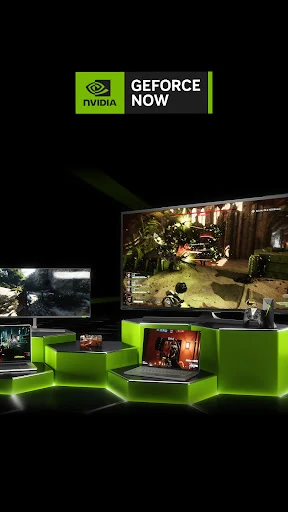
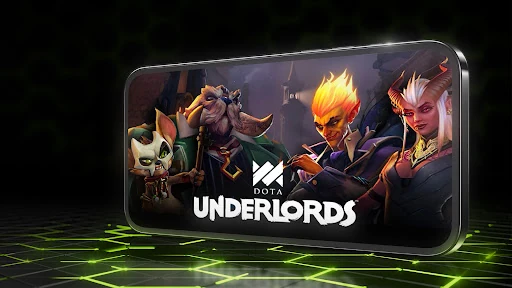
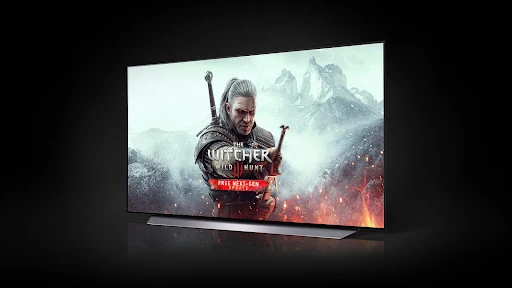
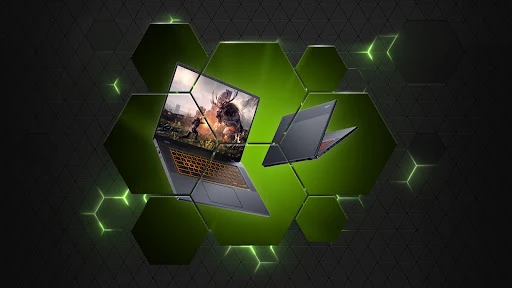
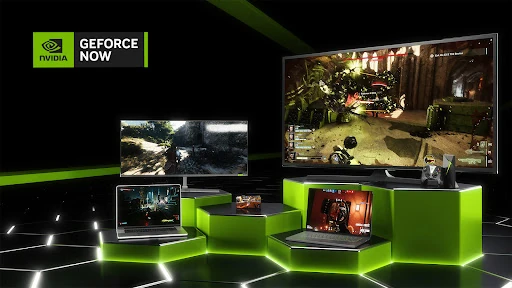
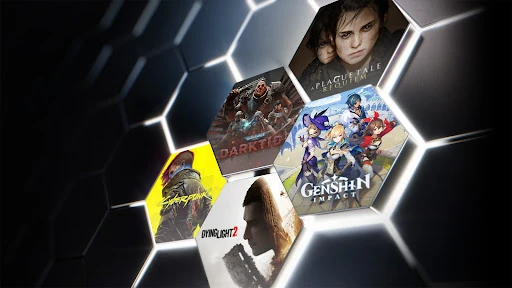
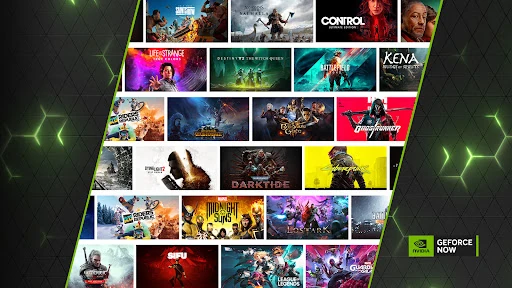
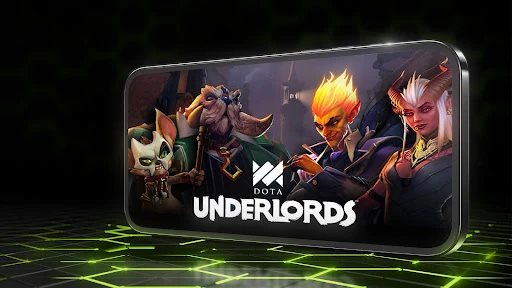
Analysis by Reviewed APKs
GeForce NOW Cloud Gaming streams PC games to Android phones, tablets and TV devices, so you can play supported titles without downloading them to your device. It suits people who already own games through supported PC stores and want another screen to play on. I like the idea of picking up a game without waiting through a large install, though the streaming format makes a reliable connection important.
A game night without downloads
When I want to fit in a short gaming session, the appeal is straightforward: open GeForce NOW, choose a supported game I own, and stream it rather than first downloading and installing it on my phone. That can make a spare half hour feel more useful, especially when a game has a large install or needs an update before I can play. The service handles the game session remotely, while my device acts as the screen and controls.
The catalog includes games linked to stores such as Steam, Epic Games Store, Ubisoft Connect and EA, as well as free-to-play titles. That means it is worth checking whether the games I actually play are supported and connected to the right store account before settling in. The app is not a shortcut to every PC game I own, but for a supported title it can spare me the usual download, install and patch routine.
Streaming, not a game collection
Compared with installing a mobile game directly, GeForce NOW shifts the heavy work away from the phone and streams a PC game to it. That changes the tradeoff: I can avoid managing a large local install, but I need an internet connection suitable for streaming. NVIDIA recommends a 5GHz Wi-Fi or Ethernet connection with at least 15Mbps for an optimal experience. A weak or inconsistent connection can matter more than the phone’s raw gaming power.
It also differs from a subscription that simply unlocks a fixed library of games. GeForce NOW lets me stream supported PC titles I already own or purchase through supported digital stores, and access to the service requires a membership. It is not a way to play offline, nor does installing the app automatically provide access to the service. If I mainly want quick, self-contained mobile games, a regular mobile game may be a better fit.
A smoother play routine
I would get the most from the app by checking my game library and connection before setting aside time to play. Confirming that a title is supported and that I own it through a compatible store helps avoid the familiar disappointment of opening an app only to discover a game is not ready. A stable 5GHz Wi-Fi connection or Ethernet is the sensible starting point, especially for a longer session.
It also helps to think of GeForce NOW as one part of a gaming routine rather than as a replacement for every gaming device. I can use a phone, tablet or TV device that meets the requirements, then pick a supported PC game for a session without installing it locally. NVIDIA also points users to supported gamepad information, so checking controller compatibility before a planned play session is a practical step.
More From Our News Desk

Zoom Meetings, Google Meet, or Teams: Which Is Easiest to Join?

How I Build a Free Streaming Lineup With Tubi

Why Crunchyroll Is the Default Anime App for So Many Fans

YouTube TV: A Practical Guide to Cutting Cable

Rummikub and the Small Comfort of Phone Games

TeamViewer Remote Control or AnyDesk for Helping Family?
Who will enjoy it
I would recommend GeForce NOW to Android users who already have PC games in supported digital stores and want to stream them on a phone, tablet or TV device. It is especially appealing when local storage is limited or waiting for downloads gets in the way of a gaming session. The catalog spans many titles, including free-to-play games, but the useful question is whether the games I want are available through the service.
It may be a poor match for someone who often plays without internet access, has an unreliable connection, or expects the app itself to include every game. Streaming puts the connection at the center of the experience, and membership is required to use the service. I would also compare it with native mobile games if I want something designed specifically for touch controls and easy offline play.
GeForce NOW Cloud Gaming is an Android entertainment app from NVIDIA. On Google Play it has more than 10 million installs and a 3.5-star rating from about 116,000 ratings. The app is free to download, and Google Play marks it as containing ads. The service itself requires a membership; NVIDIA describes a free membership and premium membership options.
The app has a Teen content rating and was released on February 4, 2020. Its latest listed update was January 17, 2026. NVIDIA says supported Android phones, tablets and TV devices need Android 5.0 or later, OpenGL ES 2.0 support and at least 1GB of memory. The recommended connection for an optimal experience is 5GHz Wi-Fi or Ethernet with at least 15Mbps.
What Streaming Changes in Everyday Play
Opening and getting ready
My first impression is that GeForce NOW is a route into PC gaming rather than a conventional game launcher full of titles installed on the device. The distinction matters right away: downloading the app does not give me access to the service by itself. I need a membership, and I need to look for games supported by GeForce NOW that I own or can purchase through the connected digital stores.
Before planning a session, I would check that my Android device meets the stated requirements: Android 5.0 or later, OpenGL ES 2.0 support and at least 1GB of memory. The app supports phones, tablets and TV devices. NVIDIA also recommends a 5GHz Wi-Fi or Ethernet connection with at least 15Mbps for an optimal experience, which gives me a concrete baseline to consider before streaming.
The day-to-day experience
The core idea is convenient: play supported PC games by streaming them, rather than waiting for local downloads, installations, patches or updates. That is useful when I have a limited amount of time and would rather spend it playing than preparing a device. It also means I can use an Android phone, tablet or TV device for a game that would otherwise be associated with PC play.
Streaming adds a dependency that a locally installed game does not have in the same way. I need a suitable internet connection throughout the session, and NVIDIA’s recommendation makes clear that connection quality is part of the intended setup. I would choose a stable home connection for a longer session and be more cautious about assuming that any network will feel equally suitable.
A broad PC game catalog
One of the more useful parts of the service is its relationship with existing PC game libraries. GeForce NOW supports games from digital stores including Steam, Epic Games Store, Ubisoft Connect and EA. That gives people who already have games in those ecosystems a reason to look at the app, while the option to purchase new games through supported stores gives newcomers another route into the catalog.
The catalog includes more than 1,500 games and over 100 free-to-play titles, with examples such as Fortnite, Apex Legends and Destiny 2. Those examples help convey the range, but I would still check for the particular title I want rather than assume all games from a store are supported. The service is about streaming supported PC games, not automatically turning every item in a digital library into a playable mobile title.
A practical evening routine
For a planned evening session, I would start by choosing a supported game I own, then make sure I am on a reliable connection before settling in. If I am using a phone or tablet, checking the supported gamepad information ahead of time can help me decide whether my preferred controls are a good fit. These small checks make more sense than opening the app at the last minute and hoping everything is ready.
The same routine can work for a short break: pick a game that is already supported, use a device that meets the requirements, and stream rather than waiting for a download or patch. NVIDIA releases more games on GFN Thursday, so it can also be worth checking the catalog for additions when I am deciding what to play. I would keep the routine flexible, since access depends on membership and a usable connection.
Limits to keep in mind
The biggest limitation is that this is a streaming service, so it is not suited to offline gaming. NVIDIA recommends at least 15Mbps over 5GHz Wi-Fi or Ethernet for an optimal experience, but that recommendation does not make every connection behave the same way. If my internet is unreliable, I would not count on a smooth session, especially when a game depends on responsive play.
There is also a distinction between the app’s download price and the cost of using the service. The app is free, but a membership is required; NVIDIA describes both a free membership and premium options, with premium benefits such as faster frame rates, RTX ON, priority access to gaming servers and longer sessions. I would check current membership details before committing, and verify that my games are supported.
Finally, GeForce NOW is not a substitute for owning or accessing the games I want to play. The service works with supported titles from digital stores, so a broad catalog does not mean every PC release is available. People who want a large set of included games, a completely offline experience, or a phone-first touch game may find another option more straightforward.
GeForce NOW Cloud Gaming makes a useful case for streaming PC games to Android devices: it can cut out local downloads and let supported titles travel to a phone, tablet or TV. I like the flexibility, particularly for people who already own games in its supported stores. The tradeoff is clear, though: membership and a reliable connection are part of the deal.
I would try it if my favorite games are supported and I have a strong connection, especially if I want to play away from a traditional PC screen. I would look elsewhere if offline access or a simple library included with the app is my priority. Before subscribing, I would check the current membership options and confirm that the games I care about are available.
GeForce NOW Cloud Gaming Frequently Asked Questions
What is GeForce NOW Cloud Gaming used for?
GeForce NOW Cloud Gaming streams supported PC games to Android phones, tablets and TV devices. It works with games from digital stores such as Steam, Epic Games Store, Ubisoft Connect and EA, including some free-to-play titles. You can play supported games you own or purchase through those stores, but installing the app alone does not provide access to the service.
Which devices can run GeForce NOW Cloud Gaming?
The app supports Android phones, tablets and TV devices. NVIDIA says a supported device needs OpenGL ES 2.0, at least 1GB of memory and Android 5.0 or later. NVIDIA also recommends 5GHz Wi-Fi or Ethernet with at least 15Mbps for an optimal experience. Check the Google Play information and NVIDIA’s current requirements for details relevant to your device.
Does GeForce NOW Cloud Gaming cost money?
The Android app is free to download, but streaming with GeForce NOW requires a membership. NVIDIA describes a free membership as well as premium memberships with additional benefits. Current membership options and prices may vary, so check the Google Play information and GeForce NOW’s current membership details before signing up.
Does GeForce NOW Cloud Gaming include every PC game?
No. The service provides access to supported games from participating digital stores, and not every PC title is necessarily available. Its catalog includes more than 1,500 games and over 100 free-to-play titles, but it is sensible to check for a specific game before planning to play it. You also need a membership to use the streaming service.
Is GeForce NOW Cloud Gaming right for me?
It may suit you if you have supported PC games, an eligible Android device and a reliable internet connection, and want to stream games without installing them locally. It may not suit you if you need offline play or expect every game to be included automatically. Membership details and device requirements can change, so check the current store information before getting started.
Pros
- Streams supported PC games without requiring local downloads, installs, patches or updates.
- Works with games from several major digital stores, including Steam and Epic Games Store.
- Supports Android phones, tablets and TV devices that meet the stated requirements.
- Includes a catalog with free-to-play options alongside games users own or purchase.
Cons
- A membership and a suitable internet connection are required to use the service.
- Only supported PC games are playable, so a user's full library may not be available.
- Streaming is not a fit for offline play or unreliable connections.
- Category
- Entertainment
- Version
- VARY











