RetroArch
- 47.77K
- 3.8
- Installs
- 5.00M
- Price
- Free

Screenshots
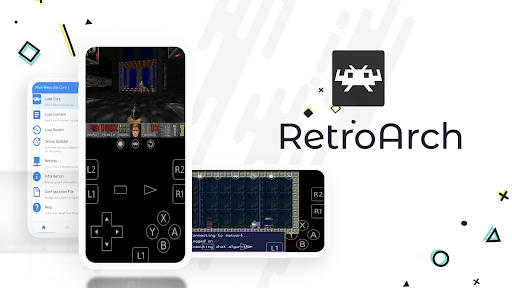
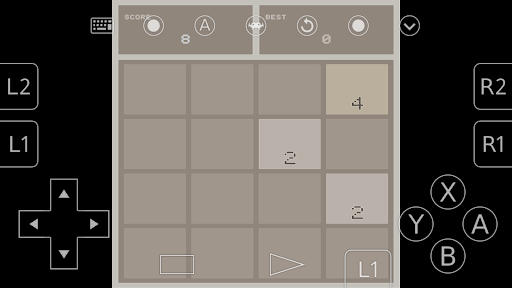
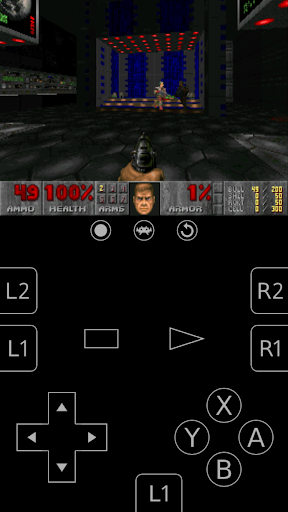
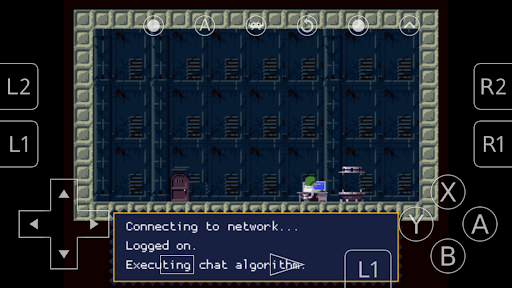
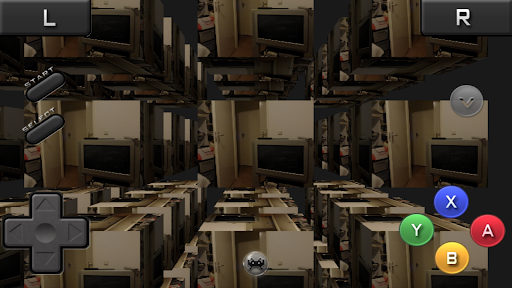
Analysis by Reviewed APKs
RetroArch is less a single game than a toolkit for playing retro games: it brings emulator programs, game collections and helpful play features together in one Android app. I like the idea most for players who already have game files and enjoy setting things up themselves. It can make an old favorite easier to revisit, but its menus and configuration ask more patience than a typical pick-up-and-play mobile game.
A Session Starts With Setup
When I first opened RetroArch, it felt more like entering a game room full of tools than launching a particular title. The app is designed to scan files or folders, organize added games into system collections and show database information for games in those collections. Once I had a game selected, the appeal was being able to focus on playing, with options such as control remapping and save states available when I needed them.
A typical session depends on how much preparation I have already done. I can browse a collection, choose a game, and use built-in features such as screenshots, cheats or saved states as needed. NetPlay also gives the app a multiplayer option. The first session may involve more navigating and configuration than actual play, but later visits can feel much more direct once my collection and preferred controls are in place.
A Toolkit, Not One Game
Compared with a conventional mobile action game, RetroArch offers breadth through its collection of programs, called cores, rather than through one built-in campaign or a single set of levels. That makes it a better fit for players who want to bring supported retro games together and adjust how they play. I appreciate being able to remap controls or save a state, especially when I want more flexibility than a standard mobile game usually provides.
It is not a straightforward game library that supplies a ready-made catalogue of commercial titles, and the experience is not as immediate as tapping a game and starting. RetroArch is an open-source project and a platform for games, emulators and multimedia programs. Players who want a guided story, simple progression or a polished tutorial may find it less satisfying than a dedicated game. The toolkit approach is the point, but it also means more responsibility lands on me.
Make the First Hours Easier
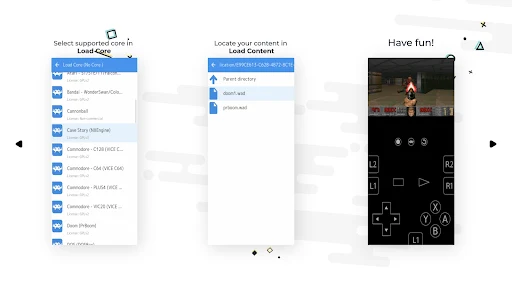
My first practical tip is to start with a small, organized set of game files rather than trying to build a huge collection on day one. RetroArch can scan files and directories, then add games to system collections. Starting with a few titles makes it easier to see whether scanning has worked and to understand the collection view without turning setup into its own project.
Next, take time to get comfortable with the controls and menus before settling into a long play session. The app includes input remapping, cheat options and save states, so there are useful tools to discover gradually. I would try one game, adjust controls if they feel awkward, and save progress to learn how the features fit my routine. The Play Store version supports up to 50 cores, so it is worth considering that limit when choosing what to set up.
More From Our News Desk

Zoom Meetings, Google Meet, or Teams: Which Is Easiest to Join?

How I Build a Free Streaming Lineup With Tubi

Why Crunchyroll Is the Default Anime App for So Many Fans

YouTube TV: A Practical Guide to Cutting Cable

Rummikub and the Small Comfort of Phone Games

TeamViewer Remote Control or AnyDesk for Helping Family?
Who Will Get the Most From It
I would recommend RetroArch to players who already enjoy retro games and are comfortable managing files, collections and settings. It suits someone who likes having a range of emulator programs and play tools in one place, rather than installing a separate app for every purpose. Save states, screenshots, control remapping and the option for NetPlay give curious players plenty to explore once they have their collection ready.
Players who want a simple mobile game for a spare five minutes may bounce off the setup, and anyone expecting a supplied library of classic commercial games should look elsewhere. RetroArch does not present itself as one carefully paced adventure with a clear beginning and end. I also would not recommend it to someone who dislikes menus or troubleshooting. The payoff is flexibility, not a frictionless first launch.
RetroArch is developed by Libretro and is free on Google Play. The store figures show over 5 million installs and a 3.8-star rating from about 47,800 ratings. It has no in-app purchases and contains no ads. Its content rating is Everyone, making it suitable for a general audience according to the store rating.
The current version is 1.22.2, dated October 30, 2026, and the recorded release date is January 2, 2014. The Android version requirement is not included among the available practical facts, so check the Google Play details on your device before installing. The Play Store edition supports up to 50 cores and differs from the version offered through the project website.
The Work Behind the Retro Play
First Steps and Setup
RetroArch is easier to understand when I treat the opening stretch as setup rather than as the start of a conventional game. The app can scan files and directories and place games into system collections. Once added, a game can have database information displayed in its collection. That structure is useful, but it assumes I have something to organize and am willing to spend a little time learning where things live.
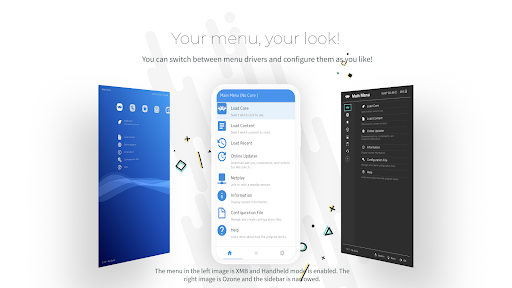
The menus are part of the experience, not merely a brief doorway to a game. RetroArch includes different menu choices and support for multiple languages, but first-time players should still expect to explore. I found it more approachable to learn one task at a time: locate a collection, select a title and then look at the play tools. That approach helps keep the breadth of options from feeling like a wall.
Progress and Pacing
There is no single progression track that defines RetroArch. The pace depends on the games I add and the way I choose to play them. That freedom is appealing when I want to move between different titles, but it also means the app does not provide a campaign structure or a built-in sequence of challenges to keep me moving. My own collection and curiosity become the agenda.
Save states help soften the stop-and-start rhythm of mobile play. I can save progress and return later, while screenshots offer a way to capture a moment. Cheats are also available for players who want to use them. These tools do not replace a game's original design, but they give me options when I have a short break or want to experiment without treating every session as a long commitment.
Tools Beyond the Collection
The standout feature is the combination of collection management with practical play options. RetroArch can scan games into system collections, show database information and provide built-in ways to remap controls, use cheats and save states. For a player with a mix of interests, having those tools in one app can feel more convenient than treating every game as an entirely separate setup.
NetPlay adds a multiplayer angle, while the description also mentions downloadable Game & Watch games playable with a dedicated Game & Watch emulator. The app supports more than one language and includes tools for updating. These features make RetroArch broader than a basic emulator launcher, though they do not turn it into a ready-to-play catalogue of every retro game a player might want.
Free Without Ad Breaks
RetroArch is free on Google Play, with no in-app purchases and no ads. That is a welcome fit for an app built around tools and setup: I can explore its menus without ad interruptions or a purchase prompt attached to the features described. The store also gives it an Everyone content rating, so it is presented as suitable for a broad audience.
The main trade-off to keep in mind is not a price but the Play Store edition's core limit. It supports up to 50 cores, while the separately named RetroArch Plus version is also free and supports up to 127 cores, requiring Android 8.0 or higher. The description also distinguishes the website edition, so it is worth comparing the available versions with the kind of setup I want.
Know the Boundaries
RetroArch is most rewarding when I have time to set it up and already know what I want from it. Players looking for instant action may not enjoy scanning files, learning collections and adjusting controls before play feels comfortable. The app's range is a strength, but that range can also make the first few sessions feel like configuration work rather than a finished game experience.
The Play Store version has a cap of 50 cores, which may matter to players who want a larger selection. The supplied facts do not establish how every setup performs on every device or whether a particular experience requires connectivity, so I would avoid assuming all collections and features behave identically. For online multiplayer, NetPlay is available, but players should check the app's support information for details relevant to their setup.
RetroArch is a flexible home for retro gaming tools, not a ready-made retro game collection. I like its save states, control remapping and collection features, and the absence of ads makes exploring less distracting. The price of that flexibility is a steeper first run and some setup on the player's side.
I recommend it to patient players who already have games to organize and enjoy adjusting their experience. If you want a polished, self-contained mobile adventure or instant play with no configuration, this is probably not the right fit. For the right kind of tinkerer, though, it can become a useful place to return to old favorites.
RetroArch Frequently Asked Questions
Is RetroArch free to play?
Yes. RetroArch is free on Google Play, and the store facts show no in-app purchases. It is a toolkit for retro games and emulator programs rather than a single game with a campaign. The Play Store edition has a 50-core limit, so check the store details to compare versions if you need a different setup.
Does RetroArch have in-app purchases or ads?
The Google Play facts say RetroArch has no in-app purchases and contains no ads. That means the listed app does not rely on purchase prompts or ad breaks as part of its experience. It does still involve setup and managing your game collection, so the free price does not mean every part of using it is automatic.
Can I use RetroArch offline?
The available description does not specify which features work offline or what requires a connection. RetroArch includes collection and play tools, as well as NetPlay multiplayer and features related to downloading or updating programs. Connectivity needs may vary by task and setup, so check the Google Play details and the app's documentation for the features you plan to use.
Which Android devices can run RetroArch?
RetroArch is the Android version offered on Google Play, but its minimum Android requirement is not included in the available facts. The separate RetroArch Plus version is described as requiring Android 8.0 or higher; that requirement should not be assumed to apply to this version. Check the Google Play details on your device for current compatibility.
Is RetroArch suitable for children?
RetroArch has an Everyone content rating on Google Play, so the store presents it as suitable for a general audience. It is a tool for organizing and playing games, and the content experienced depends on the games a player adds. For a child, I would consider the age suitability of those individual games as well as the app's rating.
Pros
- Combines game collections with useful tools such as save states and control remapping.
- Free to use, with no in-app purchases or ads according to Google Play.
- NetPlay offers a multiplayer option alongside the app's single-player tools.
- Scanning and database information help organize a personal retro game collection.
Cons
- The first sessions can involve more configuration than actual gameplay.
- The Play Store version supports a maximum of 50 cores.
- It does not provide a straightforward, ready-made catalogue of commercial games.
- Category
- Action
- Version
- 1.22.2 (2026-10-30)