Galaxy Bowling 3D
- 83.86K
- 4.5
- Installs
- 10.00M
- Price
- Free

Screenshots
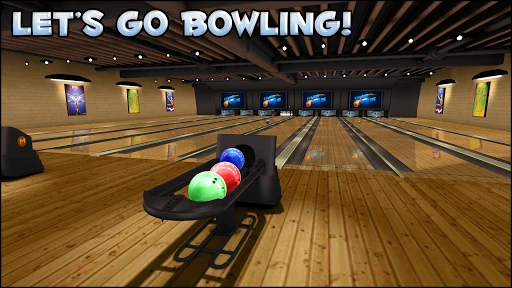
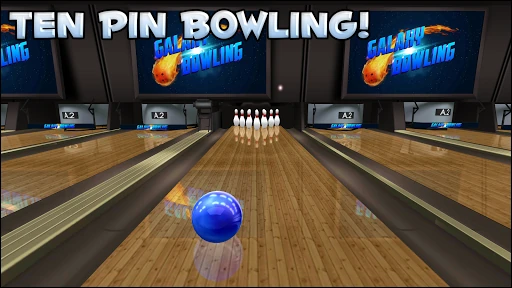
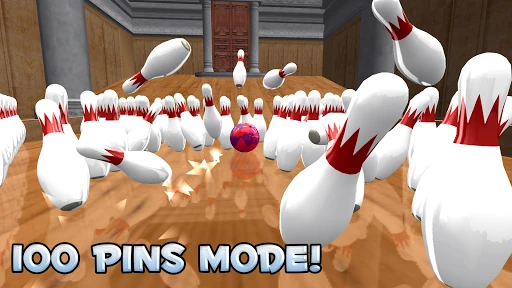
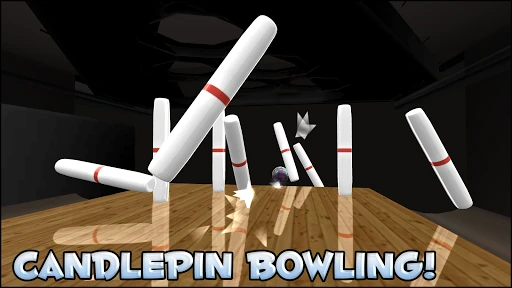
Analysis by Reviewed APKs
Galaxy Bowling 3D is a pick-up-and-play sports game built around bowling, with several pin styles and challenges beyond standard ten-pin. I found it easy to settle into for a quick round, while the range of variations gives a longer session more to explore. It suits casual players who like score-chasing and familiar sports rules; it is less compelling if you want a deep simulation or a tightly guided campaign.
A quick trip to the lanes
A typical session starts with a simple physical gesture: tap to position the ball, then swipe to send it down the lane. A swipe or a tilt can add spin, so even a short round has a little room for control rather than being a matter of pressing one button and watching. I could pick up the basic rhythm quickly, which makes the game easy to fit between other things.
The loop is bowl, see how the pins fall, and try to improve the result on the next throw. Standard ten-pin is the most familiar place to start, but spare-focused play and other pin arrangements change what a good attempt looks like. Progression adds another reason to return: levelling up unlocks locations and equipment, while career statistics and achievements give score-minded players something to track.
More than standard bowling
Compared with a bowling game focused only on conventional ten-pin matches, Galaxy Bowling 3D is appealing because it puts several variations in the same package. Candlepin, duckpin, five-pin, skittles, and nine-pin each bring different pins, balls, rules, or challenges. There are also 100-pin, iron-pin, shuffleboard, and spare-picking modes. That variety makes it a better fit for curious casual players than for someone who only wants one strict format.
This is not a management game, a long story campaign, or a demanding sports simulator built around complicated controls. The description emphasizes quick, touch-based play, and that is the right expectation to bring. You can compete on leaderboards or play locally with up to four players, but the core attraction remains taking turns and chasing better bowling results, rather than building a club or following a narrative.
Good habits for early rounds
When I first opened a bowling game like this, the temptation was to swipe hard and hope for a strike. A more useful approach is to take a moment to position the ball, then make a deliberate roll. Since the game lets you add spin with a swipe or device tilt, it is worth experimenting with those controls rather than assuming every throw should be straight. Small adjustments make the basic loop feel more intentional.
I would start with ten-pin before sampling the variants. It gives you familiar rules while you get used to positioning, rolling, and spin, and it makes the differences in candlepin or duckpin easier to notice later. As you progress, keep an eye on the career stats, achievements, and unlocks. They provide low-pressure goals, but there is no need to treat every early frame as a test of mastery.
More From Our News Desk

Zoom Meetings, Google Meet, or Teams: Which Is Easiest to Join?

How I Build a Free Streaming Lineup With Tubi

Why Crunchyroll Is the Default Anime App for So Many Fans

YouTube TV: A Practical Guide to Cutting Cable

Rummikub and the Small Comfort of Phone Games

TeamViewer Remote Control or AnyDesk for Helping Family?
Who will enjoy the lanes
I would recommend Galaxy Bowling 3D to casual sports-game players, bowling fans, and anyone who enjoys a short turn-based challenge. The range of bowling styles gives it more staying power than a single-mode novelty, and local four-player multiplayer makes it an option for passing a device around. If you like comparing scores or working toward unlocks at your own pace, its straightforward structure is a comfortable fit.
Players who want a precise, realistic bowling simulation may find the touch controls too simple, while people looking for a deep progression system may want more structure than levels, unlocks, stats, and achievements provide. It also may not suit someone who dislikes ads or optional purchases in a free game. For me, the strongest reason to stay is variety: the alternate rules give familiar bowling a few different angles.
Galaxy Bowling 3D is made by Winterlight and is free to download on Google Play. The game has over 10 million installs and a 4.5-star rating from around 84,000 ratings. It is rated Everyone. The store information gives version 15.51 and a release date of June 21, 2011; its listed update date is November 3, 2026.
The game contains ads and offers in-app purchases, with listed items priced from $0.99 to $4.99 each. The description says new content can be unlocked through play, so purchases are not presented as the only route to unlocks. Galaxy Bowling 3D is described for mobile, tablet, and Chromebook play. The available facts do not give a minimum Android version.
How Galaxy Bowling 3D Plays
Easy to pick up
The controls are the first thing that make Galaxy Bowling 3D approachable. You touch the screen to position the ball and swipe to roll it; swipe or tilt to add spin. That small set of actions gets you into a round without a lengthy control scheme. It also leaves enough room to experiment, especially when you want to alter a throw instead of repeating the same motion.
The game’s premise needs little explanation if you already know bowling, and its different pin styles offer a reason to look beyond the familiar rules. I would treat the first few rounds as practice with the feel of positioning and spin. The description does not outline a lengthy tutorial, so players who prefer detailed guided instruction should expect to learn by trying the controls and modes.
Unlocks and changing pace
Progression is based on levelling up and earning access to new locations and equipment. Balls and lanes are among the things to unlock, while achievements and career statistics offer additional targets. That structure supports short visits: you can bowl a few frames, check how a run went, and return later without needing to remember a long plot or a complicated chain of objectives.
The pace can change when you move between modes. Standard ten-pin provides a familiar baseline, while 100-pin, iron-pin, and spare-focused challenges ask you to approach a round differently. The description does not spell out a difficulty curve, so I would not expect a carefully staged campaign. Instead, the variety and personal score goals are the main ways to keep sessions feeling fresh.
A whole rack of modes
The range of formats is the game’s clearest distinguishing feature. Alongside ten-pin, it includes candlepin, duckpin, five-pin, skittles, and nine-pin, with different pin types, balls, rules, and challenges. Separate options include a 100-pin challenge, iron pin, shuffleboard, and picking up spares. If you have ever wondered how another bowling format changes a familiar game, there is plenty here to sample.
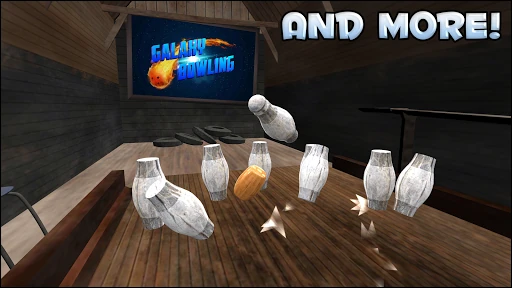
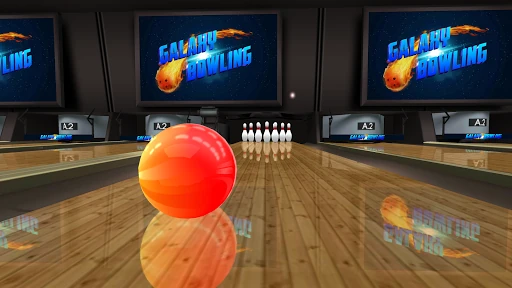
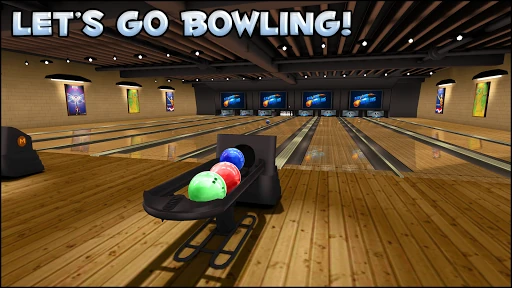
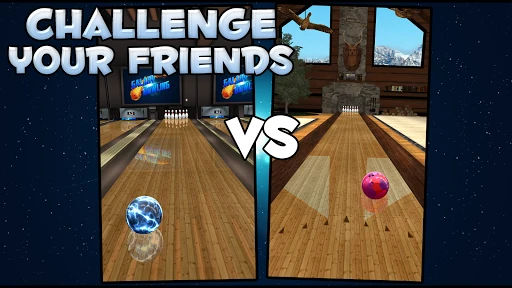
There are also daily tournaments, leaderboards, and local multiplayer for up to four players. Those features give the game a social and competitive side without changing its simple swipe-to-bowl foundation. I like that the local option is a clear fit for a shared-device session, while the leaderboard and tournament features offer another kind of score comparison. The description also highlights detailed 3D alleys and reflective lanes.
Free play and purchases
Galaxy Bowling 3D is free to download, but Google Play reports both ads and in-app purchases. The listed purchase range is $0.99 to $4.99 per item. That matters for players who prefer a completely ad-free experience or want to avoid optional spending, so it is worth knowing before settling in for a longer session.
At the same time, the game description says that everything can be unlocked free and that there are no time limits. I would read that as a promise that progression is not restricted to purchases, while keeping in mind that purchases are available. The practical fairness question is whether you are comfortable with ads in a free game; the supplied information does not explain when or how often they appear.
A few practical limits
Daily tournaments and leaderboards are competitive features, and local multiplayer is specifically described as local play. The description does not say whether solo bowling works without an internet connection, so I would not plan an offline session around that assumption. If connectivity matters for your routine, check the current store information before relying on a particular mode.
The game is described as playable on mobile, tablet, and Chromebook, and its age rating is Everyone. No minimum Android version is included in the available facts, so compatibility depends on the current store requirements and your device. The emphasis is on accessible touch controls and 3D alleys rather than advanced simulation, which helps set expectations for both the play style and the visual presentation.
Galaxy Bowling 3D works best as an easygoing bowling game with more formats than I expected from a simple pick-up-and-play setup. Its touch controls are approachable, and the mix of variants, unlocks, stats, and local multiplayer gives players several reasons to return. Ads and optional purchases are the main practical caveats, especially if you prefer a completely uninterrupted game.
I would try it if you enjoy casual score-chasing, bowling variations, or a game to share locally with friends. Players seeking a detailed simulation or a substantial campaign should look elsewhere, but that is not what this game is aiming for. For quick rounds with room to explore, its collection of lanes and rule sets is a solid draw.
Galaxy Bowling 3D Frequently Asked Questions
Is Galaxy Bowling 3D free to play?
Yes. Galaxy Bowling 3D is free to download on Google Play. It contains ads and offers optional in-app purchases. The game description says its unlocks can be earned for free, so spending is not described as necessary to access everything.
Does Galaxy Bowling 3D have in-app purchases?
Yes. Google Play reports in-app purchases, with listed items priced from $0.99 to $4.99 each. The description also says players can unlock content through play. If you want the latest purchase details, check the current Google Play information.
Can I play Galaxy Bowling 3D offline?
The game includes local four-player multiplayer and also describes daily tournaments and leaderboards. The available details do not say whether solo play works offline, so that can vary by mode or version. Check the current Google Play information if offline access is important to you.
What devices support Galaxy Bowling 3D?
The game is described as playable on mobile, tablet, and Chromebook. Its minimum Android version is not included in the available details, and requirements can vary as the game is updated. Check the Google Play page from your device to see current compatibility information.
Is Galaxy Bowling 3D suitable for children?
Google Play rates Galaxy Bowling 3D Everyone. That rating indicates its store content category, but every family has its own preferences around games, ads, and optional purchases. The game contains ads and in-app purchases, so an adult may want to review those details on Google Play.
Pros
- Several bowling variations give the familiar ten-pin formula welcome variety.
- Simple touch controls make it easy to start a quick round.
- Local four-player play and leaderboards offer different ways to compare scores.
- Unlockable lanes, equipment, achievements, and stats add lightweight goals.
Cons
- Ads may interrupt the experience, and optional purchases are available.
- The controls and progression may feel basic to simulation fans.
- Offline availability is not clear from the provided game details.
- Category
- Sports
- Version
- 15.51