Click to download now, finish the installation quickly, and directly unlock the all-round experience
Screenshots


Click to download now, finish the installation quickly, and directly unlock the all-round experience
Mirror - Fullscreen Mirror App turns the phone’s front-facing camera into a dedicated viewing screen for grooming, checking your appearance, or taking a quick look when a physical mirror is unavailable. It suits anyone who wants a simpler alternative to opening the standard camera app, particularly when the main task is seeing a clear, unobstructed reflection rather than taking photos.
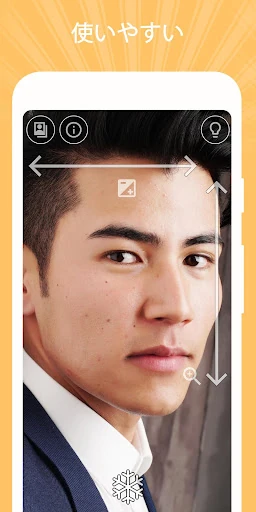
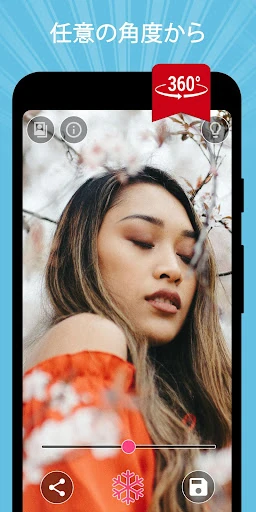
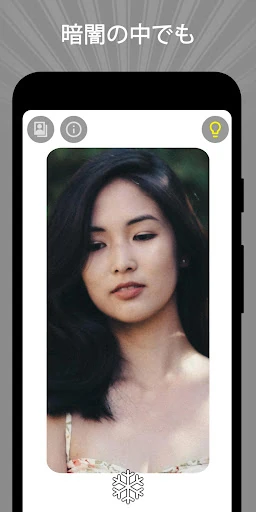
The app focuses on a small set of practical tools. You can freeze the live view to inspect a detail without creating a photo in your gallery, while zoom and exposure can be adjusted with one-finger gestures. A lighting frame adds brightness around the display, giving the screen a more useful role when the surrounding light is poor. The 360º mirror mode is aimed at checking your appearance from different angles, although how helpful it feels will depend on the phone’s camera and how you position it.
A quick-settings tile provides a faster route to the mirror than browsing through the app drawer. That makes the app most convincing as a small, repeat-use utility: open it, make the adjustment you need, and close it. Its limited purpose is also its boundary. It is not intended to replace a full camera app, photo editor, or broader beauty tool, and users looking for creative effects or extensive controls may find the focused interface too narrow.
Mirror - Fullscreen Mirror App comes from Studio 360 Apps and is listed in the Beauty category. Its rating of 4.62 from 36,264 reviews, alongside 1,000,000+ installs, points to a well-established audience for this straightforward use case. The strongest reason to choose it is convenience: it concentrates common mirror functions in one place without asking you to sort through camera features first.