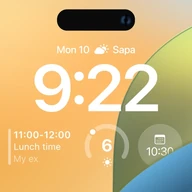
Lock Screen, Widgets - YoLock
Digital Dreamworks Studio
Downloads
5,000,000+
Version
Latest
Click to download now, finish the installation quickly, and directly unlock the all-round experience
Screenshots
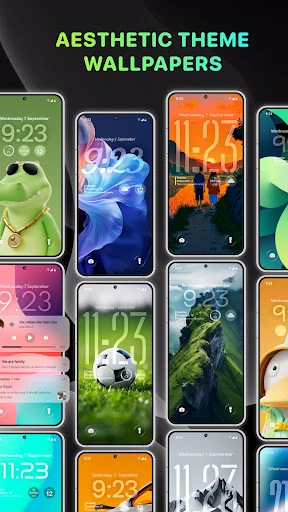
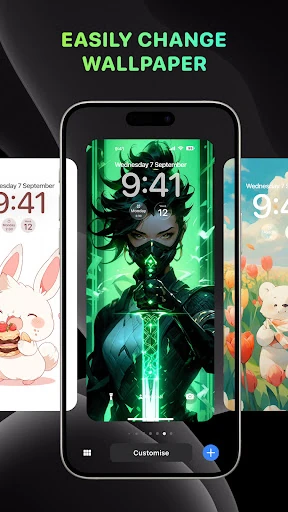
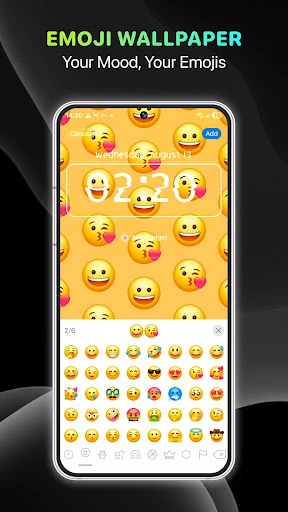
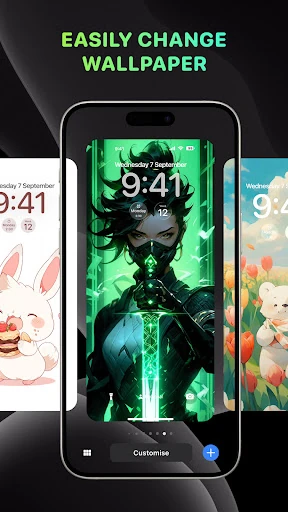
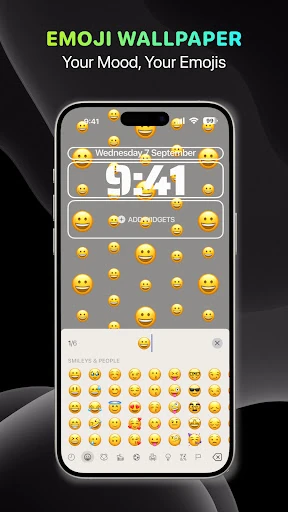
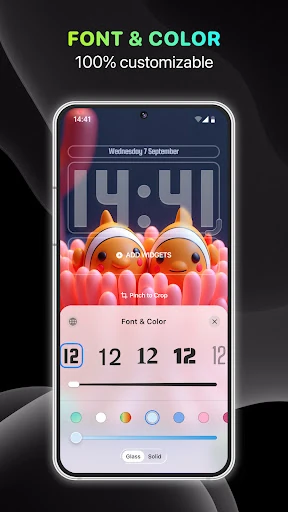
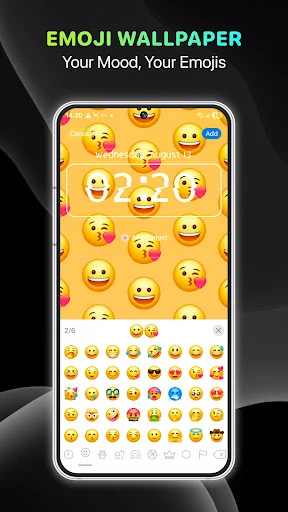
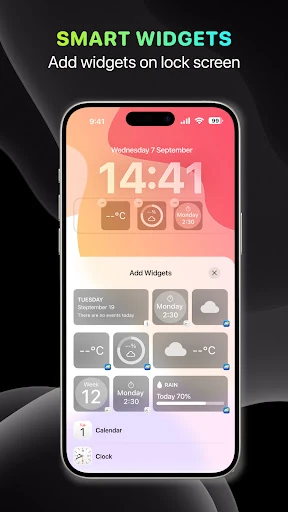
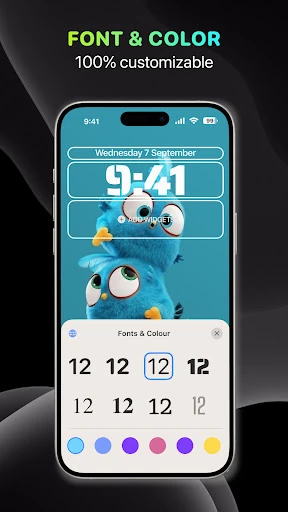
Click to download now, finish the installation quickly, and directly unlock the all-round experience
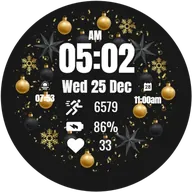
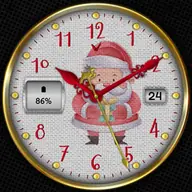
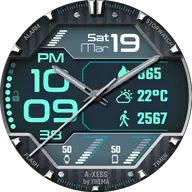
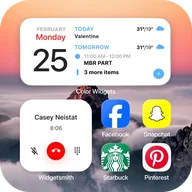
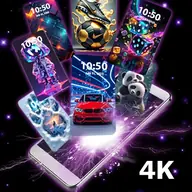
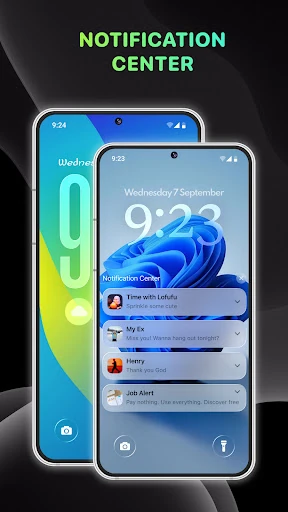
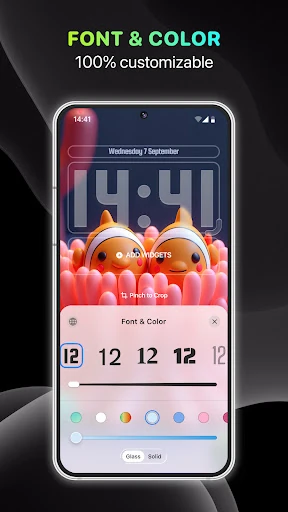
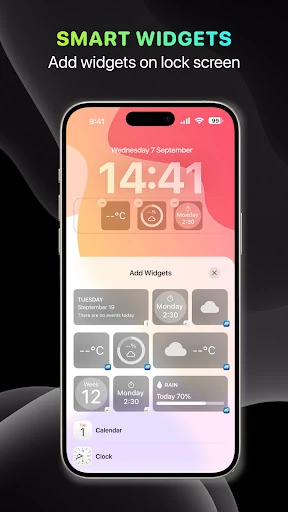
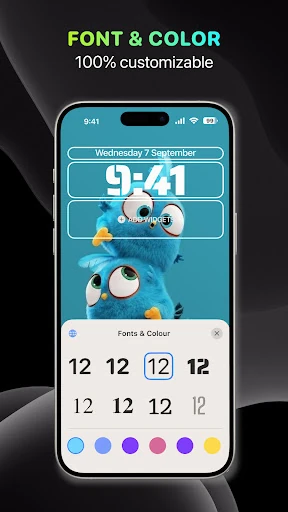
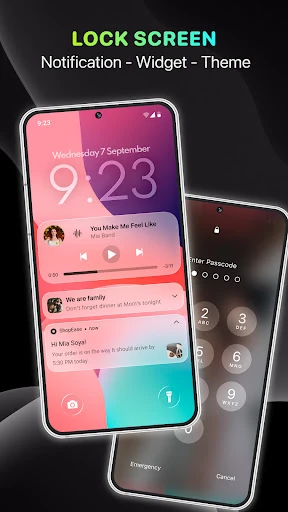
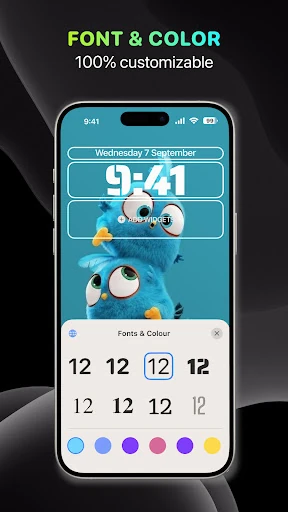
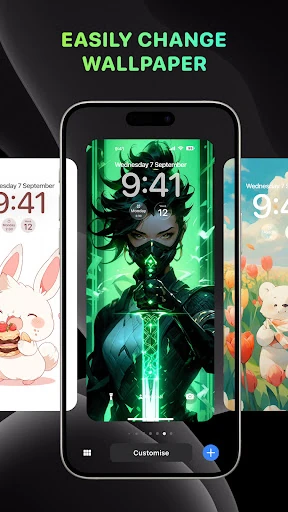
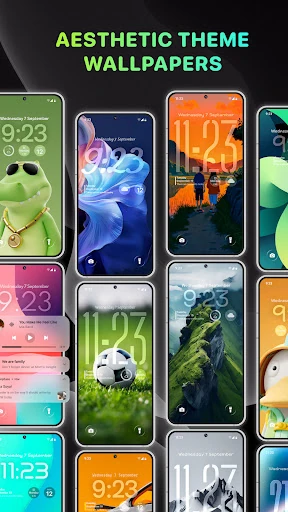
Lock Screen, Widgets - YoLock replaces a plain Android lock screen with a more customizable front page for the phone. It lets you change the clock’s font, colour and layout, apply themed wallpapers, and place information such as weather and notifications where it is easier to see. It also includes animated elements, including pet-style widgets, for users who want their lock screen to feel more decorative than functional.
This is aimed at Android users who care about personalisation and want more control than their device’s built-in lock screen offers. It makes the most sense if you regularly change wallpapers, prefer a particular clock style, or want quick access to notifications and the camera. A swipe shortcut to the camera can be useful when speed matters, while notification layouts help users choose between a compact view and a more expanded one.
The app uses familiar gestures, including a long press for editing, so the main controls should not take long to find. Its appeal is less about adding one essential tool and more about bringing several small choices into one place. Weather, clock and notification widgets can make the lock screen more informative, although a busier layout may be less convenient than a simple system screen.
YoLock sits between the phone’s operating system and the first screen you see, so consistency may depend on the Android device and its settings. Features that affect notifications, music controls or volume may also require broader system access, which some users may not want to grant. The extra visual layer can be worthwhile for personalisation, but it may feel unnecessary if you prefer the stock lock screen or want the fewest possible background features.
Developed by Digital Dreamworks Studio, YoLock has a 3.8 rating from 38,543 reviews and 5,000,000+ installs. Those figures suggest a widely used customisation app, though the middling rating also points to an experience that will not suit every phone or preference.