
Click to download now, finish the installation quickly, and directly unlock the all-round experience
Screenshots






Click to download now, finish the installation quickly, and directly unlock the all-round experience
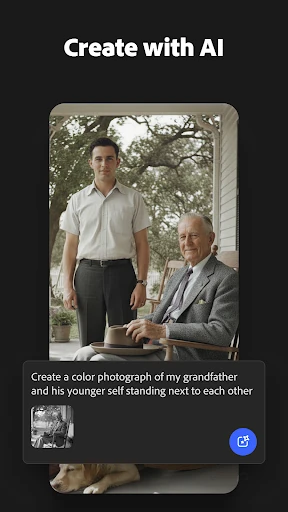
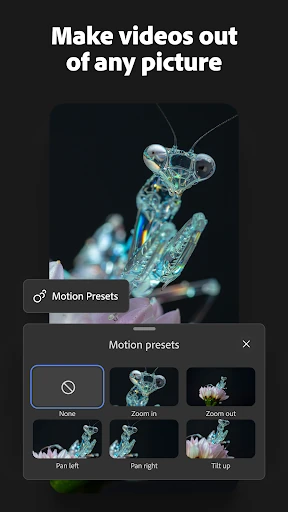
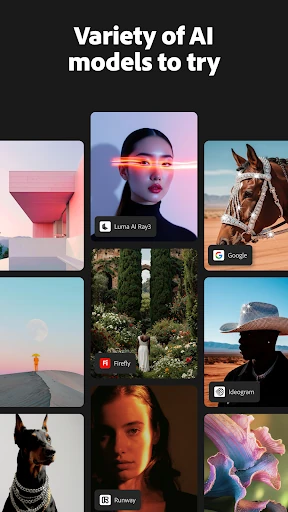
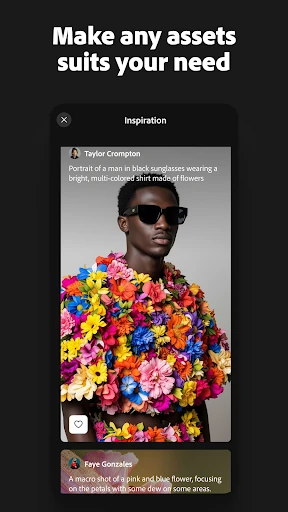
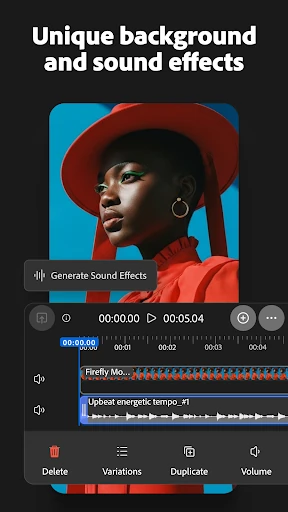
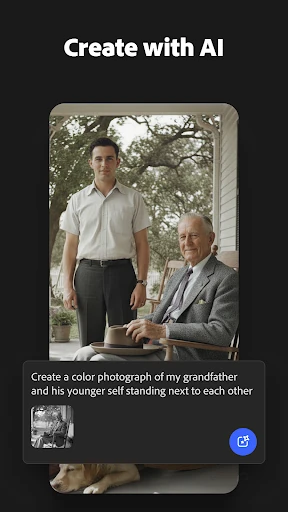
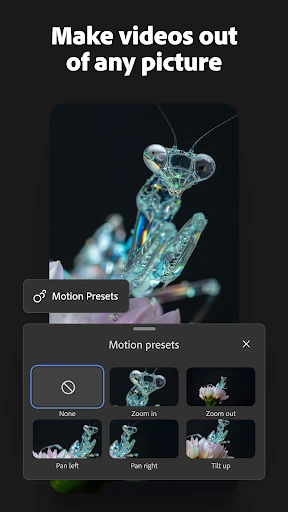
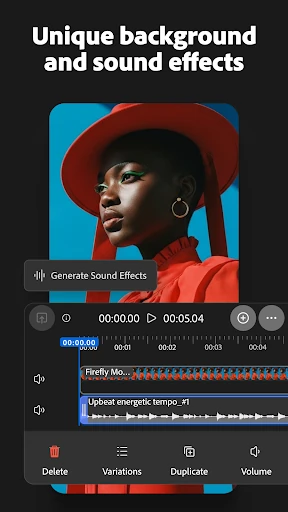
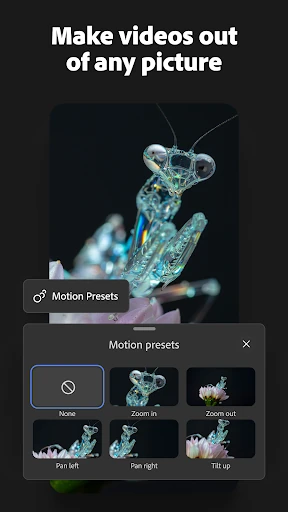
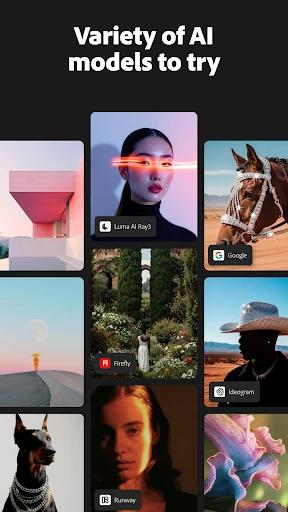
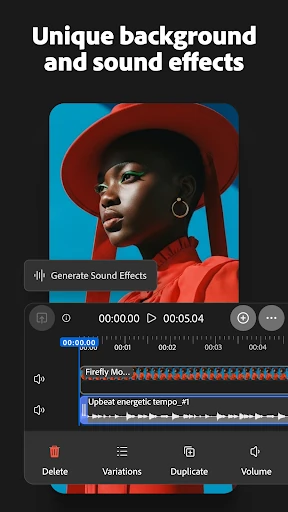
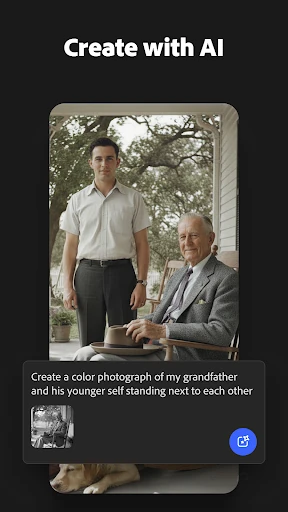
Adobe Firefly: AI Generator is a mobile creative tool for making and editing visual content with text prompts. It can generate images, add or replace elements through generative editing, and create motion clips from text or still images. The app also includes AI-generated sound and voice features, bringing several parts of an early creative workflow into one place.
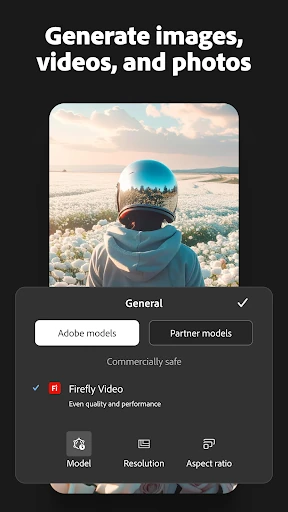
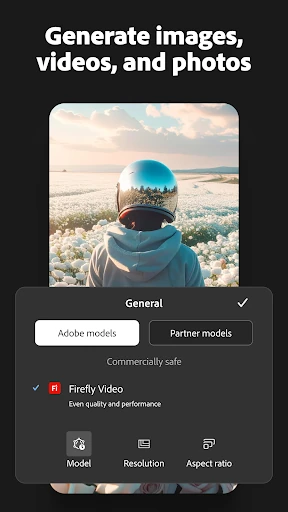
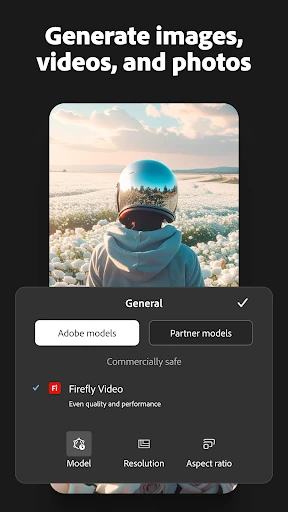
It is best suited to designers, content creators, and Adobe users who want to develop ideas without starting with a blank canvas. Casual users can use plain-language prompts, while more experienced creators can work with aspect ratios, resolution controls, and Adobe’s wider Creative Cloud ecosystem. Adobe is the developer, and the app has passed 1,000,000 installs with a 4.5 rating from more than 18,000 ratings.
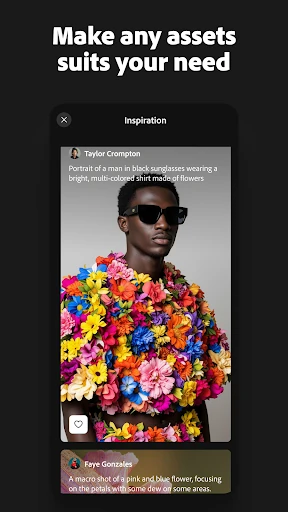
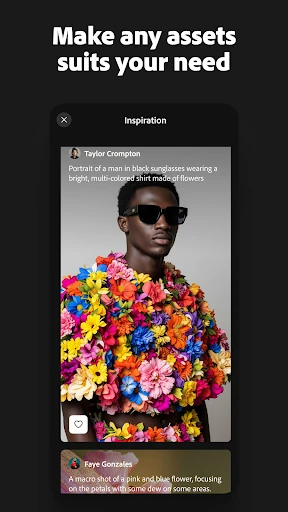
Firefly keeps its main workflow prompt-led: describe an image or change, review the generated result, and refine the request. That makes it easier to explore concepts than traditional editing tools that require manual selections from the outset. The interface aims to keep controls accessible without removing options that matter to designers.
Its strongest use is rapid visual exploration. You can test different compositions, styles, and edits quickly, then carry ideas into other Adobe tools where a larger screen and more detailed control may be preferable.
Prompt-based creation still depends on how clearly the request is written, and generated results may need repeated attempts or further editing before they are useful. A phone screen is convenient for ideation, but it is not an ideal replacement for a full desktop workflow when a project needs precise finishing work.
The app’s commercial-safety focus is also relevant mainly to people creating work for clients or public use. For straightforward sketching or manual illustration, Firefly may feel more involved than a conventional drawing app because its central approach is generation and revision rather than hands-on mark-making.
Adobe Firefly is a practical mobile companion for turning descriptions into images, edits, short video ideas, and sound. It suits creators who value speed and Adobe integration, while users wanting complete manual control should treat it as an assistive tool rather than a full replacement for established design software.