
Microsoft Teams
Microsoft Corporation
Downloads
500,000,000+
Source
Google Play
Advertisement
Click to download now, finish the installation quickly, and directly unlock the all-round experience
Advertisement
Screenshots


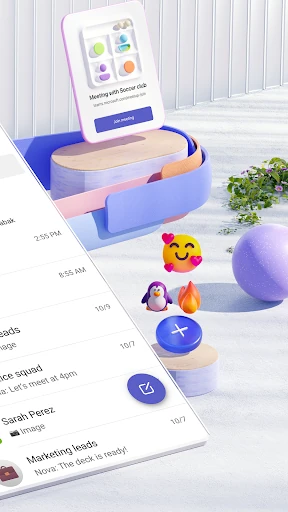

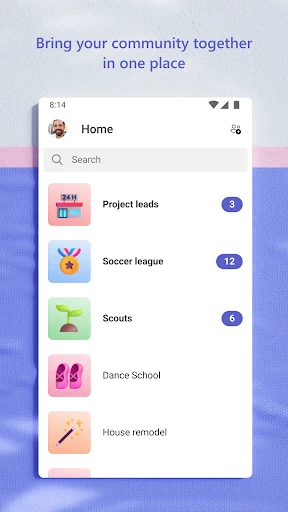

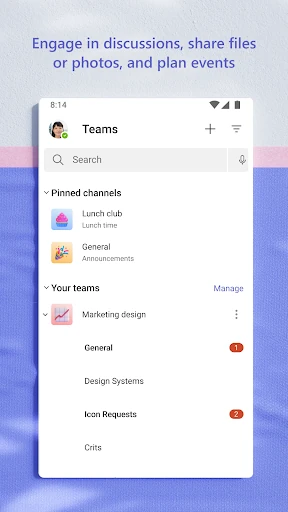
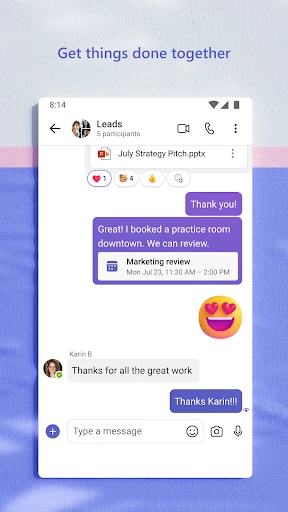


Click to download now, finish the installation quickly, and directly unlock the all-round experience
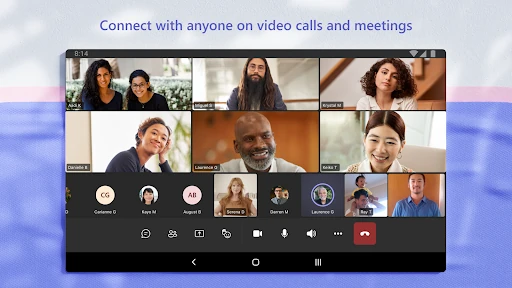
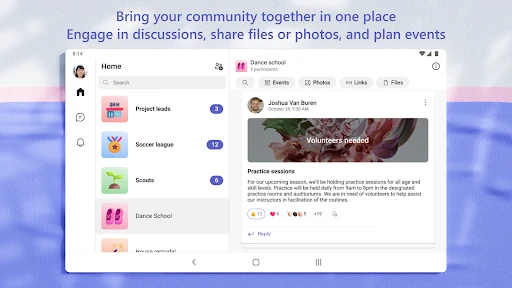
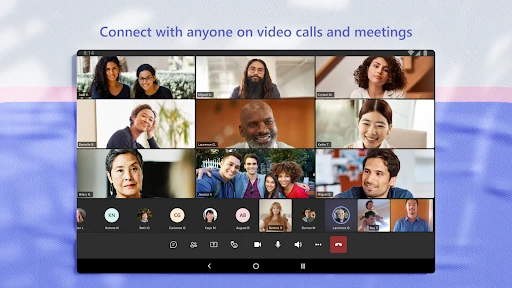
Microsoft Teams is a business communication app for one-to-one chats, group conversations, video meetings, file sharing and organised team spaces. Its strongest fit is for workplaces and communities already using Microsoft 365, particularly when conversations, documents and meetings need to sit in the same workspace. Developed by Microsoft Corporation, it has passed 500 million installs and holds a 4.65 rating from more than 8.4 million reviews.
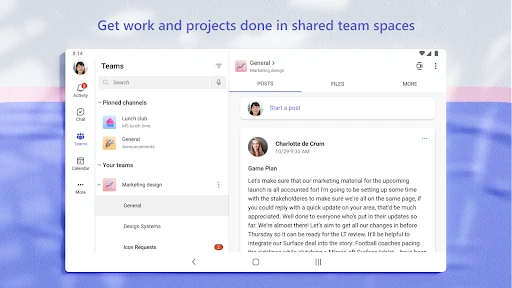
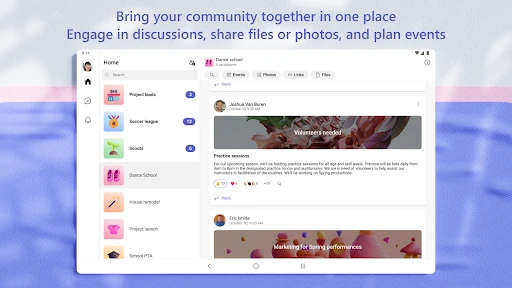
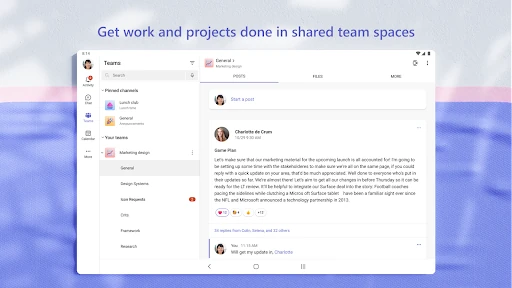
Teams separates discussions into teams and channels, giving projects or subjects their own place instead of leaving everything in one long chat. You can move between messages and meetings without changing apps, while shared files can be accessed alongside the conversation. Its Microsoft 365 connections are the main reason to choose it: documents and other work can remain tied to the people and discussions around them.
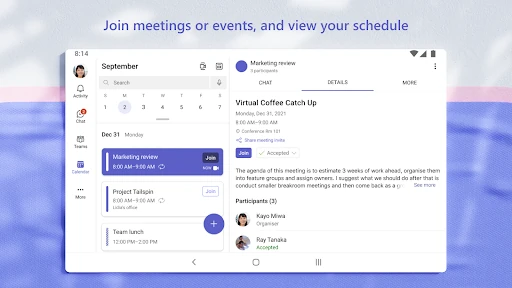
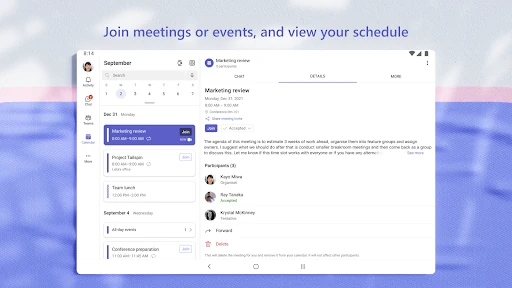
The app also supports shared task and schedule coordination, so teams can assign work, follow deadlines and keep track of activity in one environment. That makes it more useful for ongoing projects than a basic messaging app, although the amount of available functionality can make the first few sessions feel busy.
Teams is built for coordination rather than casual conversation. That brings useful structure, but also more menus, notifications and setup decisions than a straightforward chat service. Finding the right channel or keeping up with several active conversations can take adjustment. For teams willing to use that structure, the payoff is a single place for communication and shared work; for smaller groups with simpler needs, it may feel heavier than necessary.