
Microsoft Outlook
Microsoft Corporation
Downloads
1,000,000,000+
Source
Google Play
Advertisement
Click to download now, finish the installation quickly, and directly unlock the all-round experience
Advertisement
Screenshots









Click to download now, finish the installation quickly, and directly unlock the all-round experience
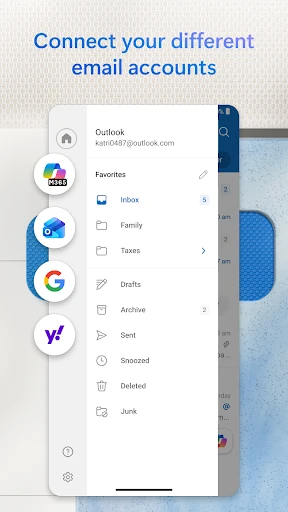
Microsoft Outlook is a mobile productivity app for managing email, calendars, contacts, and work documents from a single interface. It supports Microsoft accounts as well as services such as Gmail, Yahoo Mail, and iCloud, so it suits people who regularly switch between personal and work inboxes. Its strongest audience is anyone who needs more than a basic email reader, especially Microsoft 365 users who already rely on Word, Excel, PowerPoint, or Teams.
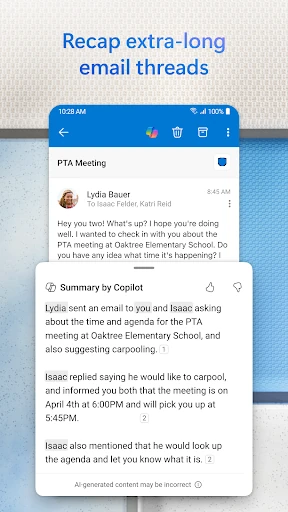
The app is organised around Mail, Search, and Calendar, with tools for sorting messages, responding to invitations, and joining online meetings from scheduled events. Focused Inbox can separate likely priorities from newsletters and automated mail, while swipe actions make it possible to archive, delete, or snooze messages quickly. Opening Office files within the same workflow is useful when an email leads directly to a document that needs checking.
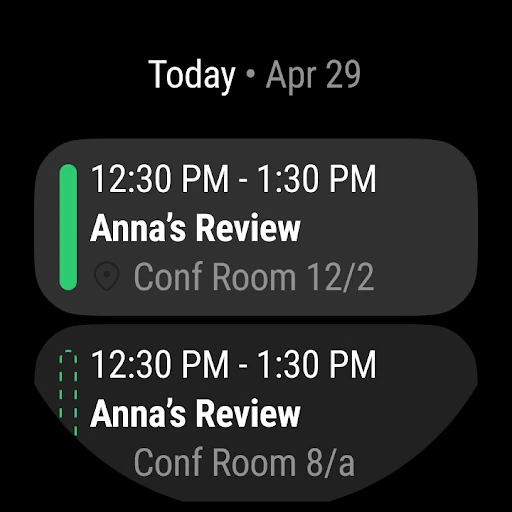
Outlook also works well as a scheduling tool rather than treating the calendar as an afterthought. You can review appointments, manage invitations, and connect meetings with services including Teams, Zoom, and Skype. For hands-free catch-up, Play My Emails can read messages aloud, although its usefulness depends on how comfortable you are listening to an automatically selected inbox.
The breadth is both the app's main advantage and its main complication. Multiple accounts, calendars, file tools, and notification controls create a capable workspace, but they also mean more settings to learn than a simpler mail client requires. Focused Inbox will not always sort messages exactly as you expect, so important mail still benefits from regular checking. Users who only want one uncomplicated inbox may find Outlook heavier than necessary.
With a 4.43 rating from more than 10.4 million ratings and over 1 billion installs, Microsoft Outlook has broad adoption across personal and professional use. Developed by Microsoft Corporation, it is a sensible choice for people who value account consolidation, calendar access, and links to Microsoft’s wider productivity tools. It is less compelling if your needs stop at basic email.