Search, answers, and more in one app
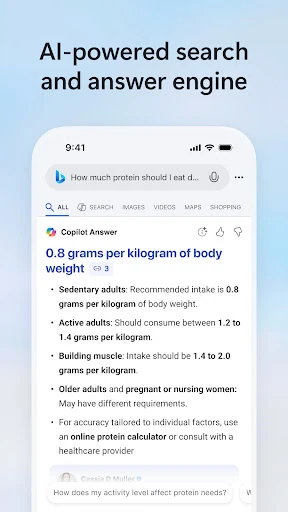
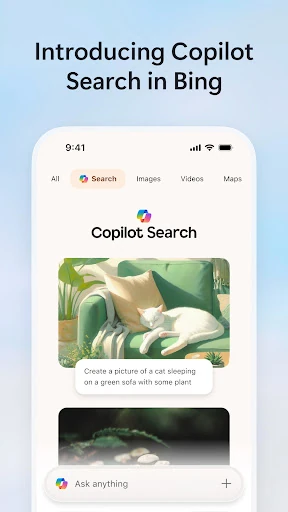
Microsoft Bing Search is a mobile search tool for finding web pages, checking current information, and asking questions in a conversational format. Its Copilot feature can organise information from the web into a direct response, while traditional results remain available when you want to check sources yourself. It suits people who want a search app that can handle both quick lookups and more involved questions.
How it works in practice
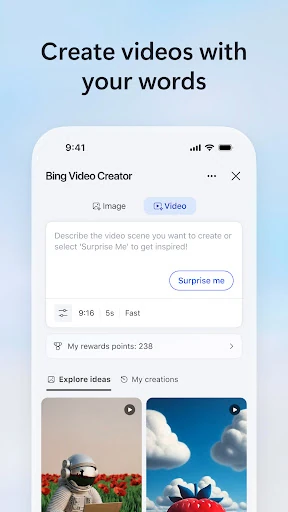
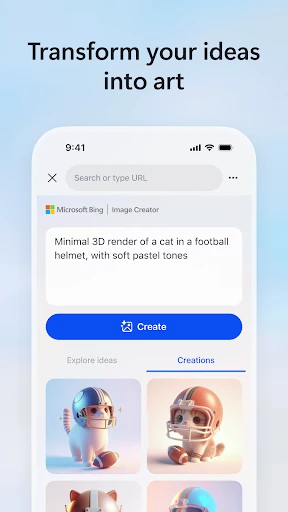
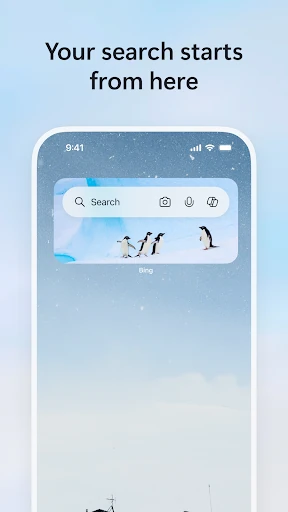
You can search by typing, speaking, or using the camera for visual queries. The app also includes an image creator for turning written prompts into generated pictures. These options make Bing useful when a keyboard is inconvenient or when you are starting with an object, scene, or image rather than a precise search term.
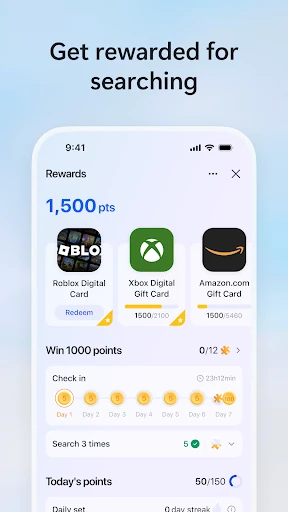
The experience is broader than a blank search box. Depending on how you use it, the app brings together search, Copilot, news, weather, and Microsoft Rewards. Rewards points can add an incentive for regular users, although that system will matter less if you only open Bing for occasional searches.
Where it fits—and where it gets busy
The main trade-off is focus. The extra content and shortcuts can make the home screen feel crowded compared with a simpler search app. Copilot is useful for summaries and starting research, but an AI response is not a replacement for opening relevant pages and judging the information yourself. Generated answers may also take longer than a standard results page.
A widely used alternative
With a 4.56 rating from more than 1.6 million reviews and 100 million-plus installs, Bing has a substantial Android user base. It is developed by Microsoft Corporation and belongs in the Tools category. Choose it if you want web search alongside AI assistance, voice and visual input, image creation, and optional rewards. If you prefer a fast, uncluttered route to a list of links, some of its added features may feel unnecessary.