
Click to download now, finish the installation quickly, and directly unlock the all-round experience
Screenshots


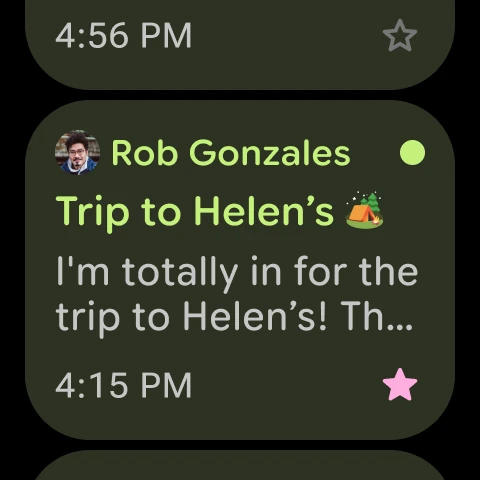


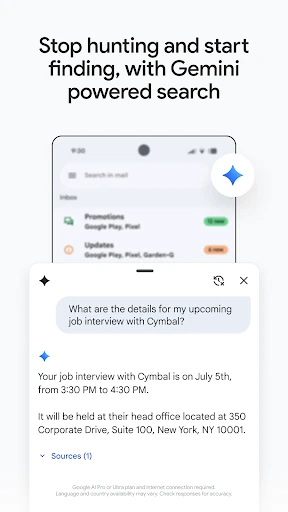
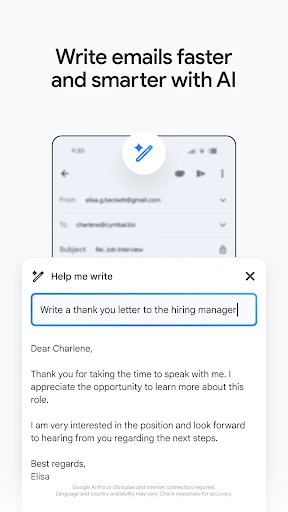

Click to download now, finish the installation quickly, and directly unlock the all-round experience
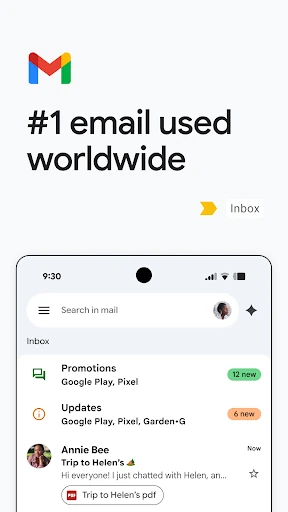
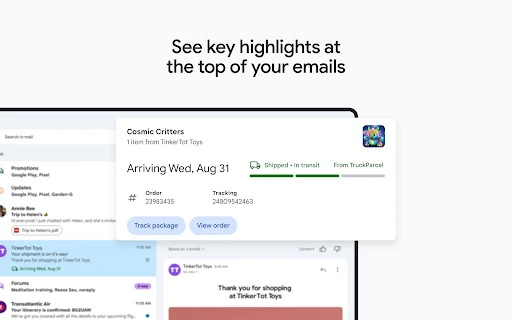
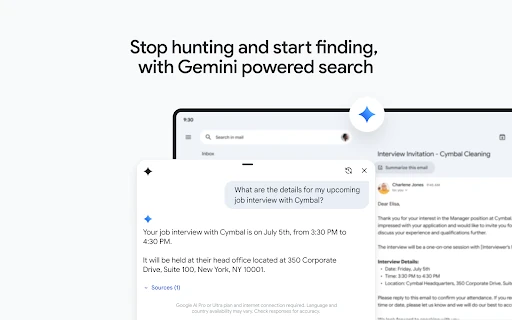
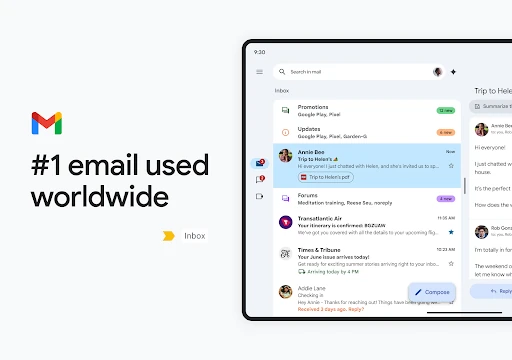
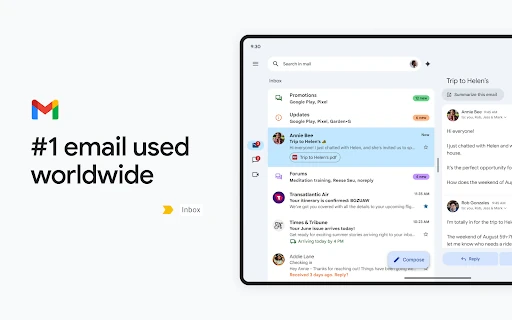
Gmail is Google’s email app for reading, sending, sorting and searching messages across one or more accounts. It suits people who want a dependable inbox on Android, especially users already working with Google services. Conversations are grouped into threads, labels help separate work from personal mail, and search is built for finding older messages without manually browsing every folder.
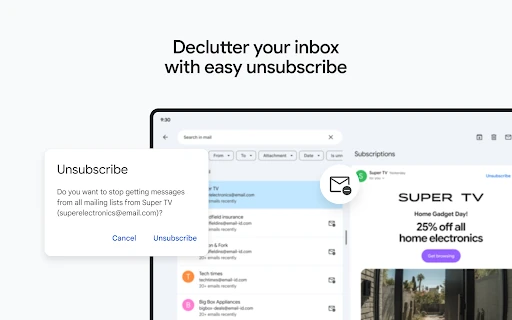
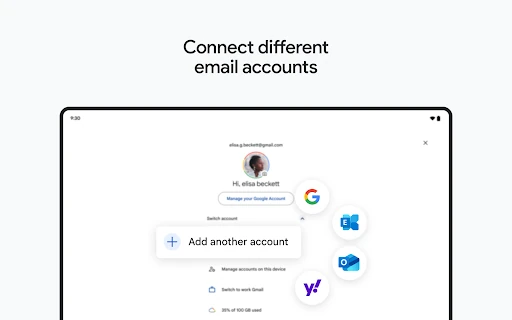
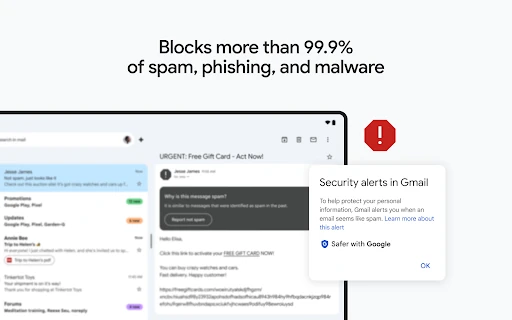
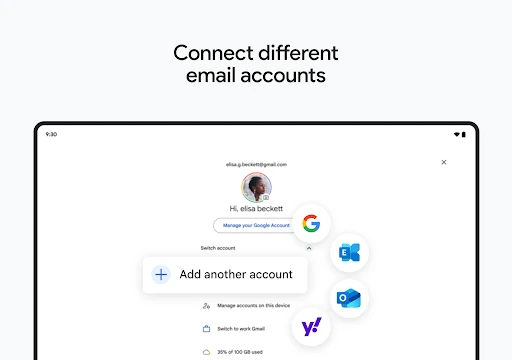
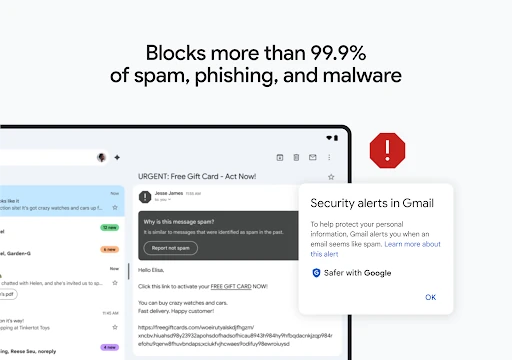
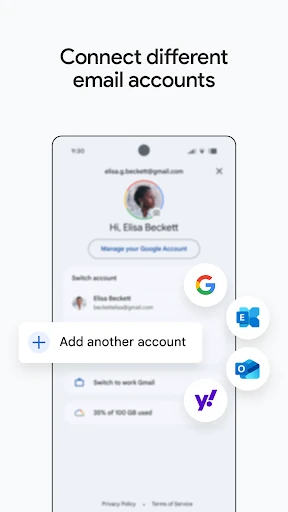
The app keeps routine inbox work fairly quick. You can archive, delete, mute or mark messages from the list, while swipe actions reduce the number of taps needed for cleanup. Spam filtering is a major part of the experience, and Gmail also flags suspicious messages and blocks many unwanted emails before they reach the main inbox. Multiple accounts can be viewed in one app, including accounts from other providers.
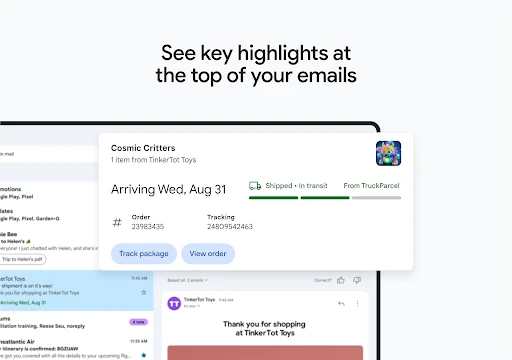
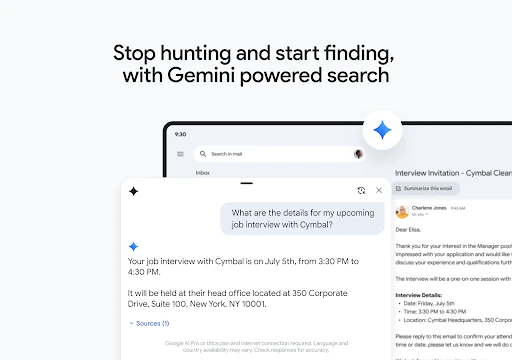
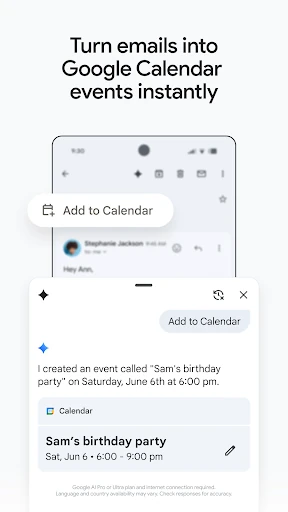
Gmail is not only a basic mail reader. Its settings, account controls and links to other Google products can make the interface feel busy, particularly for someone who only wants to check messages and reply. The category tabs and automated sorting are helpful once understood, but they can also hide emails from the inbox view users expect. Search is powerful, though it rewards precise terms rather than casual browsing.
Gmail is a sensible choice for Android users managing substantial personal or work correspondence, several accounts, or years of archived mail. Its 4.1 rating from more than 14 million reviews and 10 billion-plus installs reflect its broad reach, while Google LLC’s ownership makes it the natural default for users invested in the wider Google account system. It is less appealing if you want a stripped-back client with minimal integration and fewer automated inbox decisions.